
This page is not an official page of the app or its developer, but an independent editorial publication created for informational and commentary purposes. Unless expressly stated otherwise, neither the app nor its developer is affiliated with, endorsed by, sponsored by, authorized by, or otherwise officially connected with MWM, Apple, Google Play, the app publisher, or the app's developer, and nothing on this page implies that the app was developed using MWM's services. Any trademarks, logos, screenshots, and other content remain the property of their respective owners.


GPS Fields Area Measure Map
Accurately measure acreage, perimeter, and distance with professional-grade precision. The essential tool for farmers and agronomists to manage land efficiently, save on expensive hardware, and share industry-standard reports.
Downloads
1M+User Rating
Total Ratings
68K+Publisher
Category
UtilitiesLocales
49Latest Version
2.29.2Size
67.9 MBFirst Released
Jun 15, 2016Professional Land Management at Your Fingertips
Save thousands on specialized surveying equipment with our high-precision mapping tools designed for farmers, agronomists, and land professionals.
High-Precision Area Measurement
Accurately calculate acreage and perimeters to optimize resources like seeds and fertilizer, ensuring you never over-purchase materials again.
Professional Data Export
Share field boundaries and points of interest instantly with colleagues via industry-standard .KML, .KMZ, and Esri Shapefiles.
Frequently Asked Questions
Everything you need to know about GPS Fields Area Measure Map
Can GPS Fields Area Measure Map function without an internet connection?
Yes, GPS Fields Area Measure Map precisely calculates distance, perimeter, and area even without an internet connection, making it fully operational anywhere.
What measurements can GPS Fields Area Measure Map calculate?
GPS Fields Area Measure Map accurately calculates distance, perimeter, and area. It provides precise measurements for various field and land management applications.
Does GPS Fields Area Measure Map allow adding notes and photos to points?
Yes, GPS Fields Area Measure Map enables users to mark any point with notes, photos, or custom data, supporting detailed documentation for projects.
Who is GPS Fields Area Measure Map designed to help?
GPS Fields Area Measure Map is designed for farmers, agronomists, land surveyors, construction professionals, and real estate teams for field mapping, inspections, and project documentation.
Does GPS Fields Area Measure Map support one-tap GPS measurements?
Yes, GPS Fields Area Measure Map features one-tap GPS walking/driving measurement. This functionality allows for quick and efficient data collection in the field.
Can users precisely edit measurements within GPS Fields Area Measure Map?
Yes, the app provides precise manual editing capabilities using point markers. This ensures high accuracy for all measurements and adjustments within GPS Fields Area Measure Map.
How does GPS Fields Area Measure Map help organize projects?
Users can save, group, and edit projects within GPS Fields Area Measure Map. This feature helps manage multiple projects efficiently and maintain organized map data.
What export formats are supported by GPS Fields Area Measure Map?
GPS Fields Area Measure Map supports export to KML, KMZ, Shapefile, Web link, PDF, Image, GeoJSON, Esri Shapefile, and Satloc (.job) formats for sharing work.
Can custom map layers be added to GPS Fields Area Measure Map?
Yes, users can add custom map layers, including drone imagery, raster maps, or any WMS service, to enhance their field data within GPS Fields Area Measure Map.
Is GPS Fields Area Measure Map free to download?
Yes, GPS Fields Area Measure Map is free to download. Users can unlock advanced tools and cloud storage by upgrading to the Premium version for enhanced features.
What is Hole Mode in GPS Fields Area Measure Map?
Hole Mode in GPS Fields Area Measure Map allows users to refine maps by defining and perfecting holes or irregular internal areas within a measured field, ensuring precise area exclusion.
Can precise coordinates be entered in GPS Fields Area Measure Map?
Yes, GPS Fields Area Measure Map allows users to input precise longitude and latitude coordinates. This ensures points are placed with total accuracy on the map.
The following screenshots and description are sourced directly from the app's official store listing and are the property of the app developer.
App Store
Screenshots
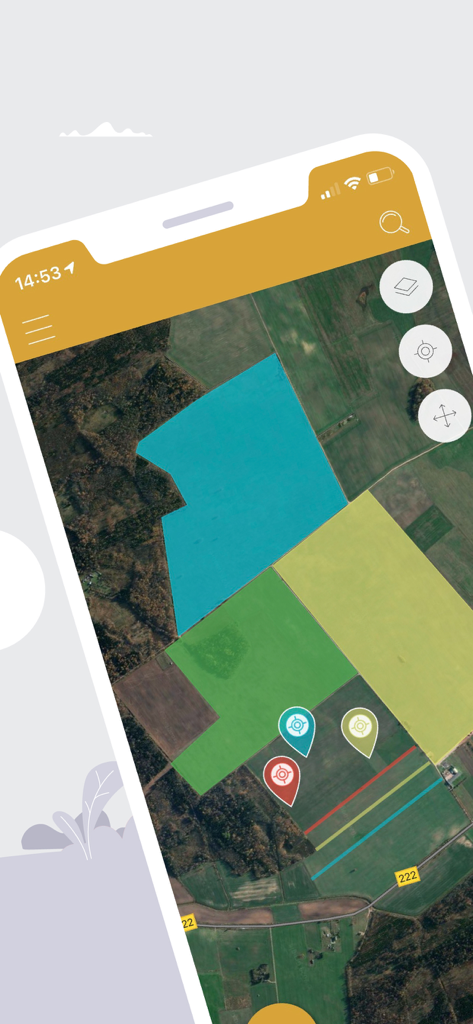
Satellite map view showing various highlighted land plots and location pins in the app
A farmer using a smartphone for land measurement with a drone and satellite map background.
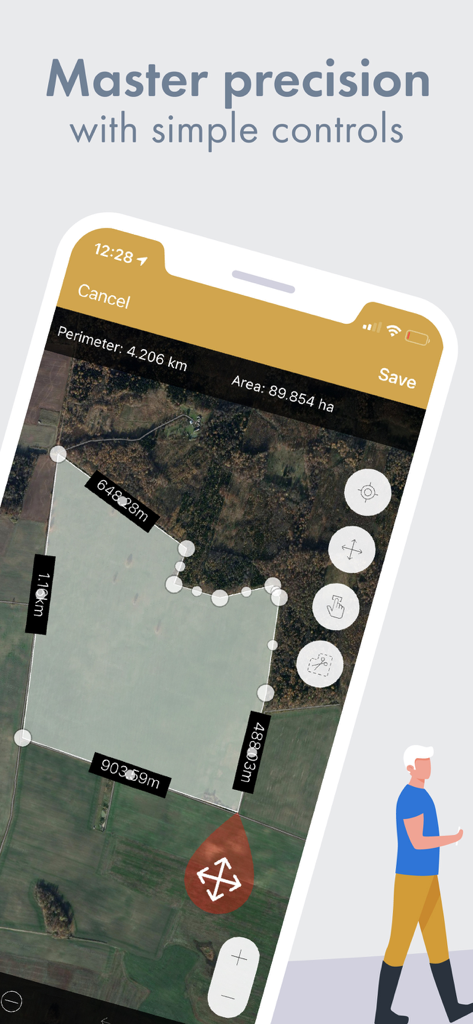
GPS Fields Area Measure app showing a satellite map with field area and perimeter measurements
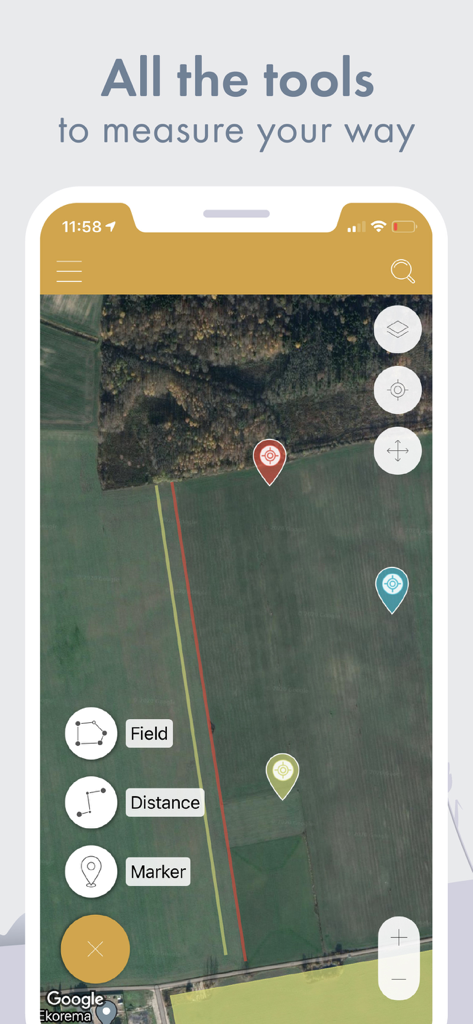
Smartphone screen displaying a satellite map with tools for measuring fields distance and placing markers
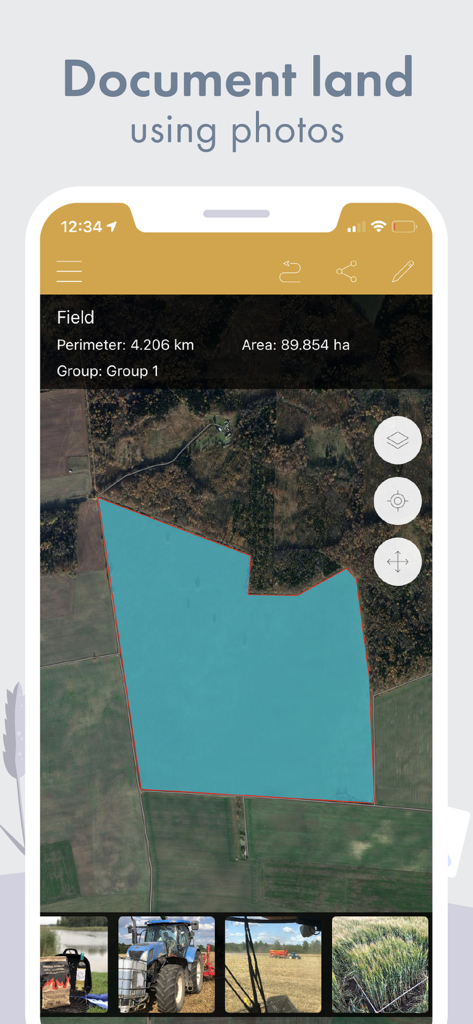
Satellite map showing a field area of 89 hectares with a gallery of land documentation photos.
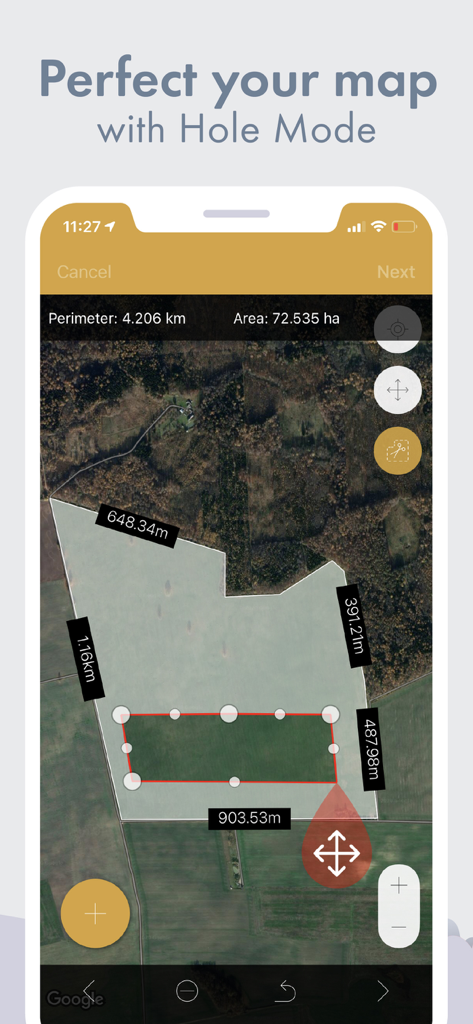
Satellite map view in GPS Fields Area Measure app using Hole Mode to exclude an internal area from total field acreage
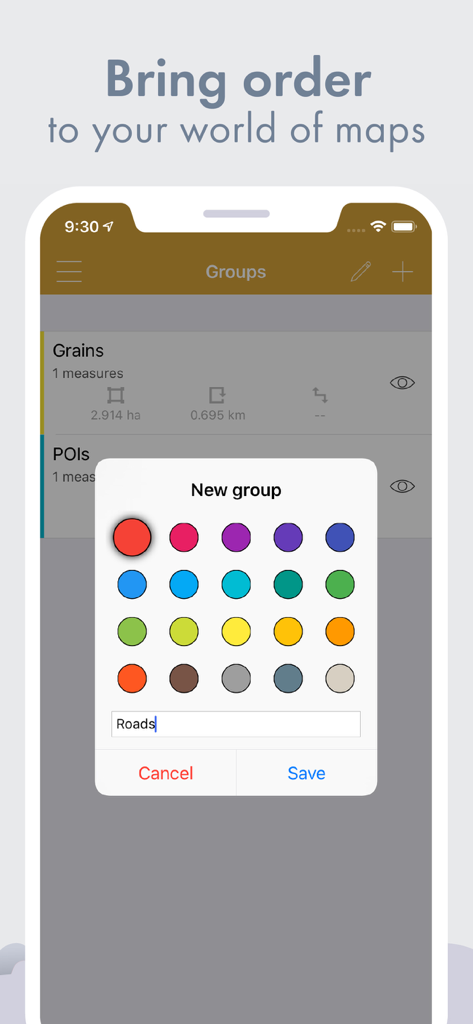
Creating a new color-coded group for land measurements in the GPS Fields Area Measure app
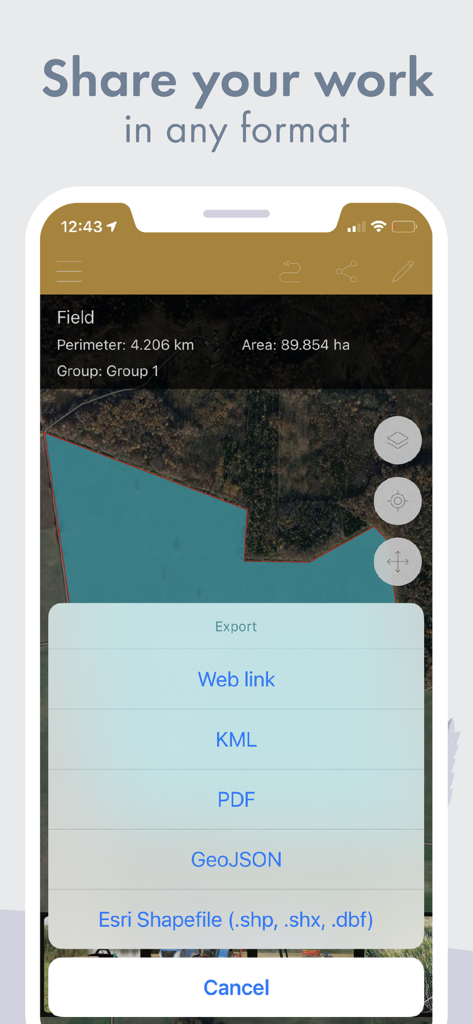
GPS Fields Area Measure app export menu showing options for KML PDF and Esri Shapefile
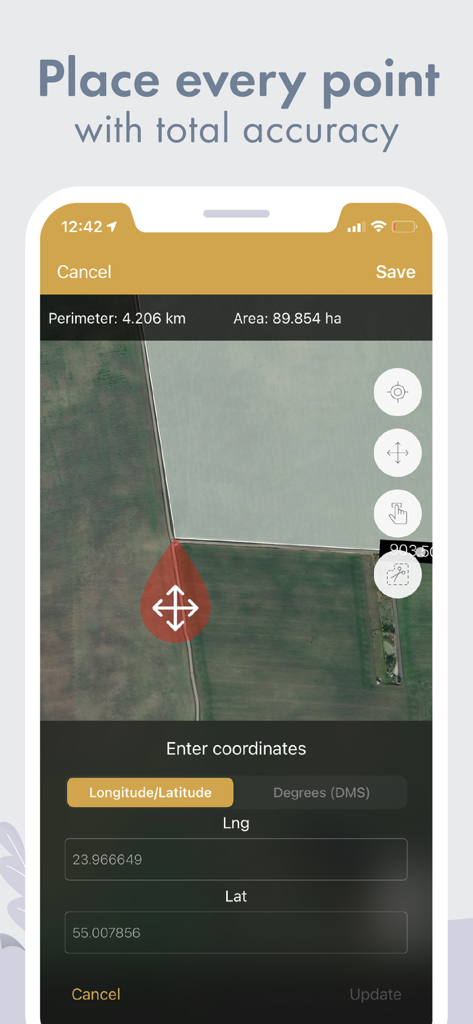
GPS Fields Area Measure app interface showing field area calculation and latitude longitude coordinate input on a satellite map
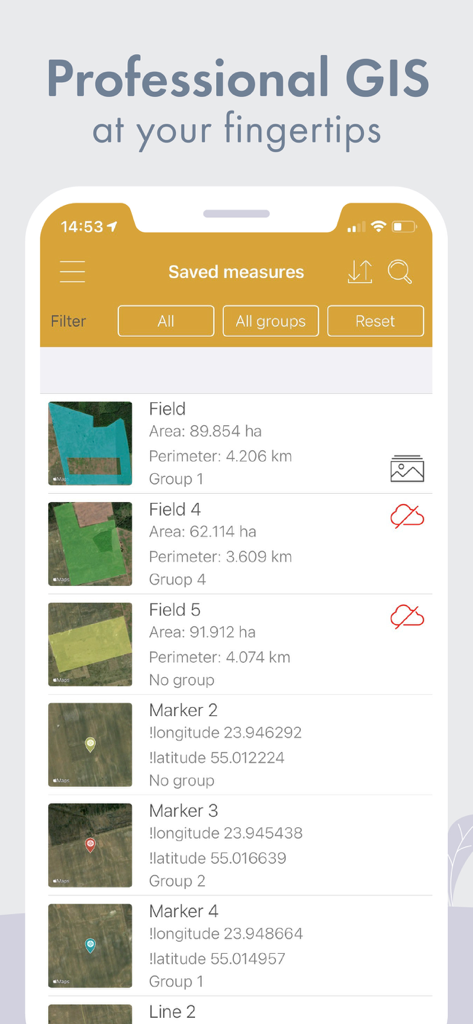
A list of saved land measurements including field area, perimeter, and GPS markers with coordinates.
Description
Download
More Like This
Apps with similar features and user experience

Field MapS - Measure Land GPS
Aleksei Metelkin

Field Area MeasureーLand Parcel
Irina Metelkina
FieldCalc - GPS Area Measure
Pravin Gondaliya

Geo Field Area - GPS Measure
STOMBERG s.r.o
GLand: GPS Field Area Measure
Authai Yaprasat

Distance - Find My Distance
Mapnitude Company Limited

Area & Distance - Map Measure
Mapnitude Company Limited

Measure Map
Xuan Luong Do

Field Area Measure
Yaroslav Babenko
This page is not an official page of the app or its developer, but an independent editorial publication created for informational and commentary purposes. Unless expressly stated otherwise, neither the app nor its developer is affiliated with, endorsed by, sponsored by, authorized by, or otherwise officially connected with MWM, Apple, Google Play, the app publisher, or the app's developer, and nothing on this page implies that the app was developed using MWM's services. Any trademarks, logos, screenshots, and other content remain the property of their respective owners.