
This page is not an official page of the app or its developer, but an independent editorial publication created for informational and commentary purposes. Unless expressly stated otherwise, neither the app nor its developer is affiliated with, endorsed by, sponsored by, authorized by, or otherwise officially connected with MWM, Apple, Google Play, the app publisher, or the app's developer, and nothing on this page implies that the app was developed using MWM's services. Any trademarks, logos, screenshots, and other content remain the property of their respective owners.

Measure Map
The precision tool for land surveys, real estate, and field work. Calculate areas in acres, export KML/KMZ files, and navigate with UTM or MGRS coordinates seamlessly.
Downloads
463K+User Rating
Total Ratings
31K+Publisher
Category
UtilitiesLocales
2Latest Version
2.3.36Size
44.6 MBFirst Released
Jun 14, 2017Measure with Professional-Grade Precision
The comprehensive toolkit for land professionals and outdoor experts to calculate areas, distances, and coordinates with industrial accuracy.
Professional Area & Distance Tools
Calculate acreage, square footage, or nautical miles instantly. Perfect for real estate and site planning with support for over 10 specific measurement units.
Seamless GIS Data Integration
Bridge the gap between mobile and desktop. Export KML, KMZ, and CSV files to integrate your field measurements directly with AutoCAD, ArcGIS, or Google Earth.
Frequently Asked Questions
Everything you need to know about Measure Map
What is Measure Map?
Measure Map is an application that calculates the distance between two or more points and the area of locations. It provides measurement results in multiple units.
How does Measure Map calculate distance?
Users click on the map to place the first and second markers. The distance between them displays. A series of locations can also be built to find the total distance.
Does Measure Map calculate area?
Yes, Measure Map calculates area. A minimum of three markers are required. Area results are output in units like meters², kilometers², feet², nautical miles², yards², and acres.
What measurement units does Measure Map support?
Measure Map supports distance units like meters, kilometers, miles, feet, yards, and nautical miles. Area units include meters², kilometers², feet², yards², nautical miles², and acres.
Can I save measurements in Measure Map?
Yes, Measure Map allows users to save and view their measurement sessions. This feature facilitates reviewing previous distance and area calculations.
Does Measure Map support file import and export?
Yes, Measure Map supports importing and exporting KML, KMZ, and CSV files. Users can also import coordinate lists and export measurement images or coordinate lists.
What map types are available in Measure Map?
Measure Map offers normal, satellite, terrain, and hybrid map types. Users can quickly change between these views to suit their measurement needs.
Does Measure Map support different coordinate systems?
Yes, Measure Map supports UTM, MGRS, and VN-2000 coordinate systems. It also displays coordinates at the user's current position for convenience.
Can I edit and share measurement coordinates in Measure Map?
Yes, Measure Map allows users to edit measurement coordinates. Users can also share these coordinates with other devices, facilitating collaboration and data exchange.
The following screenshots and description are sourced directly from the app's official store listing and are the property of the app developer.
App Store
Screenshots
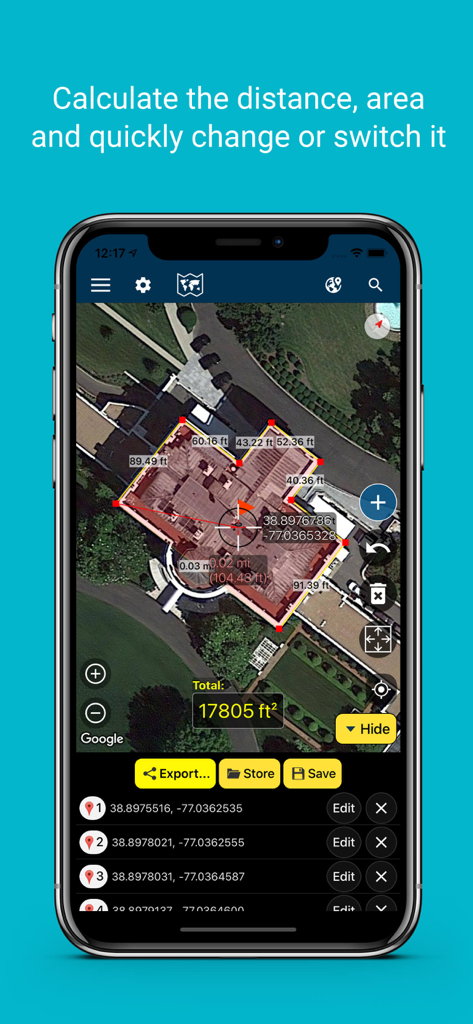
Smartphone screen showing the Measure Map app calculating the area and distance of a building using a satellite map
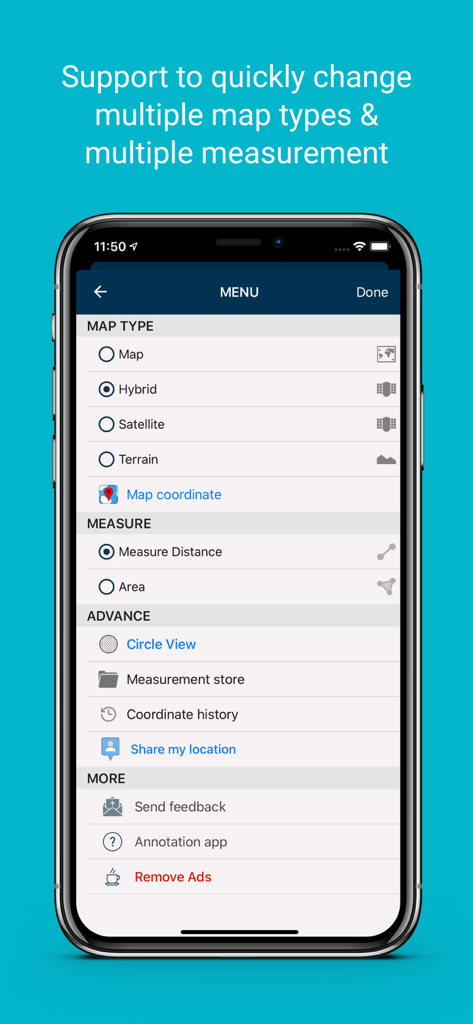
Measure Map app menu screen showing selection for map types like hybrid satellite and terrain and options to measure distance or area
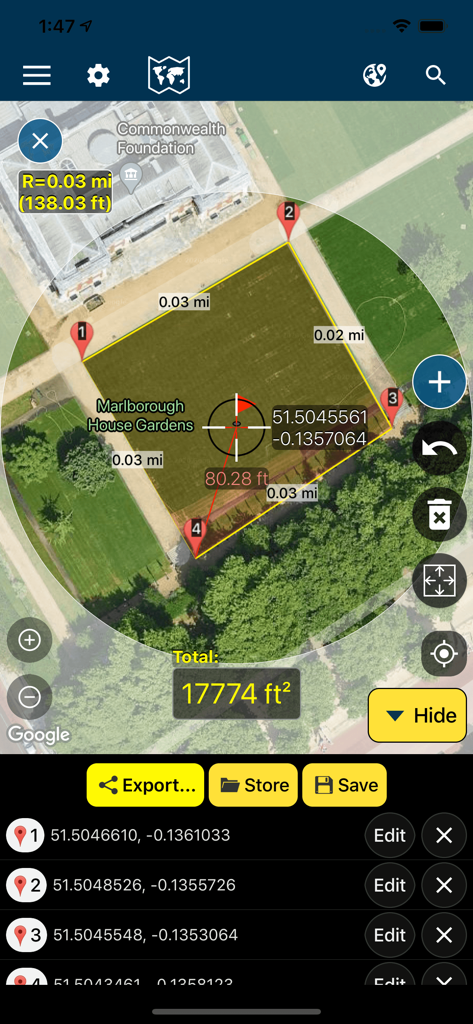
Measure Map app interface showing a 17774 square foot area measurement on a satellite map with GPS coordinates
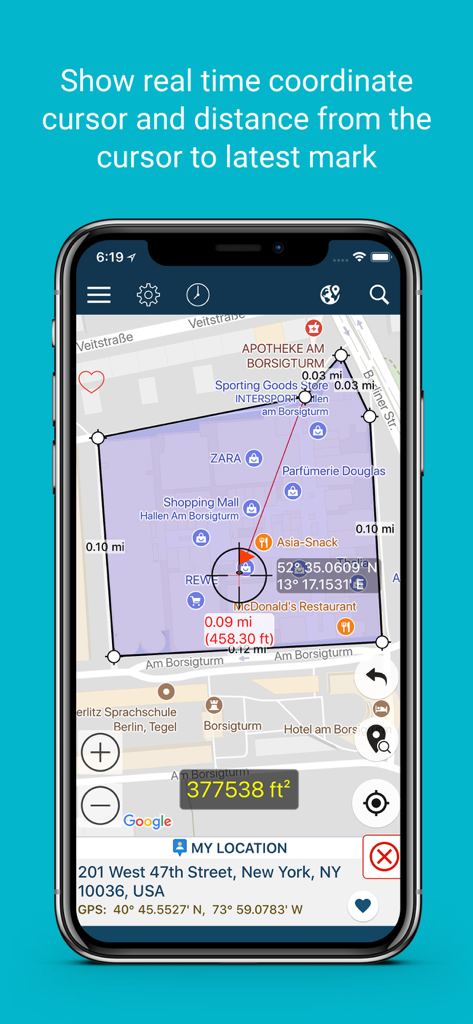
Measure Map app interface showing real time coordinate cursor and distance measurements on a map
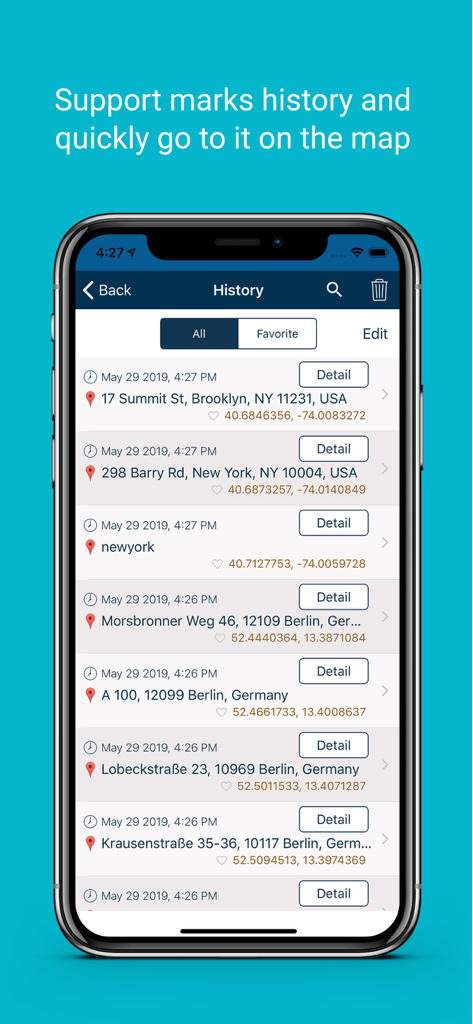
History screen of the Measure Map app displaying a list of saved locations with timestamps and coordinates.
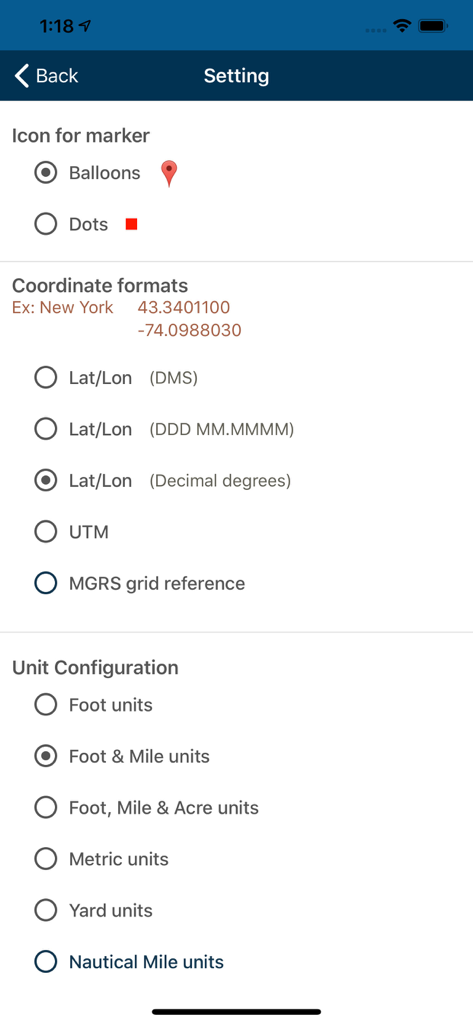
Measure Map app settings screen showing configuration options for marker icons, coordinate formats including UTM and MGRS, and measurement unit types.
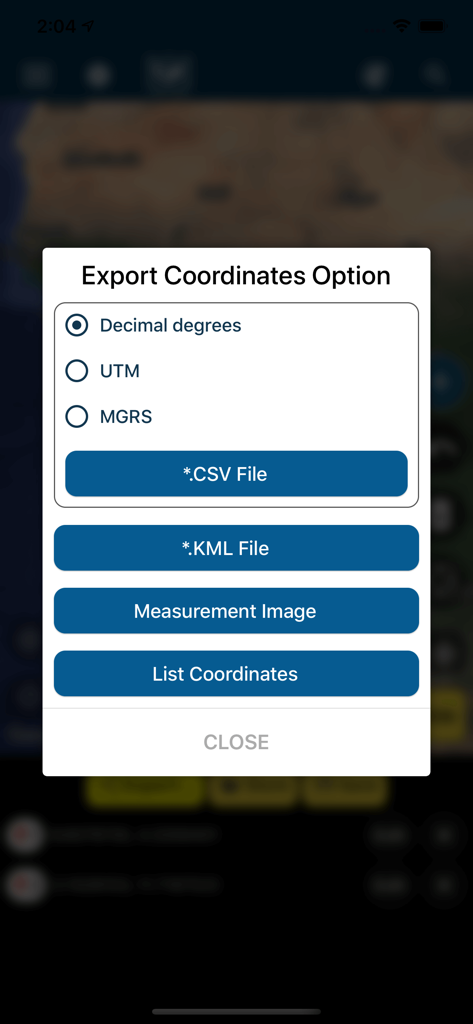
Measure Map app export coordinates menu showing options for CSV KML UTM and MGRS formats
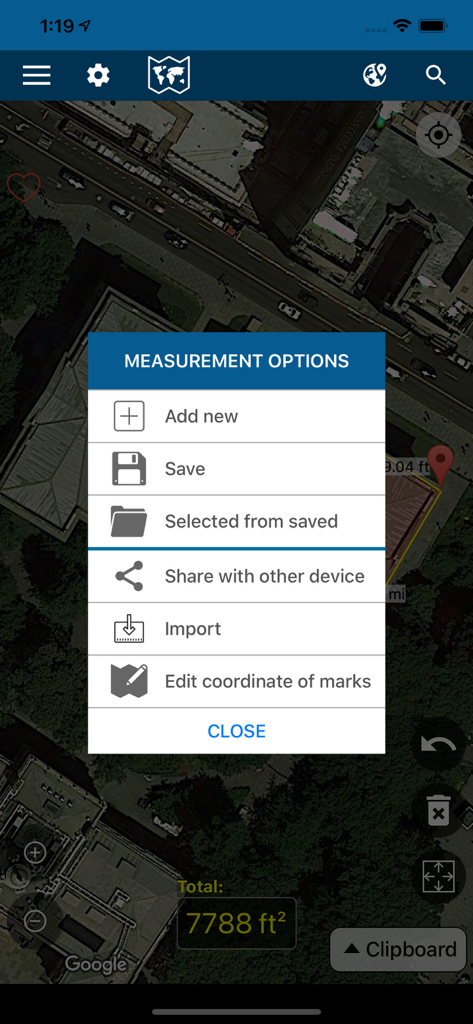
The measurement options menu of the Measure Map app overlaying a satellite view of a property
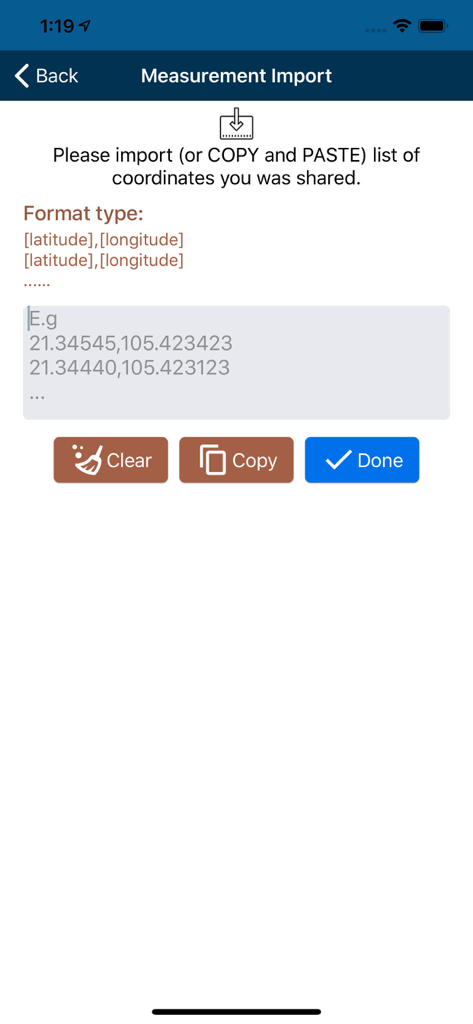
Interface for importing latitude and longitude coordinates into the Measure Map application.
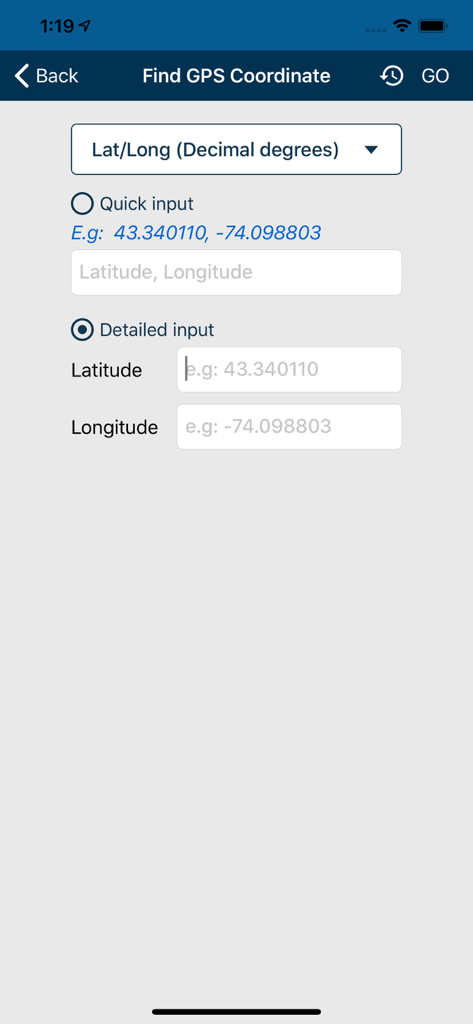
Input screen for latitude and longitude coordinates in Measure Map
Description
Download
More Like This
Apps with similar features and user experience

Field MapS - Measure Land GPS
Aleksei Metelkin

Field Area MeasureーLand Parcel
Irina Metelkina
FieldCalc - GPS Area Measure
Pravin Gondaliya

GPS Fields Area Measure Map
Rento UAB
Geo Field Area - GPS Measure
STOMBERG s.r.o
GLand: GPS Field Area Measure
Authai Yaprasat
Distance - Find My Distance
Mapnitude Company Limited
Area & Distance - Map Measure
Mapnitude Company Limited

Field Area Measure
Yaroslav Babenko
This page is not an official page of the app or its developer, but an independent editorial publication created for informational and commentary purposes. Unless expressly stated otherwise, neither the app nor its developer is affiliated with, endorsed by, sponsored by, authorized by, or otherwise officially connected with MWM, Apple, Google Play, the app publisher, or the app's developer, and nothing on this page implies that the app was developed using MWM's services. Any trademarks, logos, screenshots, and other content remain the property of their respective owners.