
This page is not an official page of the app or its developer, but an independent editorial publication created for informational and commentary purposes. Unless expressly stated otherwise, neither the app nor its developer is affiliated with, endorsed by, sponsored by, authorized by, or otherwise officially connected with MWM, Apple, Google Play, the app publisher, or the app's developer, and nothing on this page implies that the app was developed using MWM's services. Any trademarks, logos, screenshots, and other content remain the property of their respective owners.

File Manager$
Take total control of your files with seamless WiFi transfers via HTTP and FTP. Manage PDFs, ZIPs, and media in one secure, local space—no cables or cloud limits required. Fully customize your interface and replace multiple utility apps with a single, high-performance command center for your digital life.
Downloads
2K+User Rating
Total Ratings
0Publisher
Category
UtilitiesLocales
2Latest Version
2.0Size
23.7 MBFirst Released
Jan 1, 2015Total Control Over Your Mobile Workspace
Break free from storage restrictions. Transfer, manage, and customize your digital life with a powerful tool designed for students, professionals, and power users.
Cable-Free Transfers
Skip the frustration of iTunes. Upload documents and learning materials directly from your PC to your phone via WiFi using HTTP or FTP.
The All-in-One Utility
Organize PDFs, ZIPs, and media in one place. Record voice memos, capture video, and view files locally without relying on expensive cloud subscriptions.
Frequently Asked Questions
Everything you need to know about File Manager$
Can users exchange files between multiple phones with File Manager$?
Yes, File Manager$ allows users to exchange files and folders between multiple phones. It supports sharing via a local area network by enabling a switch in the app's settings.
What file types does File Manager$ support for management?
File Manager$ supports numerous file types including txt, pdf, chm, mp3, zip, gif, png, and html. It also handles documents, images, and audio files.
How can I upload learning materials to File Manager$ from a computer?
You can upload learning materials to File Manager$ locally from your computer via WiFi. The app supports both HTTP and FTP upload methods for this purpose.
Can users edit and create files within the File Manager$ app?
Yes, File Manager$ allows users to edit the file system by creating new files and folders. It also supports moving and deleting existing files and folders within the app.
Does File Manager$ offer customization for its interface?
Yes, File Manager$ provides extensive customization options. Users can control background images, colors, text appearance, background animations, and the order of the tab bar.
Can I open files directly within the File Manager$ application?
Yes, users can open files directly within the File Manager$ application. It also provides the option to open files using other compatible applications.
Does File Manager$ allow setting a password for app access?
Yes, File Manager$ includes a feature to set a password. This option is available within the app's 'Setting' tab to enhance privacy and security.
Does File Manager$ support gesture-based navigation?
Yes, File Manager$ supports gesture-based navigation. Users can slide left or right to switch between tabs or interfaces, providing a seamless operating experience.
Can I record media like voice and video using File Manager$?
Yes, File Manager$ allows users to record voice and video directly within the file system. It also supports recording guided albums and pictures.
What is "Use The Gold" in File Manager$?
"Use The Gold" in File Manager$ refers to an in-app currency or feature that costs 5 gold coins. It is located in the app's Setting tab.
The following screenshots and description are sourced directly from the app's official store listing and are the property of the app developer.
App Store
Screenshots
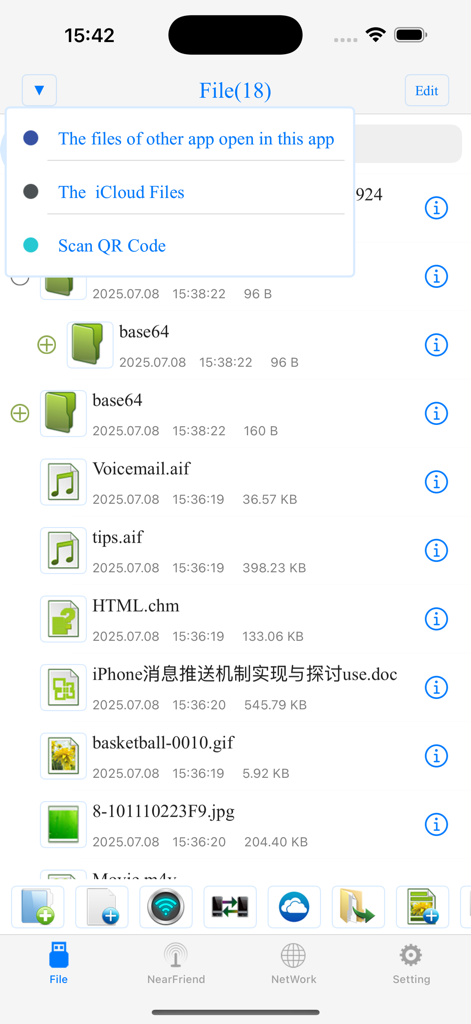
A file list interface in the File Manager app showing folders and various document types with an open options menu.
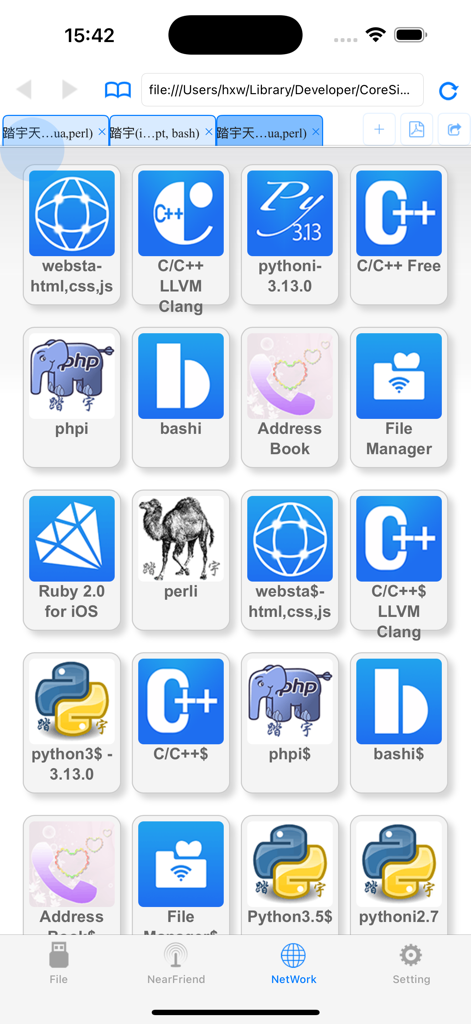
A grid of icons for programming languages and utility tools including Python, C++, and PHP within the File Manager app network interface.
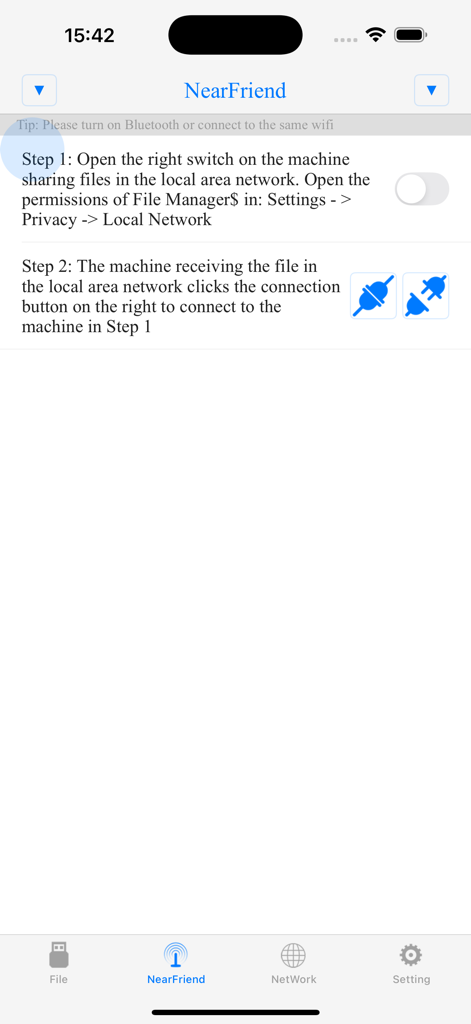
NearFriend interface in the File Manager app showing instructions for sharing files over a local area network.
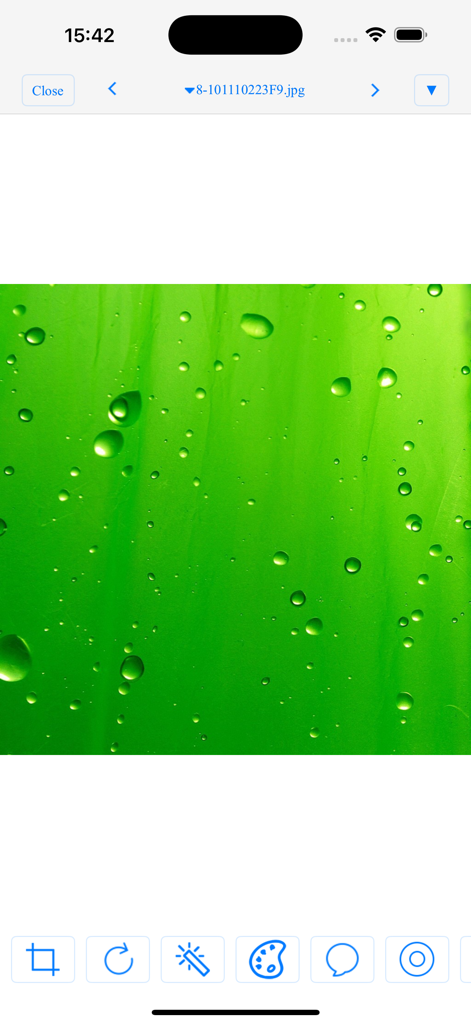
Interface of the File Manager app showing a green image with water droplets and photo editing tools.
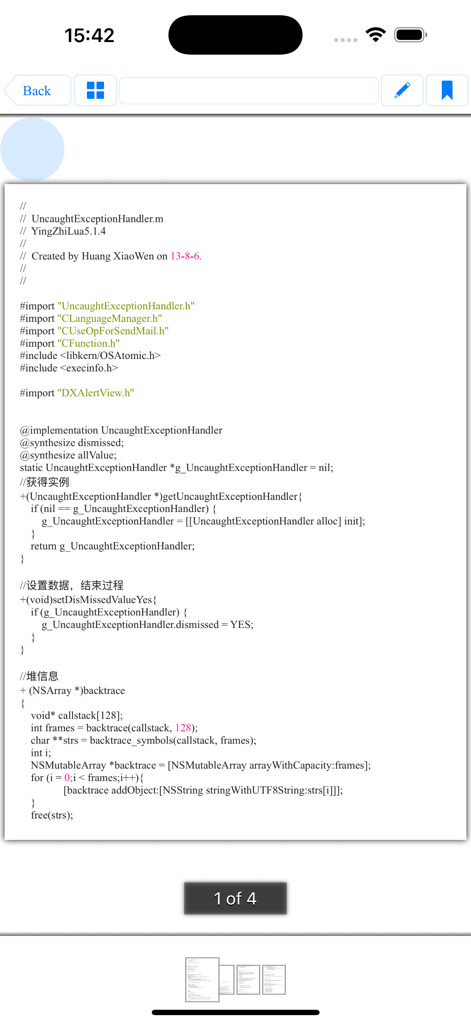
File Manager$ app displaying Objective-C source code in its built-in document viewer.
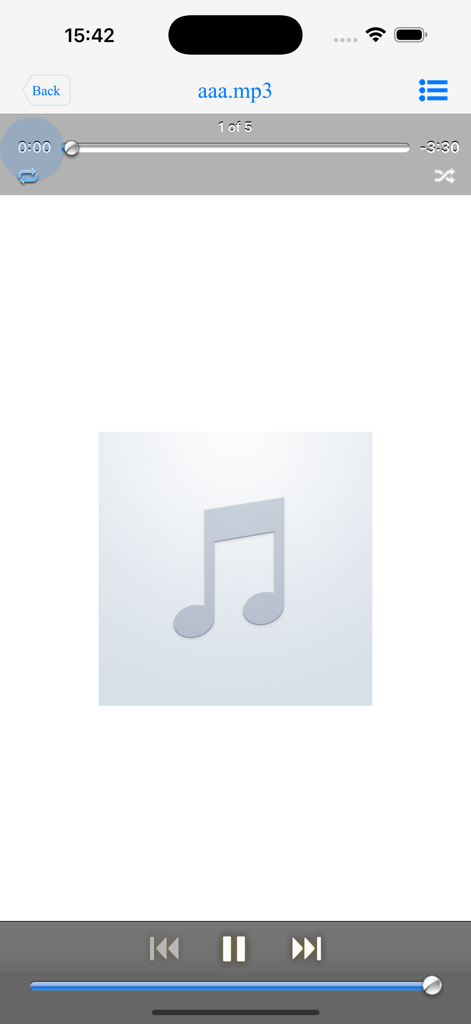
Music player interface within the file manager app
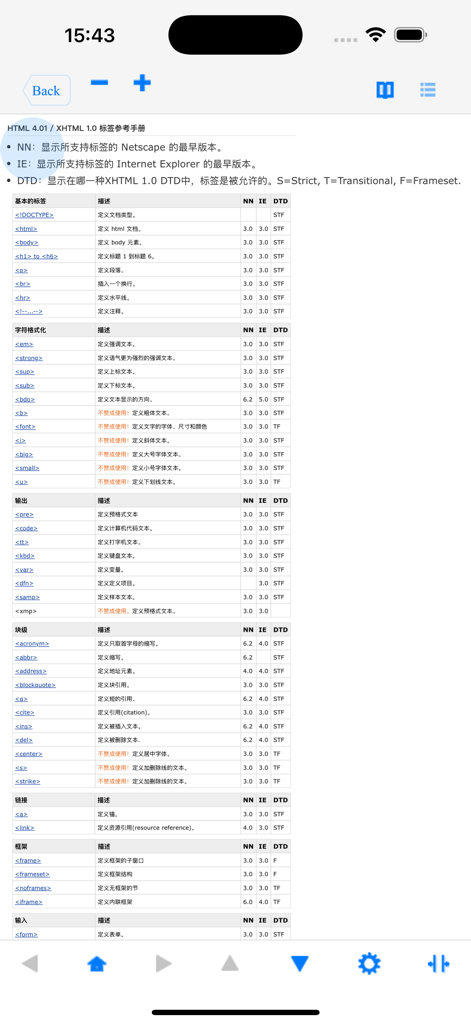
HTML tag reference table displayed inside the File Manager app.
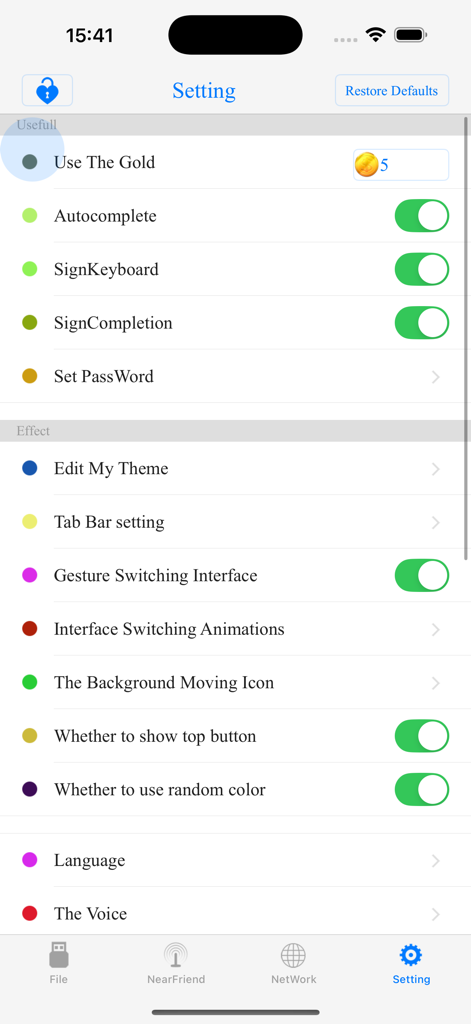
Settings screen for File Manager app displaying interface customization and utility options.
Description
Download
More Like This
Top-ranked apps in the same category

Google LLC

Google Chrome
Google LLC

中国移动(手机营业厅)
China Mobile Online Services Co., Ltd.

Google Authenticator
Google LLC

CNH do Brasil
Servicos e Informacoes do Brasil

Cleanup: Phone Storage Cleaner
DEEP FLOW SOFTWARE SERVICES - FZCO

gov.br
Servicos e Informacoes do Brasil

中国电信-全国统一官方服务平台
CHINA TELECOM Corporation Ltd.

Microsoft Edge: AI Browser
Microsoft Corporation
This page is not an official page of the app or its developer, but an independent editorial publication created for informational and commentary purposes. Unless expressly stated otherwise, neither the app nor its developer is affiliated with, endorsed by, sponsored by, authorized by, or otherwise officially connected with MWM, Apple, Google Play, the app publisher, or the app's developer, and nothing on this page implies that the app was developed using MWM's services. Any trademarks, logos, screenshots, and other content remain the property of their respective owners.