Find Air: My Device Tracker
Download on App Store

This page is not an official page of the app or its developer, but an independent editorial publication created for informational and commentary purposes. Unless expressly stated otherwise, neither the app nor its developer is affiliated with, endorsed by, sponsored by, authorized by, or otherwise officially connected with MWM, Apple, Google Play, the app publisher, or the app's developer, and nothing on this page implies that the app was developed using MWM's services. Any trademarks, logos, screenshots, and other content remain the property of their respective owners.

Logo of Find Air: My Device Tracker
Download on App Store

Find Air: My Device Tracker

Stop the panic of losing your expensive gear. Use our high-precision signal radar to find your AirPods, Apple Watch, and headphones before they are gone for good.

Key Figures

Downloads

2M+

User Rating

3.3/5

Total Ratings

3K+

Publisher

SMART WIDGET LABS COMPANY LIMITED

Category

Utilities

Locales

4

Latest Version

10.15

Size

120.2 MB

First Released

Dec 27, 2019
Features

Recover Your Valuables with Precision

Stop the panic of lost gear. AirFinder transforms your phone into a powerful tracking tool to locate your AirPods, Apple Watch, and Bluetooth devices in seconds.

Precision Radar Tracking

Follow the live signal strength meter to find devices hidden under cushions, in gym bags, or deep in your car.

Instant Sound Trigger

Can't see it? Make your lost headphones or watch emit a loud chime to pinpoint their exact location through sound.

The following screenshots and description are sourced directly from the app's official store listing and are the property of the app developer.

App Store

Screenshots
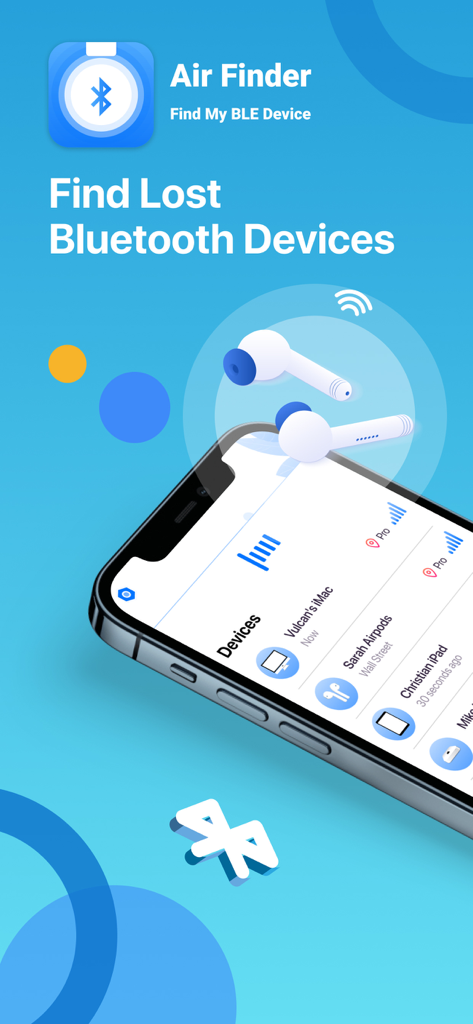
Find Air: My Device Tracker - Find Air app interface showing a list of tracked Bluetooth devices like AirPods and iMacs
Find Air app interface showing a list of tracked Bluetooth devices like AirPods and iMacs

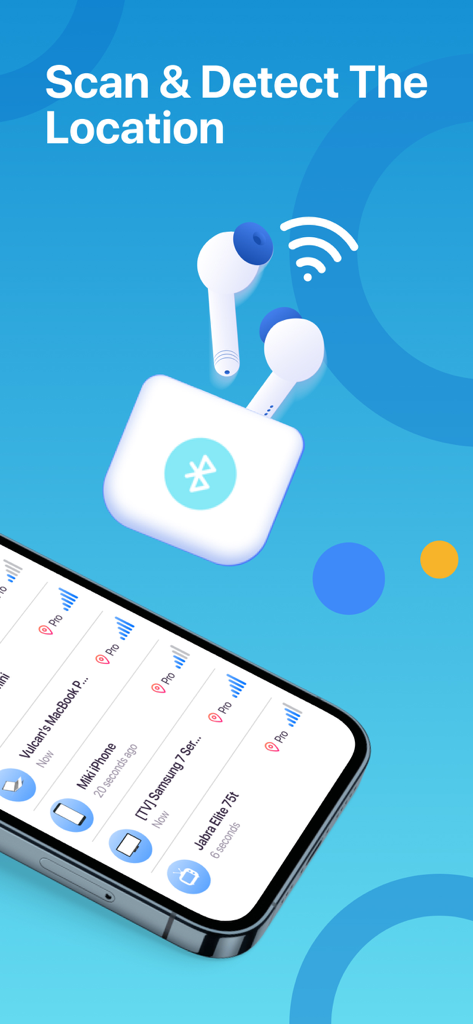
Find Air: My Device Tracker - Interface of Find Air app showing a list of nearby Bluetooth devices and their signal strength
Interface of Find Air app showing a list of nearby Bluetooth devices and their signal strength

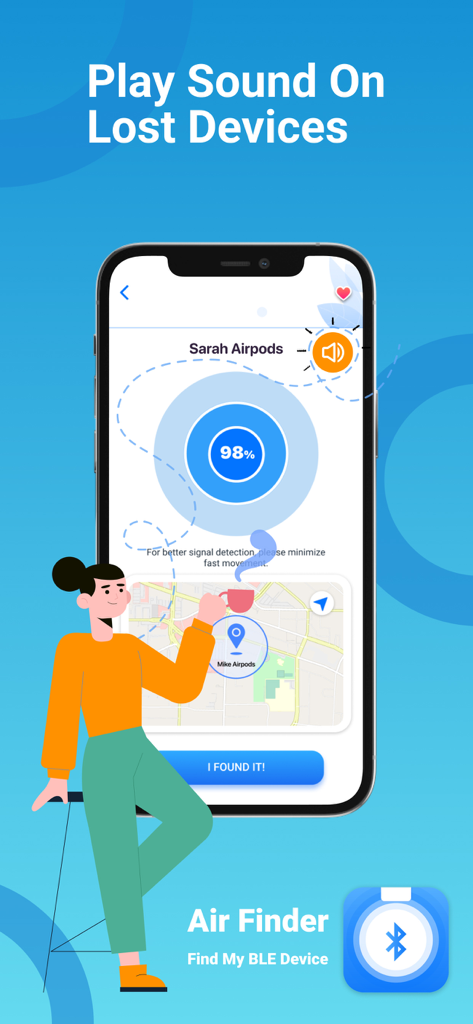
Find Air: My Device Tracker - Find Air app screen showing signal radar and play sound feature for lost devices
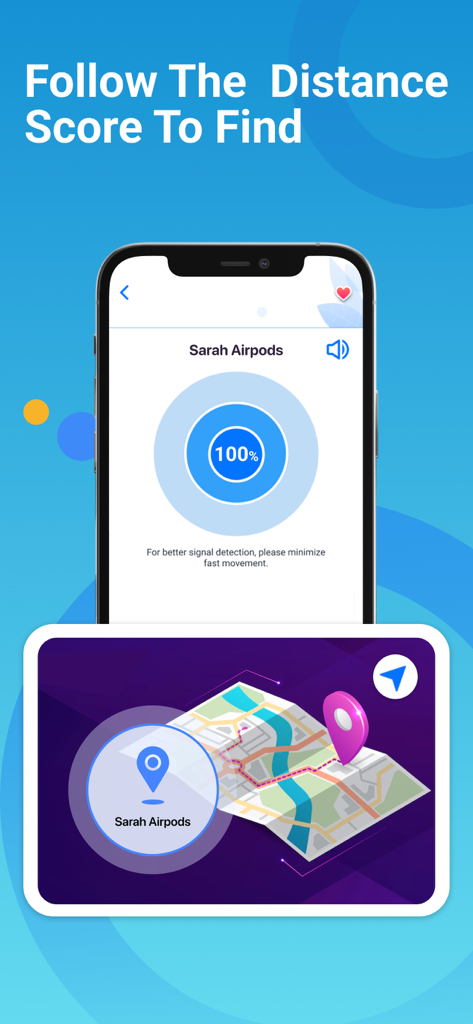
Find Air app screen showing signal radar and play sound feature for lost devices

Find Air: My Device Tracker - Find Air app screen showing signal strength radar and map location for lost headphones

Find Air app screen showing signal strength radar and map location for lost headphones

Description

AirFinder helps you find your lost Bluetooth devices within seconds! Whether it’s your AirPods, Apple Watch, iPhone, Bose headphones, Beats Studio, Powerbeats Pro, or fitness tracker - AirFinder shows you exactly where to look. It works like a smart Bluetooth AirTag - scan, locate, and recover your devices in just a few steps! Stop wasting time searching or spending money on replacements. With AirFinder, you can track, locate, and secure your favorite devices anytime. How to Use AirFinder 1. Open the app and let it scan nearby Bluetooth devices. 2. Select your lost device from the list. 3. Move slowly while watching the signal strength radar. The stronger the signal, the closer you are. 4. When the signal is above 90 and distance is below 0.5m, look around carefully. Your device is nearby! Tip: Make sure your lost device is powered on and Bluetooth-enabled while searching. Example: If both AirPods are inside a closed case, Bluetooth signal might not be detectable. KEY FEATURES - Device Location Scanner: Detects and displays all nearby Bluetooth devices instantly. - Signal Strength Radar: Visual indicator to guide you step-by-step toward your lost item. - Map Tracker: View the last known address and time your device was seen. - Play Sound: Make supported devices (AirPods, Bose, Beats, etc.) emit sound for easier tracking. - Favorites List: Add frequently used devices for quick scanning next time. - Real-Time Detection: Move around and discover more devices as signals appear. COMPATIBLE DEVICES AirFinder supports all Bluetooth Low Energy (BLE) devices, including: - Apple Devices: AirPods, iPhone, iPad, Apple Watch - Bluetooth Headphones: Beats, Bose, JBL, Sony, and more - Fitness Trackers: Fitbit, Galaxy Fit, Garmin - Bluetooth Speakers and Wearables Your Privacy First We respect your privacy. AirFinder only scans for Bluetooth signals locally on your device — we never store or share personal data. Premium Access - Upgrade to AirFinder Premium for unlimited scanning, ad-free experience, and extended features such as: - Unlimited Bluetooth device searches - Map tracking & history view - Priority support Subscription Options: 1 Week: $3.99 USD; 1 Month: $9.99 USD; Lifetime: $29.99 USD Your iTunes account will be charged upon purchase confirmation. Subscriptions auto-renew unless canceled at least 24 hours before renewal. Disclaimer We are not affiliated with Apple Inc. or any mentioned companies. All trademarks (including AirPods) are property of their respective owners. AirFinder is designed to support Bluetooth-enabled devices and has been tested with a wide range of brands. • Terms of Use: https://smartwidgetlabs.com/terms-of-use/ • Privacy Policy: https://smartwidgetlabs.com/privacy-policy/ • You are welcome to contact us at support@smartwidgetlabs.com

Download

Download on App Store

This page is not an official page of the app or its developer, but an independent editorial publication created for informational and commentary purposes. Unless expressly stated otherwise, neither the app nor its developer is affiliated with, endorsed by, sponsored by, authorized by, or otherwise officially connected with MWM, Apple, Google Play, the app publisher, or the app's developer, and nothing on this page implies that the app was developed using MWM's services. Any trademarks, logos, screenshots, and other content remain the property of their respective owners.








