
This page is not an official page of the app or its developer, but an independent editorial publication created for informational and commentary purposes. Unless expressly stated otherwise, neither the app nor its developer is affiliated with, endorsed by, sponsored by, authorized by, or otherwise officially connected with MWM, Apple, Google Play, the app publisher, or the app's developer, and nothing on this page implies that the app was developed using MWM's services. Any trademarks, logos, screenshots, and other content remain the property of their respective owners.

GeoLog
Streamline your fieldwork and group projects by identifying, categorizing, and sharing geographical coordinates with absolute accuracy and custom data control.
Downloads
0User Rating
Total Ratings
0Publisher
Category
UtilitiesLocales
1Latest Version
V2.0Size
1.3 MBFirst Released
Jan 16, 2022Precision Location Management
Go beyond basic maps. Categorize, organize, and sync precise geographical data for your professional projects or specialized outdoor groups.
Custom Categorization
Define your own naming systems and groups to organize coordinate data sets exactly how your project requires.
Seamless Group Sharing
Generate custom files to distribute location data to work teams or hobby clubs without relying on messy social apps.
Frequently Asked Questions
Everything you need to know about GeoLog
What is the primary purpose of the GeoLog app?
GeoLog is an app for identifying, saving, and sharing geographical locations. It allows users to group similar items under custom categories, which they can define, edit, and sort for various applications.
Does GeoLog allow users to share saved locations?
Yes, GeoLog enables users to easily share identified geographical locations with others. The app generates custom files specifically for sharing data and receiving data from other GeoLog users.
How does GeoLog help categorize saved items?
GeoLog allows users to group items under specific, user-defined categories like "Municipal Road Potholes" or "Interesting flowers." Users can then edit or sort these categories to suit their organizational needs.
Does the GeoLog app require access to my device's location?
Yes, GeoLog requires permission to use your device's location. This access is essential for the app's functionality to accurately find your current position and identify geographical points of interest.
How do I add new items or categories in GeoLog?
GeoLog starts with blank categories. Users create new categories first, then add items by providing details like latitude, longitude, and a description. The app accepts input via the mobile device keyboard.
Where is the data saved within the GeoLog app?
GeoLog permanently stores all entered geographical data, including categories and items, within the device's Core Data Memory. This ensures that your saved locations persist across app sessions.
Can GeoLog display saved locations on a map?
Yes, GeoLog displays saved geographical locations on an interactive map. Users can visually identify item markers, such as "Deep hole - tire hazard," directly on the map interface.
What details can GeoLog record for a specific location?
GeoLog records comprehensive details for each location. Users can input the category, item name (CatItem), precise latitude and longitude coordinates, the date, and the exact time of identification.
Does GeoLog provide a user guide or instructions?
Yes, GeoLog includes a comprehensive guide within the app. This guide offers full instructions for use, covering topics like defining categories, adding items, and locating points of interest on the map.
The following screenshots and description are sourced directly from the app's official store listing and are the property of the app developer.
App Store
Screenshots
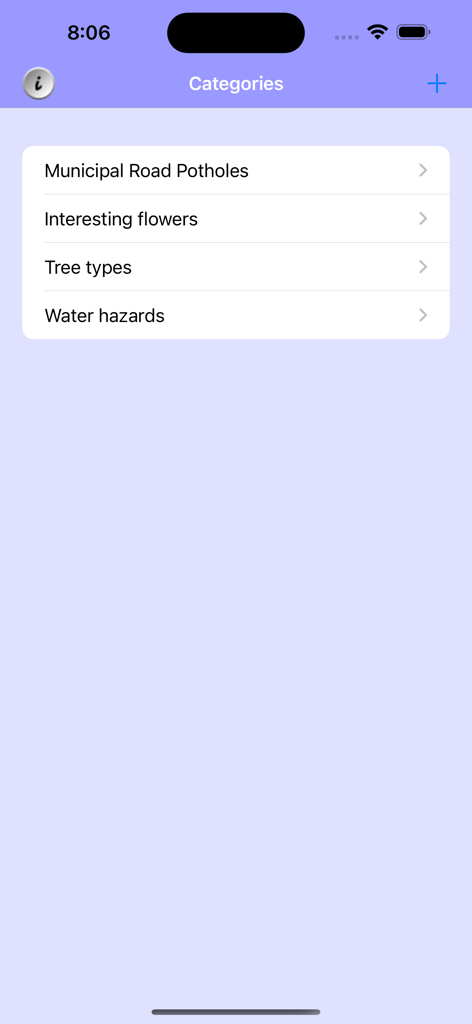
GeoLog app screen displaying a list of custom categories for geolocation including road potholes and tree types
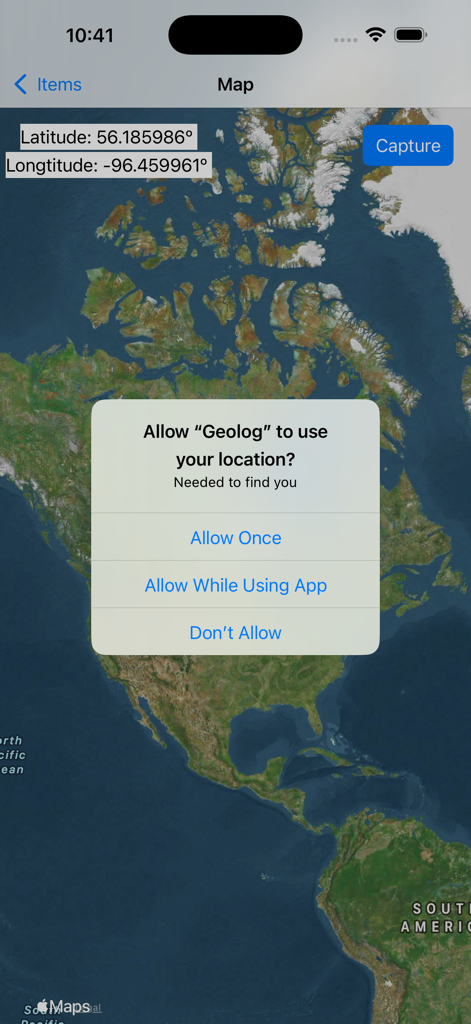
GeoLog app displaying a satellite map and a system prompt asking for location permission.
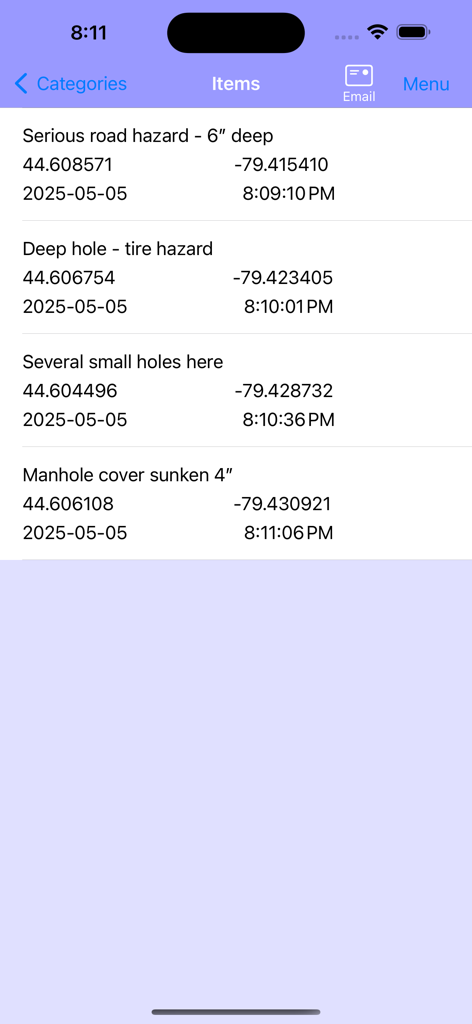
List of categorized geographic locations with GPS coordinates and timestamps in the GeoLog app
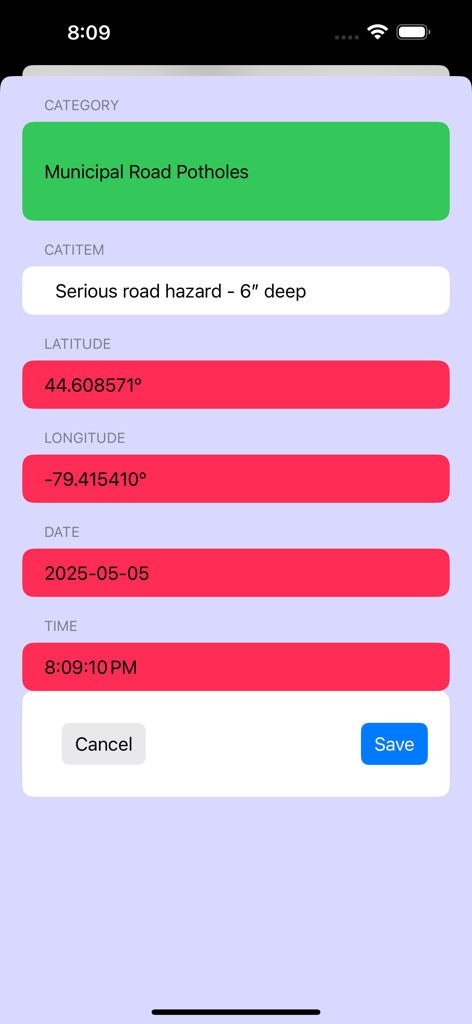
A data entry screen in the GeoLog app for recording location details including coordinates and category.
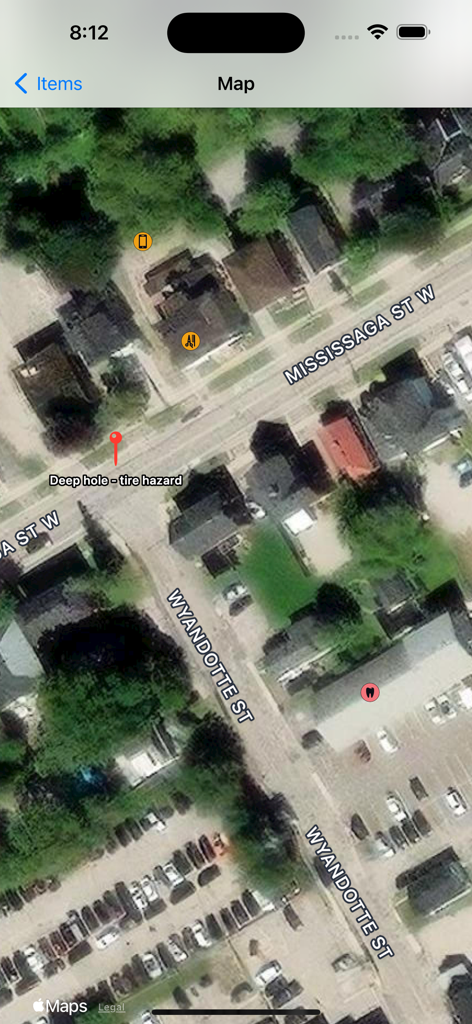
Satellite map view in the GeoLog app displaying a custom location pin for a tire hazard
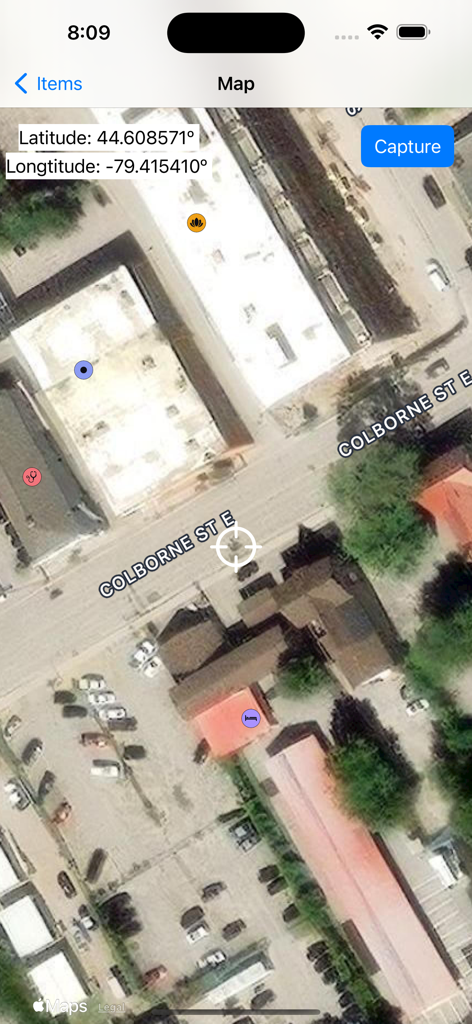
GeoLog app satellite map view showing geographic coordinates and custom pins
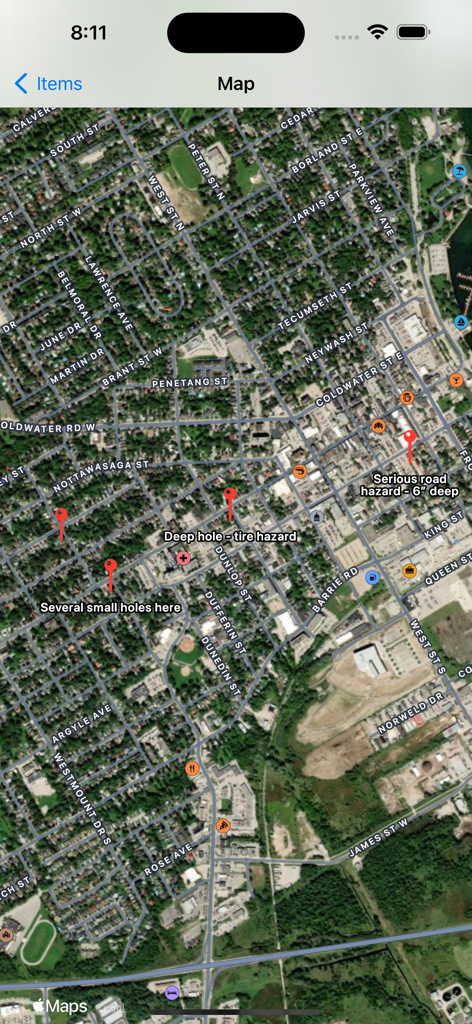
Satellite map view in the GeoLog app showing custom red pins and labels for road hazards such as deep holes and tire hazards.
Main screen of the GeoLog utility app featuring a central button for location data organization
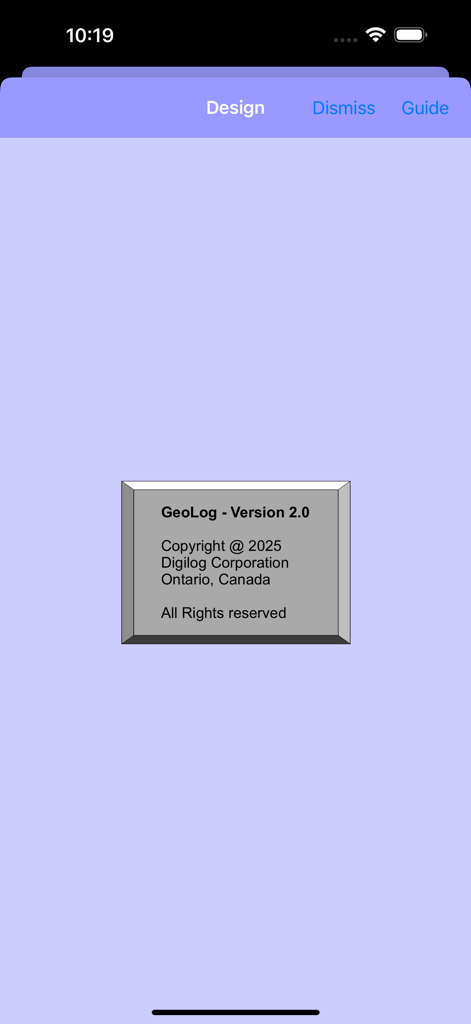
GeoLog app information screen displaying version 2.0 and copyright details
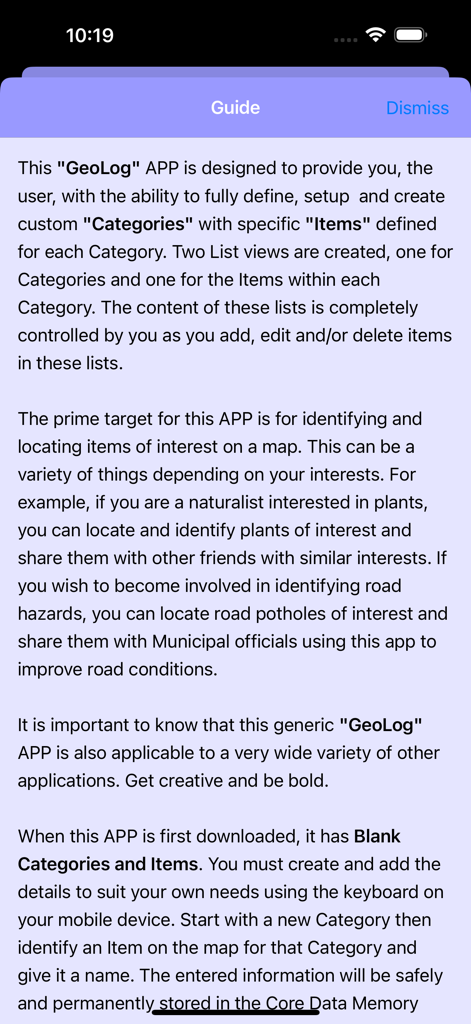
Introductory guide screen for GeoLog app explaining custom location categories and map items
Description
Download
More Like This
Top-ranked apps in the same category

Google LLC

Google Chrome
Google LLC

中国移动(手机营业厅)
China Mobile Online Services Co., Ltd.

Google Authenticator
Google LLC

CNH do Brasil
Servicos e Informacoes do Brasil

Cleanup: Phone Storage Cleaner
DEEP FLOW SOFTWARE SERVICES - FZCO

gov.br
Servicos e Informacoes do Brasil

中国电信-全国统一官方服务平台
CHINA TELECOM Corporation Ltd.

Microsoft Edge: AI Browser
Microsoft Corporation
This page is not an official page of the app or its developer, but an independent editorial publication created for informational and commentary purposes. Unless expressly stated otherwise, neither the app nor its developer is affiliated with, endorsed by, sponsored by, authorized by, or otherwise officially connected with MWM, Apple, Google Play, the app publisher, or the app's developer, and nothing on this page implies that the app was developed using MWM's services. Any trademarks, logos, screenshots, and other content remain the property of their respective owners.