
This page is not an official page of the app or its developer, but an independent editorial publication created for informational and commentary purposes. Unless expressly stated otherwise, neither the app nor its developer is affiliated with, endorsed by, sponsored by, authorized by, or otherwise officially connected with MWM, Apple, Google Play, the app publisher, or the app's developer, and nothing on this page implies that the app was developed using MWM's services. Any trademarks, logos, screenshots, and other content remain the property of their respective owners.

Good Food: Recipe Finder
Take the guesswork out of dinner with 17,000+ triple-tested recipes, smart meal plans, and expert-led tutorials tailored for your busy lifestyle.
Downloads
5M+User Rating
Total Ratings
34K+Publisher
Category
Magazines & NewspapersLocales
1Latest Version
422.12.1Size
53.3 MBFirst Released
Sep 19, 2012Elevate Your Kitchen Experience
Join over 5 million home cooks using 17,000+ triple-tested recipes, smart organizational tools, and expert-led tutorials to make every meal a success.
Vetted Recipes You Can Trust
Stop wasting ingredients on viral trends. Access thousands of triple-tested recipes that guarantee perfect results for your family every single time.
Eliminate 'What’s for Dinner?'
Reduce your mental load with curated meal plans and auto-generated shopping lists designed to save you time and simplify your weekly grocery run.
Frequently Asked Questions
Everything you need to know about Good Food: Recipe Finder
What is the Good Food: Recipe Finder app?
The Good Food app is a comprehensive cooking application providing smart meal plans, over 17,000 recipes, baking ideas, and expert tutorials to enhance cooking confidence.
Can I ask cooking questions to experts using the Good Food app?
Yes, subscribers to the Good Food app can explore brand new recipes monthly and put their cooking questions directly to the app's team of experts.
Does the Good Food app have a 'Cook Mode' feature?
Yes, the Good Food app includes a Cook Mode feature that keeps your recipe on-screen while you cook, preventing the device from sleeping.
Can the Good Food app generate a shopping list?
Yes, the Good Food app allows you to effortlessly create a shopping list for your next meal based on selected recipes.
How do subscriptions work for the Good Food app?
The Good Food app offers monthly or annual subscription terms. Subscriptions automatically renew unless auto-renew is turned off at least 24 hours before the current period ends.
How do I cancel my Good Food app subscription?
You can manage your Good Food app subscriptions and turn off auto-renewal by accessing your Account Settings after purchase.
Can I save and organize recipes in the Good Food app?
Yes, the Good Food app allows users to save recipes and build their own recipe collections within the 'My Good Food' section.
Does the Good Food app offer cooking videos and tutorials?
Yes, the Good Food app provides a variety of step-by-step cooking videos and tutorials designed to help users elevate their meals.
How many recipes are available in the Good Food app?
The Good Food app provides access to more than 17,000 recipes, covering dinners, baking, batch cooking, and various other meal types.
How can I search for recipes in the Good Food app?
Yes, the Good Food app allows searching by ingredient, dish, keyword, diet, and cuisine through its integrated search function.
The following screenshots and description are sourced directly from the app's official store listing and are the property of the app developer.
App Store
Screenshots
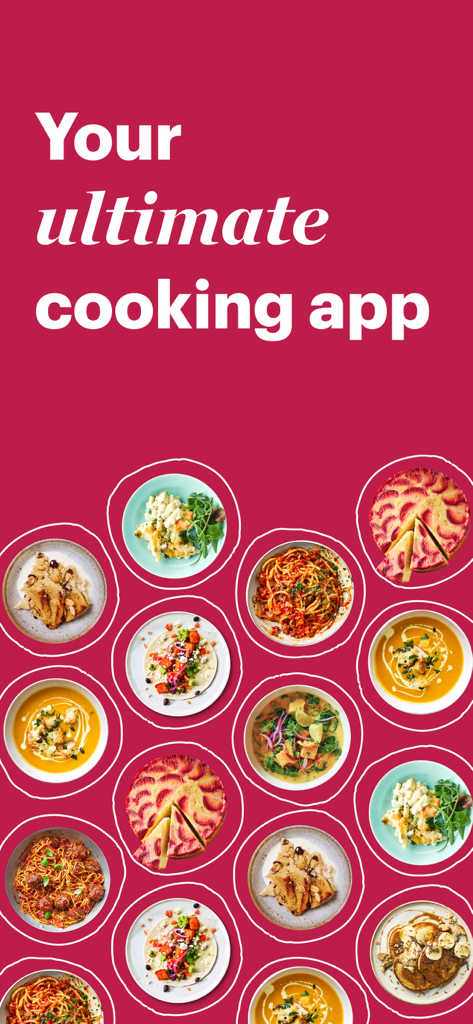
Good Food app promotional screen showing a collection of plated meals with the text Your ultimate cooking app on a pink background
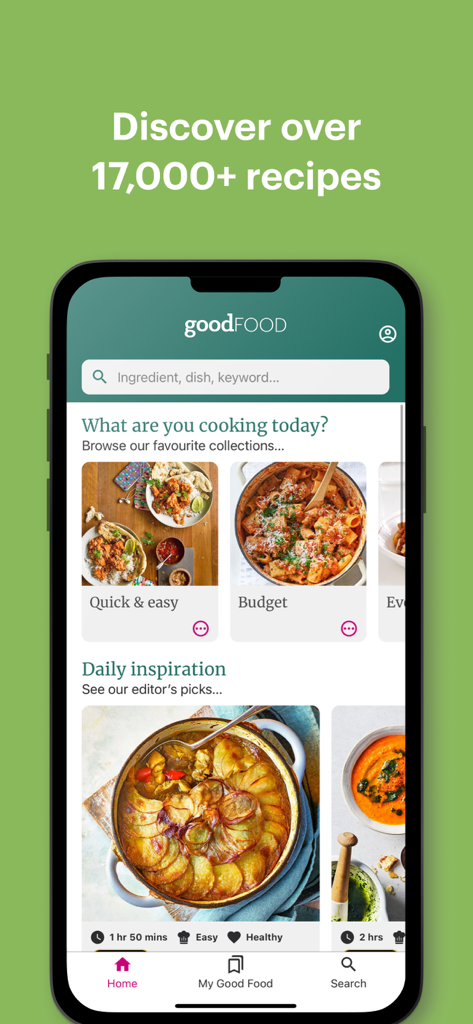
Good Food app home screen displaying curated recipe collections and daily cooking inspiration.
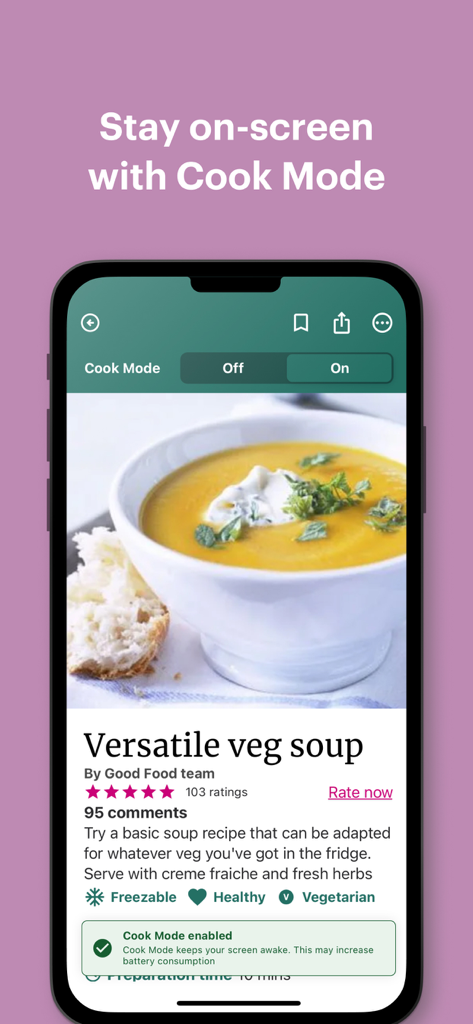
Good Food app interface showing Cook Mode enabled for a vegetable soup recipe.
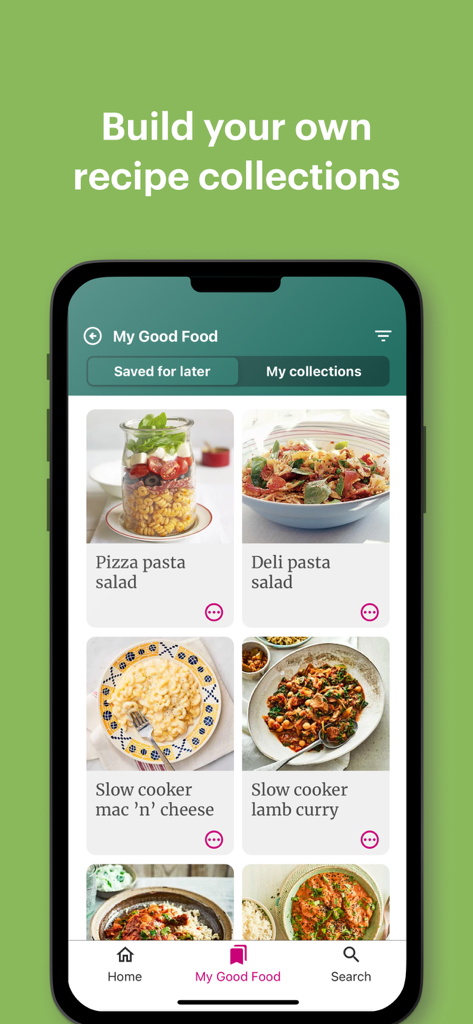
Smartphone screen showing a grid of saved recipes in the Good Food app under the My Good Food section.
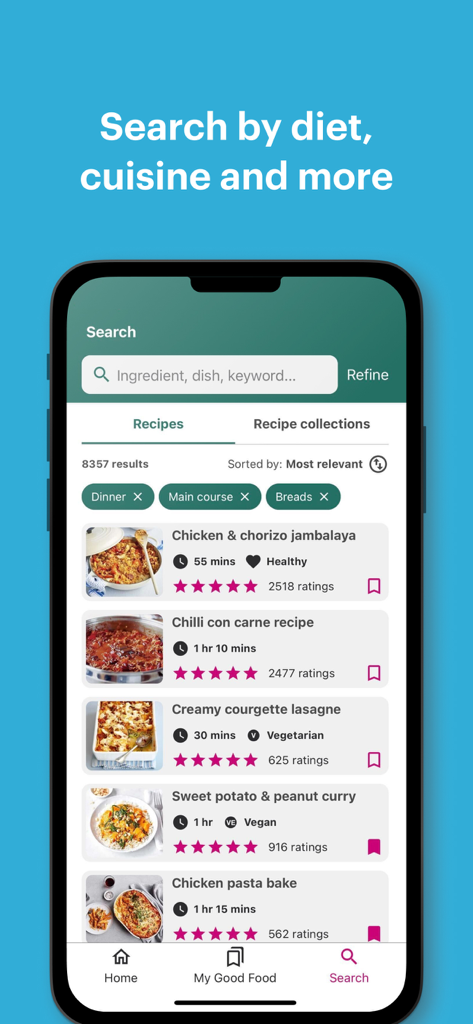
Search results screen in the Good Food app with recipe list and filters
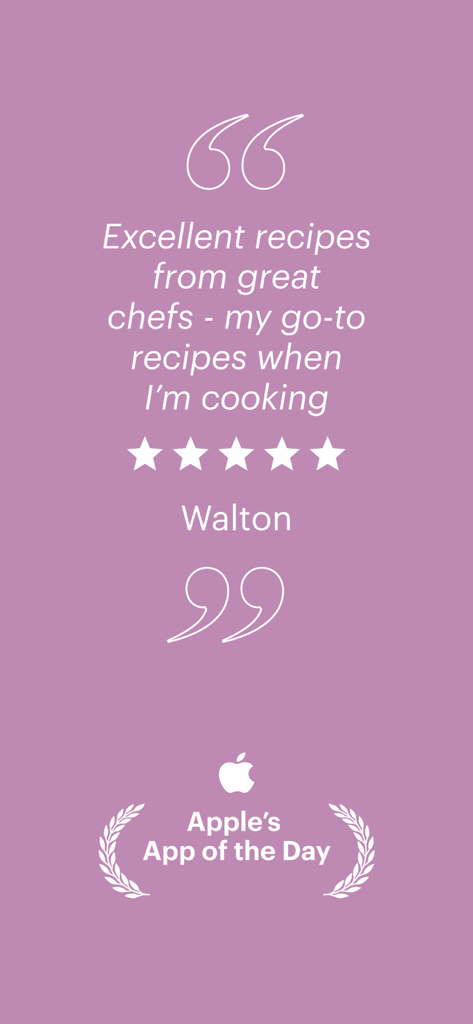
A five star user review for the Good Food Recipe Finder app by Walton featuring the Apple App of the Day award.
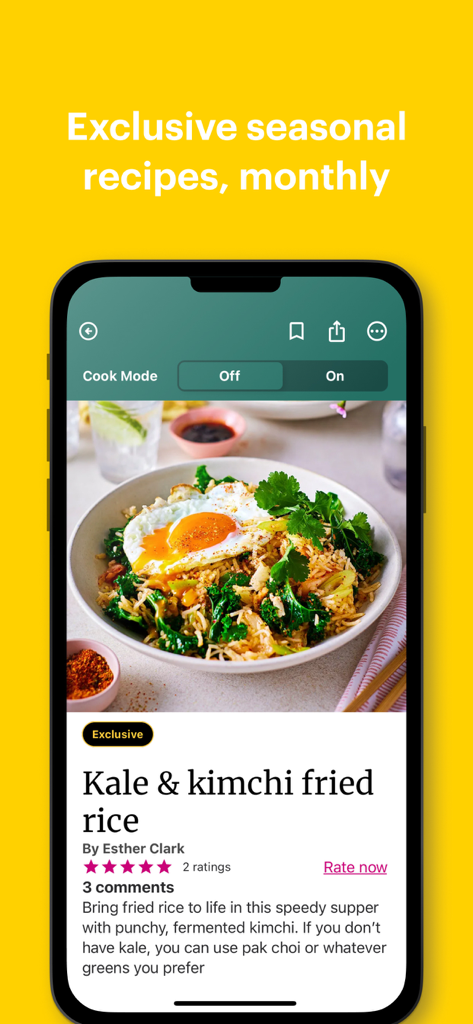
Good Food app interface displaying a kale and kimchi fried rice recipe with cook mode feature
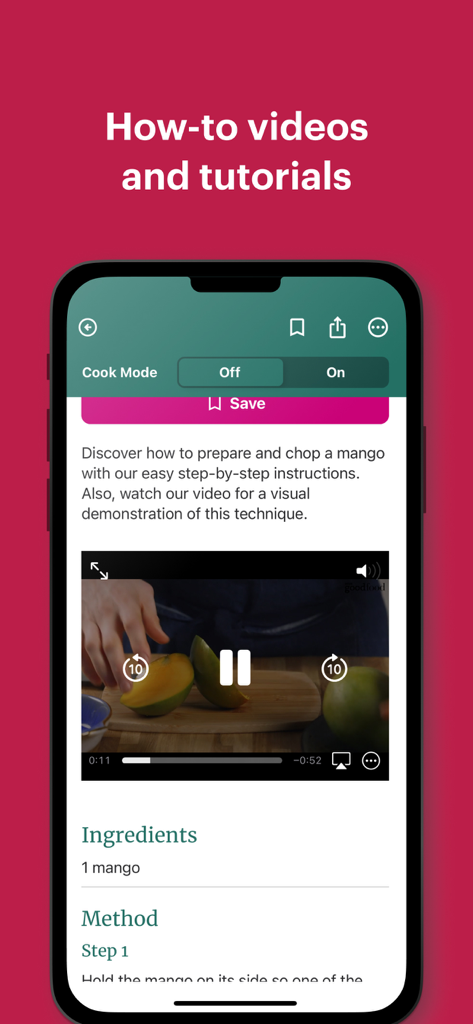
Good Food app screenshot showing a how-to video tutorial for chopping a mango with cook mode settings and ingredients list
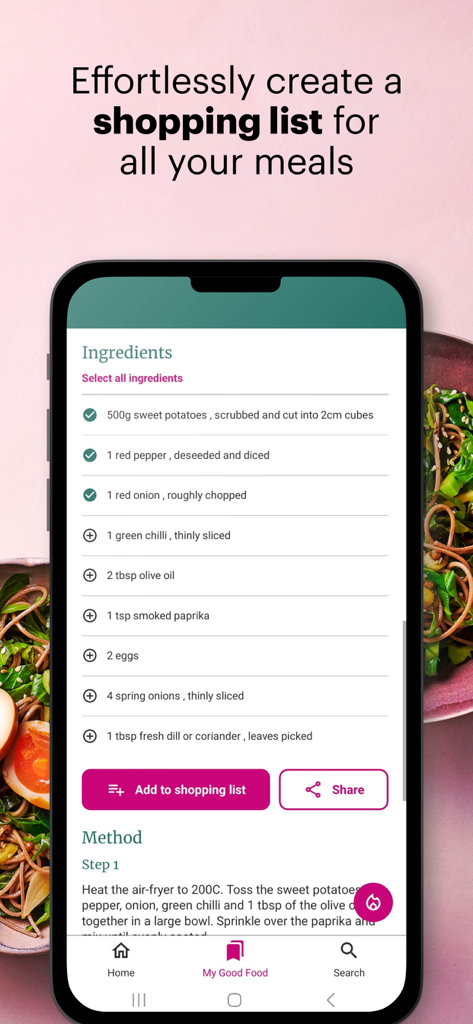
A smartphone screen showing a recipe ingredient list and a button to add them to a shopping list in the Good Food app
Description
Download
More Like This
Apps with similar features and user experience

ReciMe: Recipes & Meal Planner
ReciMe Pty Ltd

NYT Cooking: Quick Tasty Meals
The New York Times Company
Jow - easy recipes & groceries
Jow
Tasty: Recipes, Cooking Videos
BuzzFeed
Recipe Keeper
Tudorspan Limited

Cookpad Recipes, homemade food
COOKPAD INC. (CA)
Pepper - Recipe Organizer
Pepper App Inc.
AnyList: Grocery Shopping List
Purple Cover, Inc.

Kitchen Stories Easy Recipes
AJNS New Media GmbH
This page is not an official page of the app or its developer, but an independent editorial publication created for informational and commentary purposes. Unless expressly stated otherwise, neither the app nor its developer is affiliated with, endorsed by, sponsored by, authorized by, or otherwise officially connected with MWM, Apple, Google Play, the app publisher, or the app's developer, and nothing on this page implies that the app was developed using MWM's services. Any trademarks, logos, screenshots, and other content remain the property of their respective owners.