
This page is not an official page of the app or its developer, but an independent editorial publication created for informational and commentary purposes. Unless expressly stated otherwise, neither the app nor its developer is affiliated with, endorsed by, sponsored by, authorized by, or otherwise officially connected with MWM, Apple, Google Play, the app publisher, or the app's developer, and nothing on this page implies that the app was developed using MWM's services. Any trademarks, logos, screenshots, and other content remain the property of their respective owners.

Google Cloud
Monitor resources, respond to incidents, and access Cloud Shell or SSH directly from your mobile device. Stay in control of your services and billing, no matter where you are.
Downloads
1M+User Rating
Total Ratings
400Publisher
Category
ProductivityLocales
11Latest Version
26.01.210800Size
104.5 MBFirst Released
Jul 23, 2015Master Your Infrastructure Anywhere
Empower your DevOps workflow with the tools to monitor, manage, and fix your Google Cloud services on the go.
Rapid Incident Response
Stay ahead of downtime with instant alerts and the ability to view logs and resolve errors the moment they happen.
Mobile Cloud Shell & SSH
Take the command line with you. Run gcloud operations or SSH into your VMs directly from your iPhone or iPad.
Frequently Asked Questions
Everything you need to know about Google Cloud
What is the Google Cloud mobile app?
Yes, the Google Cloud app allows users to manage their Google Cloud services directly from an Apple iPhone or iPad, including monitoring, billing, and resource management.
Can I check Google Cloud billing information using the Google Cloud app?
Yes, the Google Cloud app provides functionality to check billing details, status, and critical issues for your Google Cloud services. A dashboard shows approximate charges.
Which Google Cloud resources can I monitor with the Google Cloud app?
Yes, the Google Cloud app allows you to monitor the state of your Compute Engine and App Engine resources. It also supports monitoring Kubernetes Engine clusters and workloads.
Does the Google Cloud app include Cloud Shell access?
Yes, the Google Cloud app provides direct access to Cloud Shell, enabling users to perform any Google Cloud (gcloud) operation on the go from their mobile device.
Can I customize my dashboard in the Google Cloud app?
Yes, the Google Cloud app enables users to create their own custom dashboards. This feature provides a tailored overview of their Google Cloud services and key metrics.
Can I SSH into VMs using the Google Cloud app?
Yes, the Google Cloud app allows users to SSH directly into their virtual machines (VMs) for managing Compute Engine resources. This provides remote access capabilities.
Does the Google Cloud app support incident and error management?
Yes, the Google Cloud app allows users to view and respond to incidents, errors, and logging information. This facilitates quick diagnosis and resolution of issues.
The following screenshots and description are sourced directly from the app's official store listing and are the property of the app developer.
App Store
Screenshots
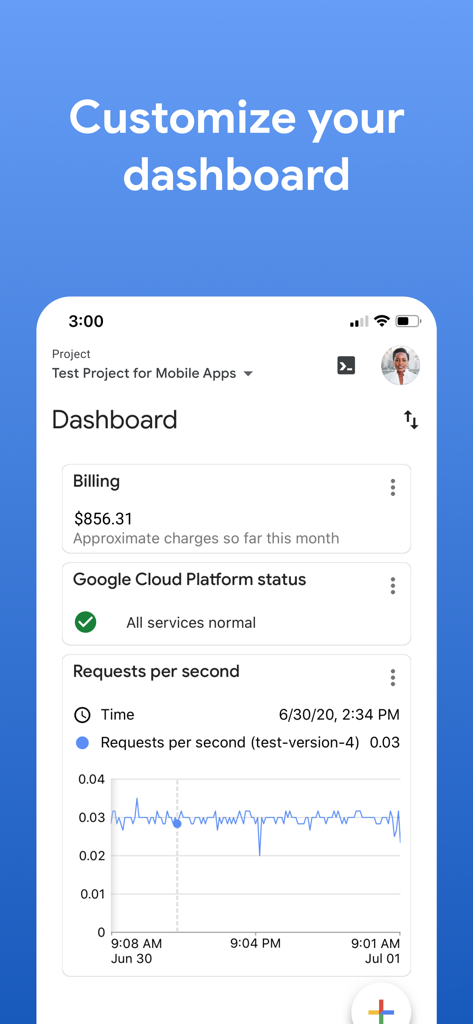
Google Cloud mobile app dashboard showing billing information and service status monitoring
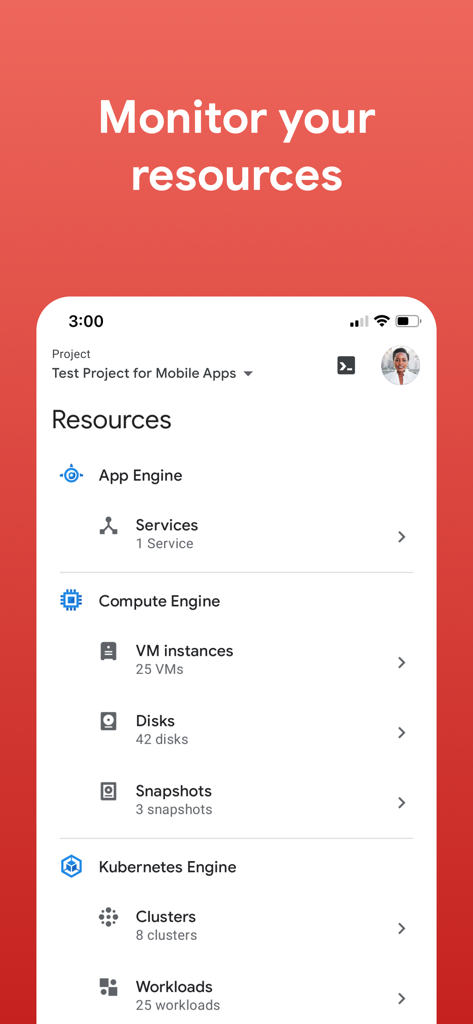
Google Cloud mobile app interface showing resource management for App Engine and Compute Engine
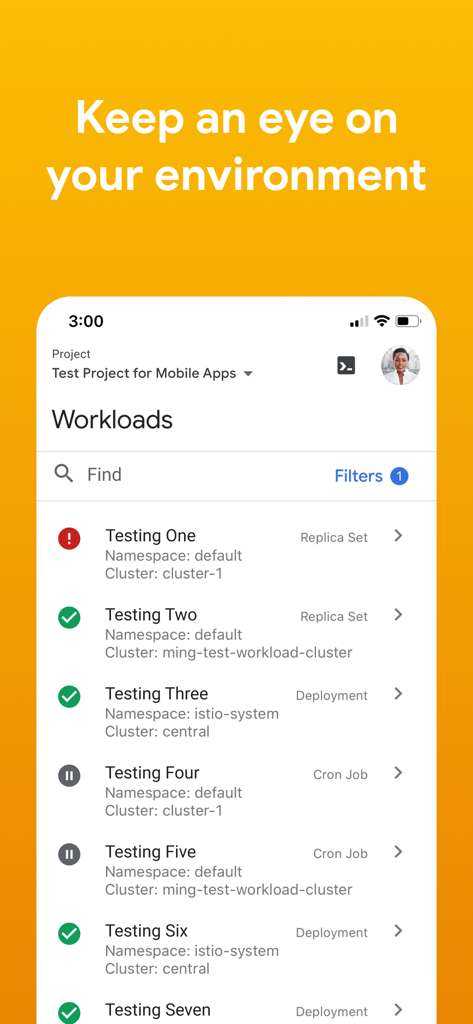
Google Cloud mobile app interface showing a list of project workloads and status icons for monitoring
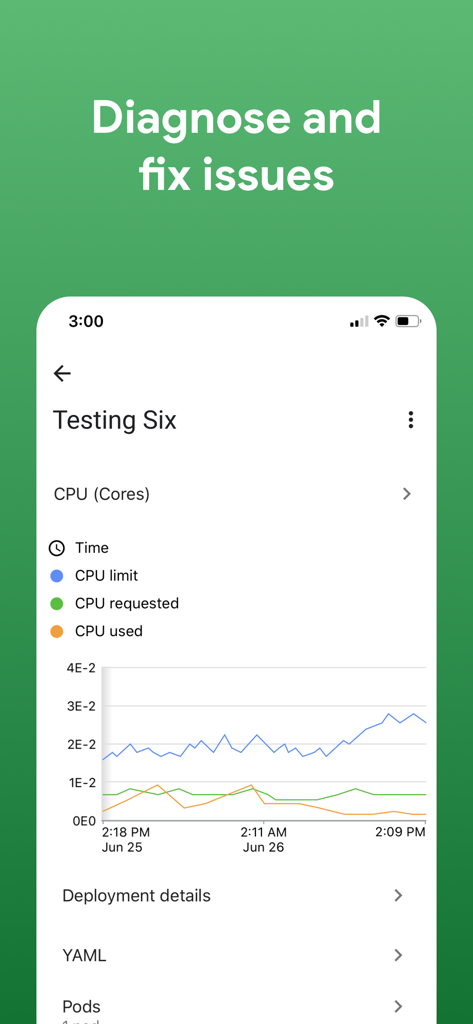
Google Cloud app screenshot showing CPU core monitoring and resource usage graph
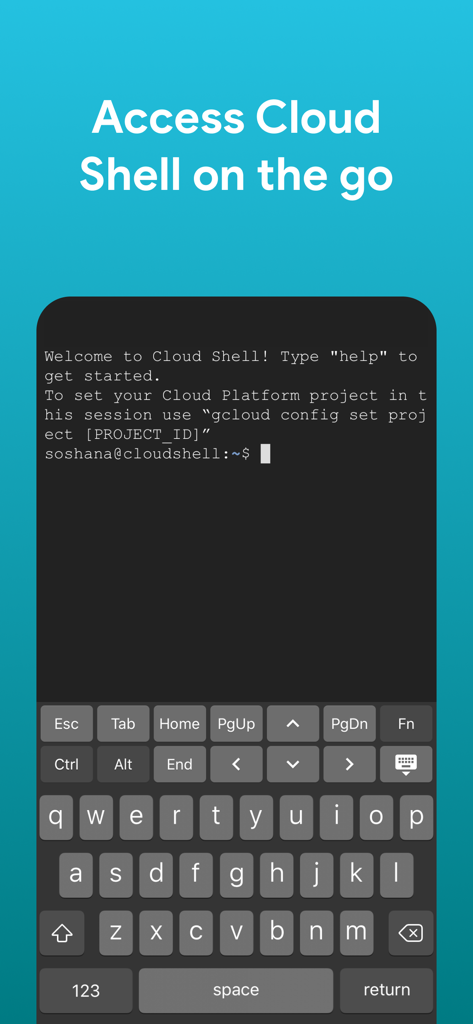
Google Cloud app interface showing Cloud Shell terminal access on a mobile device
Description
Download
More Like This
Apps with similar features and user experience

Toast Now
Toast, Inc.

Microsoft Azure
Microsoft Corporation

Tabby Business
Tabby Technology LTD

Scan-IT to Office
TEC-IT Datenverarbeitung GmbH

Salesforce
salesforce.com
Microsoft 365 Admin
Microsoft Corporation

MISA AMIS
MISA JSC
AWS Console
AMZN Mobile LLC

Power Automate
Microsoft Corporation
This page is not an official page of the app or its developer, but an independent editorial publication created for informational and commentary purposes. Unless expressly stated otherwise, neither the app nor its developer is affiliated with, endorsed by, sponsored by, authorized by, or otherwise officially connected with MWM, Apple, Google Play, the app publisher, or the app's developer, and nothing on this page implies that the app was developed using MWM's services. Any trademarks, logos, screenshots, and other content remain the property of their respective owners.