
This page is not an official page of the app or its developer, but an independent editorial publication created for informational and commentary purposes. Unless expressly stated otherwise, neither the app nor its developer is affiliated with, endorsed by, sponsored by, authorized by, or otherwise officially connected with MWM, Apple, Google Play, the app publisher, or the app's developer, and nothing on this page implies that the app was developed using MWM's services. Any trademarks, logos, screenshots, and other content remain the property of their respective owners.


Google Device Policy
Security isn't a suggestion; it's enforced. The app gives IT total control over device integrity.
Downloads
5M+User Rating
Total Ratings
5.4KPublisher
Category
BusinessLocales
68Latest Version
3.25Size
130.7 MBFirst Released
Nov 22, 2014An analytical overview of key features enabling secure device management and data protection within Google Workspace environments.
Google Device Policy: Core Capabilities for Enterprise Mobility
Security Policy Enforcement
The app enables IT administrators to mandate and enforce corporate security policies directly on user devices, ensuring compliance with organizational standards for data protection and device security.
Enterprise Data Protection
It safeguards sensitive enterprise data stored on user devices by applying security measures defined by IT, reducing the risk of data breaches and unauthorized access.
Managed Device Enrollment
The app facilitates the secure enrollment of devices into the organization's mobile management system, allowing IT administrators to bring employee and company-owned devices under corporate oversight efficiently.
Work Application Provisioning
It enables IT administrators to deploy and manage required work applications on enrolled devices, ensuring employees have immediate access to necessary tools upon device setup.
Frequently Asked Questions
Everything you need to know about Google Device Policy
What is the Google Device Policy app used for?
The Google Device Policy app allows IT Administrators to mandate corporate security policies and keep enterprise data safe on devices. It also enables configuration of corporate Wi-Fi and work apps.
Who is required to use the Google Device Policy app?
Businesses using Google Workspace require users to enroll their device with the Google Device Policy app if their IT Administrator has set up Mobile Management.
Does the Google Device Policy app access or share personal data?
No, your personal data is private. Google and your organization's admin cannot view personal information like messages, browser history, or photos through the Google Device Policy app.
What can an IT Administrator manage using the Google Device Policy app?
IT Administrators can mandate corporate security policies, ensure enterprise data safety, configure corporate Wi-Fi networks, and deploy work apps on enrolled devices using Google Device Policy.
How does Google Device Policy secure corporate data if a device is lost or stolen?
If a device is lost or stolen, an administrator can protect the organization's data by remotely removing access through the Google Device Policy app, ensuring data safety.
Where can users find help for installing or using the Google Device Policy app?
Users can visit the Google support page at https://support.google.com/a/users/answer/3521320 for help with installing, using, or uninstalling the Google Device Policy app.
Can users install work applications directly through the Google Device Policy app?
Yes, the Google Device Policy app allows IT Administrators to configure and recommend work apps that users might require. These apps are listed within the app's 'Apps' section.
How often does the Google Device Policy app sync device security policies?
The Google Device Policy app usually keeps the device in sync automatically. Manual sync is recommended if the device is unreachable for more than 24 hours to update security policies.
The following screenshots and description are sourced directly from the app's official store listing and are the property of the app developer.
App Store
Screenshots
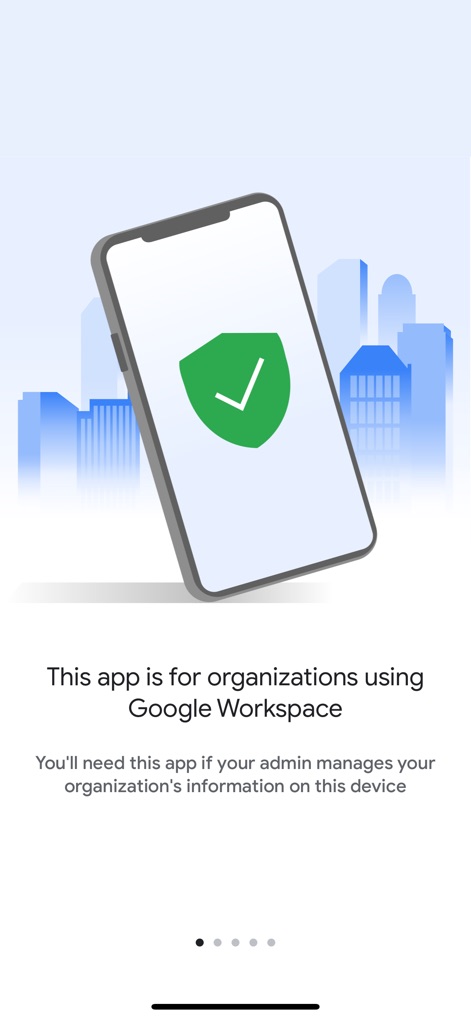
This initial view clearly communicates the app's purpose for Google Workspace users and highlights the security shield icon ensuring device management.
Workspace Integration Essential
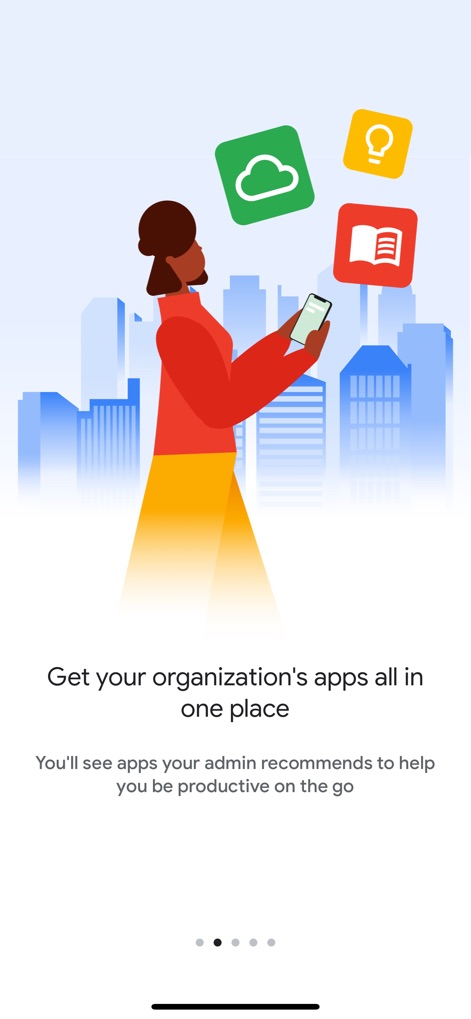
The screenshot showcases a user accessing organizational apps from a single device, emphasizing the streamlined availability of recommended productivity tools and the vibrant app icons.
Centralized App Access
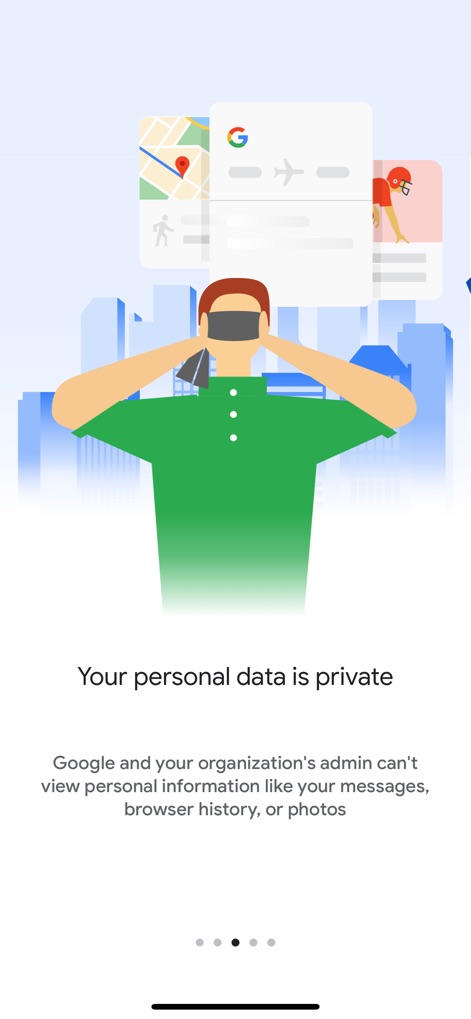
This visual reassures users about data privacy, illustrating that personal information such as messages and browser history remains protected, despite device management.
Personal Data Privacy
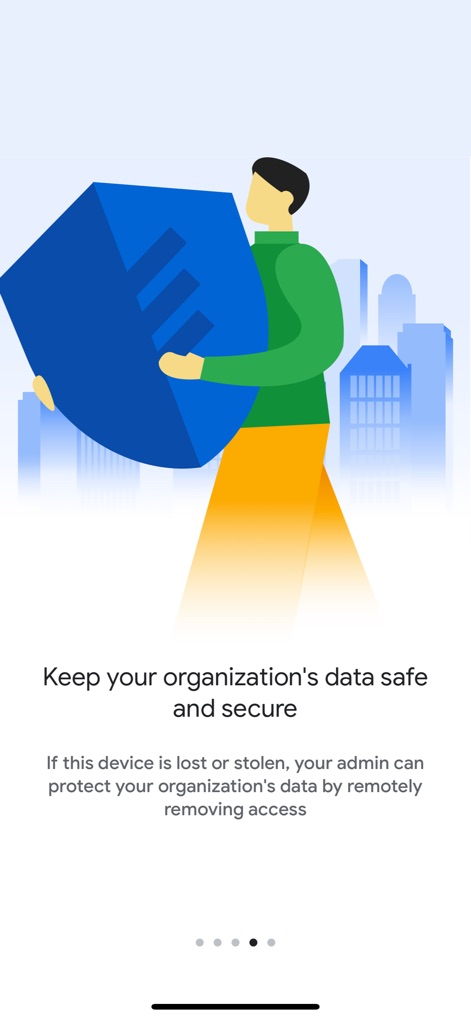
The app's robust security features are depicted through the secure data block and the clear explanation of remote data protection capabilities in case of device loss or theft.
Organizational Data Protection
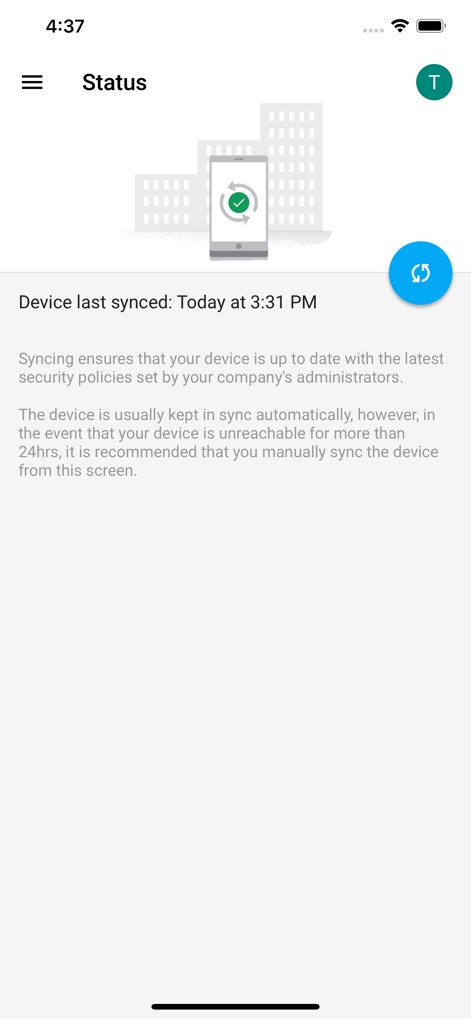
Users can monitor their device's synchronization status and manually trigger a refresh via the dedicated blue circular button to ensure up-to-date security policies.
Device Sync Status
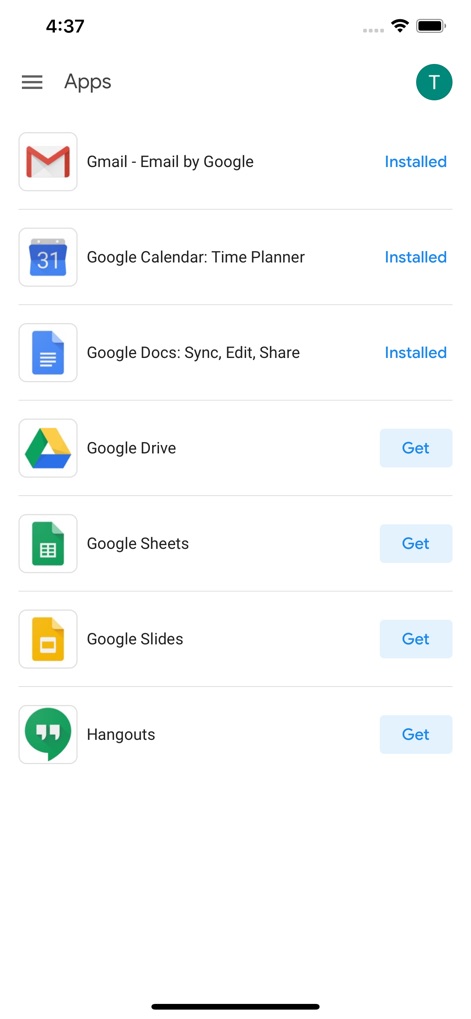
The app presents a curated list of corporate applications, allowing users to easily see which apps are "Installed" and access others with a simple "Get" button.
Corporate App Catalog
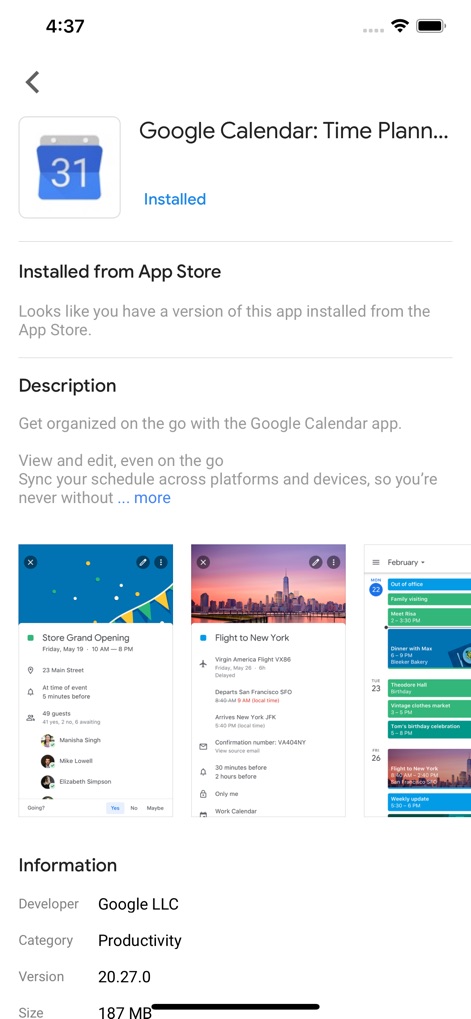
This screen provides comprehensive details about specific applications like Google Calendar, including its description and multiple visual previews of its functionality and interface.
App Details Overview
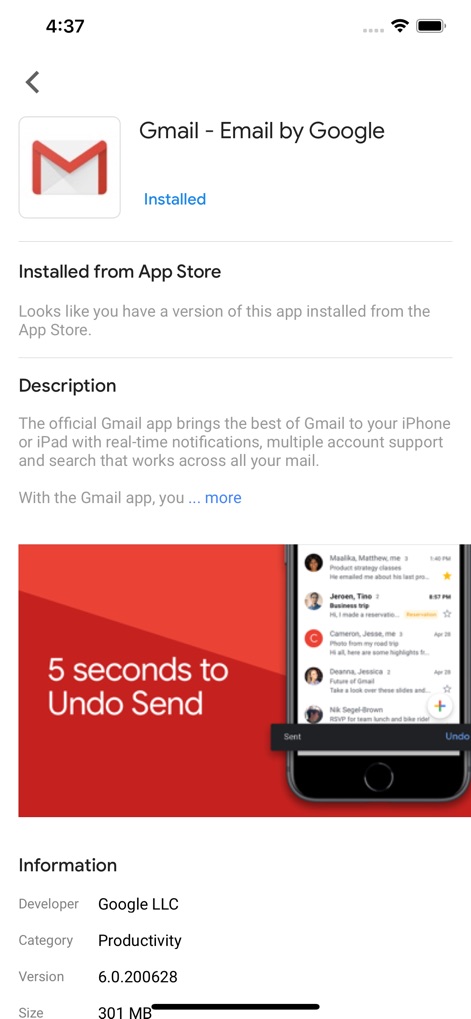
A detailed view of the Gmail app is provided, showcasing its description and a prominent visual feature like the "5 seconds to Undo Send" capability within the inbox interface.
Enhanced App Information
Description
Download
More Like This
Apps with similar features and user experience

Intune Company Portal
Microsoft Corporation

Zoom Workplace for Intune
Zoom Communications, Inc.

Kiosker Pro: Web Kiosk
Top North AB

Intelligent Hub
Wandering WiFi LLC

Kiosk Pro Plus
Kiosk Group, Inc.

Kiosker: Fullscreen Web Kiosk
Top North AB

Kiosk Pro Basic
Kiosk Group, Inc.

Ivanti Mobile@Work™ Client
MobileIron

PIA S5 Control
MARS BROTHERS LIMITED
This page is not an official page of the app or its developer, but an independent editorial publication created for informational and commentary purposes. Unless expressly stated otherwise, neither the app nor its developer is affiliated with, endorsed by, sponsored by, authorized by, or otherwise officially connected with MWM, Apple, Google Play, the app publisher, or the app's developer, and nothing on this page implies that the app was developed using MWM's services. Any trademarks, logos, screenshots, and other content remain the property of their respective owners.