
This page is not an official page of the app or its developer, but an independent editorial publication created for informational and commentary purposes. Unless expressly stated otherwise, neither the app nor its developer is affiliated with, endorsed by, sponsored by, authorized by, or otherwise officially connected with MWM, Apple, Google Play, the app publisher, or the app's developer, and nothing on this page implies that the app was developed using MWM's services. Any trademarks, logos, screenshots, and other content remain the property of their respective owners.


GPX viewer 2
No ads, no bloat—just high-precision offline maps, interactive elevation profiles, and rugged interface modes designed for hikers, cyclists, and off-roaders who demand technical reliability in the wild.
Downloads
360K+User Rating
Total Ratings
100Publisher
Category
NavigationLocales
2Latest Version
2.3.1Size
4.0 MBFirst Released
Jan 4, 2023Built for the Trail, Not the Feed
GPX viewer 2 is a professional-grade navigation toolkit designed for outdoor adventurers who value precision, privacy, and performance over social distractions.
Pro-Grade Offline Mapping
Access high-detail OpenTopoMap, OpenStreetMap, and satellite views. Download maps for reliable navigation in deep wilderness areas and cell dead zones.
Interactive Terrain Insights
Evaluate every climb with interactive elevation profiles, waypoints, and real-time stats. Get precise GPS location, compass, and altitude data at a glance.
Frequently Asked Questions
Everything you need to know about GPX viewer 2
What is GPX viewer 2?
GPX viewer 2 imports and displays GPX tracks on various maps, offering interactive elevation profiles, navigation tools, and weather conditions. It is designed for hikes, bike, or motorcycle trips.
Can GPX viewer 2 display elevation profiles for tracks?
Yes, GPX viewer 2 displays an interactive elevation profile to evaluate track difficulty. It also shows elevation differences, distance, altitudes, and duration.
How can I import GPX files into GPX viewer 2?
Users import GPX files into GPX viewer 2 via file, web link, or from their Fitness app. The app supports single or multiple tracks within files.
Does GPX viewer 2 support offline map usage?
Yes, GPX viewer 2 allows users to download maps for offline use. This ensures access to map data and navigation even without an internet connection.
What types of base maps are available in GPX viewer 2?
GPX viewer 2 provides several base maps: plan, satellite, OpenStreetMap, OpenTopoMap, and Swisstopo. Users can also configure their own custom base maps.
Does GPX viewer 2 include navigation tools?
Yes, GPX viewer 2 includes navigation tools such as a compass, GPS location display, and altitude readings. A speedometer is also available.
Can I customize the appearance of tracks in GPX viewer 2?
Yes, GPX viewer 2 allows customization of track color and size. Users can also choose the colors for waypoint markers.
Is GPX viewer 2 ad-free?
Yes, GPX viewer 2 operates without ads. Any in-app purchases are explicitly labeled as optional tips for additional features.
Can GPX viewer 2 show points of interest along a track?
Yes, GPX viewer 2 displays points of interest along the route. It provides details like name, description, image gallery, and links for each point.
Does GPX viewer 2 provide weather information?
Yes, GPX viewer 2 displays weather conditions specifically at the starting point of the itinerary. This assists users in planning their outdoor activities.
The following screenshots and description are sourced directly from the app's official store listing and are the property of the app developer.
App Store
Screenshots
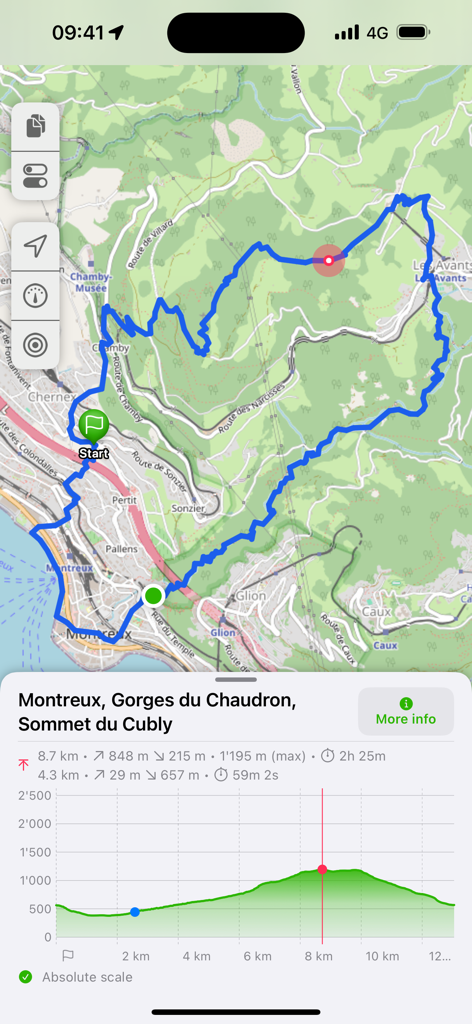
A blue hiking trail on a topographic map with a detailed elevation profile chart in GPX viewer 2
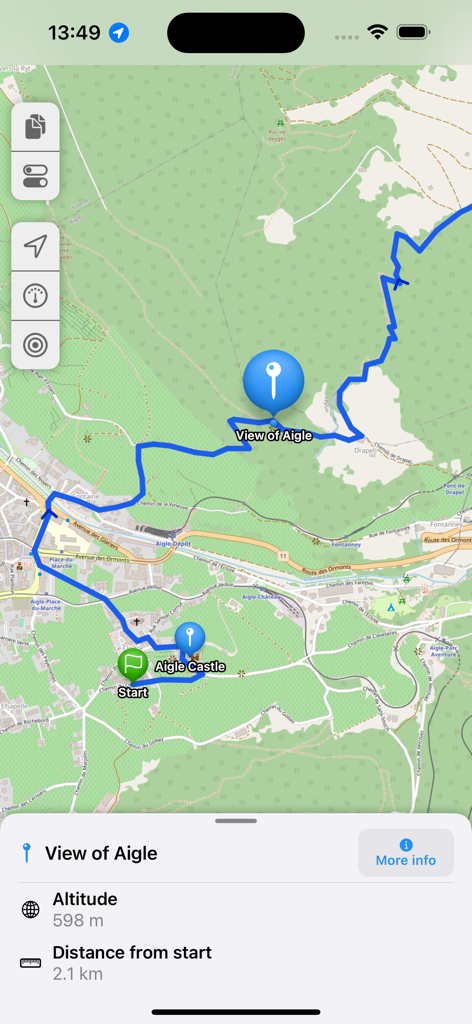
GPX viewer 2 map interface displaying a blue route with a waypoint info panel showing altitude and distance from the start
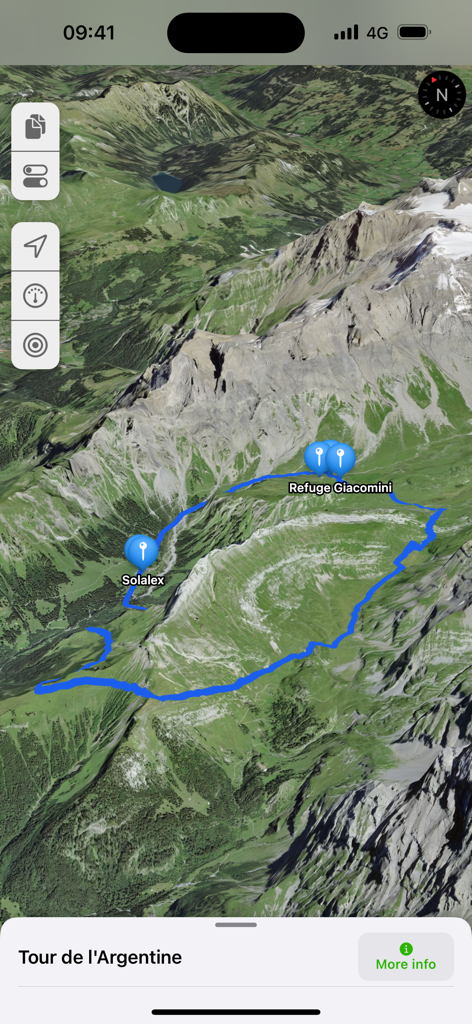
3D satellite map view showing a blue hiking trail in the mountains with waypoint markers for Solalex and Refuge Giacomini
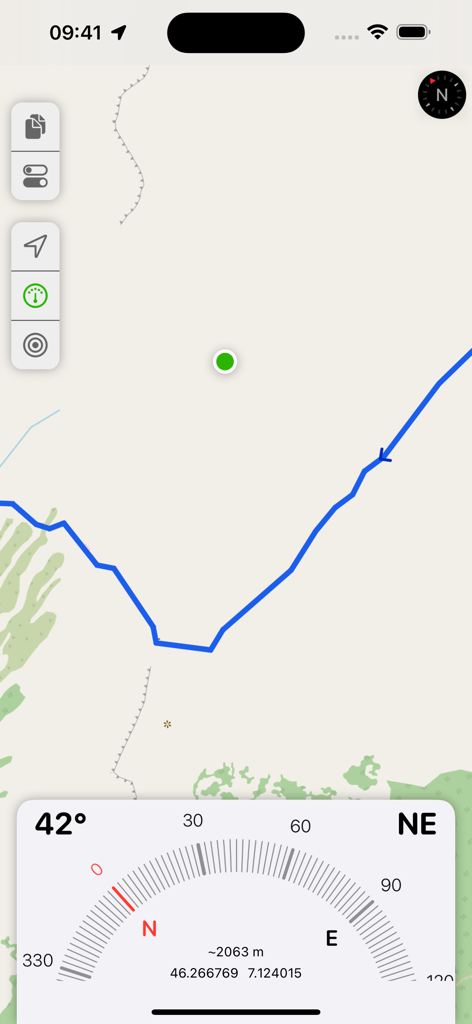
GPX viewer 2 interface showing map navigation and a digital compass with GPS data
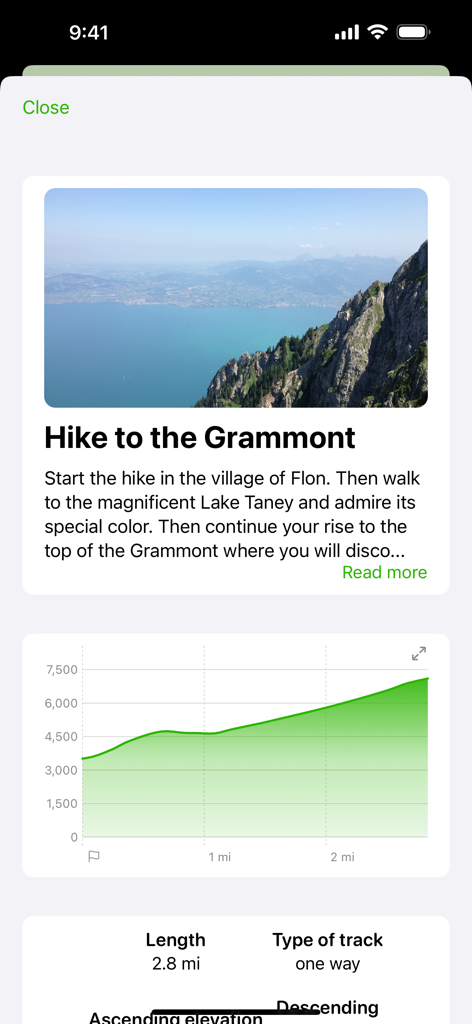
GPX viewer 2 screen displaying Grammont hike description and elevation profile graph
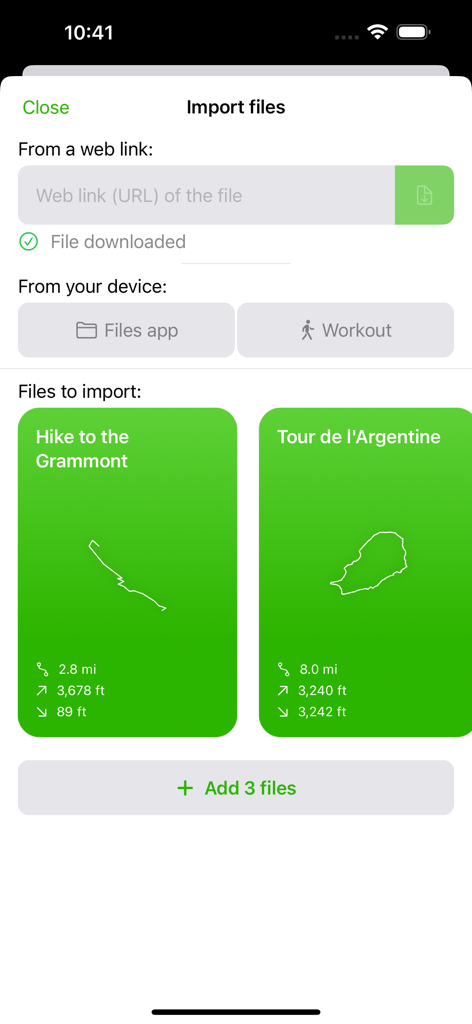
GPX viewer 2 import files screen showing hiking track previews and data sources
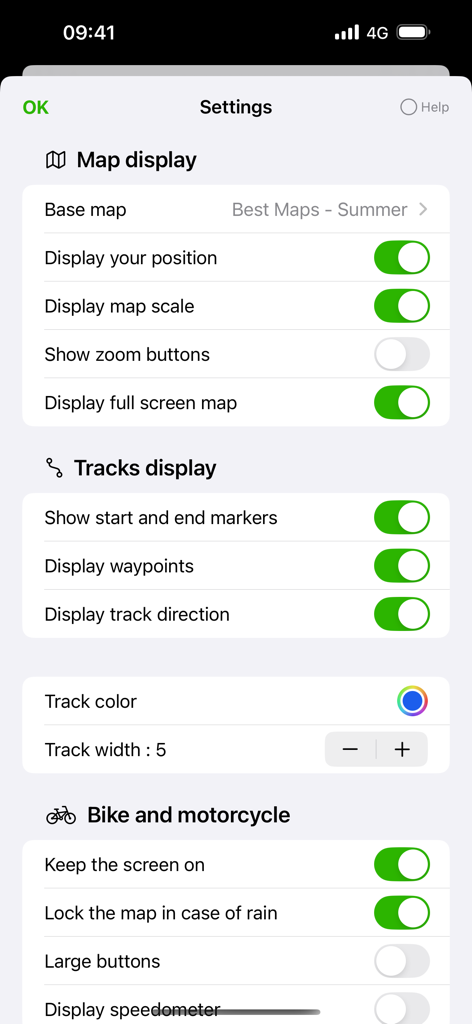
GPX viewer 2 settings menu with map display and motorcycle navigation options.
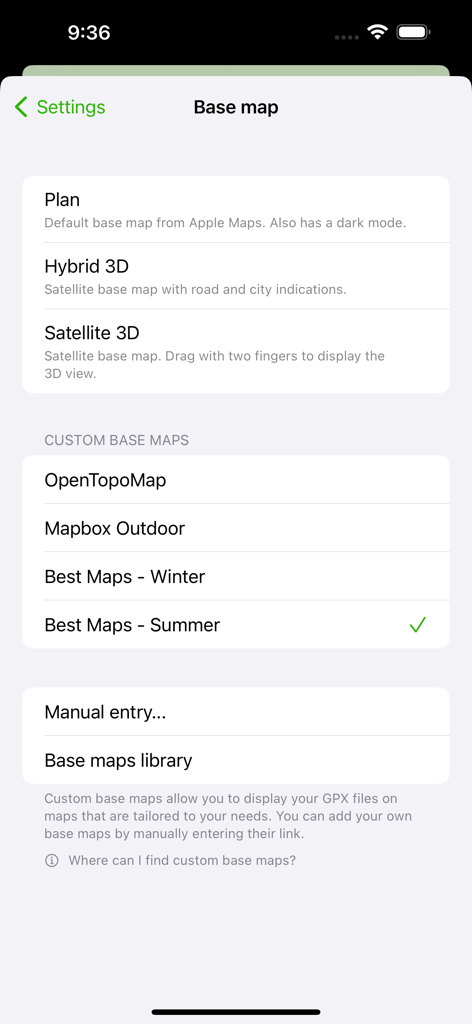
Settings screen for choosing base maps including satellite topographic and custom map options
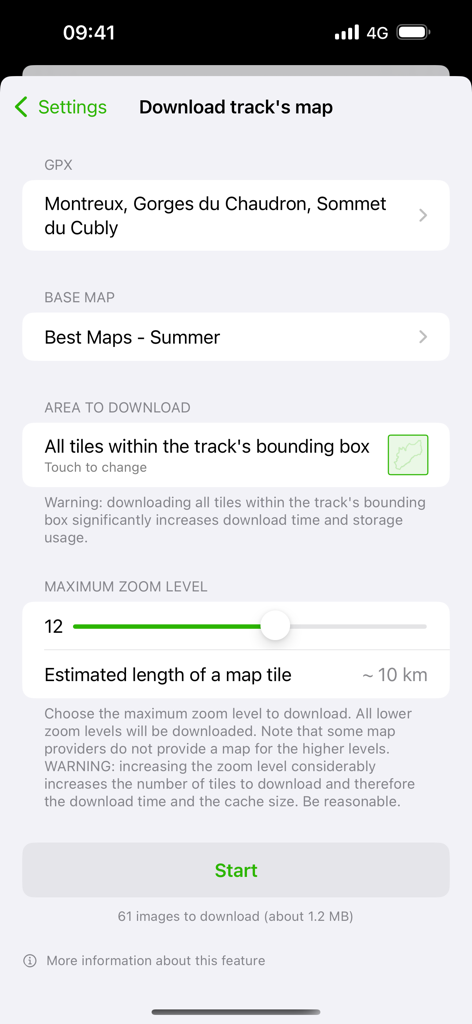
Interface for downloading offline map tiles for a specific GPX track with zoom level and base map settings
Description
Download
More Like This
Apps with similar features and user experience

AllTrails: Hike, Bike & Run
AllTrails, Inc.

Pedometer++
Cross Forward Consulting, LLC

Organic Maps: Offline Map
Organic Maps OU

Gaia GPS: Mobile Trail Maps
Trailbehind, INC.

Offline hiking maps: Mapy.com
Seznam.cz a.s.

Hiking Map Poland
Mapa Turystyczna sp. z o.o.

MapOut
Valnova GmbH

FarOut: Offline GPS Trail Maps
Atlas Guides DE, Inc.

Norgeskart
Norgeskart AS
This page is not an official page of the app or its developer, but an independent editorial publication created for informational and commentary purposes. Unless expressly stated otherwise, neither the app nor its developer is affiliated with, endorsed by, sponsored by, authorized by, or otherwise officially connected with MWM, Apple, Google Play, the app publisher, or the app's developer, and nothing on this page implies that the app was developed using MWM's services. Any trademarks, logos, screenshots, and other content remain the property of their respective owners.