
This page is not an official page of the app or its developer, but an independent editorial publication created for informational and commentary purposes. Unless expressly stated otherwise, neither the app nor its developer is affiliated with, endorsed by, sponsored by, authorized by, or otherwise officially connected with MWM, Apple, Google Play, the app publisher, or the app's developer, and nothing on this page implies that the app was developed using MWM's services. Any trademarks, logos, screenshots, and other content remain the property of their respective owners.


Hearing Remote
Discretely customize your listening experience, access professional remote care, and track your hearing health from the convenience of your smartphone.
Downloads
253K+User Rating
Total Ratings
12K+Publisher
Category
MedicalLocales
39Latest Version
5.3.1Size
197.6 MBFirst Released
Oct 24, 2018Master Your Sound Environment
Empower your hearing journey with intuitive tools designed for your active lifestyle and total peace of mind.
Discreet Personalized Control
Seamlessly adjust volume and programs in real-time, appearing as if you are simply checking a message.
Expert Care from Home
Skip unnecessary clinic trips with remote adjustments sent directly from your hearing professional to your app.
The following screenshots and description are sourced directly from the app's official store listing and are the property of the app developer.
App Store
Screenshots
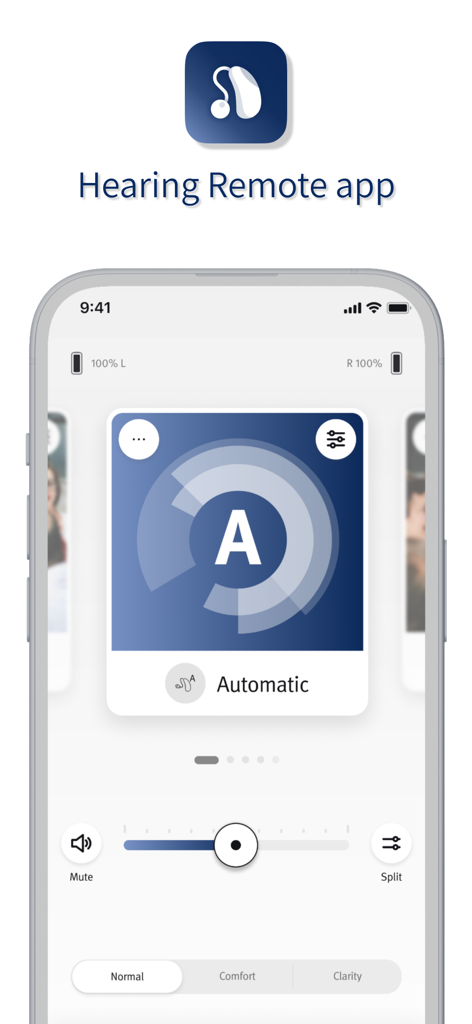
User interface of the Hearing Remote app showing volume slider and automatic sound settings
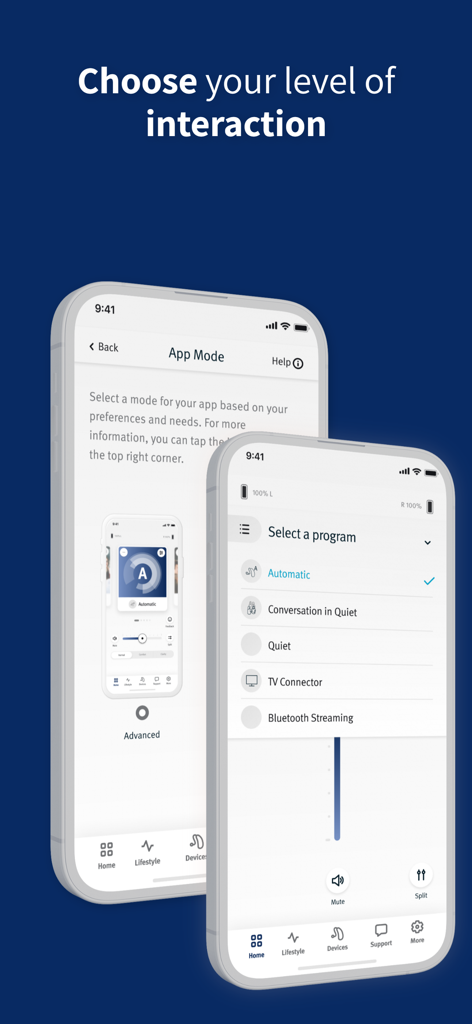
Two smartphone screens displaying the Hearing Remote app interface for choosing interaction levels and selecting specific listening programs like Conversation in Quiet.
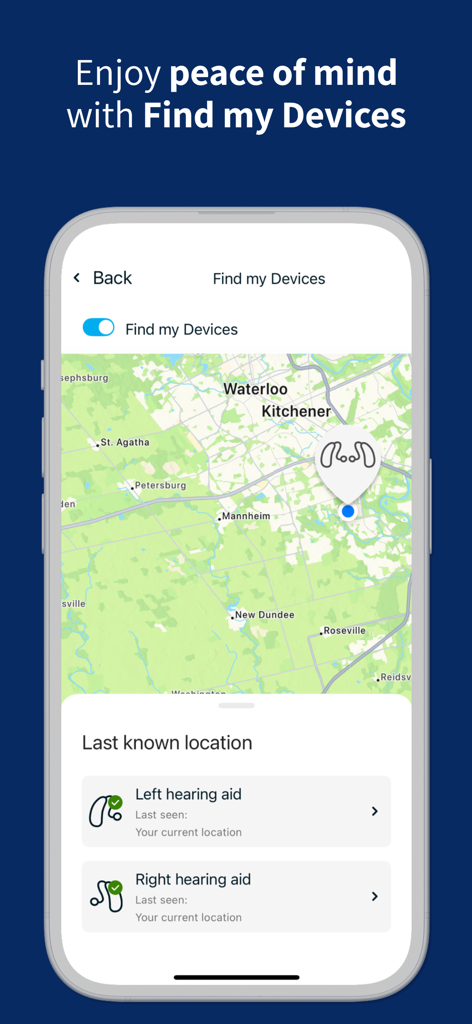
Interface of the Hearing Remote app showing the Find my Devices feature with a map and last known location of hearing aids
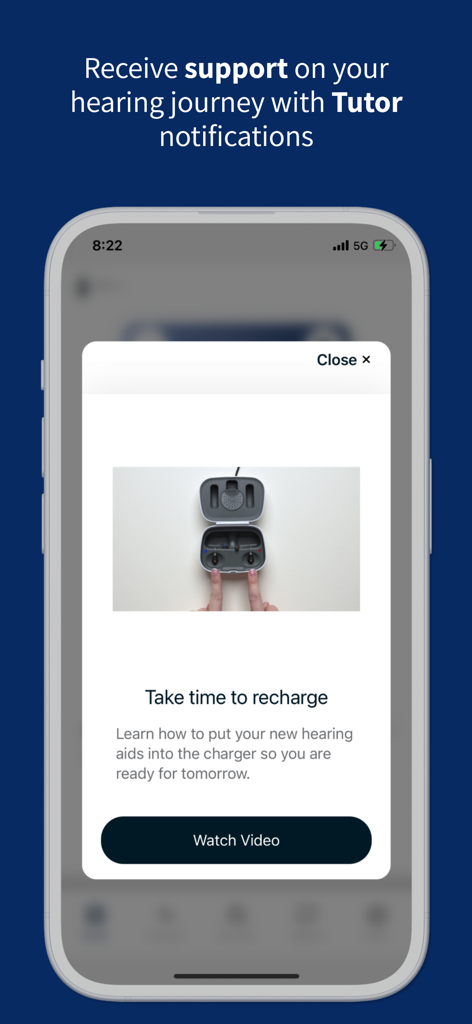
Hearing Remote app Tutor notification explaining how to charge hearing aids
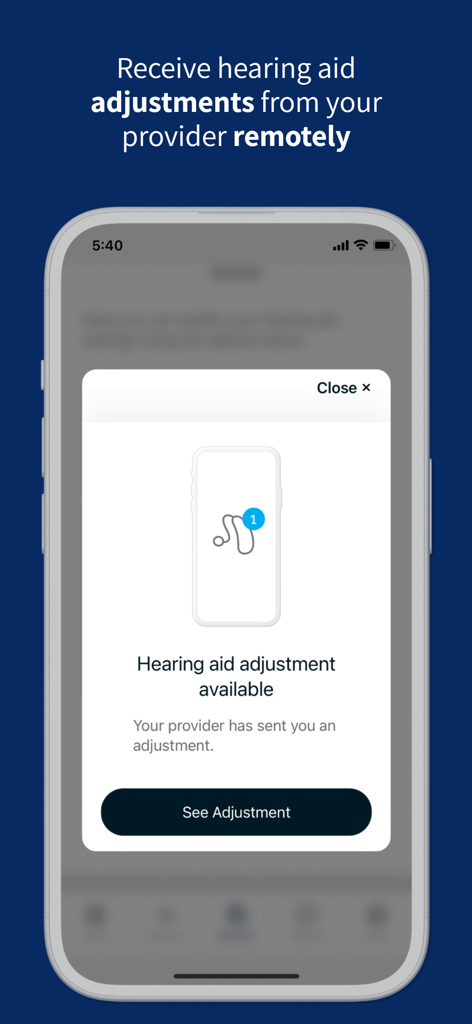
Smartphone screen displaying a remote hearing aid adjustment notification from a healthcare provider in the Hearing Remote app
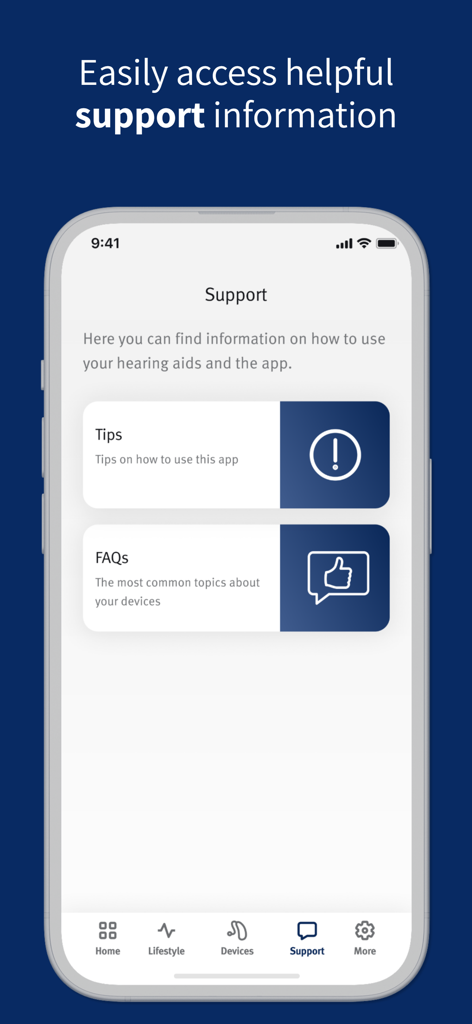
The support screen of the Hearing Remote app displaying sections for tips and frequently asked questions.
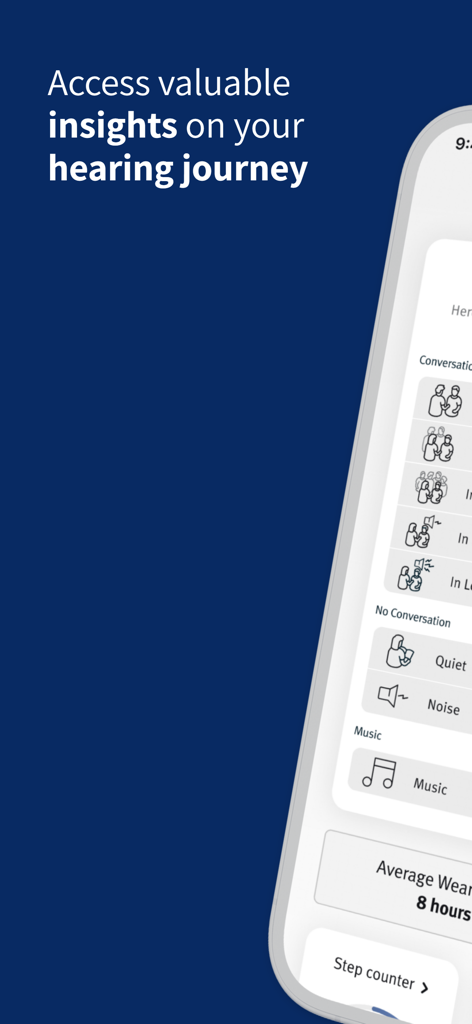
Screenshot of the Hearing Remote app displaying hearing insights including conversation categories and daily activity tracking
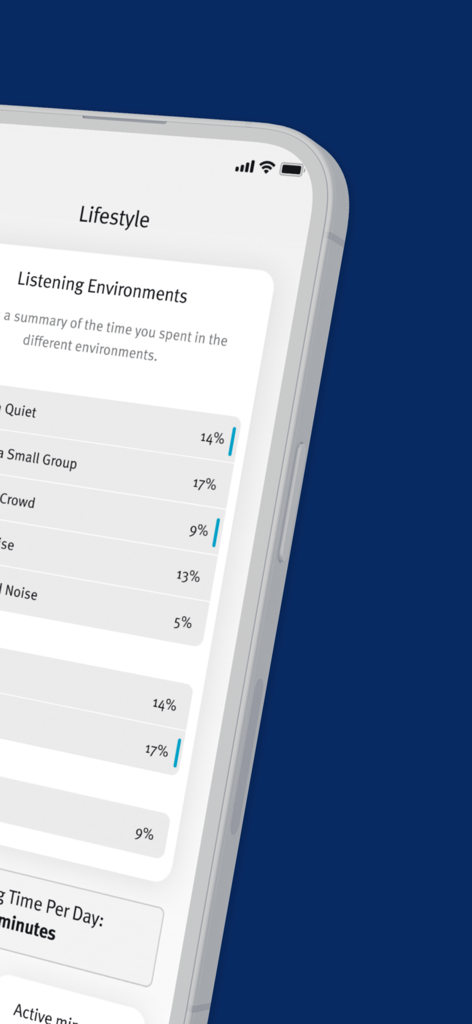
Interface of the Hearing Remote app showing percentages of time spent in different listening environments like quiet rooms and small groups
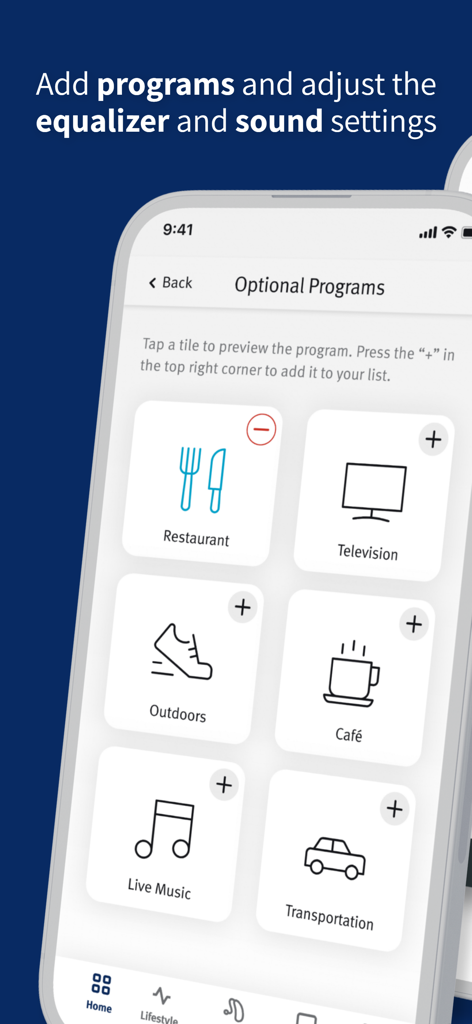
Hearing Remote app screen displaying optional listening programs for environments like restaurants and television.
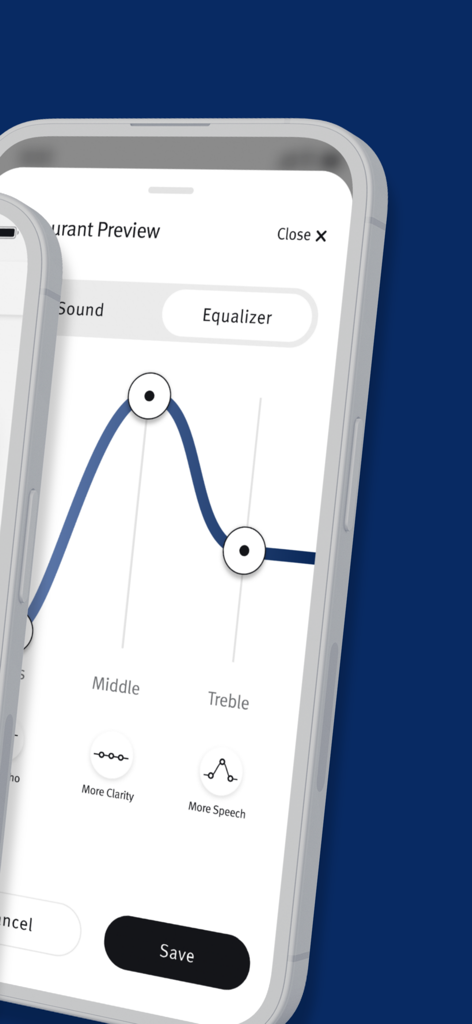
Equalizer screen in the Hearing Remote app to customize hearing aid sound
Description
Download
More Like This
Apps with similar features and user experience

ReSound Smart 3D
GN Resound A/S

Braun IPL app
P&G Productions
Philips HearLink 2
SBO Hearing AS

BeMore – for your hearing aids
GN Hearing Care Corporation
Jabra Enhance Pro
GN Hearing Care Corporation

Miracle-Ear App
Miracle-Ear, Inc.

myPhonak
Sonova AG

Amplifon App
Amplifon S.p.A.

Oticon Companion
Oticon
This page is not an official page of the app or its developer, but an independent editorial publication created for informational and commentary purposes. Unless expressly stated otherwise, neither the app nor its developer is affiliated with, endorsed by, sponsored by, authorized by, or otherwise officially connected with MWM, Apple, Google Play, the app publisher, or the app's developer, and nothing on this page implies that the app was developed using MWM's services. Any trademarks, logos, screenshots, and other content remain the property of their respective owners.