
HeyMelody


Get total control over your OnePlus and OPPO audio gear on your iPhone. Customize touch gestures, manage personalized noise cancellation, and keep your firmware updated for peak performance.
Publisher
Category
UtilitiesDownloads
1M+User Rating
Total Ratings
25K+Locales
17Discover the interface used by 1M+ users.
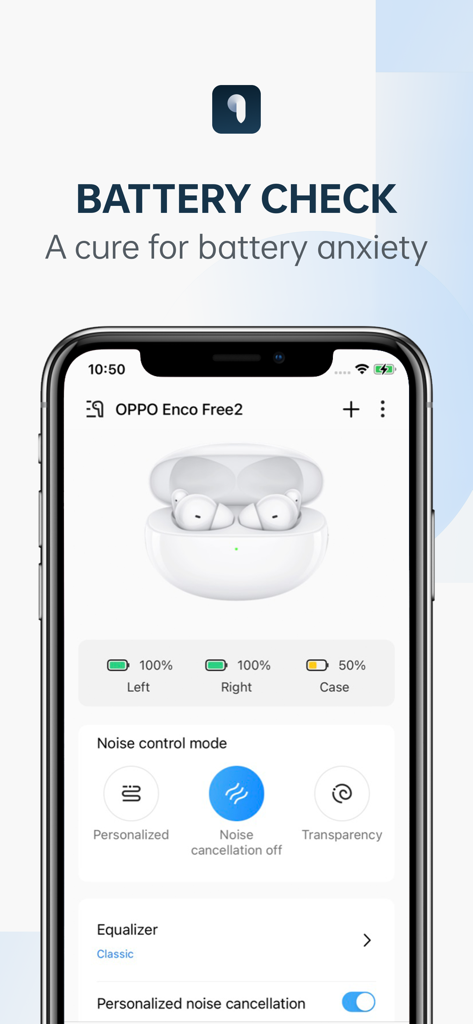
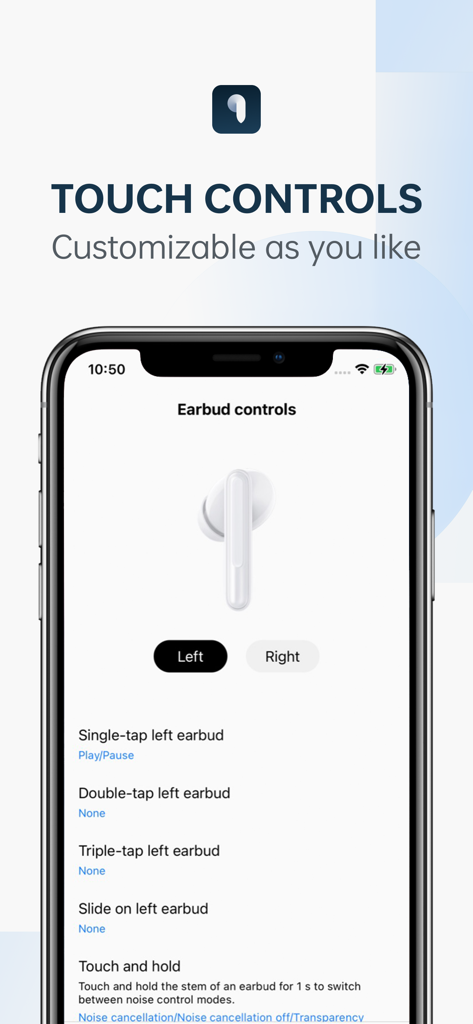
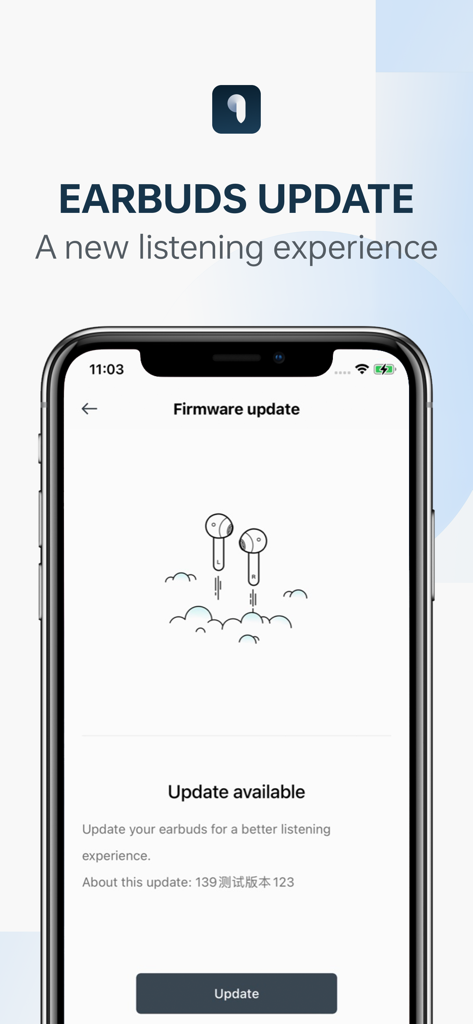
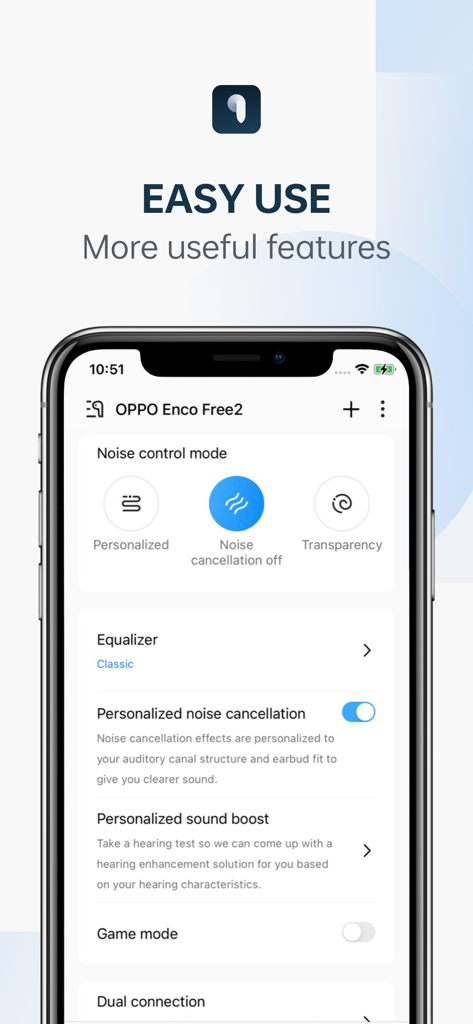
The tools that make this app stand out, trusted by 1M+ users.
Take total command of your hardware. Customize double-tap and triple-tap gestures to trigger the exact actions you need, tailoring your earbuds to your workflow.
Optimize your listening with personalized noise cancellation and sound boost. Fine-tune your audio profile to match your environment and unique hearing preferences.
Never get caught with a dead battery. Monitor precise power levels for both earbuds and the charging case, while keeping your device peak-performing with seamless firmware updates.
Insights from user reviews.
Sentiment Score
Summary
The app receives overwhelmingly negative feedback, primarily due to widespread connectivity and device compatibility issues, especially for popular models like Oppo Enco Buds 2, Oppo Enco Buds 2 Pro, and various OnePlus Nord Buds when used on iOS devices. Many users express frustration that their headphones are explicitly listed as supported by Oppo, yet fail to connect or be recognized by the app. While some users appreciate features like Active Noise Cancellation, common requests include better transparency mode tuning, more equalizer options, iOS widgets, and improved overall reliability. The persistent connection problems and limited device support are major drawbacks for users.
Common Themes
Everything you need to know about HeyMelody.
Description
Latest Version
2.22.0
Size
61.3 MB
First Released
Jul 6, 2021
Take total control of your audio experience with personalized ANC, custom touch commands, and instant firmware updates—all on your iPhone.
Everything you need to know about HeyMelody
The HeyMelody app displays the battery levels for your left earbud, right earbud, and charging case. This feature provides real-time monitoring of your connected earbuds' power status.
Yes, the HeyMelody app allows customization of earbud controls. Users configure actions for single-tap, double-tap, triple-tap, slide, and touch-and-hold gestures on both left and right earbuds.
Yes, the HeyMelody app supports firmware updates for connected earbuds. The app identifies available updates and facilitates the installation process, enhancing earbud performance and features.
Yes, the HeyMelody app offers "Personalized noise cancellation" and "Personalized sound boost" features for specific supported earbuds. These tailor the audio experience to user preferences.
The HeyMelody app is compatible with OPPO Enco X2, OPPO Enco Free2, OPPO Enco Free2i, OPPO Enco Air2 Pro, OPPO Enco Air, OPPO Enco R Pro, OPPO Enco Play, OnePlus Buds Pro, and OnePlus Buds Z2.
The HeyMelody app offers "Personalized," "Noise cancellation off," and "Transparency" noise control modes for connected earbuds. Users manage their audio environment directly within the app.
Apps with similar features and user experience

Bose Corporation

Marshall Group AB (publ)

Harman International Industries

Bose Corporation

Bose Corporation

Harman International Industries

Power Mobile Life LLC

Harman International Industries

Beijing Xiaomi Co., Ltd
App information, icons, screenshots, and descriptions displayed on this page are sourced from the Apple App Store and are the property of their respective developers. Download estimates and rankings are based on MWM's proprietary models and may not reflect actual figures. This page is provided for informational and analytical purposes only.
Believe this page infringes your intellectual property? File a dispute