
This page is not an official page of the app or its developer, but an independent editorial publication created for informational and commentary purposes. Unless expressly stated otherwise, neither the app nor its developer is affiliated with, endorsed by, sponsored by, authorized by, or otherwise officially connected with MWM, Apple, Google Play, the app publisher, or the app's developer, and nothing on this page implies that the app was developed using MWM's services. Any trademarks, logos, screenshots, and other content remain the property of their respective owners.


JBL Portable
Generic sound profiles are a relic. The app grants users total command, transforming JBL speakers into personalized audio powerhouses for any setting.
Downloads
12.5M+User Rating
Total Ratings
239.9KPublisher
Category
MusicLocales
11Latest Version
6.9.12Size
155.9 MBFirst Released
Jun 24, 2015JBL Portable App: Core Functionality and User Experience Analysis
A deep dive into essential features for enhanced audio control and personalization.
Speaker Pairing (Stereo/Party Mode)
The app allows users to connect compatible JBL portable speakers for stereo sound amplification or to enable Party mode for a larger, synchronized audio experience, ideal for social gatherings.
Speaker Personalization & Control
This tool features comprehensive controls that enable users to personalize their speaker settings directly from the app, tailoring their audio experience to their preferences with ease and convenience.
Frequently Asked Questions
Everything you need to know about JBL Portable
What is the JBL Portable app used for?
The JBL Portable app is used to get the most out of your JBL portable speakers. It unlocks additional features, allows personalization and control, and provides software updates and product support for compatible speakers.
Which JBL speakers are compatible with the JBL Portable app?
The JBL Portable app is compatible with numerous speakers, including Clip 5, Go 4, Grip, Flip series (7, 6, 5, 4, 3), Charge series (6, 5, 4, 3), Pulse series (5, 4, 3, 2), Tuner 3, Xtreme series (4, 3, 2), and Boombox series (4, 3, 2).
Can I connect multiple JBL speakers using the JBL Portable app?
Yes, the JBL Portable app allows connection to compatible JBL portable speakers for Stereo Grouping to amplify sound or Party mode for a bigger party experience.
How can I personalize my JBL speaker with the JBL Portable app?
Yes, the JBL Portable app enables personalization and control of your speaker directly from the app. This includes managing speaker connections, adjusting the equalizer, and customizing light shows for models like the JBL Pulse 5.
Does the JBL Portable app allow for speaker equalization?
Yes, the JBL Portable app provides an equalizer function. Users can adjust sound profiles using presets like JBL Signature, Chill, or Energetic, and further fine-tune the audio for compatible speakers.
Can I update my JBL speaker's software through the JBL Portable app?
Yes, the JBL Portable app provides additional software updates and product support directly through the application. This ensures your JBL speaker remains up-to-date with the latest features.
What was the previous name of the JBL Portable app?
The JBL Portable app was formerly known as the JBL Connect App. This information is displayed on the app's initial branding screen.
Can I customize the light show on my JBL Pulse speaker with the JBL Portable app?
Yes, the JBL Portable app allows users to customize the Pulse light show for compatible speakers, such as the JBL Pulse 5. Options include different light show modes like Party or Spiritual.
The following screenshots and description are sourced directly from the app's official store listing and are the property of the app developer.
App Store
Screenshots
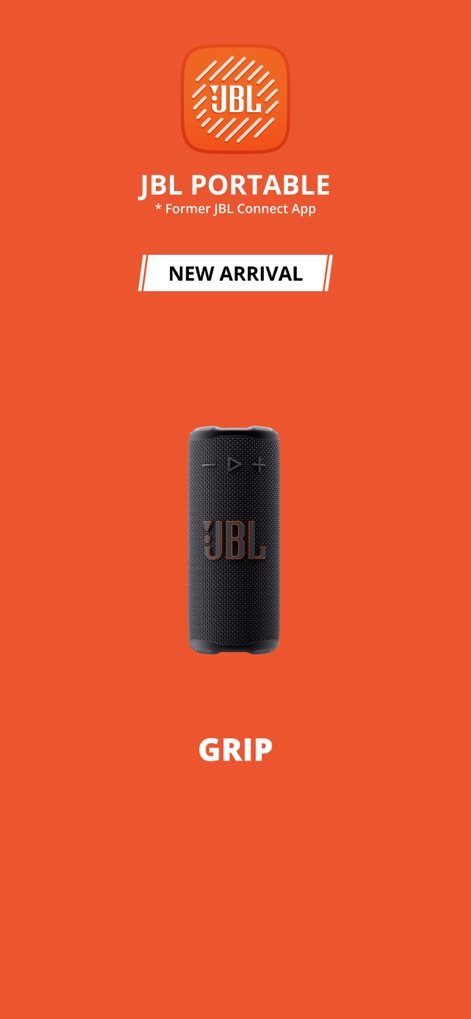
App Launch Showcase
This initial screen presents the vibrant JBL Portable app branding and highlights the arrival of the new JBL Grip speaker.
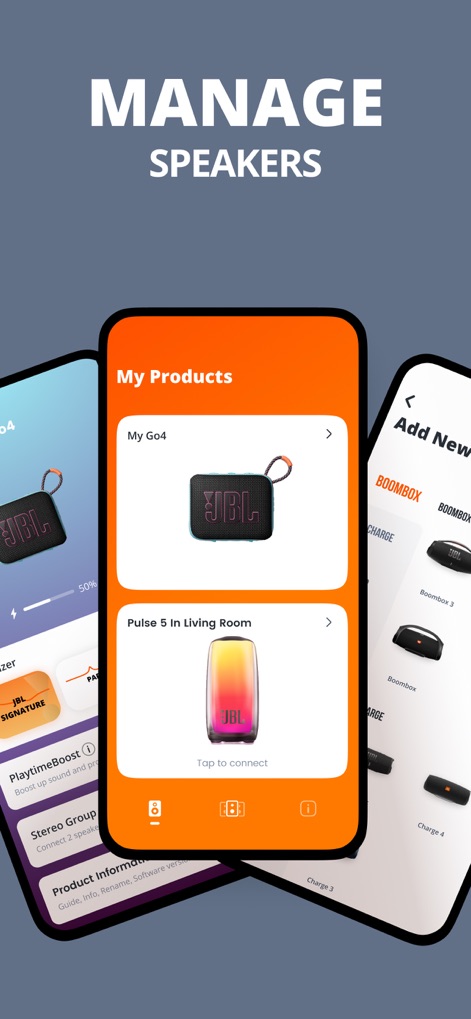
Speaker Management Hub
The app offers a centralized 'My Products' view for connected devices like the Go4, and an intuitive interface to 'Add New' JBL speakers.
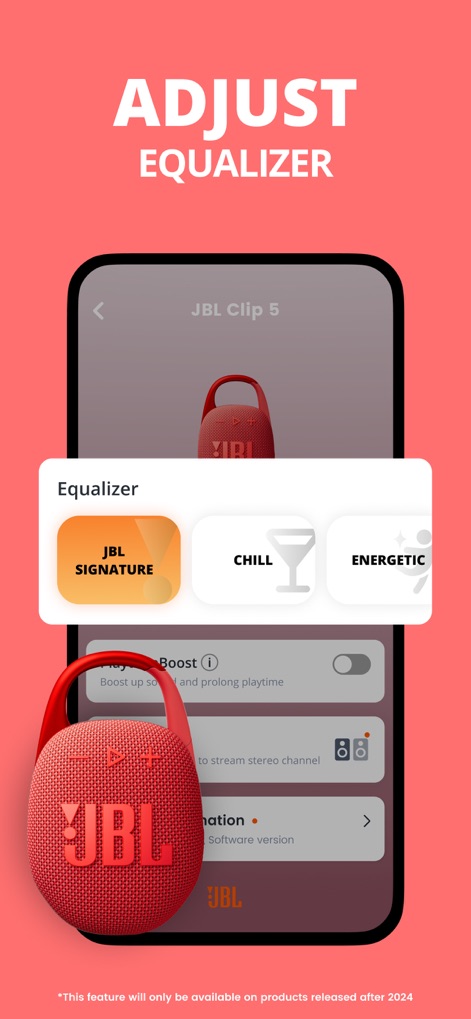
Precision Audio Control
Users can fine-tune their audio experience using the Equalizer presets, including 'JBL SIGNATURE', and activate features like 'PlaytimeBoost' for extended listening.
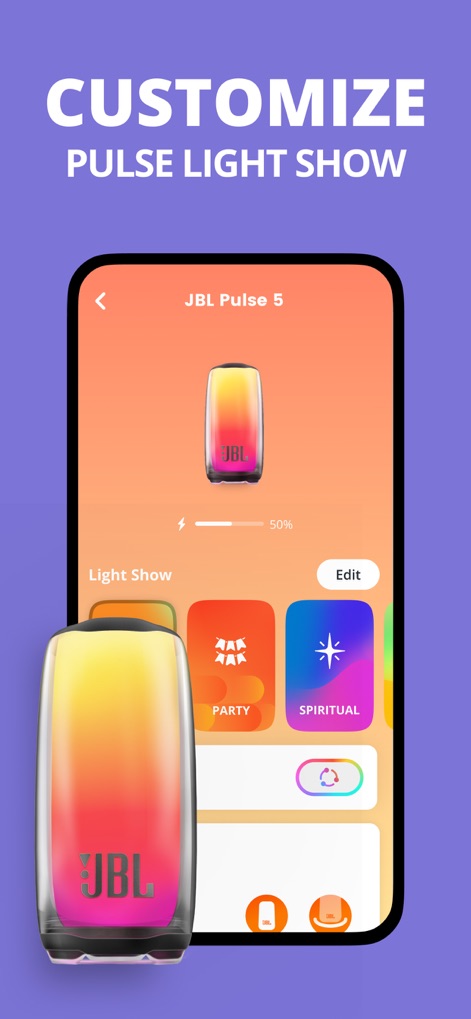
Dynamic Light Customization
This tool empowers users to personalize the visual experience of their Pulse 5 speaker with dynamic 'Light Show' modes such as 'PARTY' and 'SPIRITUAL'.
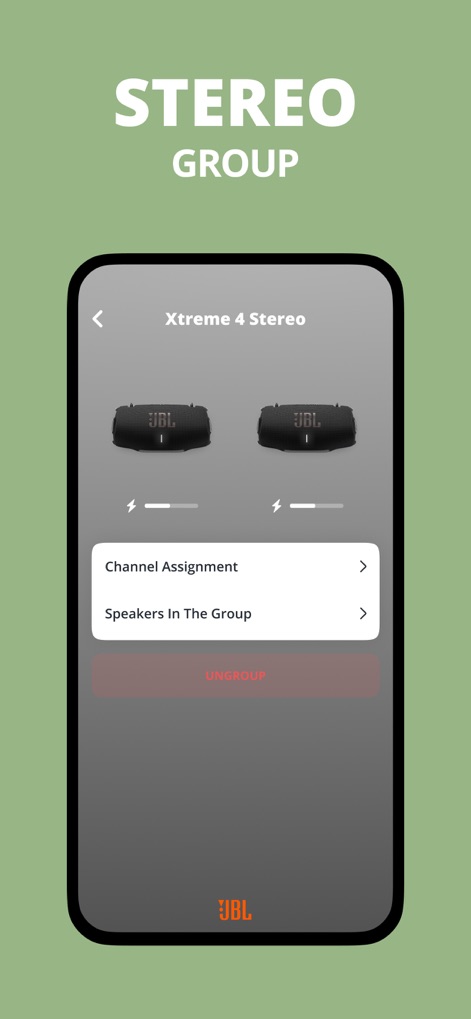
Stereo Sound Setup
The app facilitates advanced audio setups, allowing users to configure 'Channel Assignment' and manage 'Speakers In The Group' for a true stereo experience.
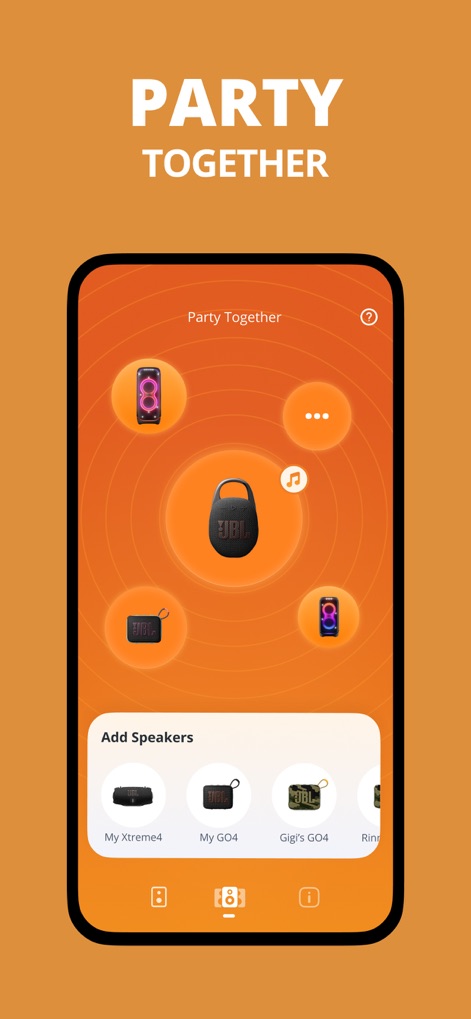
Multi-Speaker Party
Experience amplified sound by connecting multiple speakers, easily adding new devices like the Xtreme4 and GO4 to the 'Party Together' network.
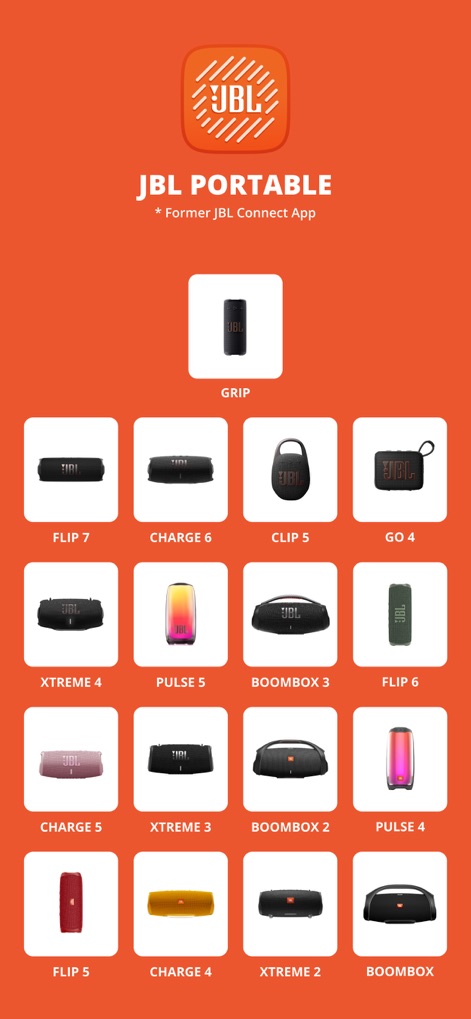
Supported Devices Gallery
Discover the extensive range of compatible JBL portable speakers, from the compact Clip 5 to powerful Boombox models, all controllable via the app.
Description
Download
More Like This
Apps with similar features and user experience

Bose
Bose Corporation

Marshall Bluetooth
Marshall Group AB (publ)

JBL PartyBox
Harman International Industries

Bose Connect
Bose Corporation

Bose QC Earbuds
Bose Corporation

JBL Headphones
Harman International Industries

soundcore
Power Mobile Life LLC

Xiaomi Earbuds
Beijing Xiaomi Co., Ltd

Shokz
Shenzhen Shokz Co., Ltd.
This page is not an official page of the app or its developer, but an independent editorial publication created for informational and commentary purposes. Unless expressly stated otherwise, neither the app nor its developer is affiliated with, endorsed by, sponsored by, authorized by, or otherwise officially connected with MWM, Apple, Google Play, the app publisher, or the app's developer, and nothing on this page implies that the app was developed using MWM's services. Any trademarks, logos, screenshots, and other content remain the property of their respective owners.