
This page is not an official page of the app or its developer, but an independent editorial publication created for informational and commentary purposes. Unless expressly stated otherwise, neither the app nor its developer is affiliated with, endorsed by, sponsored by, authorized by, or otherwise officially connected with MWM, Apple, Google Play, the app publisher, or the app's developer, and nothing on this page implies that the app was developed using MWM's services. Any trademarks, logos, screenshots, and other content remain the property of their respective owners.


Shokz
The essential command center to customize your sound, manage multipoint pairing, and keep your gear optimized for every mile and meeting.
Downloads
3M+User Rating
Total Ratings
78K+Publisher
Category
MusicLocales
13Latest Version
5.7.0Size
87.6 MBFirst Released
Dec 1, 2021Master Your Listening Experience
Unlock the full potential of your Shokz headphones with precision tools designed to keep you safe, connected, and in control of your sound.
Precision Audio Tuning
Customize your EQ settings to boost bass for your toughest runs or enhance vocal clarity for your favorite podcasts and audiobooks.
Effortless Dual Pairing
Connect to your laptop and phone simultaneously to switch seamlessly between professional Zoom calls and your workout soundtrack.
Frequently Asked Questions
Everything you need to know about Shokz
What are the main functions of the Shokz app?
The Shokz app enhances control and features for Shokz headphones, including sound customization, programmable buttons, multipoint pairing, firmware updates, and access to headphone information.
Which Shokz headphone models does the Shokz app support?
The Shokz app is compatible with OpenRun Pro, OpenFit, OpenFit Air, OpenSwim Pro, OpenRun Pro 2, OpenFit 2, OpenMeet, OpenDots ONE, OpenFit 2+, and OpenFit Pro headphone models.
Can users customize sound settings within the Shokz app?
Yes, the Shokz app allows users to switch between built-in sound modes and personalize their audio experience with a customizable equalizer.
Does the Shokz app offer programmable buttons for Shokz headphones?
Yes, the Shokz app enables users to assign specific functions to the touch buttons on their headphones for convenient access to frequently used controls.
Does the Shokz app support multipoint pairing for headphones?
Yes, the Shokz app provides effortless multipoint pairing, allowing one pair of Shokz headphones to connect simultaneously to two different Bluetooth devices.
Can I update my Shokz headphone firmware through the app?
Yes, the Shokz app facilitates firmware upgrades, ensuring Shokz headphones remain in optimal condition and provide the best user experience.
What playback features are available in the Shokz app?
The Shokz app includes playback controls to adjust volume, pause/play music, skip songs, and select various playback modes directly from the app interface.
Can I check my Shokz headphones' battery level using the app?
Yes, the Shokz app provides access to important headphone information, including battery status, the user manual, and the device's serial number.
Does the Shokz app support playing local audio files?
Yes, the Shokz app features a "Local Audio Selection" function, allowing users to browse and play audio files stored locally, such as songs and audio novels.
Can I sync audio content to my Shokz headphones using the app?
Yes, the Shokz app includes a "Real-Time Audio Sync" feature, enabling users to synchronize audio files to their Shokz headphones with a progress indicator.
The following screenshots and description are sourced directly from the app's official store listing and are the property of the app developer.
App Store
Screenshots
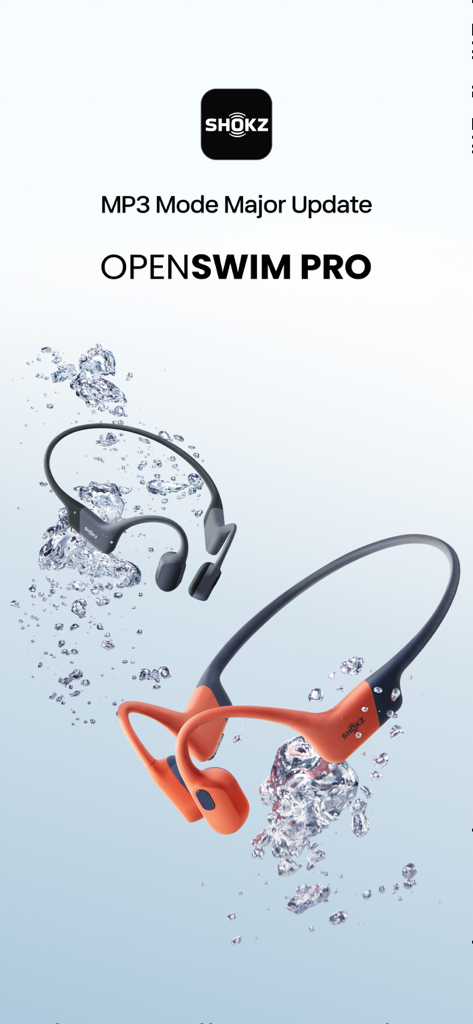
Shokz OpenSwim Pro bone conduction headphones submerged in water bubbles
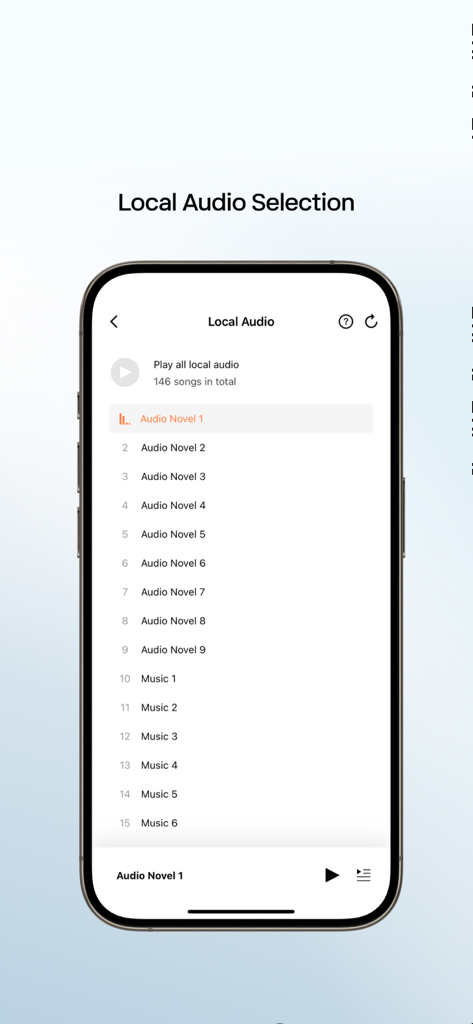
Shokz app interface displaying the local audio selection screen with a list of songs and audiobooks.
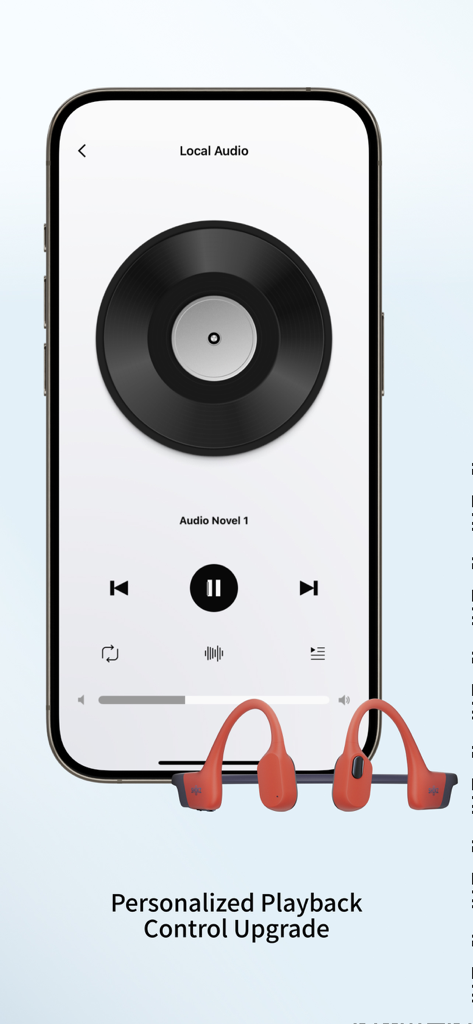
Shokz app interface showing local audio playback controls with a pair of bone conduction headphones
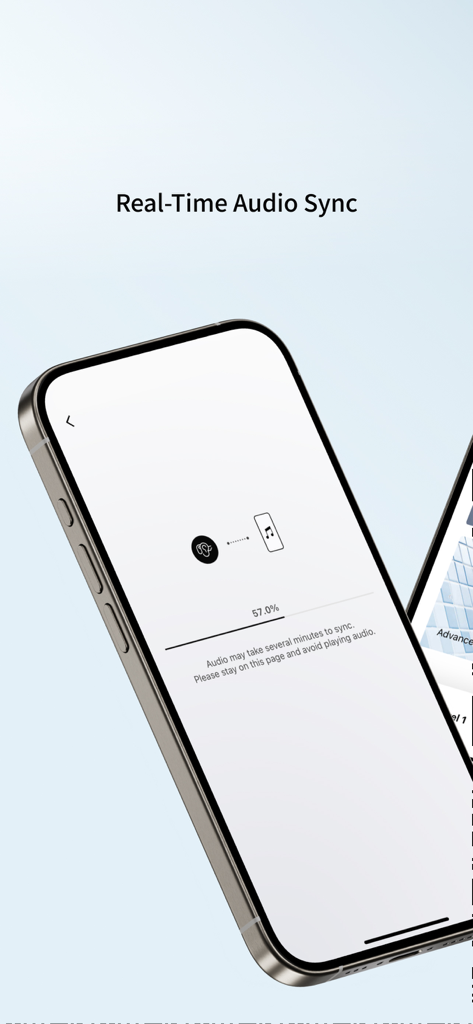
Smartphone screen showing the Shokz app real-time audio synchronization progress bar at 57 percent.
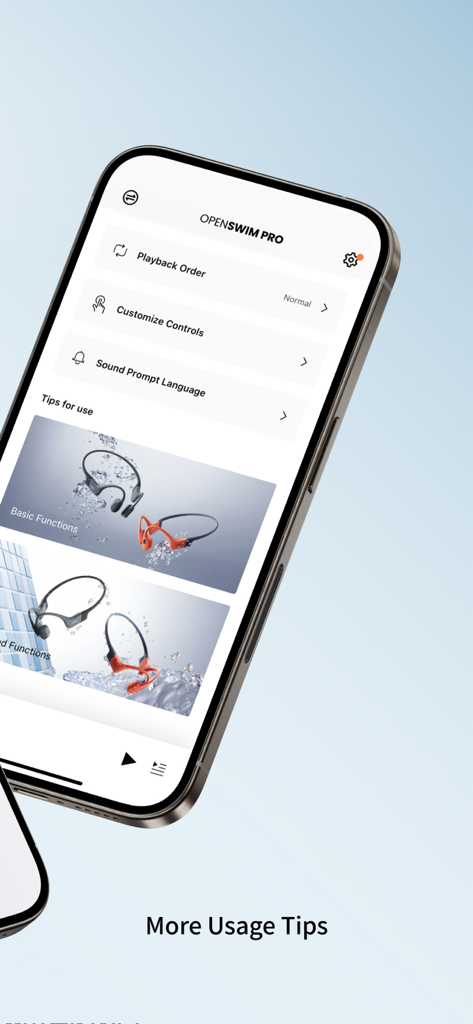
The Shokz app interface displaying settings and usage tips for the OpenSwim Pro bone conduction headphones.
Description
Download
More Like This
Apps with similar features and user experience

Bose
Bose Corporation

Marshall Bluetooth
Marshall Group AB (publ)

JBL PartyBox
Harman International Industries

Bose Connect
Bose Corporation

Bose QC Earbuds
Bose Corporation

JBL Headphones
Harman International Industries

soundcore
Power Mobile Life LLC

JBL Portable
Harman International Industries

Xiaomi Earbuds
Beijing Xiaomi Co., Ltd
This page is not an official page of the app or its developer, but an independent editorial publication created for informational and commentary purposes. Unless expressly stated otherwise, neither the app nor its developer is affiliated with, endorsed by, sponsored by, authorized by, or otherwise officially connected with MWM, Apple, Google Play, the app publisher, or the app's developer, and nothing on this page implies that the app was developed using MWM's services. Any trademarks, logos, screenshots, and other content remain the property of their respective owners.