
This page is not an official page of the app or its developer, but an independent editorial publication created for informational and commentary purposes. Unless expressly stated otherwise, neither the app nor its developer is affiliated with, endorsed by, sponsored by, authorized by, or otherwise officially connected with MWM, Apple, Google Play, the app publisher, or the app's developer, and nothing on this page implies that the app was developed using MWM's services. Any trademarks, logos, screenshots, and other content remain the property of their respective owners.


HTML & HTML5 Editor
Master the web on the go with desktop-grade features like code intelligence, live previews, and advanced file management—designed for students and professionals alike.
Downloads
280K+User Rating
Total Ratings
200Publisher
Category
UtilitiesLocales
11Latest Version
1.4.2Size
24.3 MBFirst Released
Mar 19, 2016Coding Power in Your Pocket
Whether you're a student learning the ropes or a pro fixing code on the fly, our editor provides the desktop-grade tools you need on iOS.
Intelligent Code Completion
Write cleaner code faster with syntax coloring and smart suggestions that feel just like your favorite desktop IDE.
Live Preview & Testing
Instantly visualize your changes with the built-in browser preview, making it perfect for on-the-go debugging and learning.
Frequently Asked Questions
Everything you need to know about HTML & HTML5 Editor
Does HTML & HTML5 Editor support HTML code coloring?
Yes, HTML & HTML5 Editor supports HTML code coloring. It also includes intelligence sensing and auto-completion for HTML code.
Can users preview HTML files in HTML & HTML5 Editor?
Yes, HTML & HTML5 Editor supports an HTML file preview function. This allows users to view their HTML work directly within the app.
What file management capabilities does HTML & HTML5 Editor offer?
HTML & HTML5 Editor facilitates efficient file management. Users can sort, view, copy, move, delete, rename, email, zip, and unzip files/folders.
What file types can be created with HTML & HTML5 Editor?
HTML & HTML5 Editor allows users to create various file types including HTML, SHTML, CSS, XML, PHP, JS, JSON, ASPX, ASP, and TXT files.
Does HTML & HTML5 Editor have an undo function and file backup?
Yes, HTML & HTML5 Editor supports both redo and undo functions. It automatically backs up files when editing a text file, ensuring data safety.
How can files be transferred to and from HTML & HTML5 Editor?
HTML & HTML5 Editor supports file transfer via Wi-Fi and iTunes file sharing. Users can also email multiple files and folders directly from the app.
Is HTML & HTML5 Editor compatible with iPad and does it support landscape mode?
Yes, HTML & HTML5 Editor is iPad-compatible. It also supports landscape mode, providing flexible viewing and editing options for users.
The following screenshots and description are sourced directly from the app's official store listing and are the property of the app developer.
App Store
Screenshots
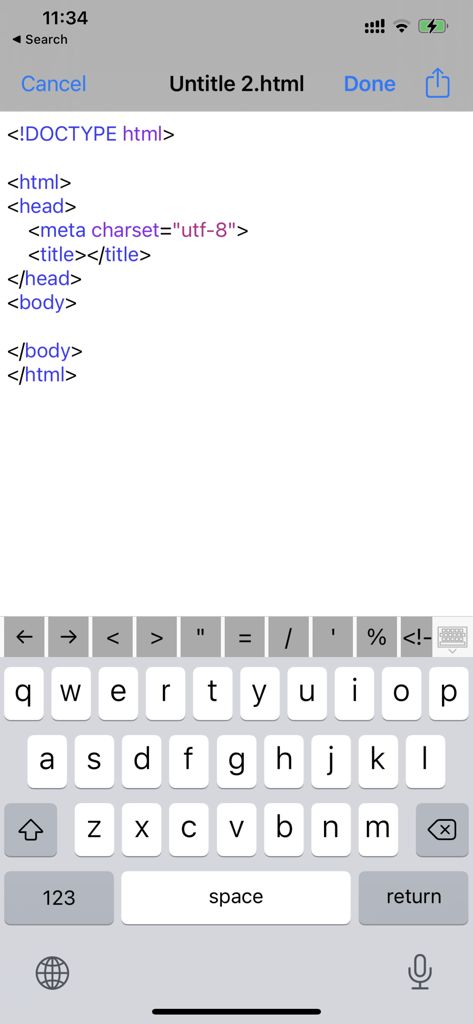
A mobile HTML editor interface showing basic code structure and a specialized keyboard with coding symbols on an iPhone
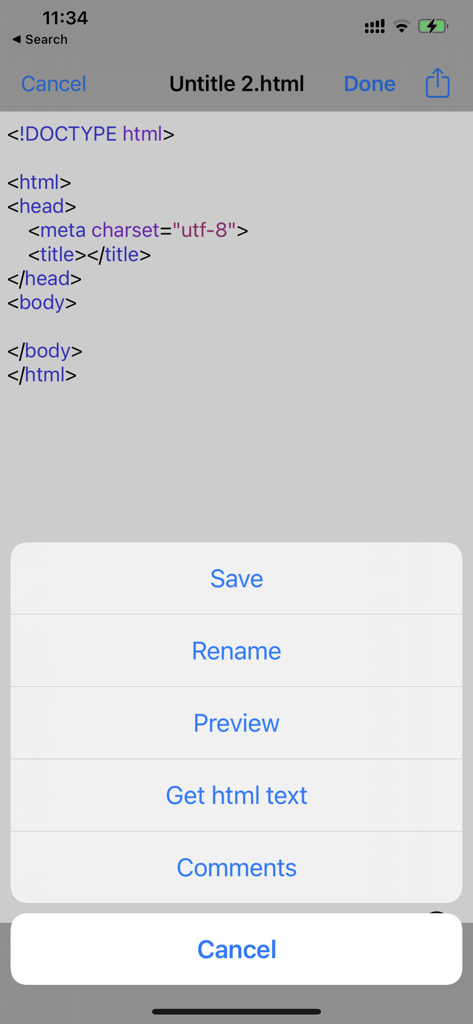
Mobile HTML editor app showing code snippet and action menu with options to save rename and preview
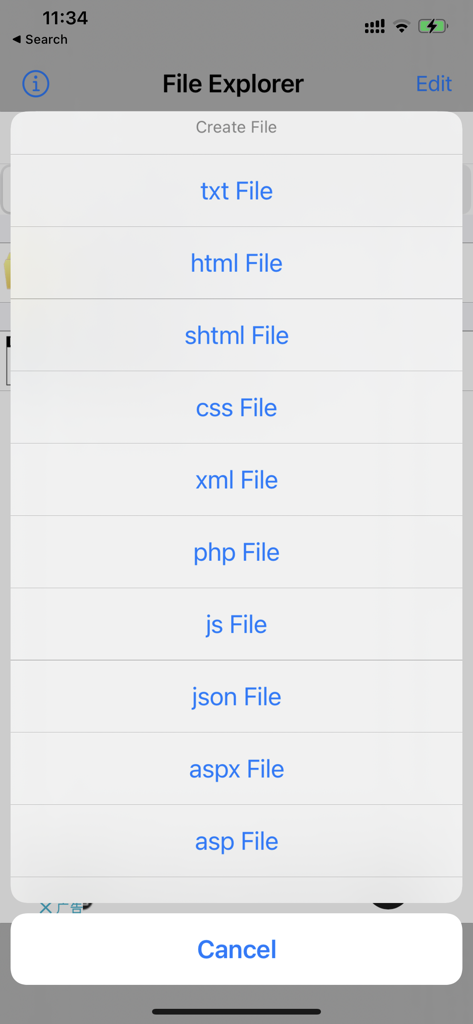
Mobile app interface showing options to create new HTML CSS and JavaScript files
Description
Download
More Like This
Top-ranked apps in the same category

Google LLC

Google Chrome
Google LLC

中国移动(手机营业厅)
China Mobile Online Services Co., Ltd.

Google Authenticator
Google LLC

CNH do Brasil
Servicos e Informacoes do Brasil

Cleanup: Phone Storage Cleaner
DEEP FLOW SOFTWARE SERVICES - FZCO

gov.br
Servicos e Informacoes do Brasil

中国电信-全国统一官方服务平台
CHINA TELECOM Corporation Ltd.

Microsoft Edge: AI Browser
Microsoft Corporation
This page is not an official page of the app or its developer, but an independent editorial publication created for informational and commentary purposes. Unless expressly stated otherwise, neither the app nor its developer is affiliated with, endorsed by, sponsored by, authorized by, or otherwise officially connected with MWM, Apple, Google Play, the app publisher, or the app's developer, and nothing on this page implies that the app was developed using MWM's services. Any trademarks, logos, screenshots, and other content remain the property of their respective owners.