
This page is not an official page of the app or its developer, but an independent editorial publication created for informational and commentary purposes. Unless expressly stated otherwise, neither the app nor its developer is affiliated with, endorsed by, sponsored by, authorized by, or otherwise officially connected with MWM, Apple, Google Play, the app publisher, or the app's developer, and nothing on this page implies that the app was developed using MWM's services. Any trademarks, logos, screenshots, and other content remain the property of their respective owners.


HTML Viewer Pro
Inspect source code directly from Safari, toggle between static and dynamic HTML, and debug on the go with desktop-class tools and custom user agents.
Downloads
86K+User Rating
Total Ratings
200Publisher
Category
UtilitiesLocales
33Latest Version
10.0.3Size
33.0 MBFirst Released
Aug 17, 2020Unleash Desktop-Level Web Inspection
HTML Viewer Pro bridges the gap between your mobile device and your workstation, offering a suite of professional tools to audit, debug, and learn from any website on the go.
Dynamic Source Inspection
Easily toggle between static and dynamic HTML to analyze modern web applications powered by JavaScript frameworks like React, Angular, or Vue.
Seamless Workflow Integration
Instantly inspect any webpage using the Safari share extension and keep your work synced across devices with iCloud, Dropbox, and OneDrive support.
The following screenshots and description are sourced directly from the app's official store listing and are the property of the app developer.
App Store
Screenshots
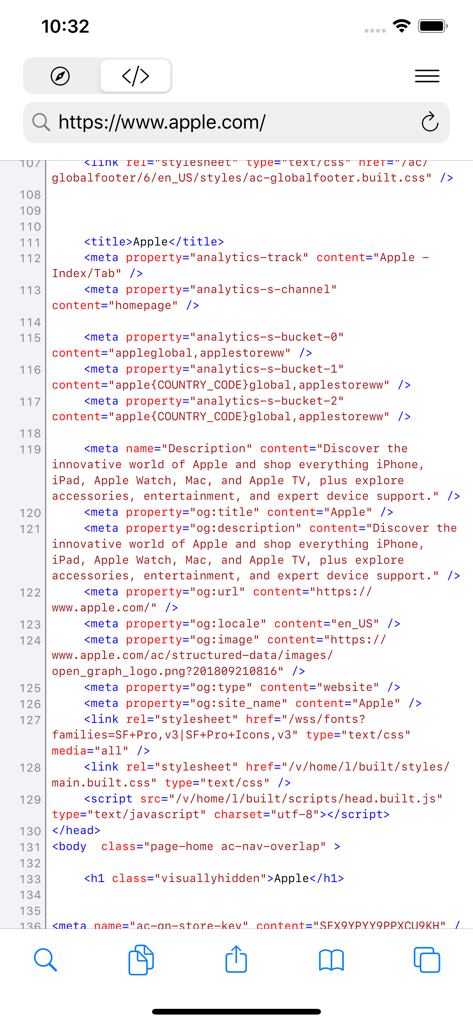
HTML Viewer Pro interface displaying the source code of a website with syntax highlighting
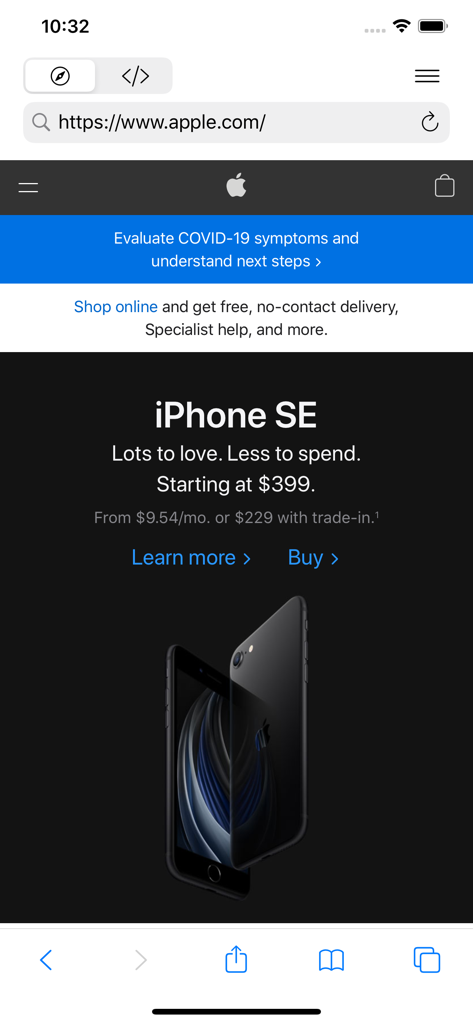
HTML Viewer Pro interface displaying the Apple website in a mobile browser view
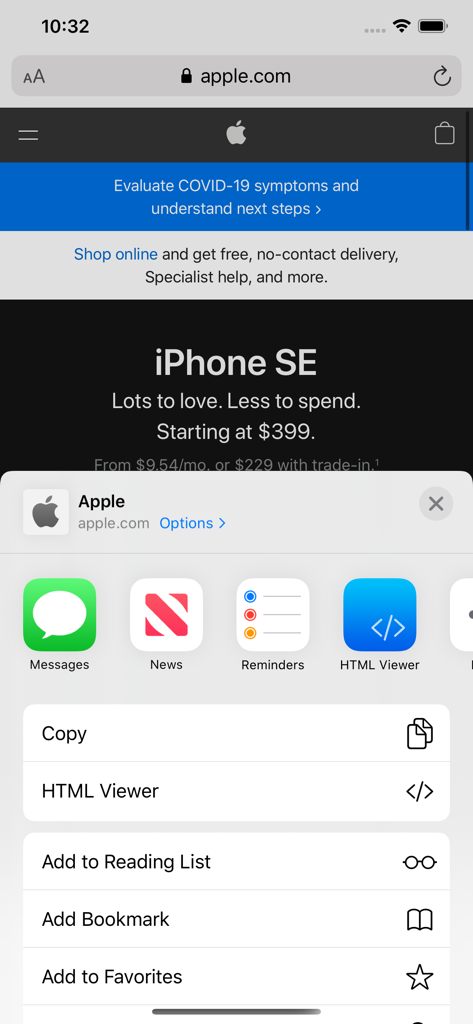
iOS Safari share sheet showing HTML Viewer Pro as an option to view website source code
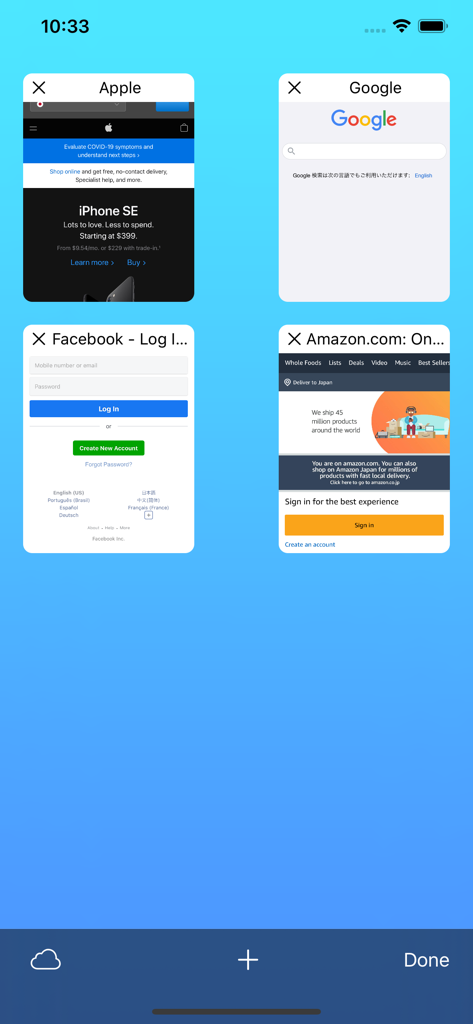
Multi-tab browser interface in HTML Viewer Pro showing open websites like Apple and Google
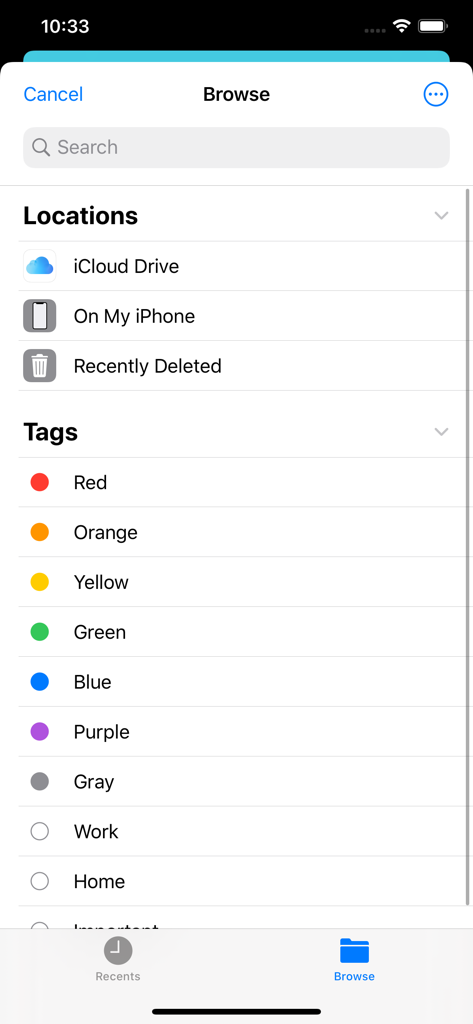
HTML Viewer Pro file management screen showing local and cloud storage options
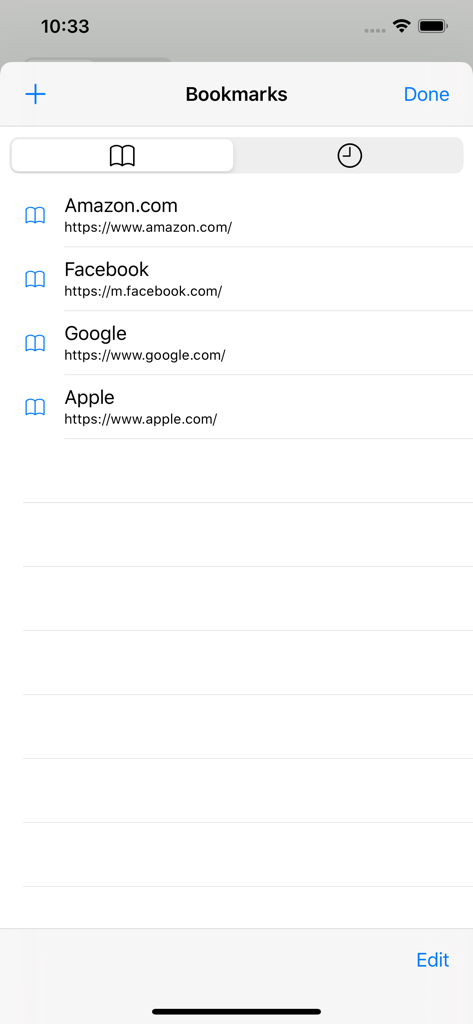
Bookmarks screen in the HTML Viewer Pro app showing a list of saved websites including Amazon Facebook and Google
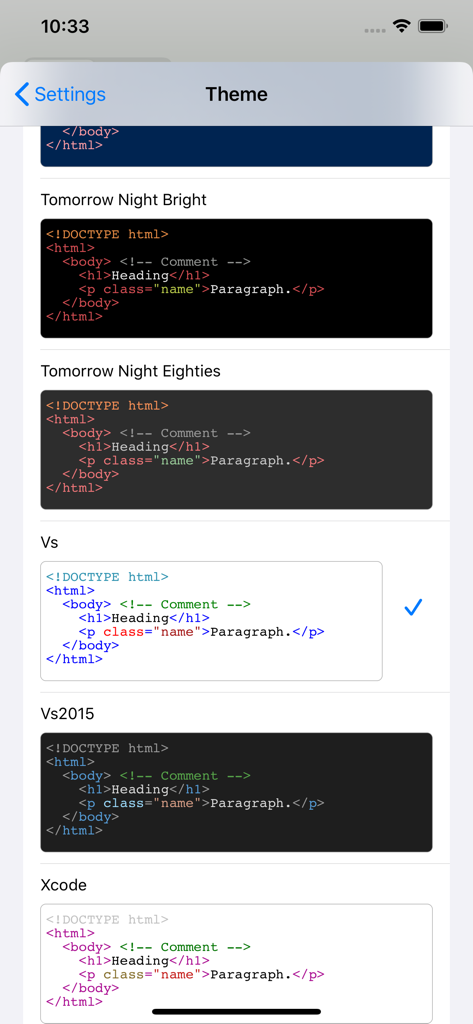
A list of syntax highlighting themes in the HTML Viewer Pro settings menu including Xcode and Tomorrow Night Bright styles.
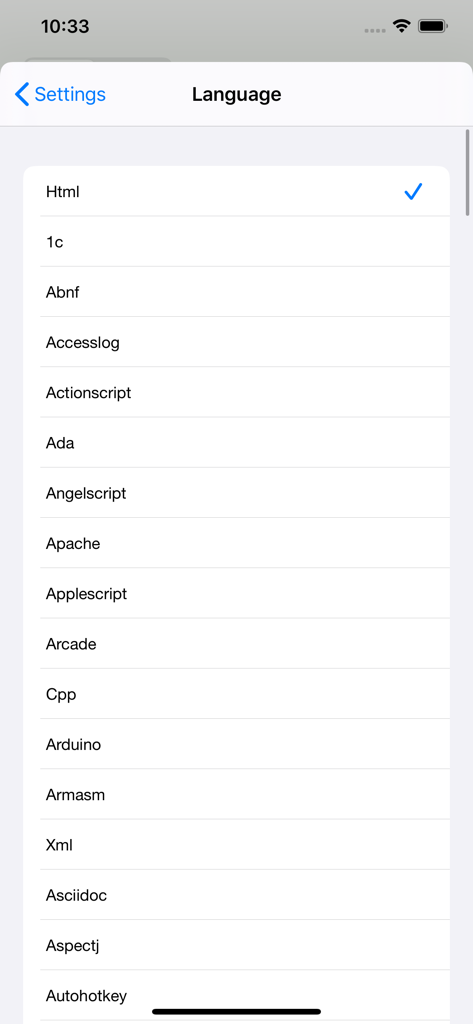
A list of supported programming languages in the HTML Viewer Pro app settings menu.
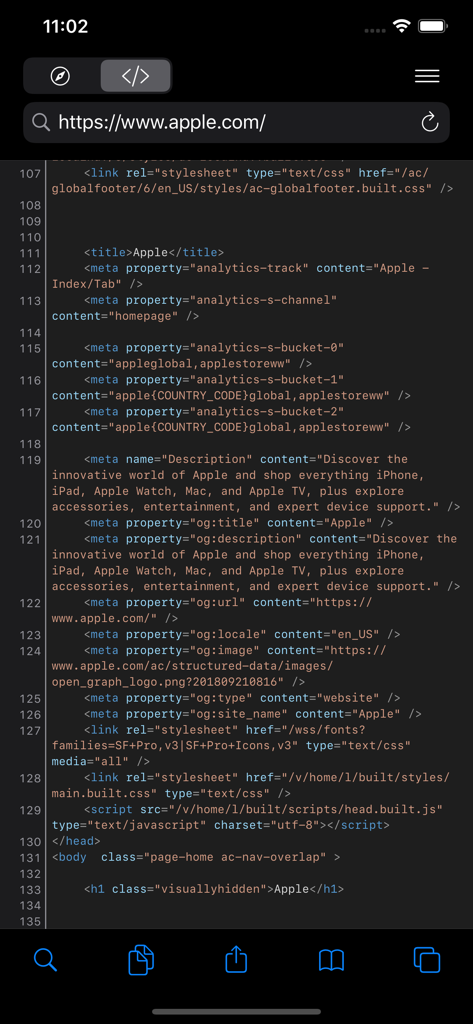
iPhone screen displaying the HTML source code of a website with syntax highlighting
Description
Download
More Like This
Top-ranked apps in the same category

Google LLC

Google Chrome
Google LLC

中国移动(手机营业厅)
China Mobile Online Services Co., Ltd.

Google Authenticator
Google LLC

CNH do Brasil
Servicos e Informacoes do Brasil

Cleanup: Phone Storage Cleaner
DEEP FLOW SOFTWARE SERVICES - FZCO

gov.br
Servicos e Informacoes do Brasil

中国电信-全国统一官方服务平台
CHINA TELECOM Corporation Ltd.

Microsoft Edge: AI Browser
Microsoft Corporation
This page is not an official page of the app or its developer, but an independent editorial publication created for informational and commentary purposes. Unless expressly stated otherwise, neither the app nor its developer is affiliated with, endorsed by, sponsored by, authorized by, or otherwise officially connected with MWM, Apple, Google Play, the app publisher, or the app's developer, and nothing on this page implies that the app was developed using MWM's services. Any trademarks, logos, screenshots, and other content remain the property of their respective owners.