iGBA: GBA & GBC Retro Emulator

iGBA: GBA & GBC Retro Emulator

Download on App Store
Logo of iGBA: GBA & GBC Retro Emulator

iGBA: Your Ultimate Retro Gaming Console on iPhone

Relive the magic of Game Boy, Color, and Advance classics with a sleek, minimalist emulator designed for the modern gamer.

Publisher

Mattia La Spina

Category

Entertainment

Downloads

294K+

User Rating

4.4/5

Total Ratings

500

Locales

10

Nostalgia in Your Pocket

Discover the interface used by 294K+ users.
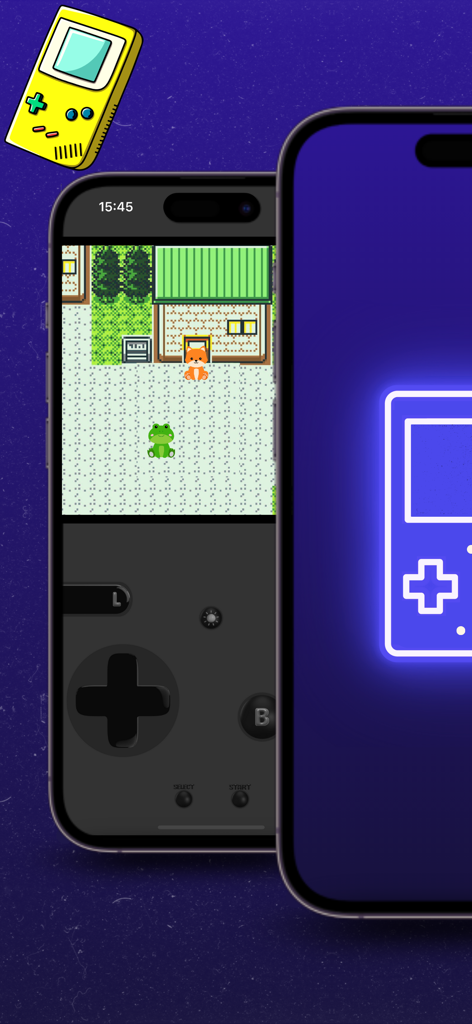
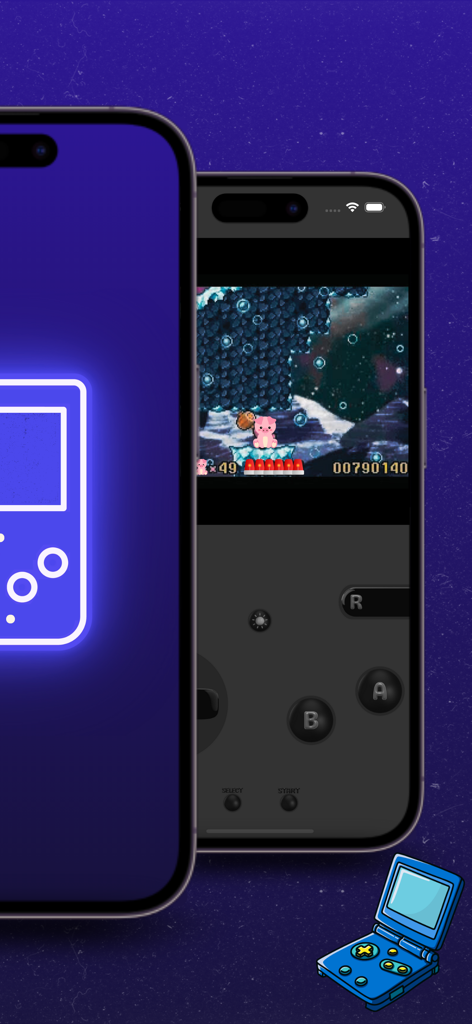
iGBA emulator interface showing a retro game on iPhone with a custom skin

iGBA emulator interface showing a retro game on iPhone with a custom skin

A retro game running on the iGBA emulator on an iPhone with transparent touch controls.

A retro game running on the iGBA emulator on an iPhone with transparent touch controls.

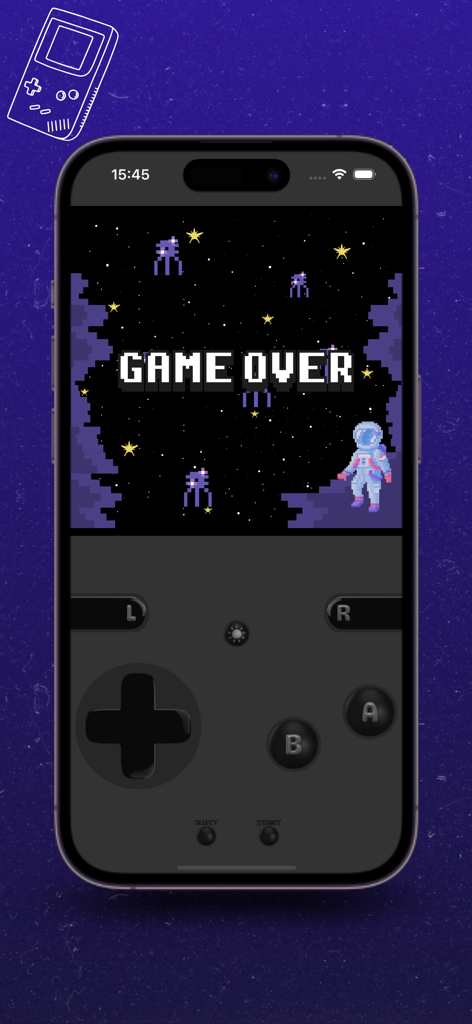
iPhone displaying iGBA retro emulator with a pixelated Game Over screen and virtual game controls

iPhone displaying iGBA retro emulator with a pixelated Game Over screen and virtual game controls

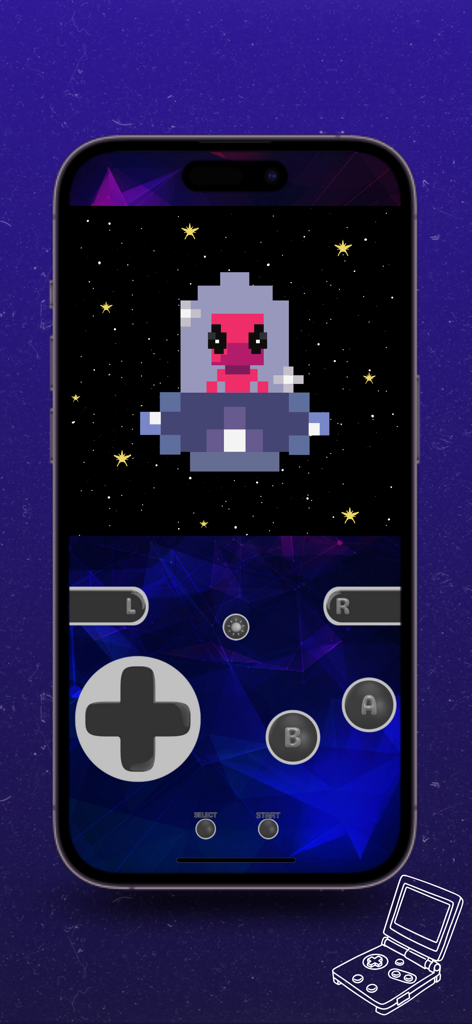
iGBA emulator interface showing a retro game and custom virtual controller skin

iGBA emulator interface showing a retro game and custom virtual controller skin

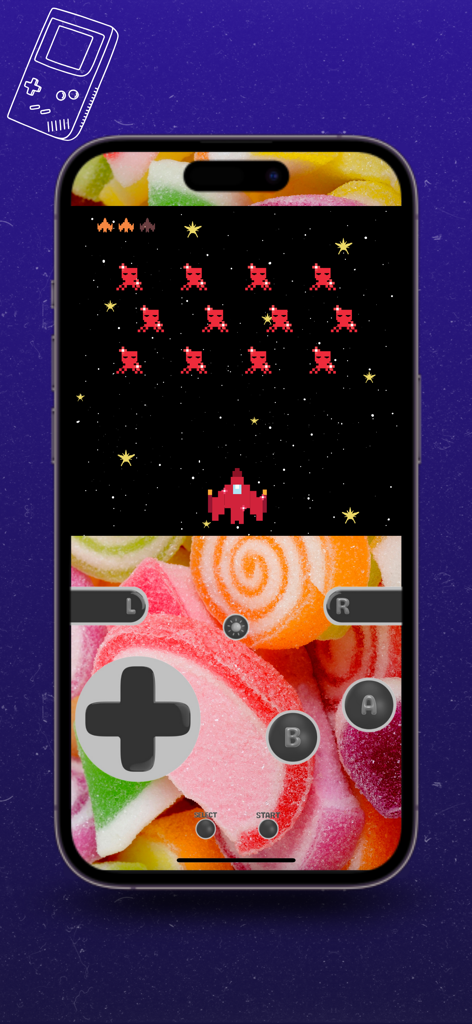
iGBA emulator playing a retro space shooter game on an iPhone with a custom candy-themed skin

iGBA emulator playing a retro space shooter game on an iPhone with a custom candy-themed skin

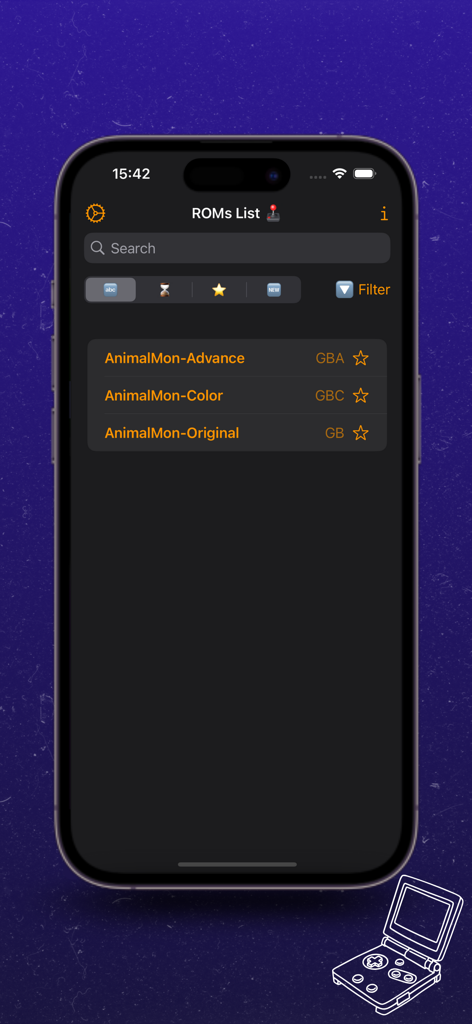
iGBA retro emulator app ROMs list screen on iPhone

iGBA retro emulator app ROMs list screen on iPhone

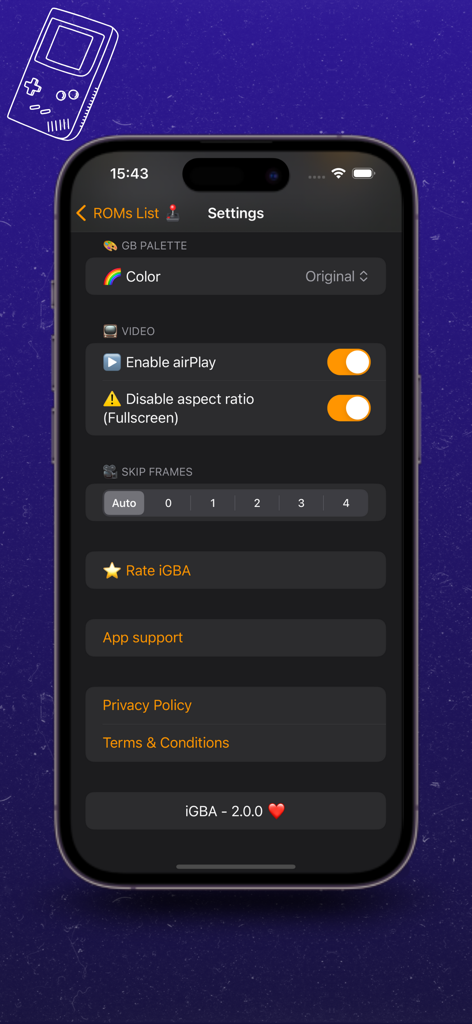
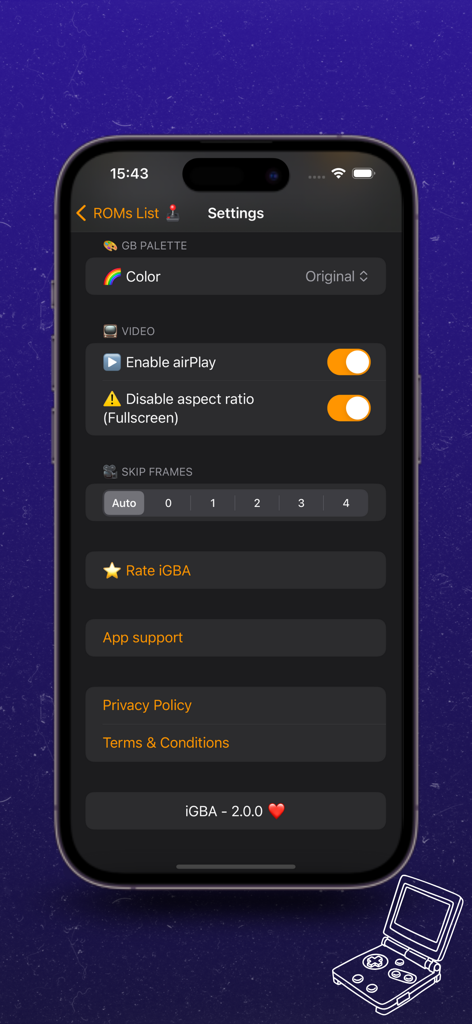
Settings menu of the iGBA retro emulator app on an iPhone showing video and skip frames options

Settings menu of the iGBA retro emulator app on an iPhone showing video and skip frames options

The settings screen of the iGBA emulator on an iPhone showing video options and skip frame controls.

The settings screen of the iGBA emulator on an iPhone showing video options and skip frame controls.

Classic Gaming, Modern Power

The tools that make this app stand out, trusted by 294K+ users.

🎨

Vibrant Customization

Personalize your journey with custom skins and accent colors that recreate the look of your favorite childhood handheld.

💾

Seamless Progress

Built for life on the go. Never lose a moment of gameplay with reliable Auto Save and smart filters to organize your library.

🕹️

Tactile Immersive Play

Feel every action with 3-strength touch vibration or use AirPlay to transform your iPhone into a classic home console.

About the app

Everything you need to know about iGBA: GBA & GBC Retro Emulator.

Description

iGBA: GBA & GBC Retro Emulator is a lightweight retro emulator designed to run .gba, .gbc, and .gb files. With iGBA, you'll enjoy an unparalleled emulation experience. Its sleek, minimalist interface is not only visually pleasing; it's also incredibly intuitive, allowing you to dive into your favorite games without any hassles or distractions. Its lightweight design ensures smooth performance even on resource-constrained devices, meaning you can enjoy your retro games without worrying about lag or performance issues. In addition to its impressive ability to accurately run .gba, .gbc, and .gb games, iGBA also offers a plethora of configuration options that allow you to customize your gaming experience to your liking. From control settings to display options, you have complete control over how you want to play your favorite games. Supported Systems: - Game Boy (Original) - Game Boy (Color) - Game Boy Advance Key Features: - AccentColor Selection - Background Color Selection - Custom Skin Selection (Portrait and Landscape) - Auto Save - Touch Controller Transparency - 3-Strength Touch Vibration - Color Filter for .gb ROMs - AirPlay Support - Full Screen Function without Aspect Ratio - Skip Frames Function - Auto Audio Input - Detailed ROM Info - ROM Play Time Counter - Favorite ROM Selector - Advanced ROM Filters - Native ROM Sharing and Opening iGBA is not affiliated with “Nintendo” in any way, all related game console names are trademarks of Nintendo Co. Ltd. The mention of related game console names in this statement is for description purposes only. the environments supported by the retro game emulator application. Privacy Policy: https://igbaapp.wordpress.com/privacy-policy/ Terms & Conditions https://igbaapp.wordpress.com/terms-conditions/

Latest Version

2.2.0

Size

7.2 MB

First Released

Apr 13, 2024

Your Childhood Pocket Console, Reimagined

Join over 294K retro fans and turn your iPhone into the ultimate GBA & GBC emulator. Experience your favorite classics with the sleek, modern performance you deserve.

Download on App Store
FAQ

Frequently Asked Questions

Everything you need to know about iGBA: GBA & GBC Retro Emulator

What game ROM types does iGBA: GBA & GBC Retro Emulator support?

iGBA: GBA & GBC Retro Emulator supports .gba, .gbc, and .gb game ROM files. This allows users to play Game Boy, Game Boy Color, and Game Boy Advance games.

Which retro game consoles does iGBA: GBA & GBC Retro Emulator emulate?

iGBA: GBA & GBC Retro Emulator emulates Game Boy (Original), Game Boy (Color), and Game Boy Advance consoles. It offers an unparalleled emulation experience.

Does iGBA: GBA & GBC Retro Emulator offer customization options?

Yes, iGBA offers extensive configuration options. These include AccentColor, Background Color, Custom Skin Selection, Touch Controller Transparency, and 3-Strength Touch Vibration for a personalized gaming experience.

Does iGBA: GBA & GBC Retro Emulator support AirPlay?

Yes, iGBA supports AirPlay. Users can enable AirPlay in the app's settings to project their retro gaming experience to compatible devices.

Does iGBA: GBA & GBC Retro Emulator perform smoothly on resource-constrained devices?

Yes, iGBA is designed to be lightweight. Its lightweight design ensures smooth performance without lag or issues, even on resource-constrained devices, allowing enjoyable retro gaming.

Does the iGBA emulator have an Auto Save feature for games?

Yes, the iGBA: GBA & GBC Retro Emulator includes an Auto Save feature. This functionality ensures that game progress is automatically preserved for user convenience.

Does iGBA: GBA & GBC Retro Emulator offer full screen functionality without aspect ratio issues?

Yes, iGBA provides a Full Screen Function without Aspect Ratio. This feature ensures games fill the screen without distortion, maintaining visual integrity.

Is iGBA: GBA & GBC Retro Emulator affiliated with Nintendo?

No, iGBA: GBA & GBC Retro Emulator is not affiliated with Nintendo. The app description explicitly states its independence from Nintendo Co. Ltd.

How can I access the Privacy Policy for iGBA: GBA & GBC Retro Emulator?

You can access the Privacy Policy for iGBA: GBA & GBC Retro Emulator via the link provided in the app's description or within the app's settings menu.

What ROM management features does iGBA: GBA & GBC Retro Emulator include?

iGBA includes features like Detailed ROM Info, ROM Play Time Counter, Favorite ROM Selector, Advanced ROM Filters, and Native ROM Sharing and Opening.

App information, icons, screenshots, and descriptions displayed on this page are sourced from the Apple App Store and are the property of their respective developers. Download estimates and rankings are based on MWM's proprietary models and may not reflect actual figures. This page is provided for informational and analytical purposes only.

Believe this page infringes your intellectual property? File a dispute