
This page is not an official page of the app or its developer, but an independent editorial publication created for informational and commentary purposes. Unless expressly stated otherwise, neither the app nor its developer is affiliated with, endorsed by, sponsored by, authorized by, or otherwise officially connected with MWM, Apple, Google Play, the app publisher, or the app's developer, and nothing on this page implies that the app was developed using MWM's services. Any trademarks, logos, screenshots, and other content remain the property of their respective owners.

Gamuroid: All Game Emulator
Obsession with classic consoles ends now. The app hands users the keys to gaming history, on their terms.
Downloads
250k+User Rating
Total Ratings
12.6KPublisher
Category
EntertainmentLocales
33Latest Version
2.3Size
905.7 MBFirst Released
Sep 16, 2025An Analytical Overview of Key Features for Retro Gaming Enthusiasts
Gamuroid: Core Emulation Capabilities
Extensive Console Compatibility
The app provides broad support for numerous classic gaming platforms, including Nintendo (from NES to 3DS), Sony (PS1, PSP), and SEGA (Master System to Dreamcast), enabling users to consolidate their retro gaming across various systems within a single application.
Authentic Emulation Experience
It features accurate and smooth emulation, ensuring classic games retain their original feel and performance, which is crucial for a genuine nostalgic experience on mobile devices.
Anytime Save States
This tool allows users to save and load their game progress at any point, offering modern convenience for older titles that often lacked in-game save functionalities or relied on tedious password systems.
Streamlined ROM Import
The app supports direct import of game ROMs from compressed formats like ZIP, 7Z, and RAR, eliminating the need for manual extraction and simplifying the setup process for users.
Adjustable Game Speed
It allows users to speed up gameplay, which is particularly useful for skipping repetitive sections, grinding, or slow transitions, enhancing the overall pace and user experience.
Intuitive Game Library Management
The app provides a clean and organized interface for managing a user's retro game collection, making it easy to browse, select, and launch games quickly.
Frequently Asked Questions
Everything you need to know about Gamuroid: All Game Emulator
What is Gamuroid: All Game Emulator?
Gamuroid is a mobile application that provides smooth, fast, and authentic emulation for classic video games across various platforms, allowing users to build and manage their retro game library.
Which game systems does Gamuroid support?
Gamuroid supports numerous Nintendo systems (3DS, N64, NDS, GBA, GBC, GB, NES, SNES, VB, PM), Sony systems (PS1, PSP), and SEGA systems (Dreamcast, Saturn, Master System, Game Gear, SG-1000, Genesis, Sega CD, 32X).
Does Gamuroid include games or BIOS files?
No, Gamuroid does not include any games or BIOS files. Users must provide their own legally obtained files to play games within the emulator.
How can I import games into Gamuroid?
Gamuroid allows users to import games directly from compressed archives, supporting ZIP, 7Z, and RAR formats without requiring manual extraction.
Can I save my game progress in Gamuroid?
Yes, Gamuroid supports save states, enabling users to save their game progress at any point and resume playing whenever they choose.
Does Gamuroid offer cheat support for games?
Yes, Gamuroid offers cheat support on systems that are compatible with this feature, enhancing the gameplay experience for users.
What are the subscription options for Gamuroid?
Gamuroid offers subscription plans for 1 week, 1 month, or 1 year. These subscriptions auto-renew unless canceled at least 24 hours before the current period ends.
How does Gamuroid handle subscription payments?
Payment for Gamuroid subscriptions is charged to the user's Apple Account upon purchase confirmation. Renewal charges occur within 24 hours before the end of the current subscription period.
Does Gamuroid provide high performance and FPS?
Yes, Gamuroid ensures superior performance and high FPS for smooth gameplay, as highlighted by its emulation capabilities.
Can I customize controls in Gamuroid?
Yes, Gamuroid allows for custom shortcuts and offers various virtual gamepad skins, indicating customizable controls and a console-style gameplay experience.
Where can I find the privacy policy for Gamuroid?
The privacy policy for Gamuroid is available at https://universaltechlab.com/privacy/, ensuring users can review how their data is handled.
The following screenshots and description are sourced directly from the app's official store listing and are the property of the app developer.
App Store
Screenshots
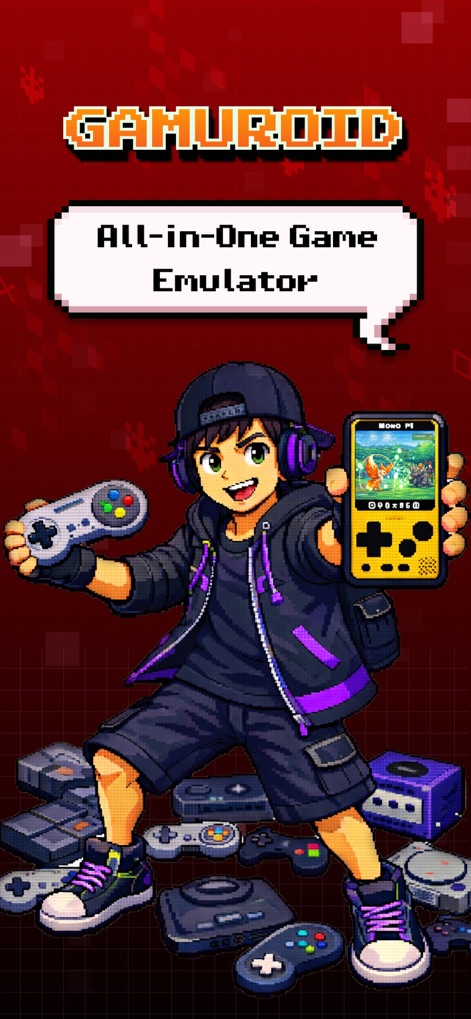
See how Gamuroid's prominent "All-in-One Game Emulator" branding effectively communicates its comprehensive functionality, surrounded by the iconic imagery of various classic console controllers.
Emulator Gateway
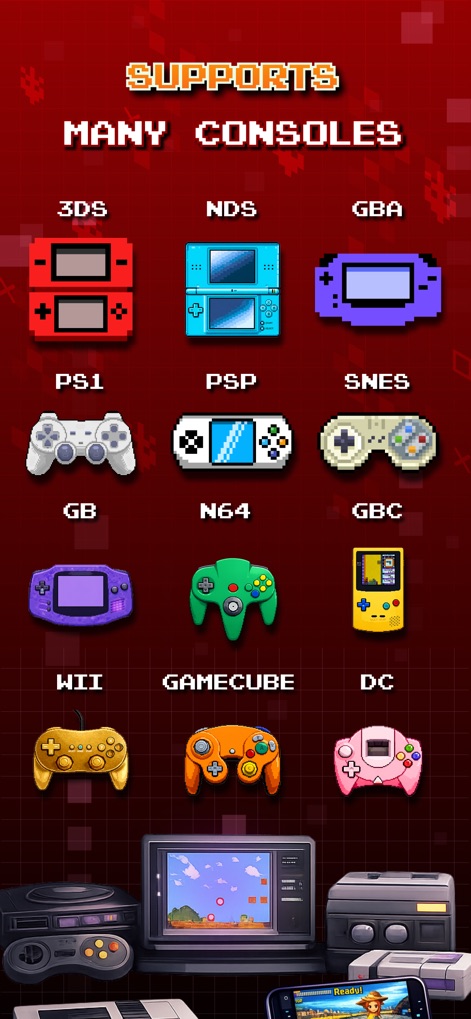
Discover the extensive range of gaming platforms supported, clearly organized through a vibrant grid of console icons and a prominent "SUPPORTS MANY CONSOLES" header.
Vast Console Support
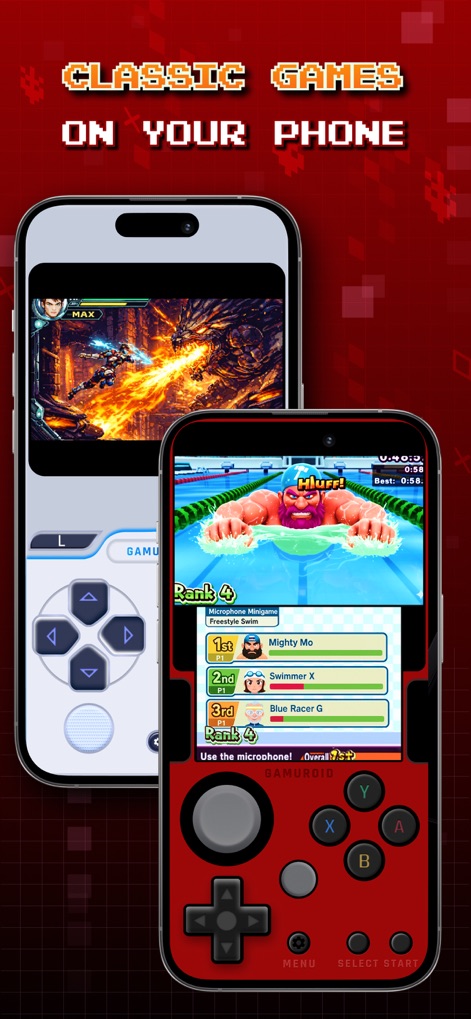
Experience classic games rendered beautifully on your mobile device, featuring responsive on-screen virtual controllers and diverse gameplay examples like fighting and racing titles.
Mobile Gaming Reimagined
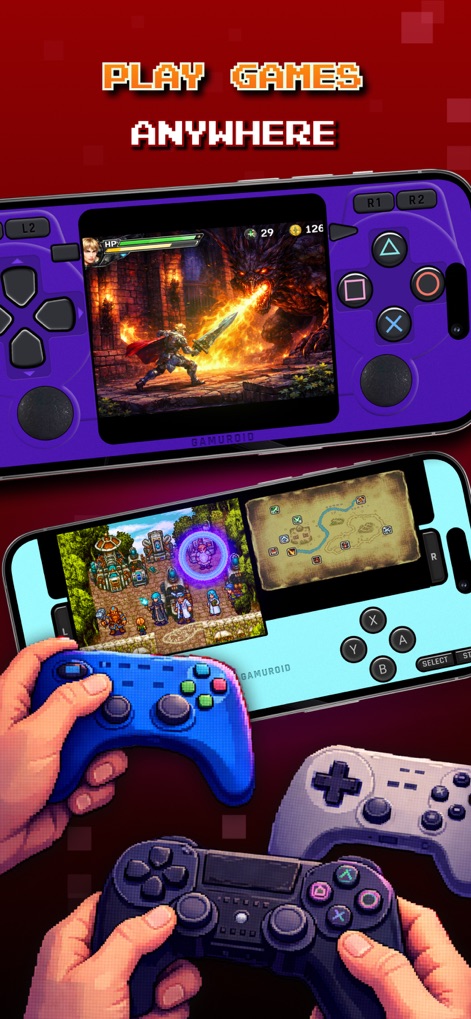
This tool empowers users to play games anywhere, supporting both immersive landscape gameplay and seamless integration with external Bluetooth controllers for an authentic experience.
Flexible Play Styles

Explore a vast collection of retro titles within the clean, organized game library interface, complemented by intuitive navigation tabs for easy access to consoles, favorites, and settings.
Organized Game Library
Description
Download
More Like This
Apps with similar features and user experience
Retra - app console emulator
MODERN DEV LP

Manic EMU - Game Emulator
傲霜 李
Game Emulator: GamePod Emu
Aytek Sokmen

Lucky Emulator – GBA & DS
LUCKY MUSHROOM LIMITED
MyBoyGame-All in one Emulator
明 李

Game Emulator - RePlay
彩连 刘

Delta - Game Emulator
Yvette Testut
Emu — Game Consoles App
METRONOM YAZILIM LIMITED SIRKETI

Gamebyte
TE-DE GROUP doo
This page is not an official page of the app or its developer, but an independent editorial publication created for informational and commentary purposes. Unless expressly stated otherwise, neither the app nor its developer is affiliated with, endorsed by, sponsored by, authorized by, or otherwise officially connected with MWM, Apple, Google Play, the app publisher, or the app's developer, and nothing on this page implies that the app was developed using MWM's services. Any trademarks, logos, screenshots, and other content remain the property of their respective owners.