
Image Sync


Take full control with remote shooting and instant image transfers. From urban street photography to rugged landscapes, share your vision with the world the moment you capture it.
Publisher
Category
Photo & VideoDownloads
774K+User Rating
Total Ratings
3K+Locales
7Discover the interface used by 774K+ users.
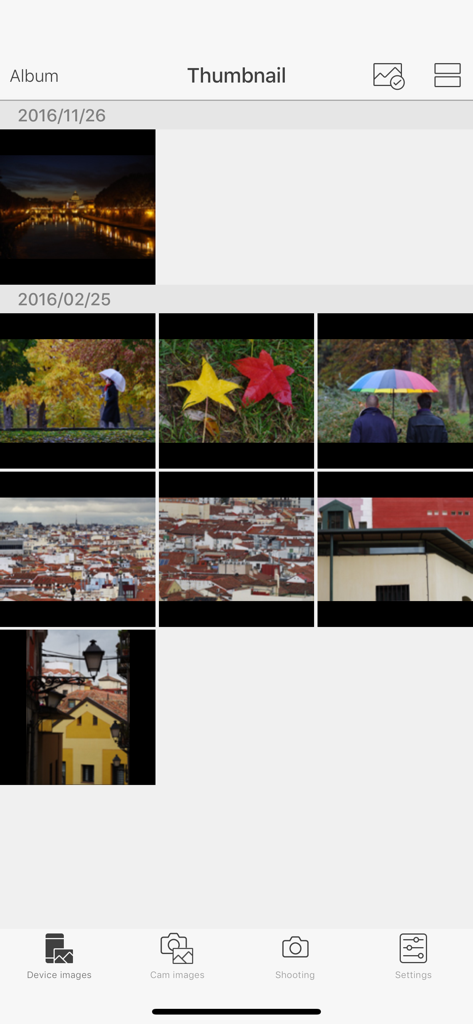
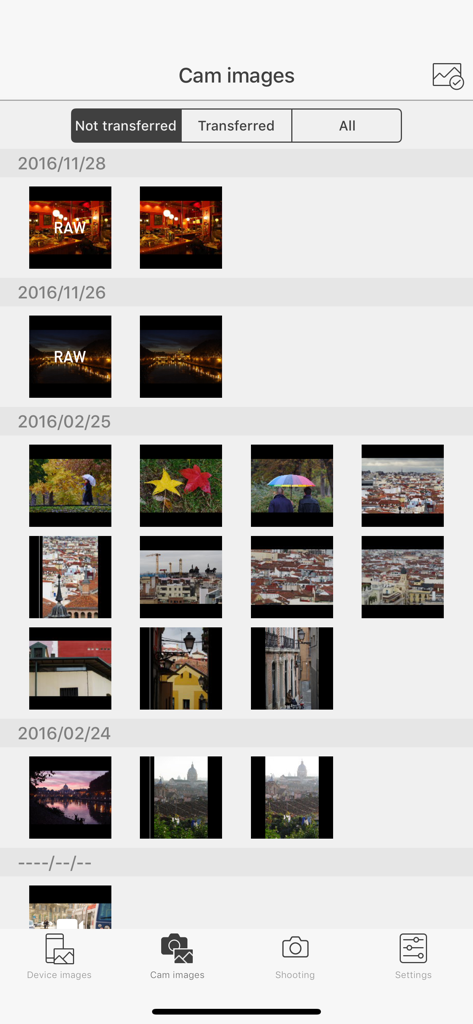
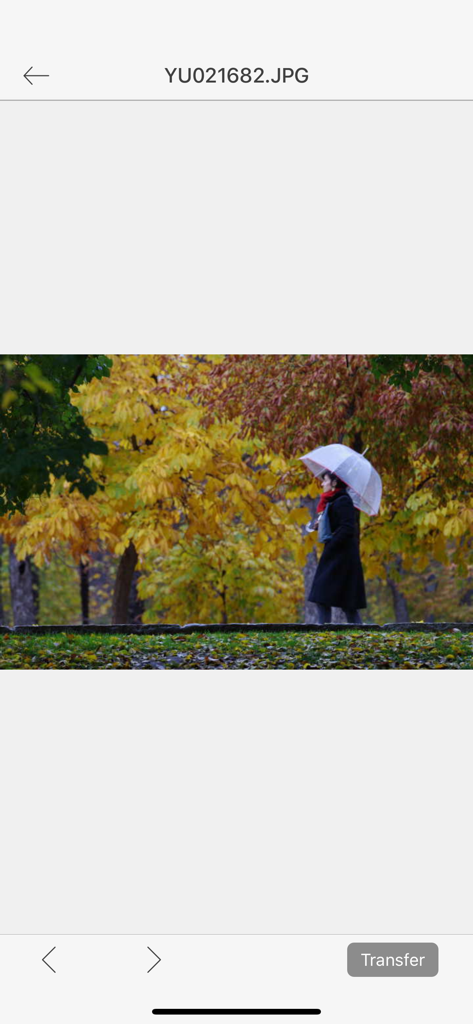
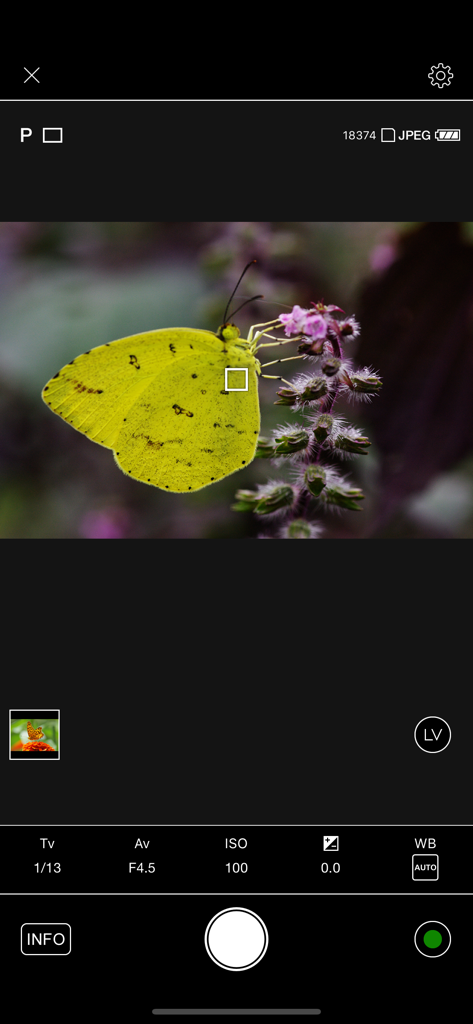
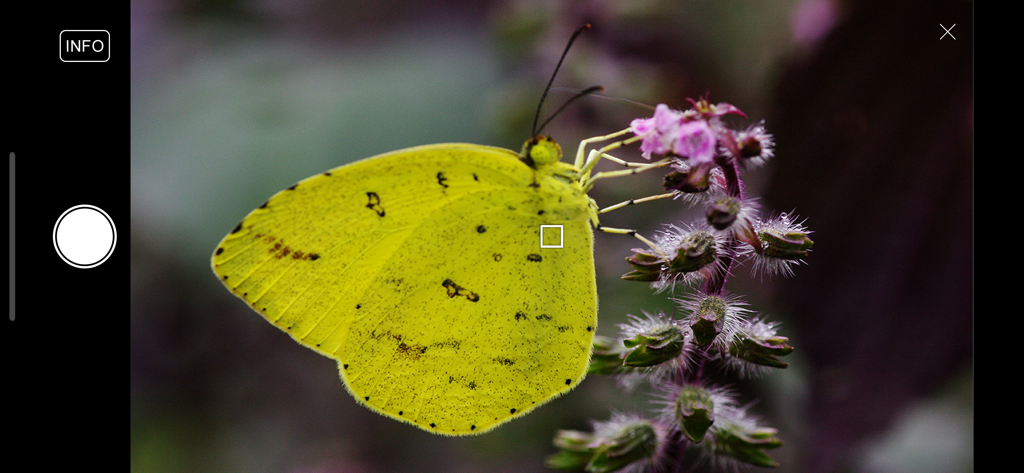
The tools that make this app stand out, trusted by 774K+ users.
Skip the SD card readers. Sync your high-resolution shots directly to your phone for immediate editing in Lightroom or sharing on social media.
Frame the perfect shot from a distance. Use your phone as a wireless monitor to control exposure, focus, and shutter release with precision.
Maintain your professional aesthetic on the go. Upload directly to SNS sites or cloud storage without ever needing a laptop.
Everything you need to know about Image Sync.
Description
Latest Version
2.1.30
Size
24.3 MB
First Released
Mar 17, 2015
Seamlessly connect your RICOH or PENTAX camera to your mobile device and share your professional-grade vision with the world instantly.
Everything you need to know about Image Sync
Image Sync is an application that pairs with compatible RICOH IMAGING cameras to enable remote shooting, viewing, and copying images to a mobile device. Users can also upload images to SNS sites.
Image Sync supports PENTAX K-1, K-1 Mark II, K-3 Mark III, KP, KF, K-S2, K-70, RICOH GR II, GR III, GR IIIx, WG-M2, and G900SE digital cameras.
Yes, Image Sync offers remote shooting. Users can monitor the live view and perform camera operations like EV compensation and shutter release directly from their mobile device.
Image Sync allows you to view images taken with your camera and copy them directly to your mobile device. After copying, you can upload these images to SNS sites.
Yes, Image Sync supports iOS versions 16 through 18, and iOS 26. Operation is not guaranteed on all devices, but it is confirmed on specific devices as of December 2025.
Yes, Image Sync enables users to upload images, which have been copied from their camera to their mobile device, directly to various SNS sites.
During remote shooting, Image Sync allows various camera operations from a mobile device, including EV compensation and shutter release. Users monitor the live view on their device.
No, the Image Sync application does not support the RICOH WG-M1 camera model. This model is explicitly listed as unsupported.
Yes, Image Sync can display RAW image files from your camera within the "Cam images" section. This feature allows users to manage and transfer high-quality photos.
Apps with similar features and user experience

SZ DJI TECHNOLOGY CO., LTD

SZ DJI TECHNOLOGY CO., LTD

Aleh Piashkou

Duscov Stepan

恒茂 刘

Centurion Systems (Pty) Ltd

Artur Belov

Synthe FX, LLC

FUJIFILM Corporation
App information, icons, screenshots, and descriptions displayed on this page are sourced from the Apple App Store and are the property of their respective developers. Download estimates and rankings are based on MWM's proprietary models and may not reflect actual figures. This page is provided for informational and analytical purposes only.
Believe this page infringes your intellectual property? File a dispute