
This page is not an official page of the app or its developer, but an independent editorial publication created for informational and commentary purposes. Unless expressly stated otherwise, neither the app nor its developer is affiliated with, endorsed by, sponsored by, authorized by, or otherwise officially connected with MWM, Apple, Google Play, the app publisher, or the app's developer, and nothing on this page implies that the app was developed using MWM's services. Any trademarks, logos, screenshots, and other content remain the property of their respective owners.

FUJIFILM XApp
Instantly share your film simulations, control your gear remotely, and visualize your photographic journey with a personalized activity diary built for the modern creator.
Downloads
3M+User Rating
Total Ratings
16K+Publisher
Category
Photo & VideoLocales
12Latest Version
2.7.1Size
301.6 MBFirst Released
May 24, 2023Elevate Your Creative Workflow
Seamlessly bridge the gap between your Fujifilm camera and your iPhone. From instant transfers to remote control, manage your entire shooting experience directly from your pocket.
Instant Social Sharing
Transfer high-quality JPEGs and videos to your phone in seconds. Share your film-simulated shots on Instagram or Threads the moment they are captured.
Smart Remote Control
Turn your iPhone into a professional monitor and remote shutter. Perfect for solo creators framing their next vlog or taking high-precision long exposures.
Frequently Asked Questions
Everything you need to know about FUJIFILM XApp
Can I transfer images from my Fujifilm camera to my phone with FUJIFILM XApp?
Yes, the FUJIFILM XApp allows users to transfer captured images and movies from their paired Fujifilm digital camera to a smartphone or tablet using Bluetooth® or Wi-Fi.
Does FUJIFILM XApp support remote camera control?
Yes, the FUJIFILM XApp enables users to remotely control their Fujifilm digital camera from a smartphone or tablet after pairing the devices via Bluetooth®.
What is the Timeline feature in FUJIFILM XApp?
The FUJIFILM XApp's Timeline feature automatically summarizes daily shooting activities from the camera in a diary format. This requires signing in to Fujifilm's network service.
Does FUJIFILM XApp track my photographic activities and camera usage?
Yes, the FUJIFILM XApp records various activity details including Camera ID, lens ID, location, shooting conditions, and the total number of images and recording time.
What iOS devices are compatible with FUJIFILM XApp?
Yes, the FUJIFILM XApp is compatible with iOS13 through iOS17 and iPadOS13 through iPadOS17. It supports iPhone 6s or later and various iPad models including iPad Pro.
Does FUJIFILM XApp drain smartphone battery?
Yes, the FUJIFILM XApp can consume significant battery power due to continuous background GPS usage. Users can adjust the "Location synchronization interval" in app settings to reduce consumption.
Can I update my Fujifilm camera's firmware using FUJIFILM XApp?
Yes, the FUJIFILM XApp allows users to update their camera's firmware. This process utilizes the Wi-Fi function of the connected smartphone or tablet.
The following screenshots and description are sourced directly from the app's official store listing and are the property of the app developer.
App Store
Screenshots
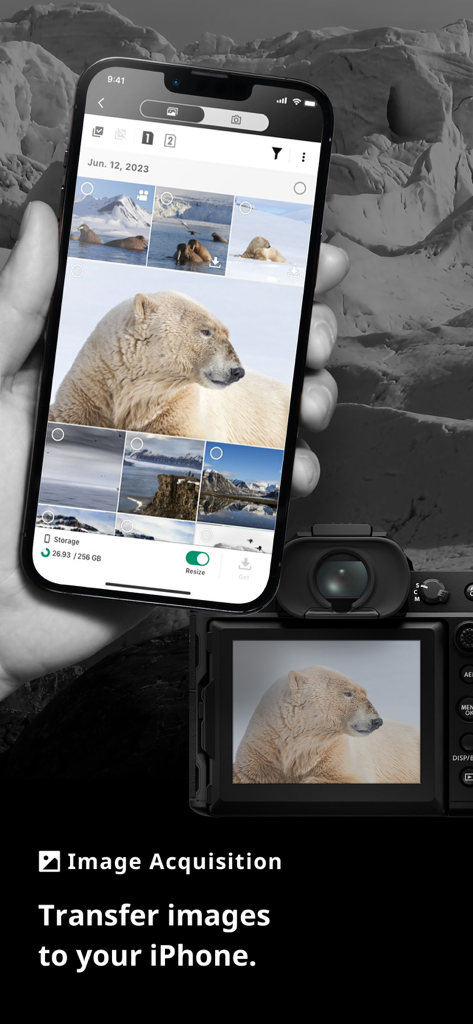
Transferring images from a Fujifilm camera to an iPhone using the FUJIFILM XApp interface.
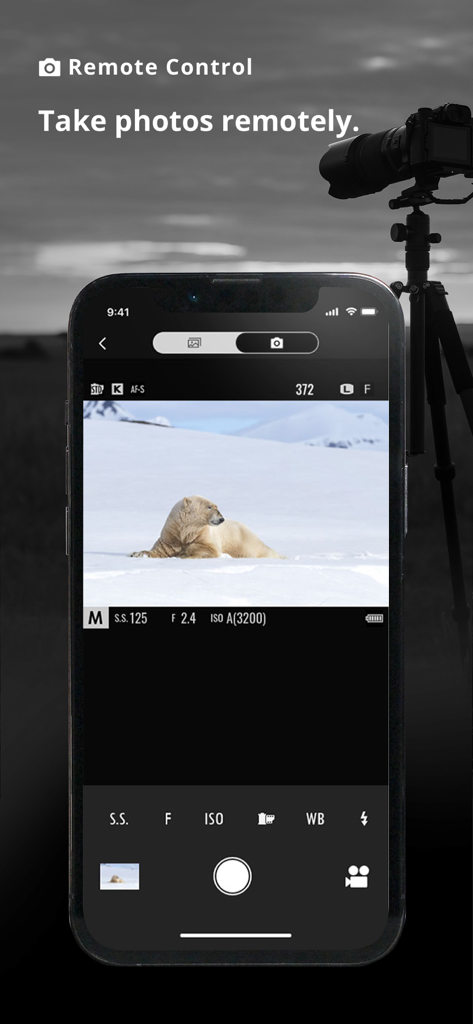
FUJIFILM XApp remote control interface showing a polar bear on a smartphone screen with a camera on a tripod in the background
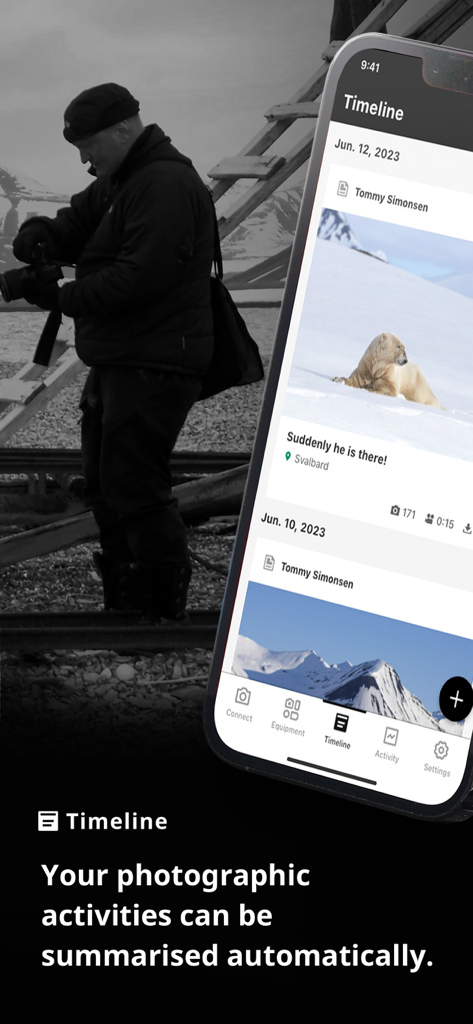
Smartphone screen showing the FUJIFILM XApp timeline feature summarizing daily shooting activities
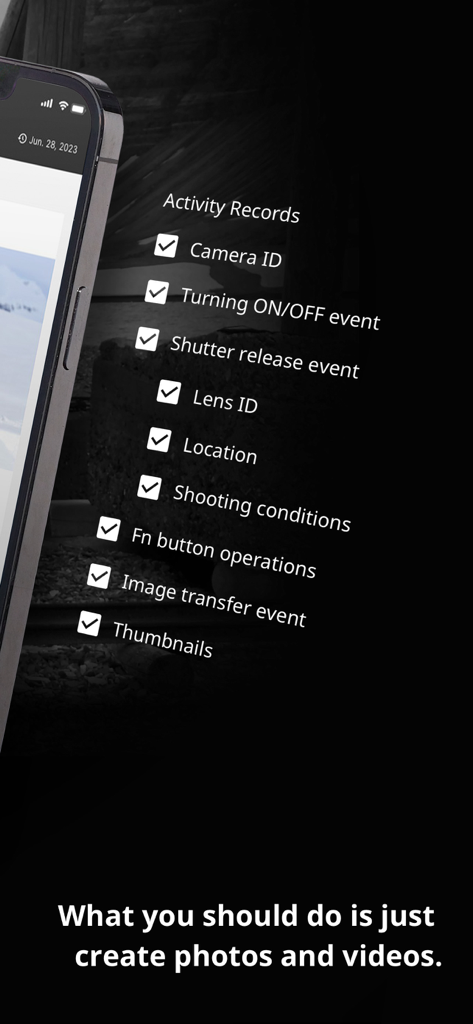
Fujifilm XApp activity records screen showing tracking options like camera and lens ID
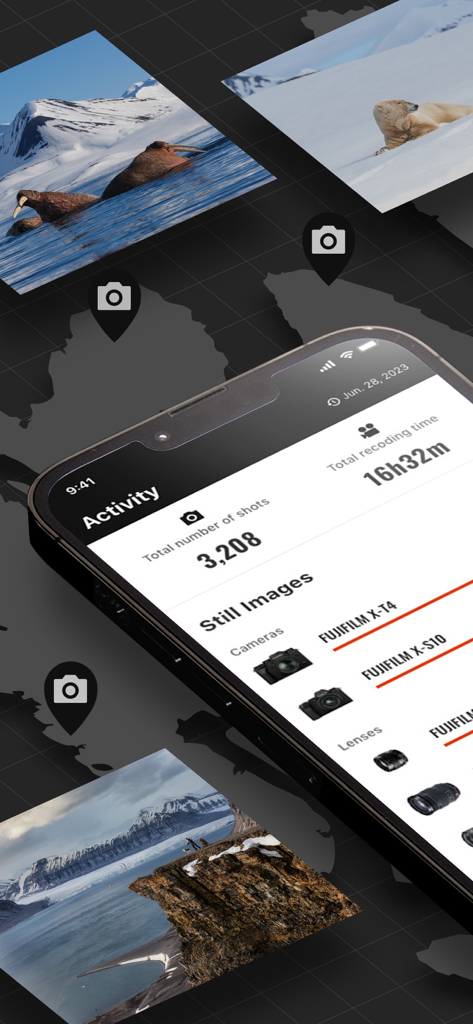
Smartphone screen displaying FUJIFILM XApp shooting activity stats and photography equipment used
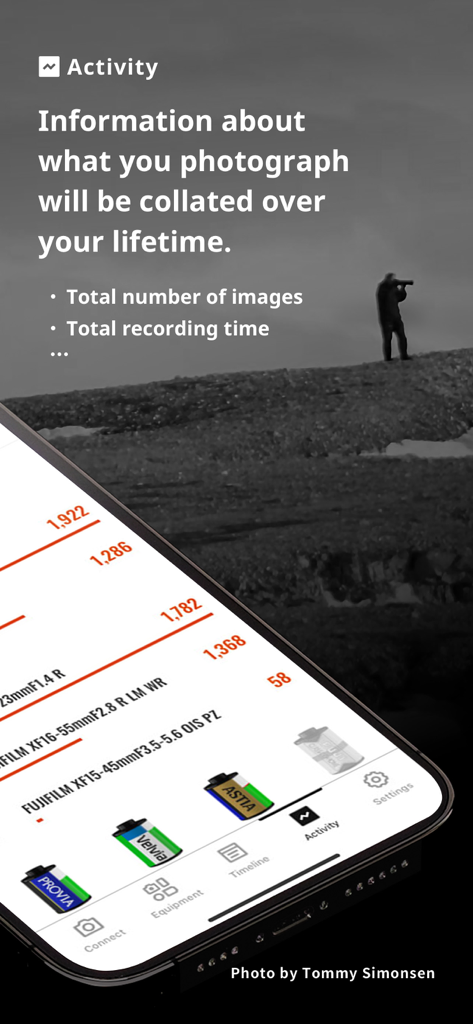
FUJIFILM XApp activity dashboard showing shooting statistics lens usage and film simulation data
Description
Download
More Like This
Apps with similar features and user experience

DJI Mimo
SZ DJI TECHNOLOGY CO., LTD

DJI Ronin
SZ DJI TECHNOLOGY CO., LTD

Roku TV Remote Control & Cast
Aleh Piashkou

Remote for Hisense TV.
Duscov Stepan

Alpha Linker - Camera Transfer
恒茂 刘

MyCentsys Pro
Centurion Systems (Pty) Ltd

Roku TV Remote Control・
Artur Belov

Luminair
Synthe FX, LLC

Epson iProjection
Seiko Epson Corporation
This page is not an official page of the app or its developer, but an independent editorial publication created for informational and commentary purposes. Unless expressly stated otherwise, neither the app nor its developer is affiliated with, endorsed by, sponsored by, authorized by, or otherwise officially connected with MWM, Apple, Google Play, the app publisher, or the app's developer, and nothing on this page implies that the app was developed using MWM's services. Any trademarks, logos, screenshots, and other content remain the property of their respective owners.