
This page is not an official page of the app or its developer, but an independent editorial publication created for informational and commentary purposes. Unless expressly stated otherwise, neither the app nor its developer is affiliated with, endorsed by, sponsored by, authorized by, or otherwise officially connected with MWM, Apple, Google Play, the app publisher, or the app's developer, and nothing on this page implies that the app was developed using MWM's services. Any trademarks, logos, screenshots, and other content remain the property of their respective owners.

Epson iProjection
Mirror your screen, share documents, and collaborate without the hassle of cables or dongles. Take control of your Epson projector directly from your iPhone or iPad.
Downloads
2M+User Rating
Total Ratings
19K+Publisher
Category
ProductivityLocales
9Latest Version
4.2.0Size
27.4 MBFirst Released
Jan 5, 2012Deliver Impactful Presentations Without the Cables
Epson iProjection bridges the gap between your mobile workflow and the big screen, providing educators and professionals the freedom to present, annotate, and collaborate wirelessly.
Cable-Free Mirroring
Move freely throughout the room while mirroring your iPad or iPhone in real-time—no dongles or adapters required.
One-Tap Connectivity
Skip the network setup. Simply scan a projected QR code to instantly link your device and start sharing your documents or photos.
Frequently Asked Questions
Everything you need to know about Epson iProjection
What is Epson iProjection?
Epson iProjection is a wireless projection app for iPhone, iPad, or iPod touch. It mirrors your device's screen and projects documents and photos wirelessly to supported Epson projectors.
Which devices does Epson iProjection support for wireless projection?
Epson iProjection supports iPhone, iPad, or iPod touch devices for wireless projection. It mirrors the device's screen to a compatible Epson projector.
How do I connect to an Epson projector using Epson iProjection?
Yes, connect by scanning a projected QR code with your device's camera. Ensure both your device and the projector are on the same network.
Can I mirror my device's screen with Epson iProjection?
Yes, Epson iProjection mirrors your device's screen, projecting content wirelessly. You can also output your device's audio through the projector.
What document types can Epson iProjection project?
Epson iProjection supports projecting Microsoft Word, Excel, PowerPoint, Keynote, PDF, JPG, and PNG files. This includes documents stored in cloud file services.
Does Epson iProjection allow multiple devices to connect simultaneously?
Yes, Epson iProjection allows connecting up to 50 devices to a projector. It can also display up to four screens simultaneously from these devices.
Can I annotate projected images using Epson iProjection?
Yes, Epson iProjection includes a pen tool to annotate projected images. You can also save the images after they have been edited with annotations.
Can Epson iProjection control the projector remotely?
Yes, Epson iProjection functions as a remote control for the projector. This feature allows users to manage projector settings directly from their device.
What permissions does the Epson iProjection app require?
The app requires Local Network permission to find and connect to projectors. Photo permission is optional, allowing the app to project selected images from your device.
Are videos and animations supported when projecting documents in Epson iProjection?
No, Epson iProjection does not play animations, screen transition effects, videos, or audio when projecting documents. Use the mirroring feature for such content.
Can Epson iProjection project content from a device's camera?
Yes, Epson iProjection allows projecting real-time video directly from your device's camera. This feature is selected from the app's projection options.
Is audio projected when mirroring a device's screen with Epson iProjection?
Yes, Epson iProjection outputs your device’s audio from the projector when mirroring the screen. Video and audio may experience delays depending on network conditions.
The following screenshots and description are sourced directly from the app's official store listing and are the property of the app developer.
App Store
Screenshots
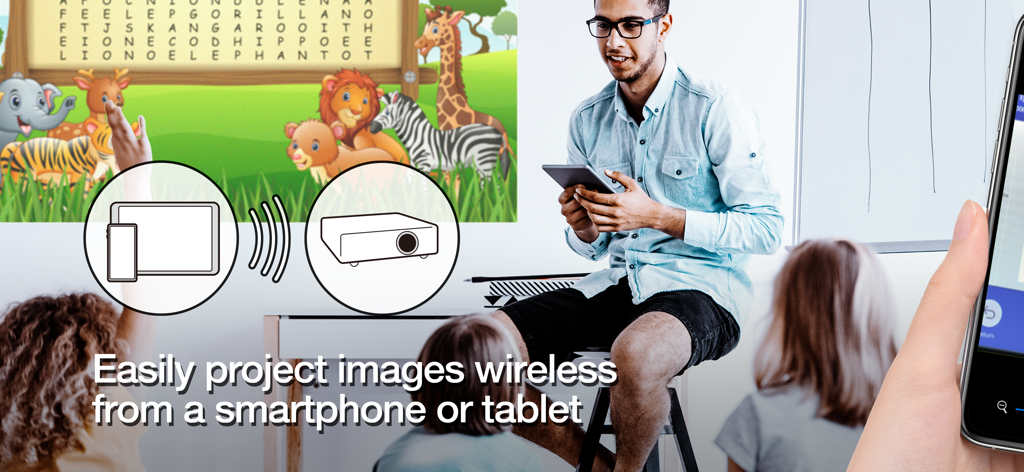
Teacher wirelessly projecting educational content from a tablet to a screen in a classroom setting
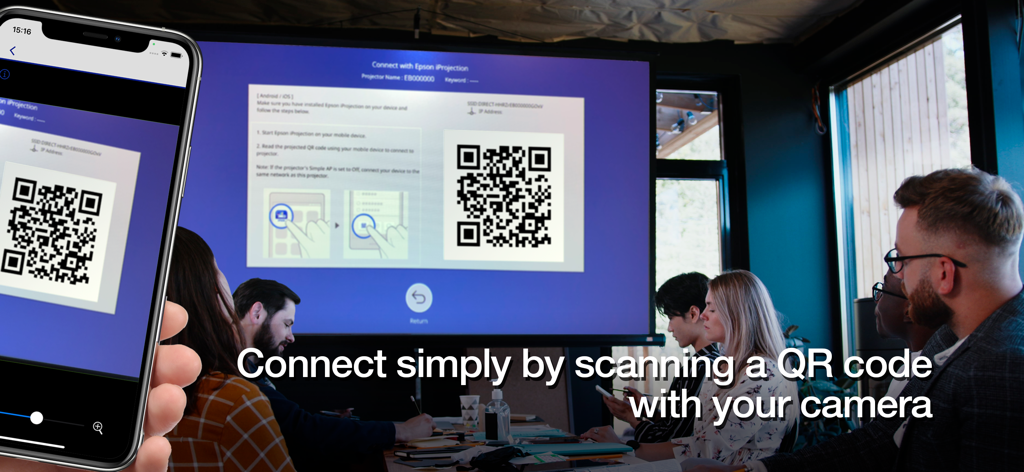
A smartphone scanning a QR code on a large projector screen to connect wirelessly in a professional meeting room
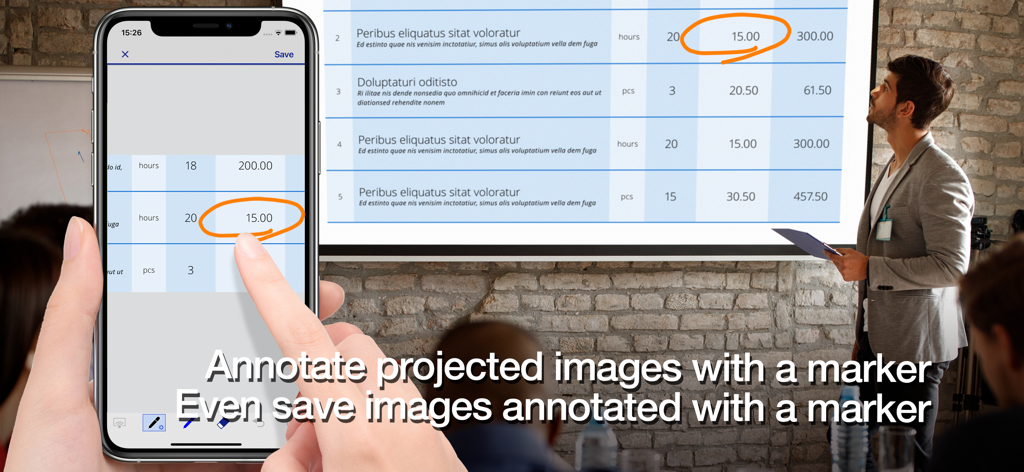
A professional using the Epson iProjection app to annotate a document on a projector screen using a smartphone.
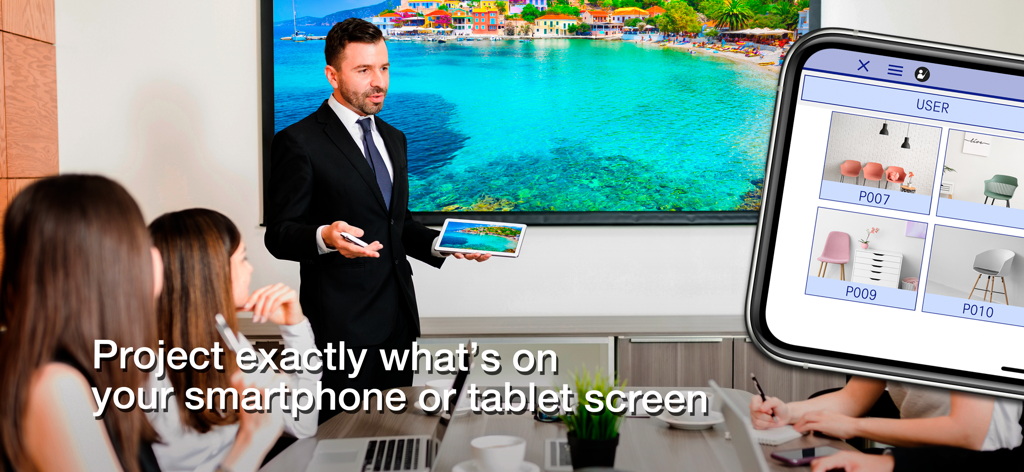
A professional presenter using Epson iProjection to wirelessly mirror a tablet screen to a large display in a boardroom
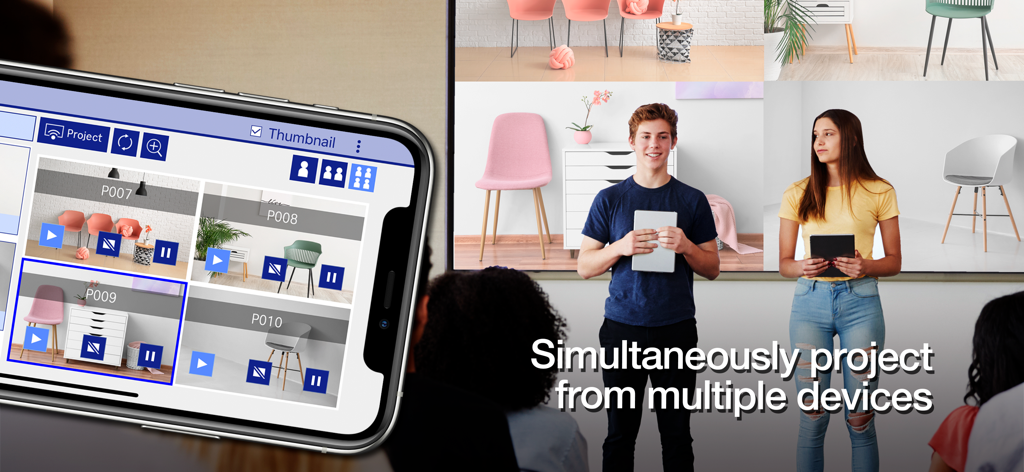
Students simultaneously projecting their mobile screens onto a single large display using the Epson iProjection app
Description
Download
More Like This
Apps with similar features and user experience

DJI Mimo
SZ DJI TECHNOLOGY CO., LTD

DJI Ronin
SZ DJI TECHNOLOGY CO., LTD

Roku TV Remote Control & Cast
Aleh Piashkou

Remote for Hisense TV.
Duscov Stepan

Alpha Linker - Camera Transfer
恒茂 刘

MyCentsys Pro
Centurion Systems (Pty) Ltd

Roku TV Remote Control・
Artur Belov

Luminair
Synthe FX, LLC

FUJIFILM XApp
FUJIFILM Corporation
This page is not an official page of the app or its developer, but an independent editorial publication created for informational and commentary purposes. Unless expressly stated otherwise, neither the app nor its developer is affiliated with, endorsed by, sponsored by, authorized by, or otherwise officially connected with MWM, Apple, Google Play, the app publisher, or the app's developer, and nothing on this page implies that the app was developed using MWM's services. Any trademarks, logos, screenshots, and other content remain the property of their respective owners.