
This page is not an official page of the app or its developer, but an independent editorial publication created for informational and commentary purposes. Unless expressly stated otherwise, neither the app nor its developer is affiliated with, endorsed by, sponsored by, authorized by, or otherwise officially connected with MWM, Apple, Google Play, the app publisher, or the app's developer, and nothing on this page implies that the app was developed using MWM's services. Any trademarks, logos, screenshots, and other content remain the property of their respective owners.

Roku TV Remote Control & Cast
Say goodbye to tangled wires and lost remotes. Effortlessly mirror your iPhone in real-time, cast your favorite memories in crystal-clear quality, and take full control of your Roku TV with a single tap.
Downloads
208K+User Rating
Total Ratings
1K+Publisher
Category
UtilitiesLocales
13Latest Version
1.5Size
52.3 MBFirst Released
Jan 23, 2024The Ultimate Roku Companion
Stop hunting for lost remotes and start sharing. Our app transforms your iPhone into a powerful control center and a high-definition gateway for all your digital content.
Always-Ready Remote
Never dig through couch cushions again. Control your TV, launch apps, and adjust volume with an interface that is faster and more reliable than a plastic remote.
Wire-Free Mirroring
Cast your favorite TikToks, mobile games, or family photos instantly. Ditch the expensive adapters and enjoy a clean, minimalist setup without tangled cables.
Frequently Asked Questions
Everything you need to know about Roku TV Remote Control & Cast
What is the Roku TV Remote Control & Cast app?
The Roku TV Remote Control & Cast app functions as a remote for smart TVs and provides wireless screen mirroring. It features responsive controls, a keyboard, voice commands, and allows casting photos and videos to a larger screen.
Does the Roku TV Remote Control & Cast app allow screen mirroring?
Yes, the Roku TV Remote Control & Cast app allows wireless screen mirroring. Users can display photos, stream videos, or present from their device to a larger screen with crystal clear quality and real-time performance.
What remote control features does Roku TV Remote Control & Cast offer?
Roku TV Remote Control & Cast offers comprehensive remote features including power control, navigation, access to apps, volume adjustments, and media playback. It also includes a responsive touchpad, a remote keyboard, and voice control for your TV.
What subscription options are available for Roku TV Remote Control & Cast?
Roku TV Remote Control & Cast offers several subscription options. Users can choose from yearly, 6-month, monthly, and weekly plans to access the app's full range of features.
How do I manage auto-renewal for my Roku TV Remote Control & Cast subscription?
Users can manage their Roku TV Remote Control & Cast subscriptions and turn off auto-renewal. This is done by navigating to the user’s Account Settings on iTunes after the purchase.
Where is the Privacy Policy for the Roku TV Remote Control & Cast app located?
The Privacy Policy for Roku TV Remote Control & Cast is available through a direct link provided in the app description. It ensures users have access to information regarding data handling practices.
The following screenshots and description are sourced directly from the app's official store listing and are the property of the app developer.
App Store
Screenshots
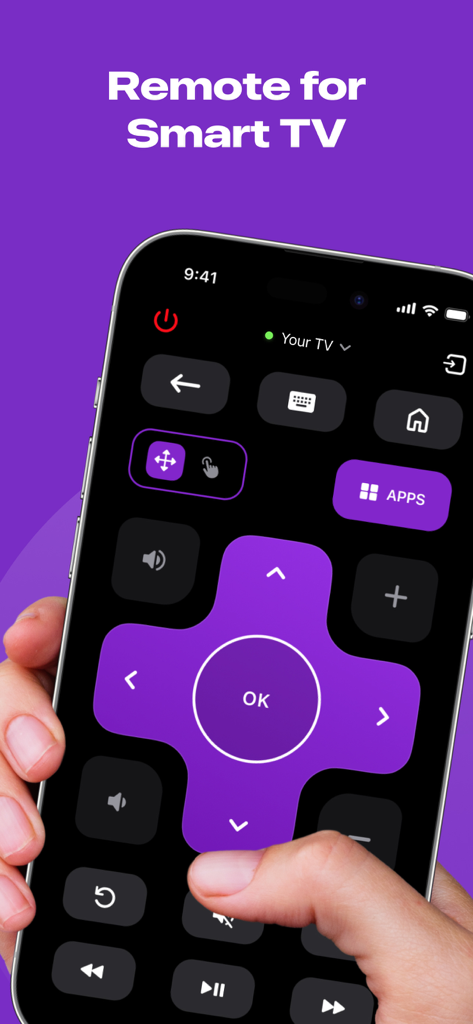
Digital remote control interface for Smart TV on an iPhone screen
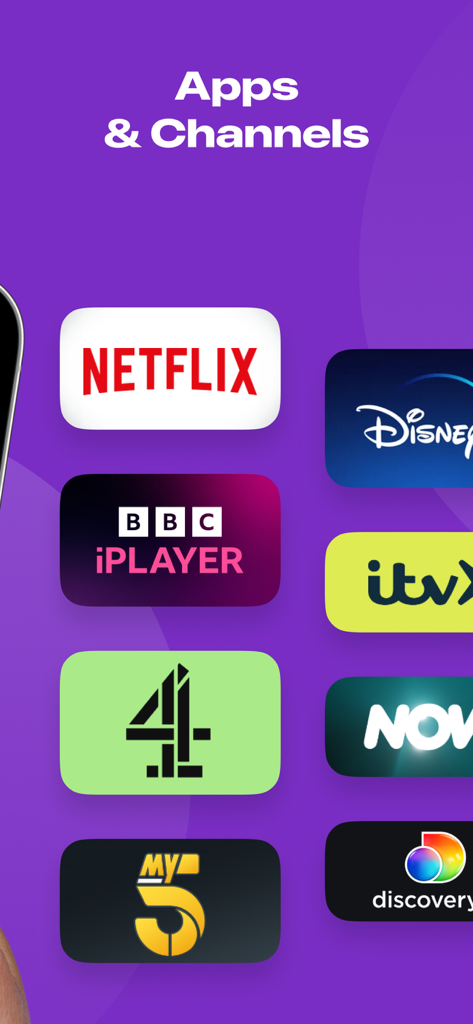
A list of streaming apps and channels including Netflix and Disney Plus
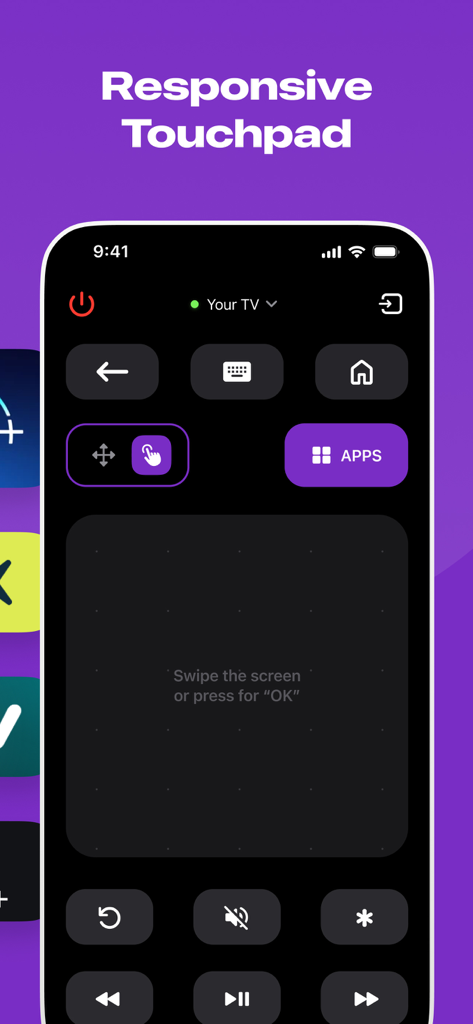
Interface of the Roku TV Remote app showing a responsive touchpad for navigation.
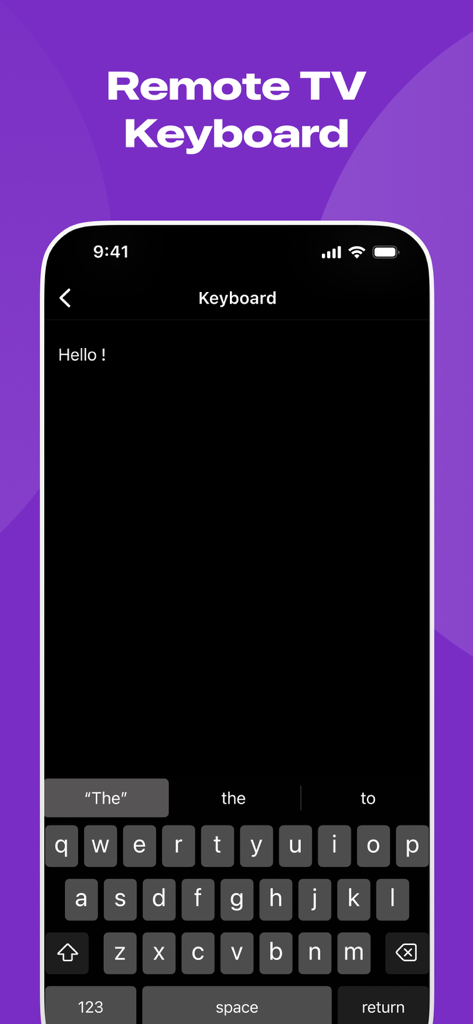
Remote TV keyboard feature for Roku on iPhone
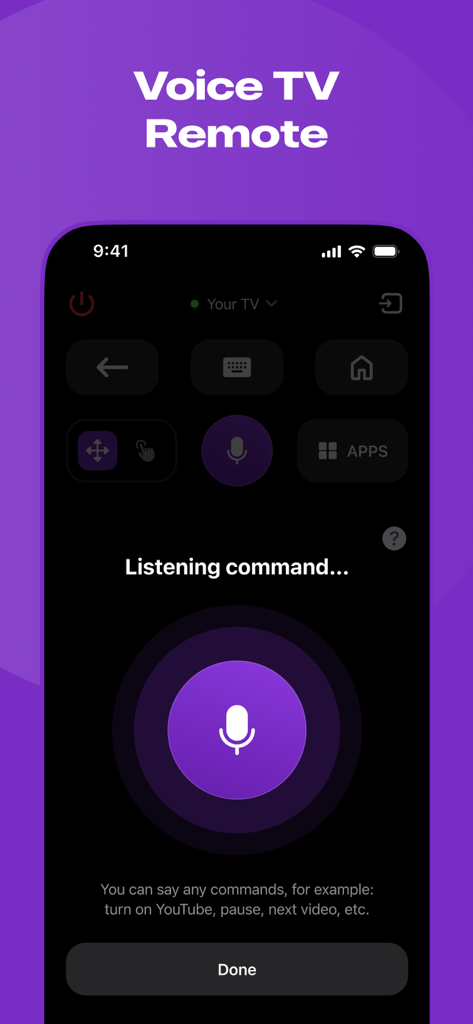
A mobile app interface for a Roku TV remote showing a voice control feature with a large microphone button and listening prompt
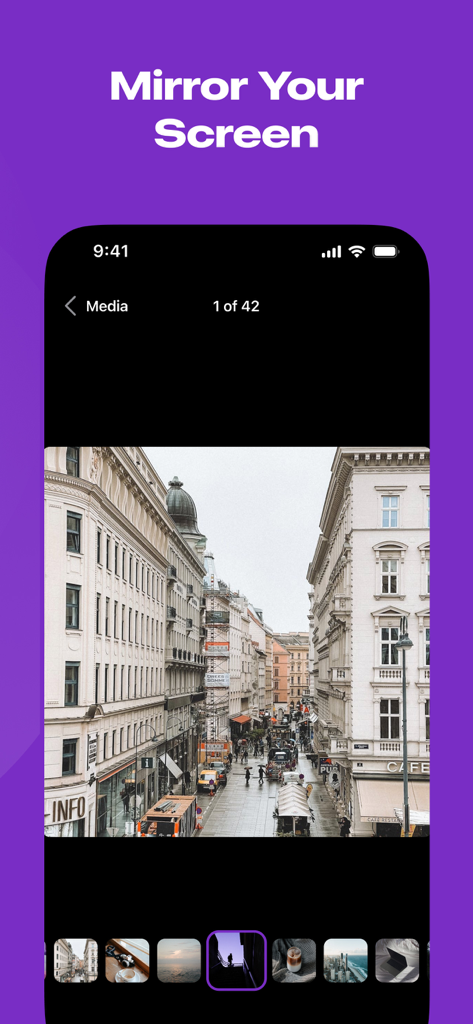
iPhone screen displaying a photo gallery under the heading Mirror Your Screen
Description
Download
More Like This
Apps with similar features and user experience

DJI Mimo
SZ DJI TECHNOLOGY CO., LTD

DJI Ronin
SZ DJI TECHNOLOGY CO., LTD

Remote for Hisense TV.
Duscov Stepan

Alpha Linker - Camera Transfer
恒茂 刘

MyCentsys Pro
Centurion Systems (Pty) Ltd

Roku TV Remote Control・
Artur Belov

Luminair
Synthe FX, LLC

FUJIFILM XApp
FUJIFILM Corporation
Epson iProjection
Seiko Epson Corporation
This page is not an official page of the app or its developer, but an independent editorial publication created for informational and commentary purposes. Unless expressly stated otherwise, neither the app nor its developer is affiliated with, endorsed by, sponsored by, authorized by, or otherwise officially connected with MWM, Apple, Google Play, the app publisher, or the app's developer, and nothing on this page implies that the app was developed using MWM's services. Any trademarks, logos, screenshots, and other content remain the property of their respective owners.