Luminair
Luminair
Download on App Store

This page is not an official page of the app or its developer, but an independent editorial publication created for informational and commentary purposes. Unless expressly stated otherwise, neither the app nor its developer is affiliated with, endorsed by, sponsored by, authorized by, or otherwise officially connected with MWM, Apple, Google Play, the app publisher, or the app's developer, and nothing on this page implies that the app was developed using MWM's services. Any trademarks, logos, screenshots, and other content remain the property of their respective owners.

Logo of Luminair
Download on App Store

Luminair

Empower your creative vision with the industry-leading tool for DMX and HomeKit control. From film sets to live stages, manage over 30,000 fixture profiles with the portability of iPad and the power of a professional console.

Key Figures

Downloads

70K+

User Rating

4.6/5

Total Ratings

3K+

Publisher

Synthe FX, LLC

Category

Productivity

Locales

1

Latest Version

4.4.11

Size

1.7 GB

First Released

Jun 16, 2015
Features

Studio-Grade Lighting Control

Setting the industry standard since 2008, Luminair brings the power of a professional hardware console to a portable, high-performance interface for iOS and macOS.

Mobile Mastery

Break free from the booth. Control up to 4 DMX universes and 30,000+ fixture profiles with a scalable UI designed for high-pressure environments.

Hybrid Workflow

The only platform that lets you command professional DMX fixtures and HomeKit smart lights simultaneously in one unified project.

The following screenshots and description are sourced directly from the app's official store listing and are the property of the app developer.

App Store

Screenshots
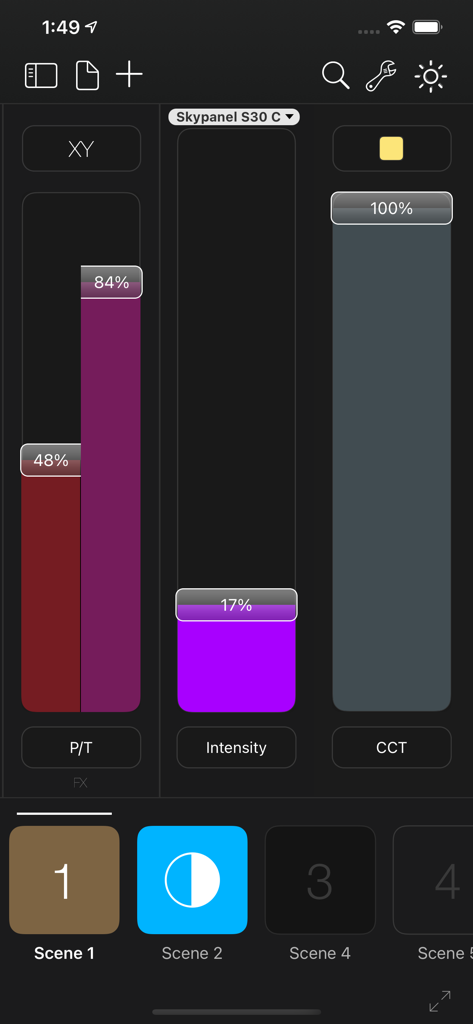
Luminair - Luminair app screenshot showing professional lighting control sliders for intensity, color temperature, and pan-tilt on an iPhone interface
Luminair app screenshot showing professional lighting control sliders for intensity, color temperature, and pan-tilt on an iPhone interface

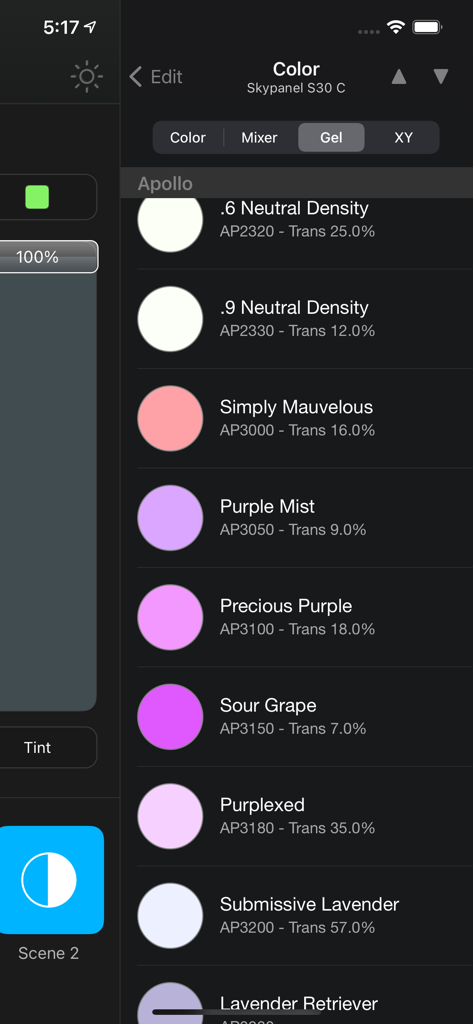
Luminair - Luminair app interface showing professional lighting color gel options for DMX fixtures
Luminair app interface showing professional lighting color gel options for DMX fixtures

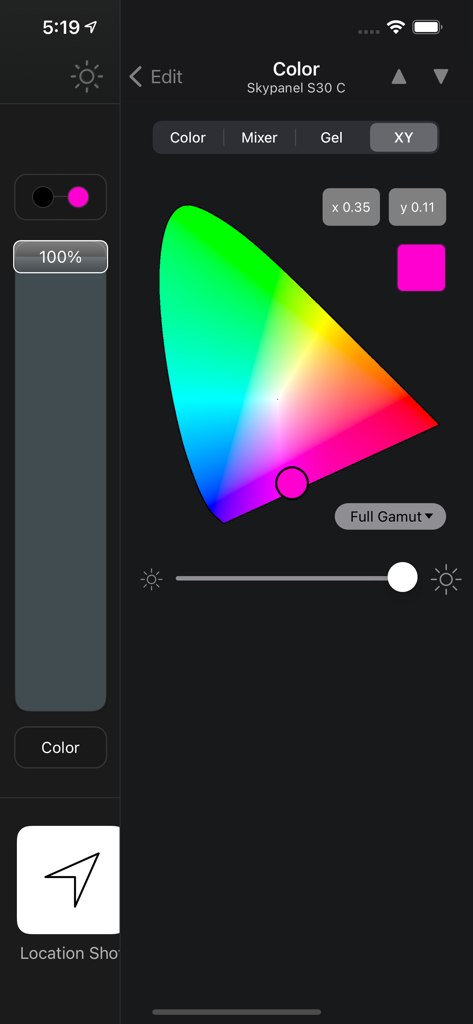
Luminair - Luminair app color control interface showing a chromaticity diagram and XY coordinates for lighting fixtures
Luminair app color control interface showing a chromaticity diagram and XY coordinates for lighting fixtures

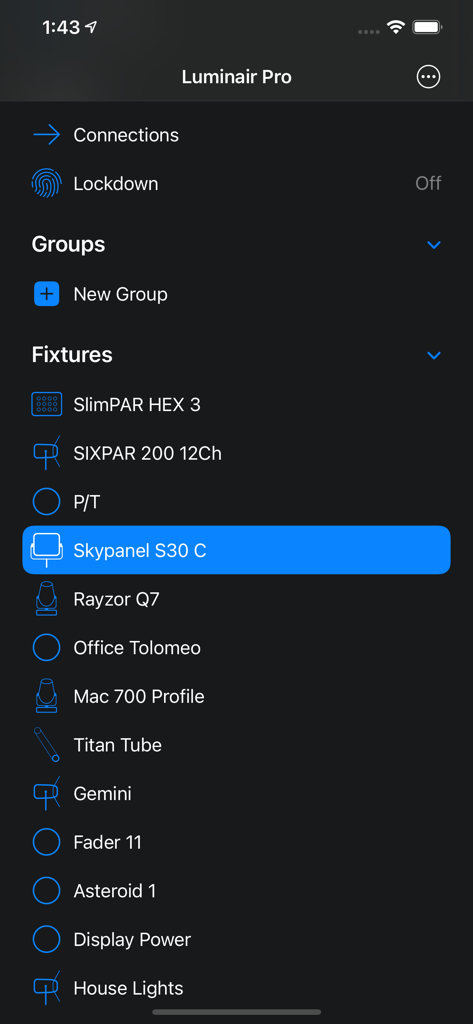
Luminair - Smartphone screen displaying the Luminair Pro app fixtures list with Skypanel S30 C selected
Smartphone screen displaying the Luminair Pro app fixtures list with Skypanel S30 C selected

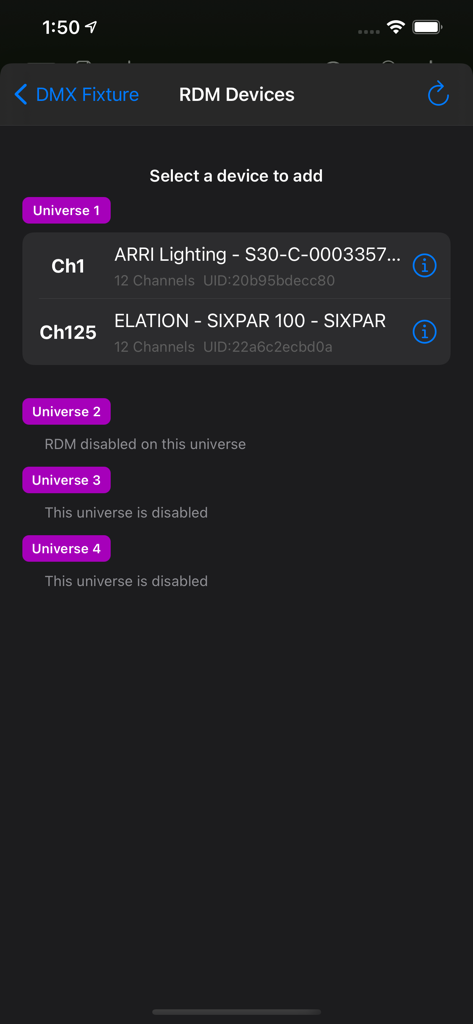
Luminair - Luminair professional lighting app RDM device selection interface showing discovered fixtures across multiple DMX universes.
Luminair professional lighting app RDM device selection interface showing discovered fixtures across multiple DMX universes.

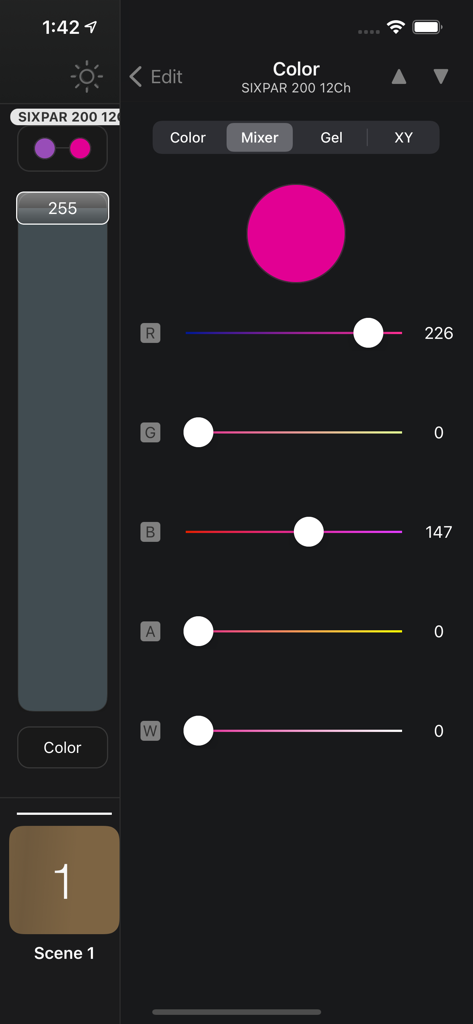
Luminair - Luminair app color mixer interface showing RGB sliders and a magenta color picker for professional DMX lighting control.
Luminair app color mixer interface showing RGB sliders and a magenta color picker for professional DMX lighting control.

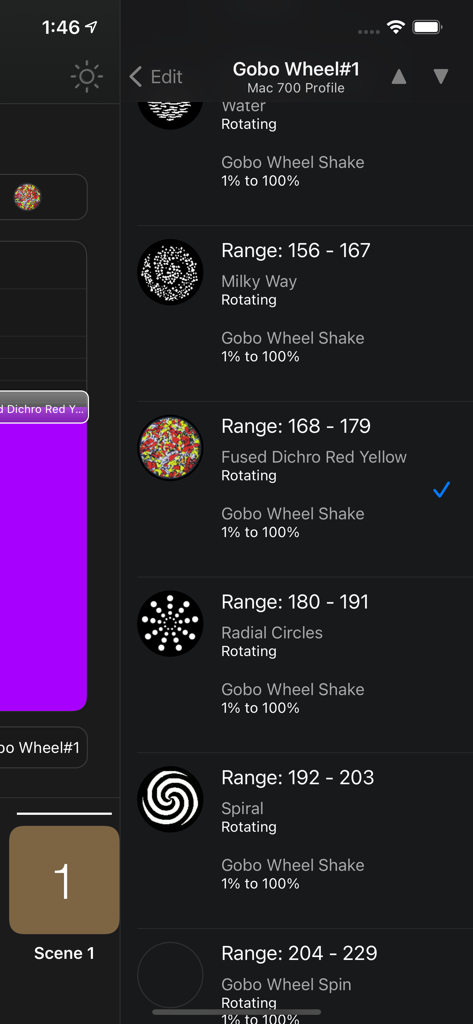
Luminair - Luminair app interface showing DMX gobo wheel pattern selection for professional lighting fixtures

Luminair app interface showing DMX gobo wheel pattern selection for professional lighting fixtures
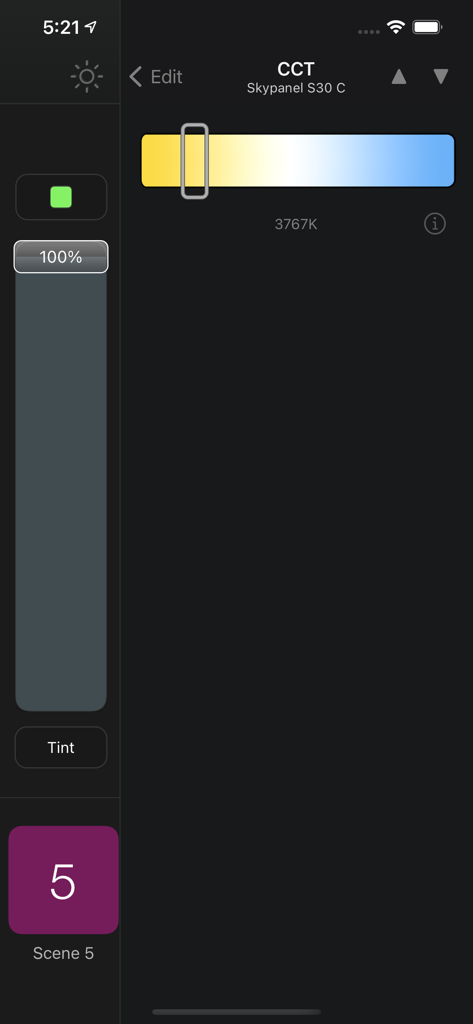
Luminair - Luminair app interface showing color temperature control for an ARRI Skypanel lighting fixture
Luminair app interface showing color temperature control for an ARRI Skypanel lighting fixture

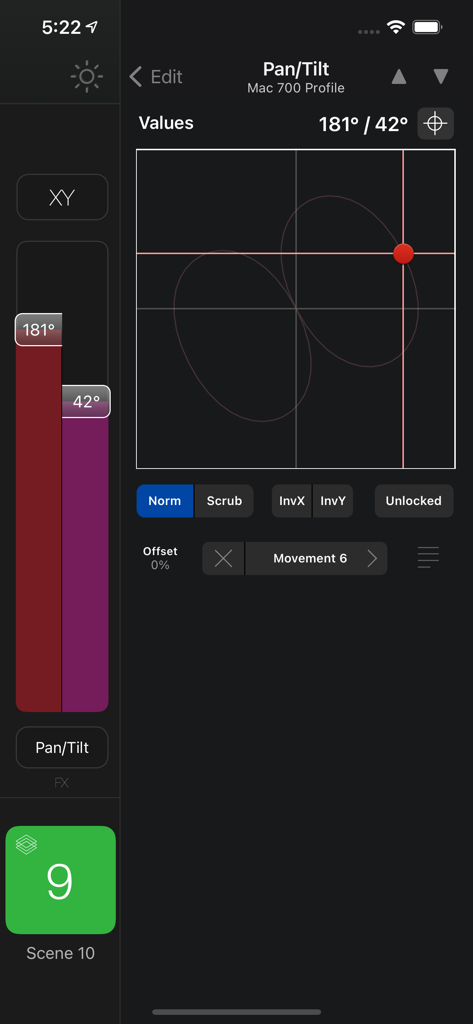
Luminair - Professional DMX lighting pan and tilt control screen in the Luminair app.
Professional DMX lighting pan and tilt control screen in the Luminair app.

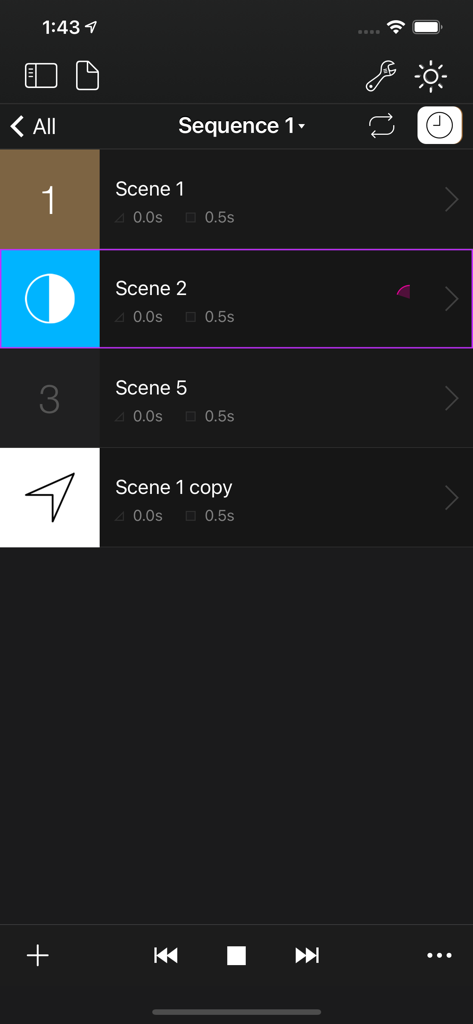
Luminair - Luminair app lighting sequence control screen showing a list of scenes with custom fade and hold times

Luminair app lighting sequence control screen showing a list of scenes with custom fade and hold times

Description

Luminair is a professional-grade lighting control platform that gives lighting designers, filmmakers and TV professionals, musicians, artists and other enthusiasts advanced control over DMX-enabled lights, as well as "Smart" lights via Apple HomeKit. Control any light... Luminair's Fixture Cloud library contains over 30,000 fixture profiles. Luminair 4 adds a wide range of user-requested features like multi-universe support, RDM support, user interface improvements, Universal Search, support for Apple HomeKit, and so much more. Move beyond the lighting console! Join us and see why Luminair has been setting the standard for mobile lighting control since 2008! Access all iPadOS, iOS, and macOS versions under a single subscription plan. Try it FREE for 2 weeks, with all features unlocked, and no obligation. See offer details below. Highlights: - 1 to 4 DMX Universes (512-2048 Channels, depending on Subscription level) - 1 Art-Net DMX Input Universe for creating Snapshot scene recordings from another lighting console - RDM Support over Art-Net - Works with any Art-Net or sACN E1.31 compliant DMX interface - Transmits Art-Net, sACN E1.31, and/or and KiNET over built-in Wi-Fi hardware - Supports DMX over Bluetooth with LumenRadio BLE CRMX devices, MoonLite and TimoTwo - Supports wired ethernet with 3rd-party adapters - Advanced document viewer allows you to save projects in iCloud, 3rd-party services like Creative Cloud and Dropbox, plus external disks and flash drives - LTP faders with fully-configurable scene parameters - DMX FX Engine with a Movement generator, Oscillator, Color Looping, Random Color/Intensity and more - Palette/preset based movement system allows you to control and edit movements of multiple moving lights together in unison - Sequences allow you to play back scenes with customized fade and hold times - Sound Active mode allows for music controlled light shows using the built-in microphone, or external sound sources - Innovative tap-to-bump gesture allows you to quickly bump the levels of a scene while holding it's button, releasing those levels when let go - Supports simultaneous control of DMX and HomeKit lights in the same project - Touch ID powered Lockdown mode allows you to lock specific parts of the Luminair user interface - Includes Luminair Remote for Apple Watch (on iPhone devices) - Supports various external control methods as MIDI, MIDI over Bluetooth LE and Wi-Fi, Geofences, OSC Input - Additional support for 4 Universes, Scheduling, DMX Input Triggers, iBeacons, MSC, MTC, and HomeKit Button Triggers available with Luminair Pro Subscription - 64-bit app with a scalable UI that uses the latest Apple technologies like iCloud, Core Animation, Core MIDI and more Please visit us at https://luminair.app for full details. IMPORTANT: Luminair requires external DMX or HomeKit hardware to control lights, but can also be used in an "offline" mode for building projects and as a learning tool. Access Luminair Standard or Luminair Pro with monthly or annual subscriptions. You will be automatically billed through Apple every 30 days for monthly subscriptions or every 365 days for yearly subscriptions until you cancel your subscription. The first billing will occur after the one-time free trial period of 2 weeks. Your subscription automatically renews unless auto-renew is turned off at least 24-hours before the end of the current period. Your subscription can be managed and the auto-renewal may be turned off by going to the App Store Account Settings after purchase. No cancellation of the current subscription is allowed during active subscription period. Any unused portion of the free trial period will be forfeited when you purchase a subscription during the free trial period. Privacy Policy: https://luminair.app/privacy Terms of Use: https://luminair.app/terms

Download

Download on App Store

This page is not an official page of the app or its developer, but an independent editorial publication created for informational and commentary purposes. Unless expressly stated otherwise, neither the app nor its developer is affiliated with, endorsed by, sponsored by, authorized by, or otherwise officially connected with MWM, Apple, Google Play, the app publisher, or the app's developer, and nothing on this page implies that the app was developed using MWM's services. Any trademarks, logos, screenshots, and other content remain the property of their respective owners.