
This page is not an official page of the app or its developer, but an independent editorial publication created for informational and commentary purposes. Unless expressly stated otherwise, neither the app nor its developer is affiliated with, endorsed by, sponsored by, authorized by, or otherwise officially connected with MWM, Apple, Google Play, the app publisher, or the app's developer, and nothing on this page implies that the app was developed using MWM's services. Any trademarks, logos, screenshots, and other content remain the property of their respective owners.

DJI Ronin
Master your gimbal with automated motor tuning, adaptive SmoothTrack, and intelligent remote setup designed for world-class cinematography.
Downloads
2M+User Rating
Total Ratings
14K+Publisher
Category
Photo & VideoLocales
11Latest Version
2.0.4Size
397.6 MBFirst Released
Sep 29, 2017Precision Control for Every Frame
Unlock the full potential of your Ronin gimbal with professional-grade tools designed to streamline your workflow and elevate your production value.
Instant Motor Calibration
Get production-ready in seconds with Auto Tune, which automatically adjusts motor stiffness and strength to match your specific camera payload.
Adaptive SmoothTrack
Achieve silky-smooth cinematic takes with intelligent motion tracking that responds intuitively to your movement for fluid storytelling.
Frequently Asked Questions
Everything you need to know about DJI Ronin
What is the DJI Ronin app used for?
The DJI Ronin app personalizes the Ronin shooting experience. It allows users to access and manage gimbal motor parameters, SmoothTrack, remote setup, and unique Axis Modes.
Does the DJI Ronin app provide automatic motor tuning?
Yes, the DJI Ronin app includes Auto Tune. This feature automatically adjusts gimbal motor parameters based on the mounted payload, providing an optimal baseline for further fine-tuning.
How does Adaptive SmoothTrack function in the DJI Ronin app?
Adaptive SmoothTrack in the DJI Ronin app intelligently adapts to operator movements when Acceleration settings are higher than Speed. This enables complicated long takes with consistent results.
Can I plan my shots in advance using the DJI Ronin app?
Yes, the DJI Ronin app facilitates advanced shot planning. Users can utilize CamAnchor and Track mode to pre-set shots and execute them with a simple tap.
Which DJI Ronin stabilizers are compatible with the DJI Ronin app?
The DJI Ronin app is compatible with stabilizers such as DJI RS 4 Mini, DJI RS 4 Pro, DJI RS 4, DJI RS 3 Mini, and DJI RS 3 Pro.
Does the DJI Ronin app show live gimbal battery status?
Yes, the DJI Ronin app displays the live battery level of the connected Ronin gimbal. Users view this status on the Gimbal Control screen.
What creative shooting options does the DJI Ronin app offer?
The DJI Ronin app offers creative shooting modes including Virtual Joystick, Force Mobile, Panorama, Timelapse, and Track. It also supports Gaming Controller functionality.
The following screenshots and description are sourced directly from the app's official store listing and are the property of the app developer.
App Store
Screenshots
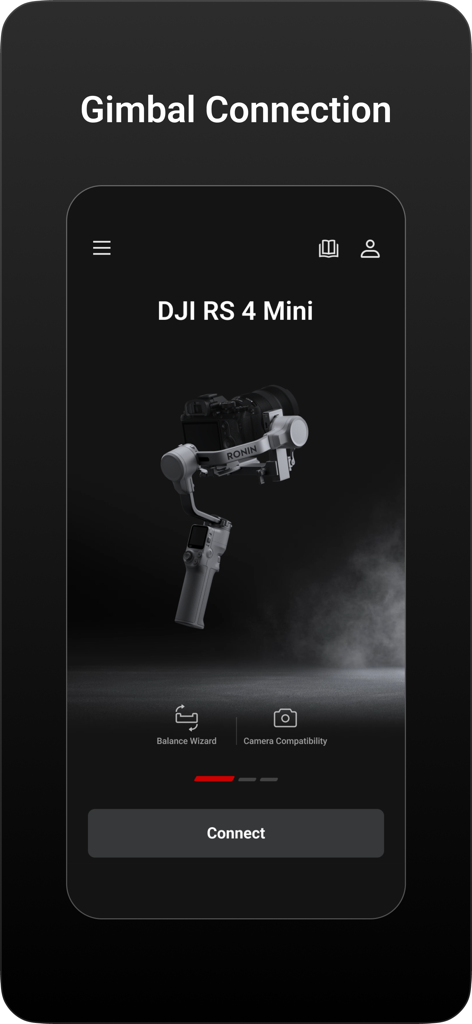
DJI Ronin app gimbal connection screen for DJI RS 4 Mini
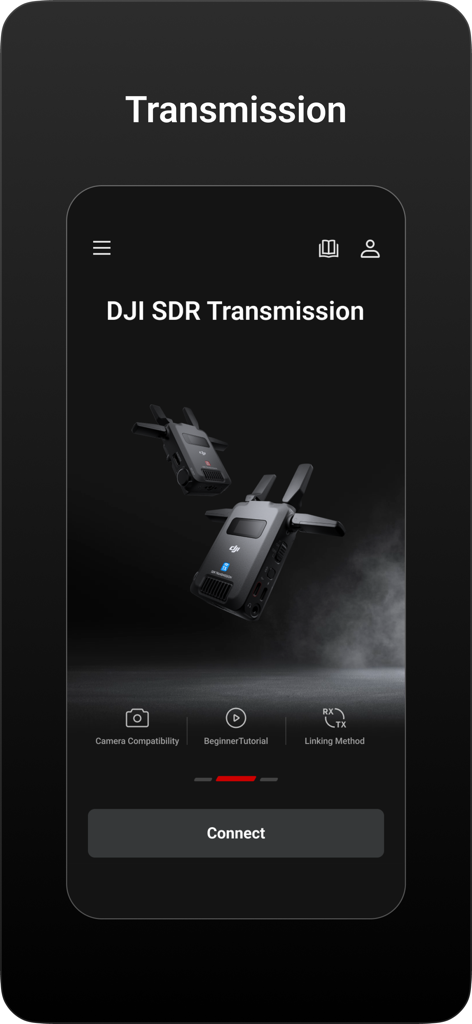
DJI Ronin app screen showing SDR Transmission setup and connection options
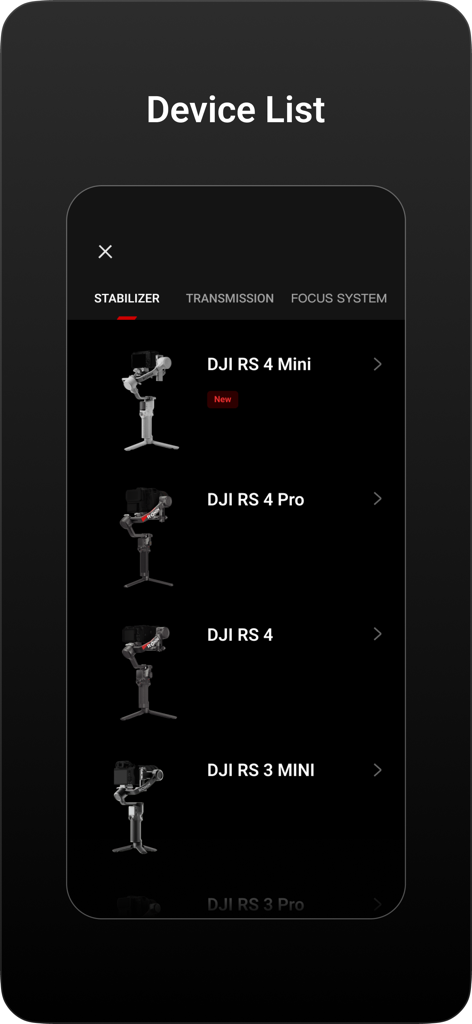
Device list screen in the DJI Ronin app showing a selection of DJI RS series stabilizers
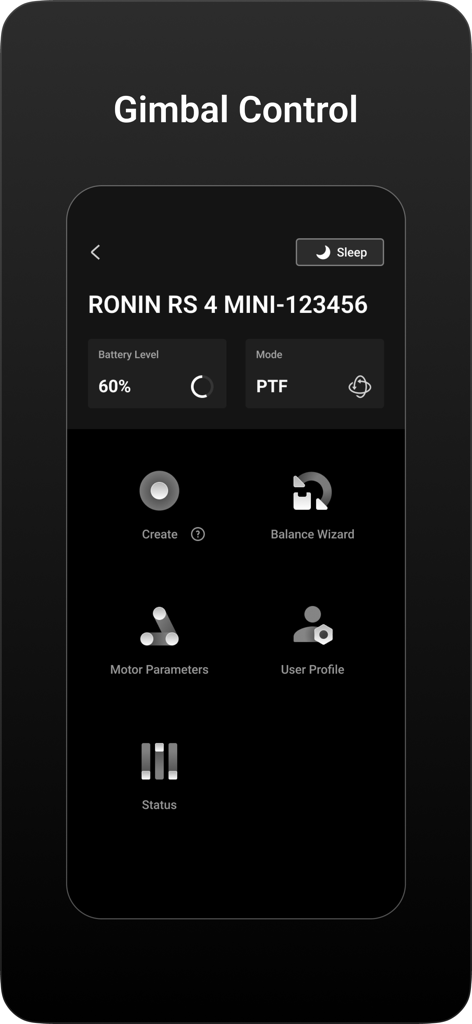
A screenshot of the DJI Ronin app showing the gimbal control interface for a Ronin RS 4 Mini
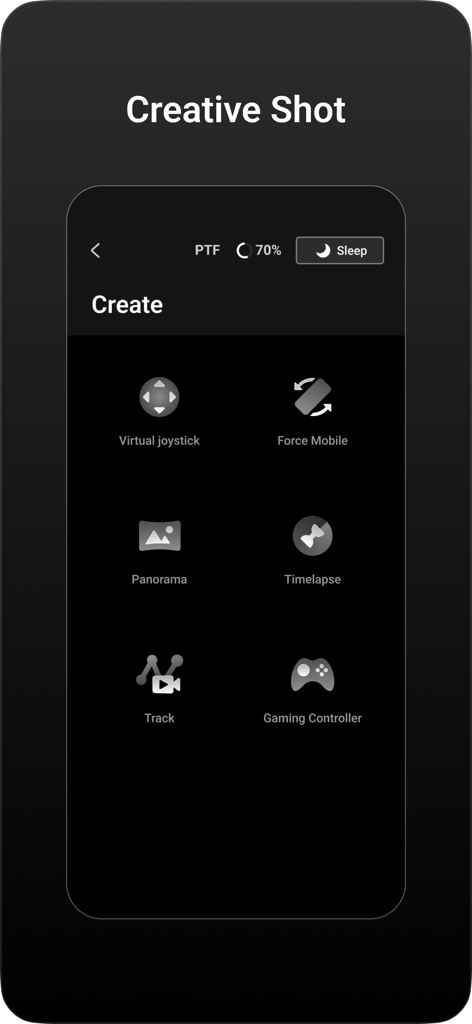
DJI Ronin app interface showing creative shot options including virtual joystick force mobile panorama and timelapse
Description
Download
More Like This
Apps with similar features and user experience

DJI Mimo
SZ DJI TECHNOLOGY CO., LTD

Roku TV Remote Control & Cast
Aleh Piashkou

Remote for Hisense TV.
Duscov Stepan

Alpha Linker - Camera Transfer
恒茂 刘

MyCentsys Pro
Centurion Systems (Pty) Ltd

Roku TV Remote Control・
Artur Belov

Luminair
Synthe FX, LLC

FUJIFILM XApp
FUJIFILM Corporation

Epson iProjection
Seiko Epson Corporation
This page is not an official page of the app or its developer, but an independent editorial publication created for informational and commentary purposes. Unless expressly stated otherwise, neither the app nor its developer is affiliated with, endorsed by, sponsored by, authorized by, or otherwise officially connected with MWM, Apple, Google Play, the app publisher, or the app's developer, and nothing on this page implies that the app was developed using MWM's services. Any trademarks, logos, screenshots, and other content remain the property of their respective owners.