
This page is not an official page of the app or its developer, but an independent editorial publication created for informational and commentary purposes. Unless expressly stated otherwise, neither the app nor its developer is affiliated with, endorsed by, sponsored by, authorized by, or otherwise officially connected with MWM, Apple, Google Play, the app publisher, or the app's developer, and nothing on this page implies that the app was developed using MWM's services. Any trademarks, logos, screenshots, and other content remain the property of their respective owners.

DJI Mimo
Clunky workflows kill creativity. Mimo redefines the process, granting users unparalleled mastery over their DJI camera's output, from live recording to rapid-fire edits.
Downloads
50M+User Rating
Total Ratings
330.8KPublisher
Category
Photo & VideoLocales
15Latest Version
2.7.8Size
1.7 GBFirst Released
Dec 12, 2018DJI Mimo: A Comprehensive Mobile Content Hub
Evaluating Core Functionalities for DJI Osmo Series Users
Remote Device Control & Live View
The app provides seamless remote control of DJI Osmo devices via Bluetooth or Wi-Fi, offering an HD live view for precise framing and monitoring during 4K video recording.
Advanced In-App Video Editing
It allows users to perform detailed edits directly within the app, including trimming, splitting, adjusting playback speed, reversing clips, and more, streamlining the post-production workflow.
One-Tap My Story Templates
This tool features professional 'My Story' video templates, enabling users to create engaging, shareable content with just a single tap, ideal for quick social media posts.
Fine-Grained Image Quality Control
The app provides comprehensive controls to fine-tune image quality parameters such as brightness, saturation, contrast, color temperature, vignette, and sharpness, allowing users to achieve their desired visual style.
Instant Social Sharing
It allows users to effortlessly upload and share their videos to social media platforms with just a tap, accelerating the content distribution process.
Creative Filters & Music Library
The app offers a rich selection of multiple filters, music templates, and watermark stickers to add a unique and personalized flair to videos, enhancing their creative appeal.
Frequently Asked Questions
Everything you need to know about DJI Mimo
What devices does DJI Mimo support?
DJI Mimo supports DJI Osmo Pocket, Osmo Action camera, Osmo Mobile 3, DJI OM4, and DJI Pocket2. It is an all-in-one app designed for these specific handheld gimbals and cameras.
Does DJI Mimo offer live view and 4K video recording?
Yes, DJI Mimo offers HD live view during recording and supports 4K video recording. Users can view and capture high-resolution footage directly through the app's interface.
How does DJI Mimo connect to DJI devices?
DJI Mimo controls compatible DJI devices like Osmo Pocket, Osmo Action, or Osmo Mobile 3 via Bluetooth or Wi-Fi connectivity. This enables seamless wireless operation of the camera.
Can I edit videos quickly with DJI Mimo?
Yes, DJI Mimo includes "My Story" video templates designed by professionals. This feature allows users to edit their videos quickly and efficiently with just a single tap.
Does DJI Mimo include facial enhancement features?
Yes, DJI Mimo offers precise face identification and a real-time Beautify mode. This feature instantly enhances photos and videos, improving the visual appeal of subjects.
What advanced editing functions are available in DJI Mimo?
DJI Mimo provides advanced video editing functions including trimming, splitting clips, adjusting playback speed, and reversing footage. It also integrates multiple filters and music options.
Can I adjust image quality settings in DJI Mimo?
Yes, DJI Mimo allows users to fine-tune image quality settings such as brightness, saturation, contrast, color temperature, vignette, and sharpness to meet their specific needs.
Does DJI Mimo provide tutorials for improving skills?
Yes, DJI Mimo features an "Academy" section with tutorials, such as the "OSMO Pocket 3 Beginner Guide." These resources help users improve their skills and learn how to use the app effectively.
Can users share videos directly from the DJI Mimo app?
Yes, DJI Mimo allows users to upload and share videos with just a tap directly from the application. This feature simplifies the process of distributing captured and edited content.
The following screenshots and description are sourced directly from the app's official store listing and are the property of the app developer.
App Store
Screenshots

Creative Companion Dashboard
See how DJI Mimo presents prominent product information for devices like the OSMO ACTION 6 and features a dedicated "Academy" section for skill development.
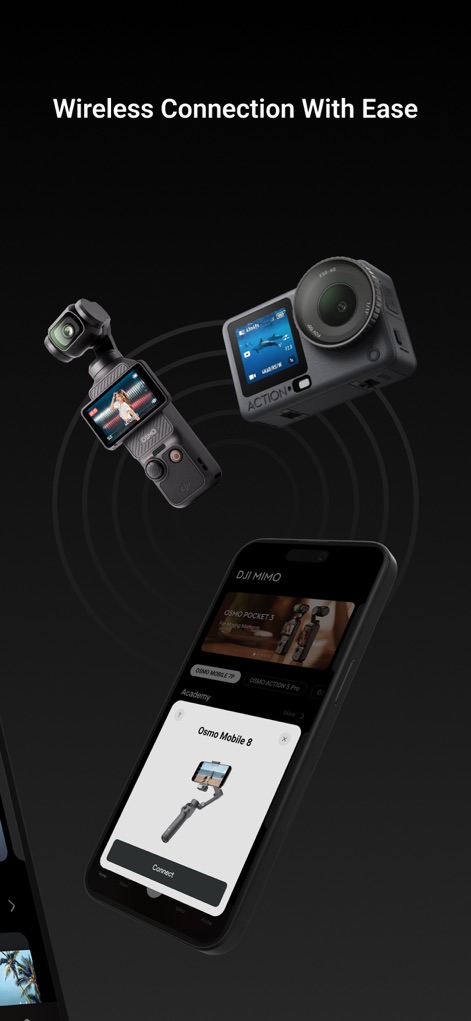
Seamless Device Connection
This tool showcases its capability for seamless wireless connection, with a prominent "Connect" button and visual pairing of various DJI devices.

Skill Enhancement Hub
The app offers an extensive "Academy" featuring various courses to refine user skills and provides access to practical "ShotGuides" for creative inspiration.

Precision Editing Tools
Users can precisely refine their footage with accessible tools such as "Trim" for duration adjustments and advanced "Color" correction options.

Effortless Video Creation
This tool streamlines video creation, offering both "New Project" for full control and "One-Tap Edit" for quick, template-based production.

Smart AI Editor
The app's intelligent editor provides diverse "Template" categories for easy content creation and rich "Text & Sticker" features to personalize videos.
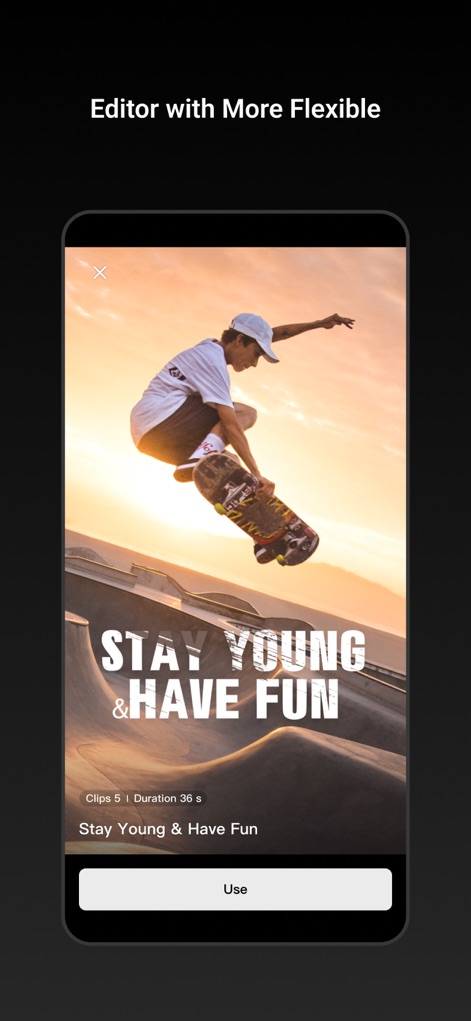
Dynamic Template Previews
Users can preview dynamic video templates, such as the "STAY YOUNG & HAVE FUN" example, before applying them with a simple "Use" button.
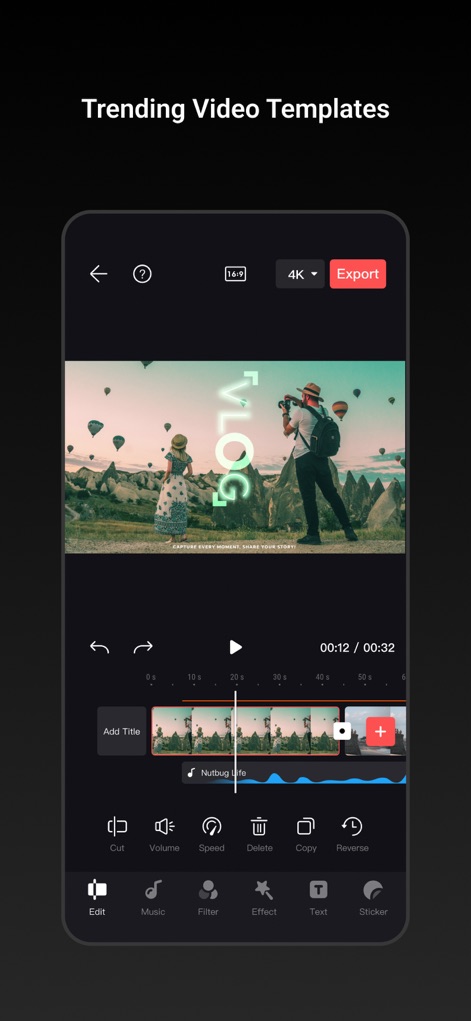
Advanced Timeline Control
The app provides granular control over video projects, allowing adjustments like "Speed" for dynamic pacing and various "Filter" applications directly on the timeline.
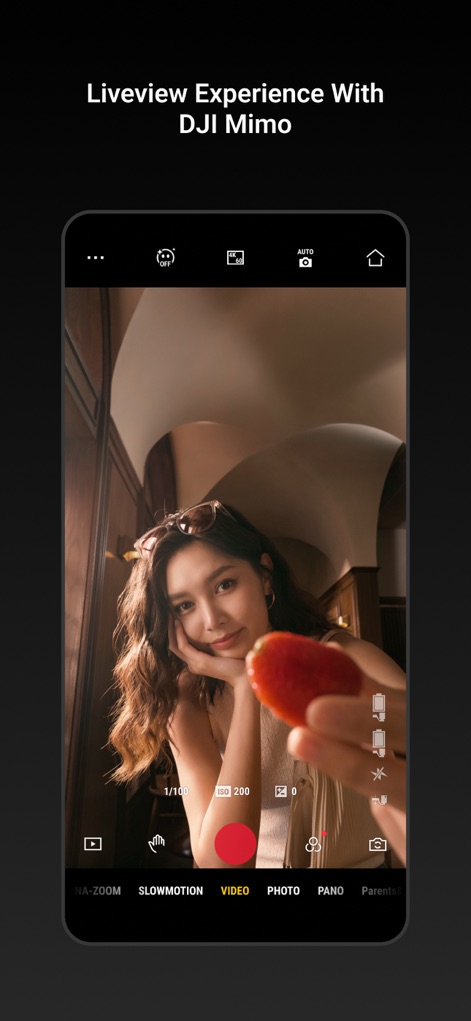
Real-time Camera View
This tool offers a comprehensive live view interface, displaying critical camera settings like "ISO 200" and enabling quick selection of modes such as "SLOWMOTION".

Comprehensive Support Access
The app provides robust support through features like "Device Management" for connected gear and direct access to the "DJI Forum" for community assistance.
Description
Download
More Like This
Apps with similar features and user experience

DJI Ronin
SZ DJI TECHNOLOGY CO., LTD

Roku TV Remote Control & Cast
Aleh Piashkou

Remote for Hisense TV.
Duscov Stepan

Alpha Linker - Camera Transfer
恒茂 刘

MyCentsys Pro
Centurion Systems (Pty) Ltd

Roku TV Remote Control・
Artur Belov

Luminair
Synthe FX, LLC

FUJIFILM XApp
FUJIFILM Corporation

Epson iProjection
Seiko Epson Corporation
This page is not an official page of the app or its developer, but an independent editorial publication created for informational and commentary purposes. Unless expressly stated otherwise, neither the app nor its developer is affiliated with, endorsed by, sponsored by, authorized by, or otherwise officially connected with MWM, Apple, Google Play, the app publisher, or the app's developer, and nothing on this page implies that the app was developed using MWM's services. Any trademarks, logos, screenshots, and other content remain the property of their respective owners.