
This page is not an official page of the app or its developer, but an independent editorial publication created for informational and commentary purposes. Unless expressly stated otherwise, neither the app nor its developer is affiliated with, endorsed by, sponsored by, authorized by, or otherwise officially connected with MWM, Apple, Google Play, the app publisher, or the app's developer, and nothing on this page implies that the app was developed using MWM's services. Any trademarks, logos, screenshots, and other content remain the property of their respective owners.


iNet Pro - Network Scanner
The professional standard for network analysis since 2009. Discover every device, monitor Bonjour services, and manage your hardware with total privacy and no subscriptions.
Downloads
236K+User Rating
Total Ratings
5K+Publisher
Category
UtilitiesLocales
10Latest Version
4.0.1Size
67.0 MBFirst Released
Apr 10, 2009Master Your Local Network
Experience the ultimate toolkit for network analysis and remote management, trusted by IT professionals and Apple power users since 2009.
Deep Device Discovery
Instantly identify every connected device with technical details including IP, MAC addresses, and active Bonjour services.
Pro Remote Control
Wake, sleep, or restart Macs remotely using Wake on LAN and execute custom SSH commands across your infrastructure.
The following screenshots and description are sourced directly from the app's official store listing and are the property of the app developer.
App Store
Screenshots
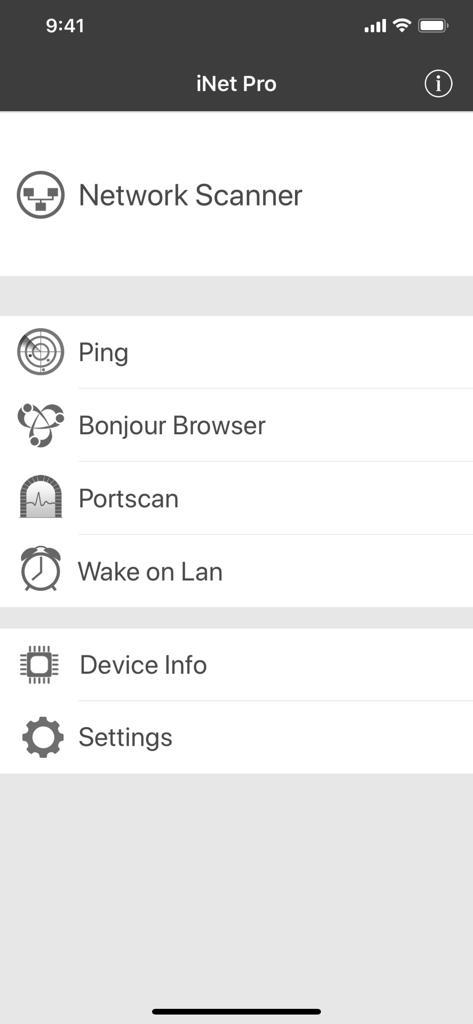
Main menu of the iNet Pro app showing tools like Network Scanner, Ping, and Wake on Lan.
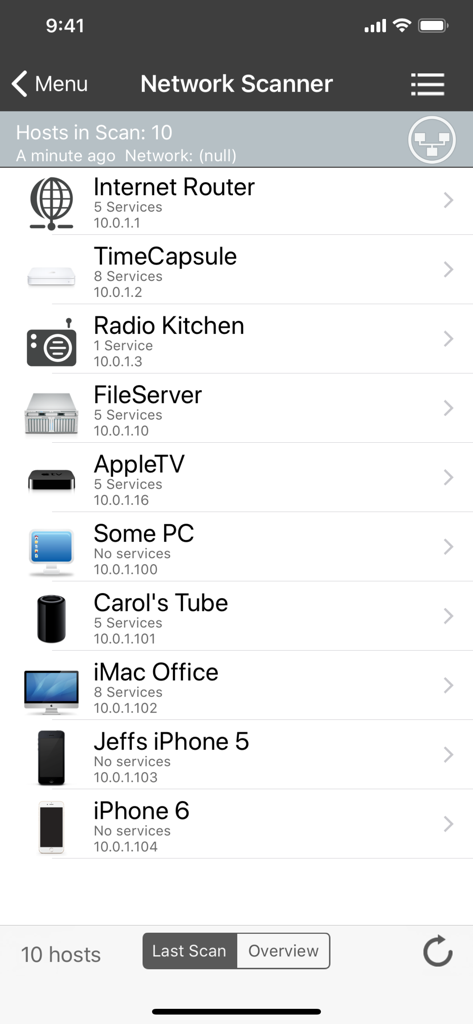
A list of connected network devices showing IP addresses and services in the iNet Pro app
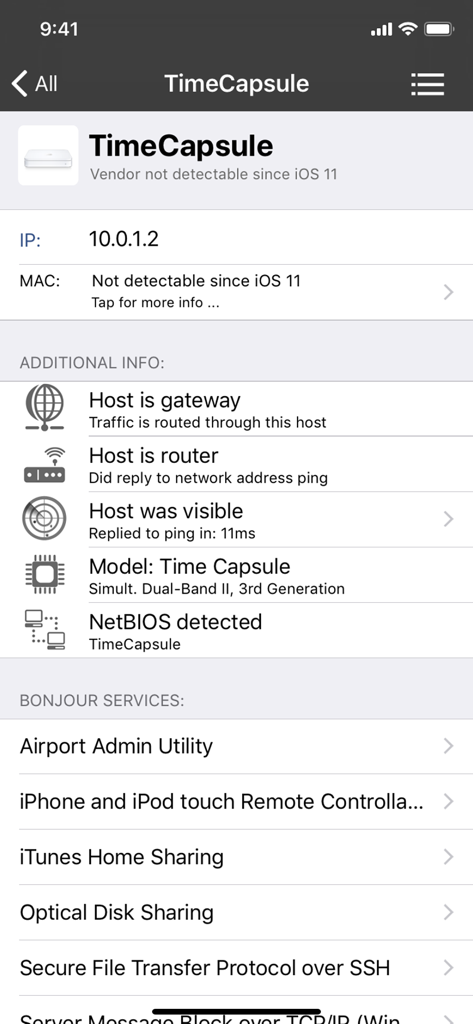
Detailed network information for an Apple Time Capsule showing IP address and active Bonjour services in the iNet Pro app
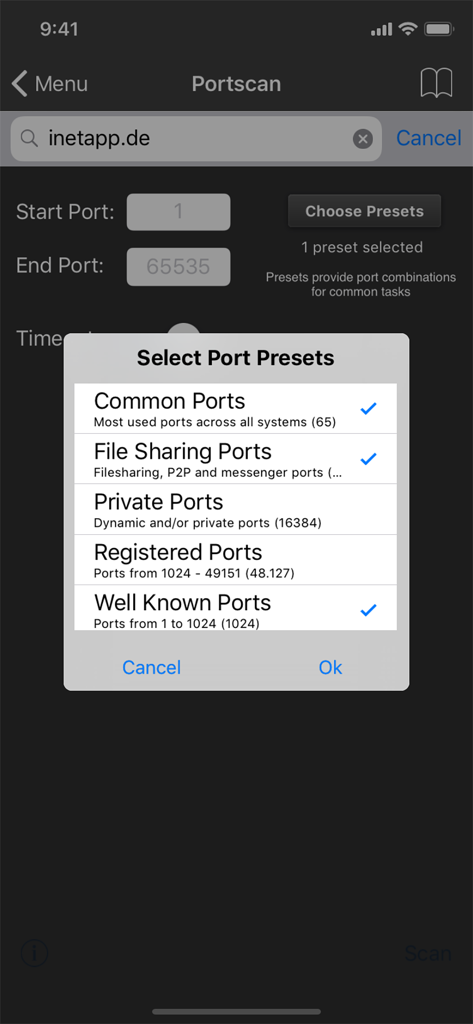
Port scan preset selection menu in the iNet Pro app
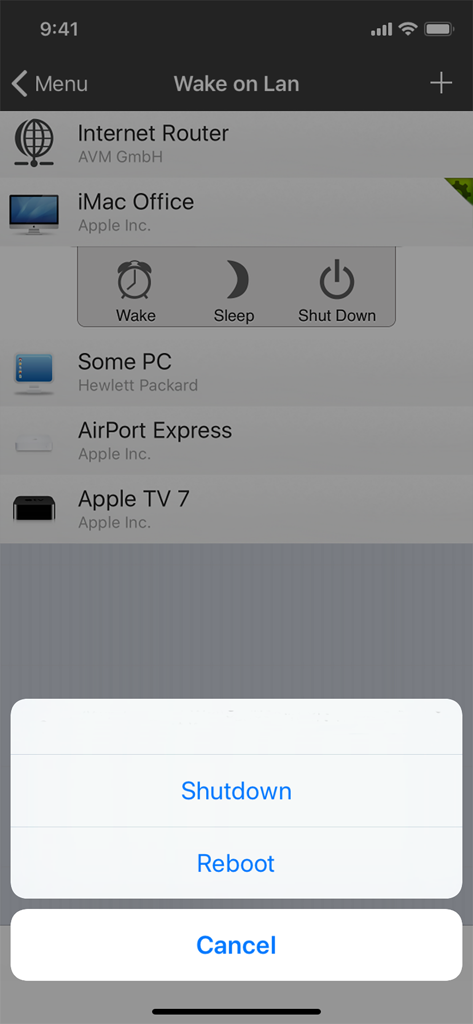
Wake on Lan screen in iNet Pro showing remote management options for networked devices
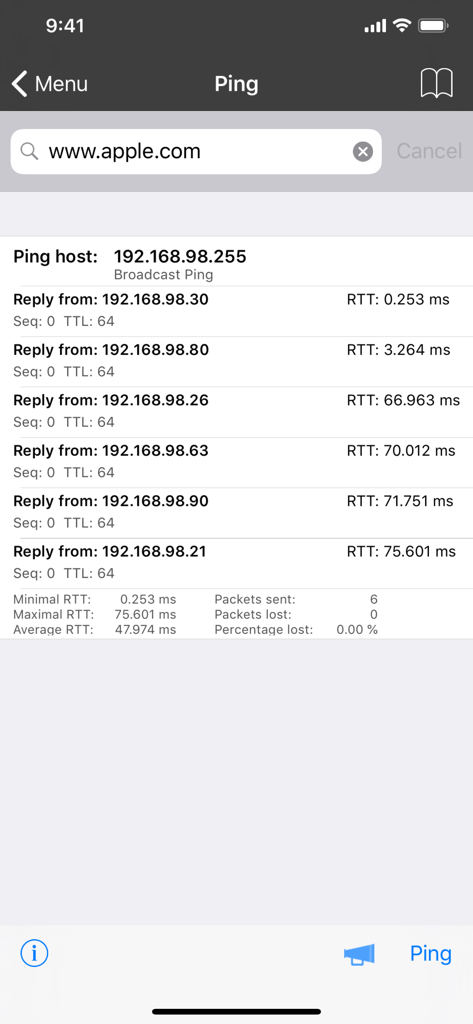
iNet Pro network ping test results showing IP addresses and round trip times
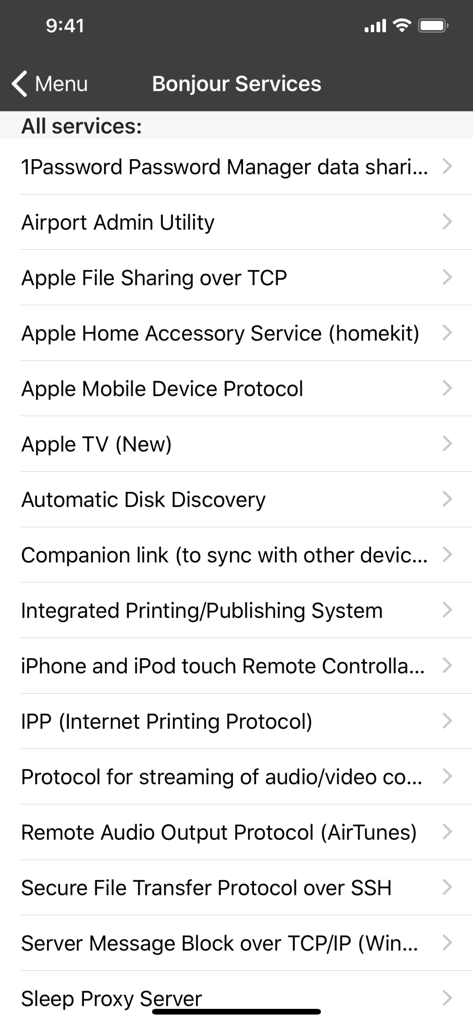
List of discovered Bonjour services in the iNet Pro network scanner app showing Apple file sharing and HomeKit entries
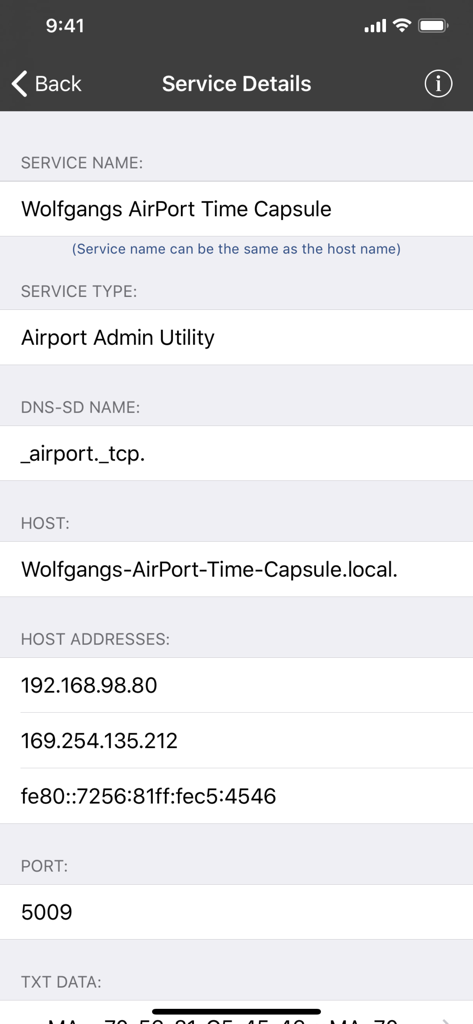
Detailed network service information for an AirPort Time Capsule in iNet Pro.
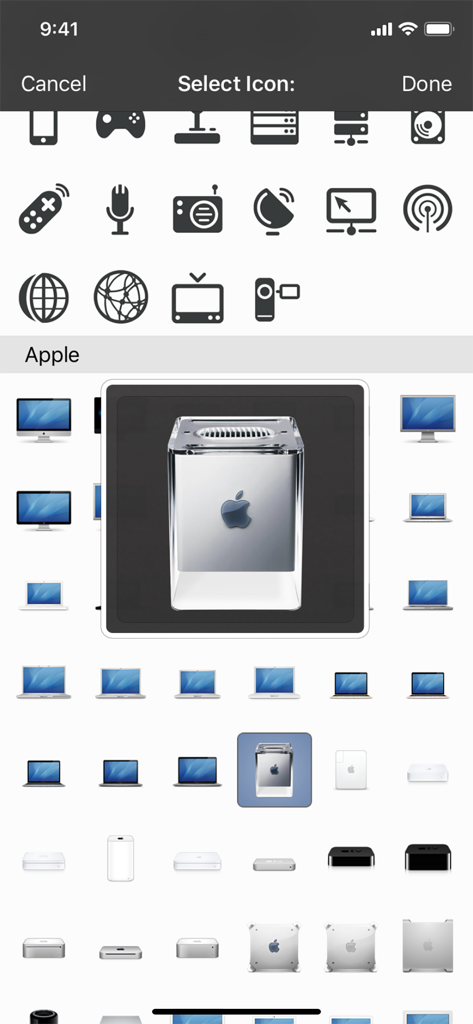
Icon selection screen in iNet Pro showing various Apple hardware and network device icons for customization.
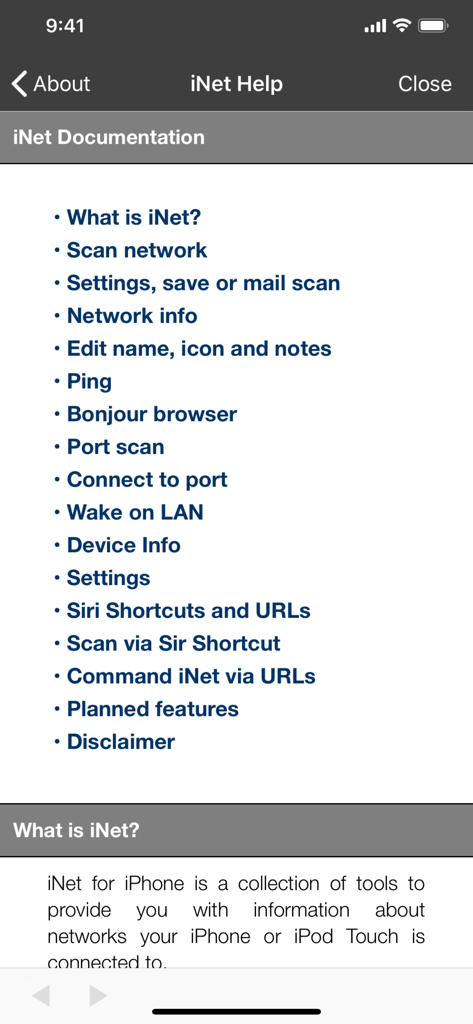
Table of contents for the help and documentation section of the iNet Pro app listing features like network scanning and Wake on LAN.
Description
Download
More Like This
Top-ranked apps in the same category

Google LLC

Google Chrome
Google LLC

中国移动(手机营业厅)
China Mobile Online Services Co., Ltd.

Google Authenticator
Google LLC

CNH do Brasil
Servicos e Informacoes do Brasil

Cleanup: Phone Storage Cleaner
DEEP FLOW SOFTWARE SERVICES - FZCO

gov.br
Servicos e Informacoes do Brasil

中国电信-全国统一官方服务平台
CHINA TELECOM Corporation Ltd.

Microsoft Edge: AI Browser
Microsoft Corporation
This page is not an official page of the app or its developer, but an independent editorial publication created for informational and commentary purposes. Unless expressly stated otherwise, neither the app nor its developer is affiliated with, endorsed by, sponsored by, authorized by, or otherwise officially connected with MWM, Apple, Google Play, the app publisher, or the app's developer, and nothing on this page implies that the app was developed using MWM's services. Any trademarks, logos, screenshots, and other content remain the property of their respective owners.