
This page is not an official page of the app or its developer, but an independent editorial publication created for informational and commentary purposes. Unless expressly stated otherwise, neither the app nor its developer is affiliated with, endorsed by, sponsored by, authorized by, or otherwise officially connected with MWM, Apple, Google Play, the app publisher, or the app's developer, and nothing on this page implies that the app was developed using MWM's services. Any trademarks, logos, screenshots, and other content remain the property of their respective owners.


Instant Save: Reel Story Video
The social media rat race demands an edge. This app grants users the power to instantly capture and repurpose fleeting content, turning every scroll into a strategic asset.
Downloads
100k+User Rating
Total Ratings
3.8KPublisher
Category
UtilitiesLocales
1Latest Version
5.2Size
23.6 MBFirst Released
Sep 10, 2024An evaluation of core functionalities for social media content enhancement and digital presence management.
Key Feature Analysis: Instant Save: Reel Story Video
Intelligent Hashtag Generation
This tool leverages AI to generate highly relevant hashtags, significantly boosting content discoverability and reach for various social media platforms.
AI-Enhanced Content Reposting
The app provides advanced tools for reposting content to Instagram, featuring AI-generated hashtags, custom captions, and watermarks to enhance content visibility and branding.
Image-to-Video Creator
It allows users to transform static images into engaging video content with professional transition animations and integrated audio, perfect for captivating audiences.
AI-Powered Storyteller
The app features an AI story generator that can craft compelling narratives based on user-provided topics, offering a quick solution for engaging story content.
Frequently Asked Questions
Everything you need to know about Instant Save: Reel Story Video
What features does Instant Save: Reel Story Video offer?
Instant Save: Reel Story Video offers features like reposting Instagram content with captions, watermarks, and AI hashtags. It also includes a link organizer, QR generator, video maker from images, and an AI story generator for creative content creation.
Can Instant Save be used to save Instagram Stories?
Yes, Instant Save allows users to save Instagram Stories. The app provides an interface where users can paste an Instagram link to retrieve and save the desired content directly.
Does Instant Save include an AI hashtag generator?
Yes, Instant Save features an AI Hashtag Generator. Users provide a keyword, and the app automatically generates relevant hashtags to increase content visibility and reach on social media platforms.
What is the purpose of the Link Organizer in Instant Save?
The Link Organizer in Instant Save allows users to save, manage, and share their favorite links efficiently. It also includes functionality to generate QR codes from these links for easy sharing.
How can users share media saved with Instant Save?
Users can easily share media saved with Instant Save. The app integrates with the device's native share sheet, offering options like AirDrop, Messages, Mail, Photos, and other installed applications for sharing.
Is there a video creation tool within Instant Save?
Yes, Instant Save provides a Video Maker feature. This tool enables users to convert their static images into dynamic videos, enhanced with smooth transition animations and custom audio tracks.
Where can I find the privacy policy for Instant Save?
The Privacy Policy for Instant Save is available at 'https://previewfirstpost.blogspot.com/2024/08/pf-privacy-policy.html'. This document outlines how user data is handled by the application.
Does Instant Save provide an AI story generator?
Yes, Instant Save includes an AI Story Generator. Users can input a topic, and the AI generates captivating stories, which can be listened to within the app or shared with others.
The following screenshots and description are sourced directly from the app's official store listing and are the property of the app developer.
App Store
Screenshots

This tool offers a dedicated interface for instant story saving, featuring a clear 'Paste Instagram Link' input field and a prominent 'Search' button for efficient content acquisition.
Instant Story Save
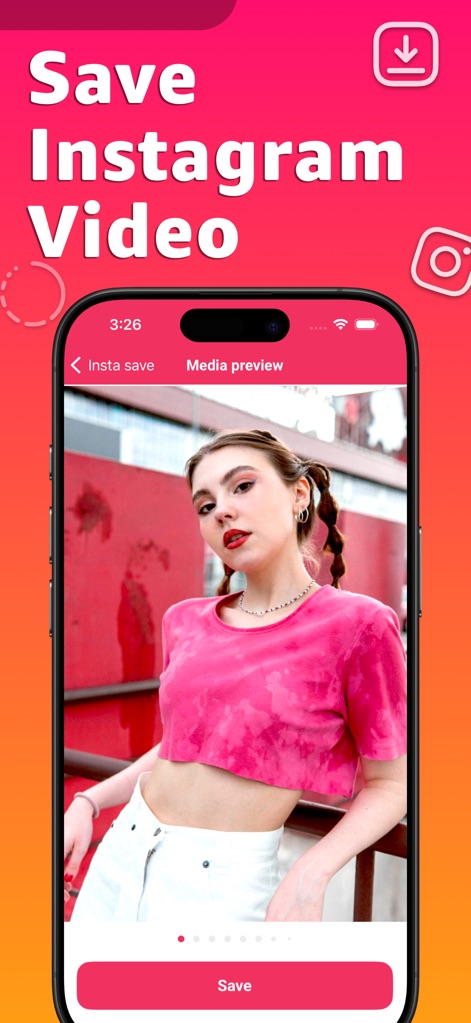
Users can easily save Instagram videos after a quick media preview, utilizing the intuitive 'Save' button and clear pagination for multiple media items.
Video Preservation
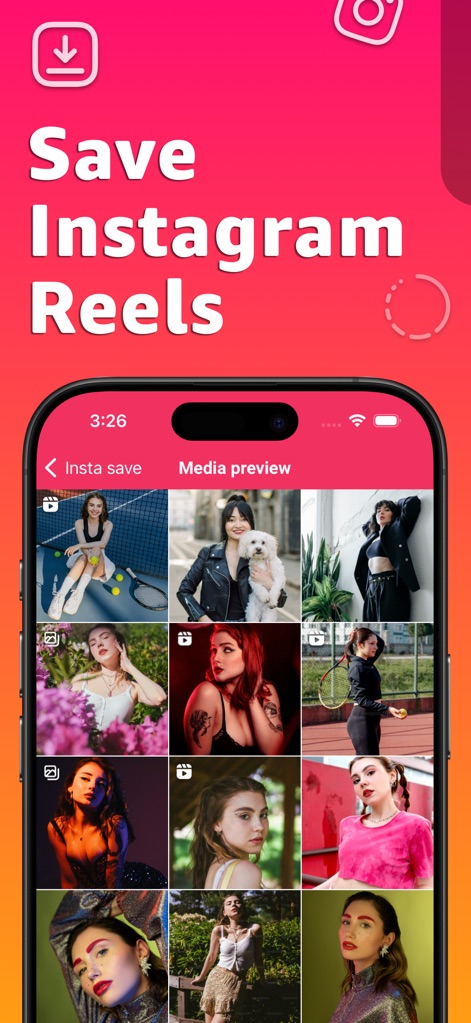
The app displays a comprehensive grid of Instagram Reels, allowing users to effortlessly browse and select content for saving, complete with a consistent 'Media preview' header.
Reels Gallery
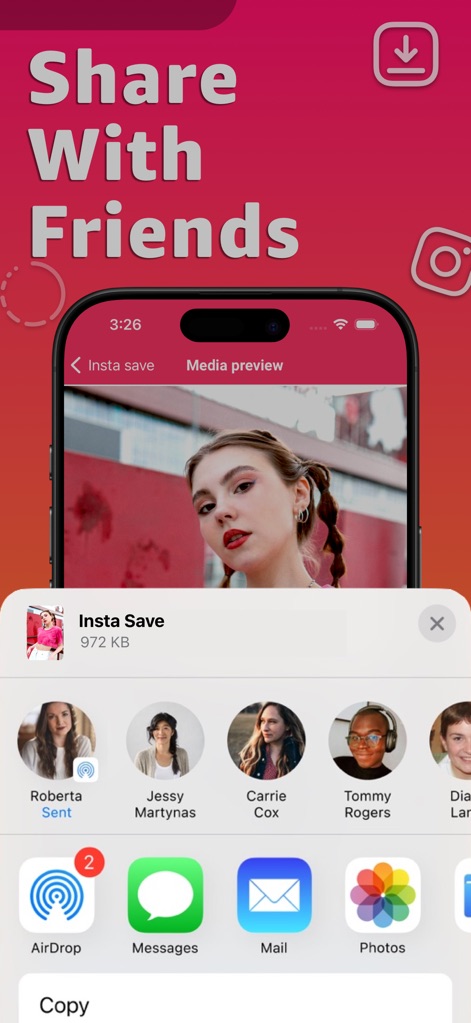
Beyond saving, this tool enables seamless content sharing directly from the media preview, integrating native iOS share sheet options like AirDrop and Messages for effortless distribution.
Seamless Sharing
Description
Download
More Like This
Apps with similar features and user experience

Gen AI Video Generator
CoreMoose, LLC

会影 - 爆款视频创作
Beijing Baiwang Intelligence Technology Co., Ltd.

Jars AI
JARS AI Corporation

NanoBanana: AI Video Generator
FURKAN ARSLAN

Nano Banana - AI Photo Maker
鑫涛 冯

AI Studio - AI Video Generator
Generative AI Teknoloji Anonim Sirketi

Bananai: AI Photo Editor
MWM

Flashloop: AI Video Generator
15557640 Canada Inc.

Flow AI - Video Generator
UNIVERLIST TEKNOLOJI SANAYI VE TICARET ANONIM SIRKETI
This page is not an official page of the app or its developer, but an independent editorial publication created for informational and commentary purposes. Unless expressly stated otherwise, neither the app nor its developer is affiliated with, endorsed by, sponsored by, authorized by, or otherwise officially connected with MWM, Apple, Google Play, the app publisher, or the app's developer, and nothing on this page implies that the app was developed using MWM's services. Any trademarks, logos, screenshots, and other content remain the property of their respective owners.