
This page is not an official page of the app or its developer, but an independent editorial publication created for informational and commentary purposes. Unless expressly stated otherwise, neither the app nor its developer is affiliated with, endorsed by, sponsored by, authorized by, or otherwise officially connected with MWM, Apple, Google Play, the app publisher, or the app's developer, and nothing on this page implies that the app was developed using MWM's services. Any trademarks, logos, screenshots, and other content remain the property of their respective owners.

iS7
Empowering automation engineers to read, write, and monitor S7-300, 400, 1200, 1500, and LOGO! controllers directly from the shop floor with remote variable management and virtual push-button control.
Downloads
200User Rating
Total Ratings
0Publisher
Category
UtilitiesLocales
5Latest Version
6.9Size
44.6 MBFirst Released
Feb 1, 2013Professional PLC Control at Your Fingertips
The essential mobile utility for industrial automation. Securely monitor, diagnose, and control Siemens S7 and LOGO! PLCs directly from your iPhone or iPad without the need for a bulky laptop.
Real-Time Data Management
Instantly read and write inputs, outputs, timers, and data blocks while standing directly at the machine point-of-use.
Remote Virtual Controls
Execute remote operations and trigger machine actions safely with configurable virtual push buttons and custom I/O mapping.
The following screenshots and description are sourced directly from the app's official store listing and are the property of the app developer.
App Store
Screenshots
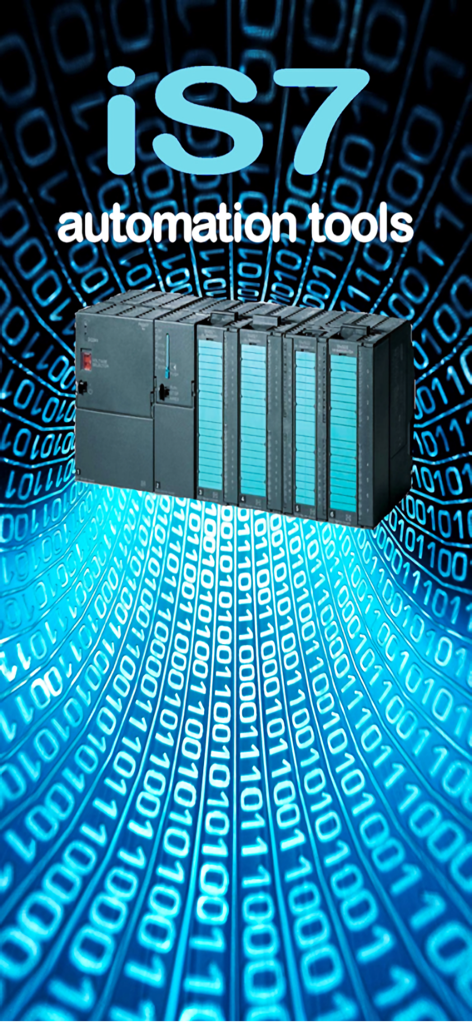
iS7 automation tools logo with a Siemens S7 PLC hardware unit on a blue binary code background
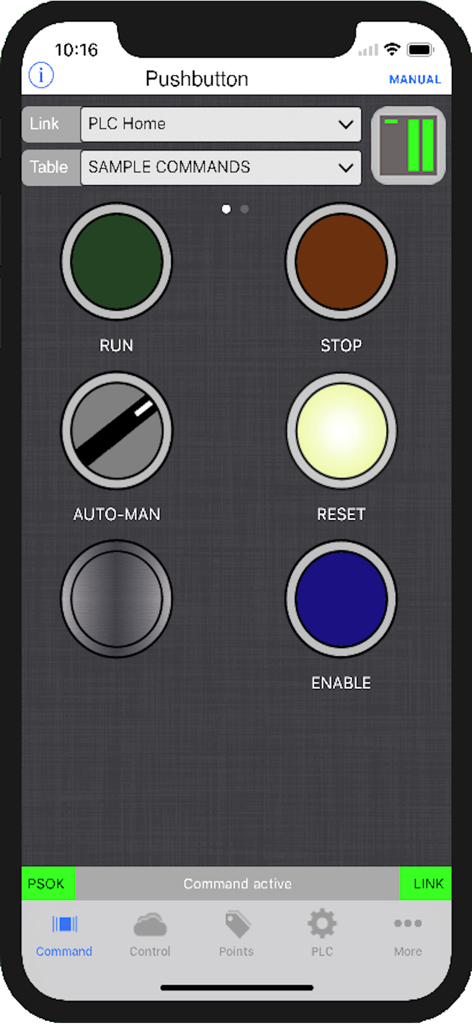
iS7 app virtual pushbutton interface for remote Siemens PLC operation showing RUN, STOP, and RESET controls.
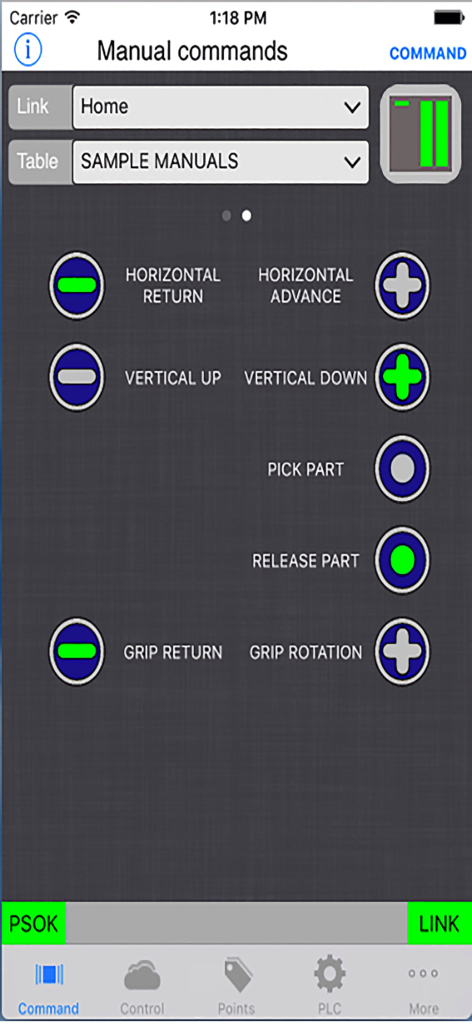
Manual commands interface in iS7 app for remote PLC control with virtual push buttons
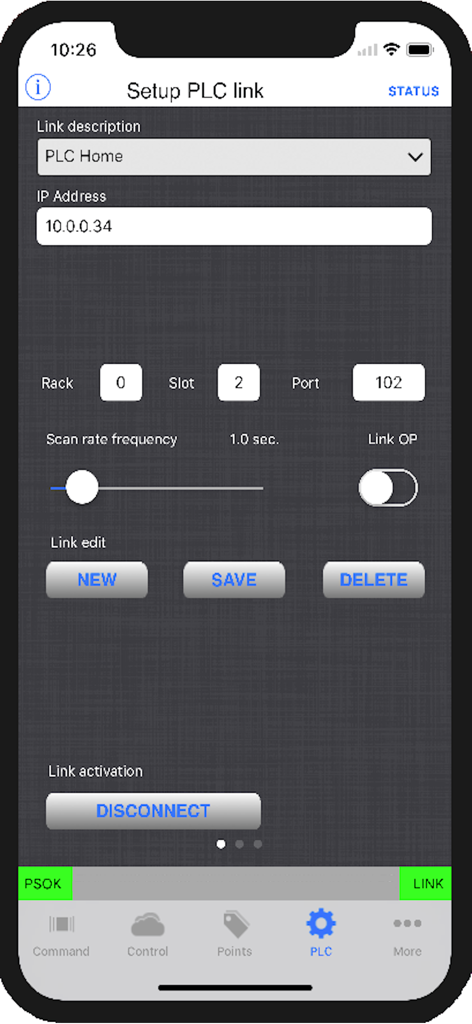
The Setup PLC link screen in the iS7 app showing connection parameters for industrial controllers.
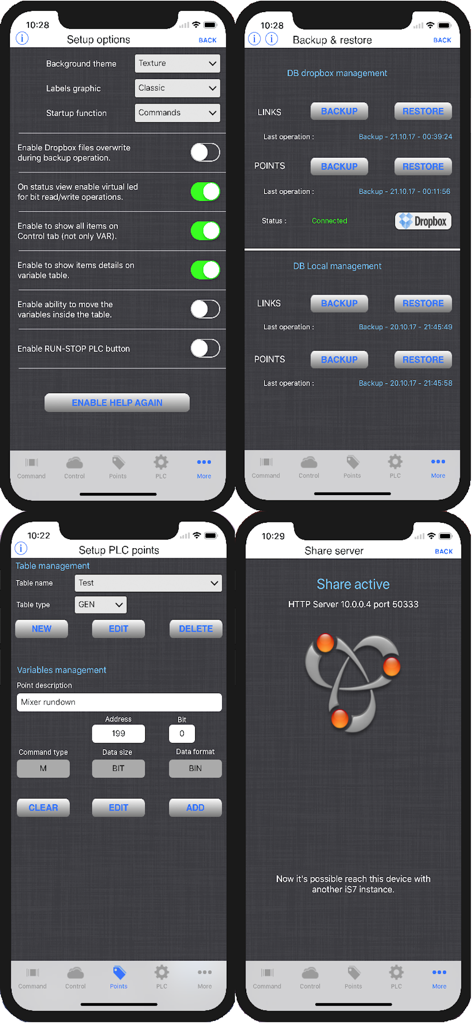
Four screenshots of the iS7 app displaying setup options, database backup and restore, PLC point configuration, and the active share server screen for industrial automation.
Description
Download
More Like This
Top-ranked apps in the same category

Google LLC

Google Chrome
Google LLC

中国移动(手机营业厅)
China Mobile Online Services Co., Ltd.

Google Authenticator
Google LLC

CNH do Brasil
Servicos e Informacoes do Brasil

Cleanup: Phone Storage Cleaner
DEEP FLOW SOFTWARE SERVICES - FZCO

gov.br
Servicos e Informacoes do Brasil

Microsoft Edge: AI Browser
Microsoft Corporation

Super VPN Fly 2026
YUNFAN TECHNOLOGY CO., LIMITED
This page is not an official page of the app or its developer, but an independent editorial publication created for informational and commentary purposes. Unless expressly stated otherwise, neither the app nor its developer is affiliated with, endorsed by, sponsored by, authorized by, or otherwise officially connected with MWM, Apple, Google Play, the app publisher, or the app's developer, and nothing on this page implies that the app was developed using MWM's services. Any trademarks, logos, screenshots, and other content remain the property of their respective owners.