
This page is not an official page of the app or its developer, but an independent editorial publication created for informational and commentary purposes. Unless expressly stated otherwise, neither the app nor its developer is affiliated with, endorsed by, sponsored by, authorized by, or otherwise officially connected with MWM, Apple, Google Play, the app publisher, or the app's developer, and nothing on this page implies that the app was developed using MWM's services. Any trademarks, logos, screenshots, and other content remain the property of their respective owners.


iTag
The smart bidirectional tracker for your busy life. Ring your tag from the app, find your phone with a click, and get instant alerts the moment you're separated from your essentials.
Downloads
200User Rating
Total Ratings
0Publisher
Category
UtilitiesLocales
1Latest Version
1.0.3Size
34.6 MBFirst Released
Apr 14, 2025Never Leave Your Essentials Behind
Designed for busy professionals and parents, iTag creates a digital tether between your phone and your most important items, ensuring you're always ready to go.
One-Tap Item Finder
Stop the morning frantic search. Ring your keys or bag directly from your phone and follow the sound to find them in seconds.
Reverse Phone Locator
Lost your phone under a couch cushion? Press the button on your iTag to make your iPhone ring, even if it is set to silent mode.
Frequently Asked Questions
Everything you need to know about iTag
How do I connect my iTag device to the iTag app?
To connect your iTag, open the iTag app. It displays nearby iTag devices. Select your iTag from the list and tap the "Connect" button to establish a connection.
Can iTag help me locate missing items?
Yes, iTag helps users locate missing items. The app provides functions to ring the iTag or use a directional finder to track its proximity and direction.
Does the iTag app have a feature to make the iTag device ring?
Yes, the iTag app allows you to make your iTag device ring. A "Play Sound" button within the app triggers an audible alert on the connected iTag.
Can the iTag device be used to ring my phone?
Yes, the iTag device can ring your phone. Pressing the physical button on the iTag activates an audible alert on your connected smartphone.
What kind of alert does iTag provide when it disconnects?
iTag provides an audible alert when it disconnects. Both the connected phone and the iTag device emit a sound if their connection is lost due to distance.
How does the iTag app display the distance to the iTag device?
The iTag app displays the distance to the connected iTag device directly on the screen. It shows measurements in units like feet or meters, indicating proximity.
Does iTag offer a visual finding guide for lost items?
Yes, iTag offers a visual finding guide. The app features a screen with a directional arrow and real-time distance updates to visually assist in locating lost items.
The following screenshots and description are sourced directly from the app's official store listing and are the property of the app developer.
App Store
Screenshots
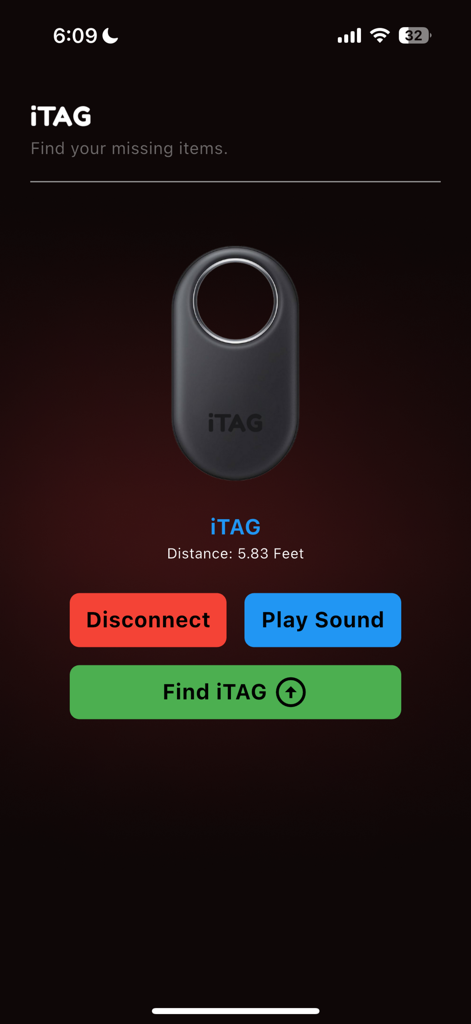
iTag app user interface showing distance to a connected item tracker with options to play sound and find the tag
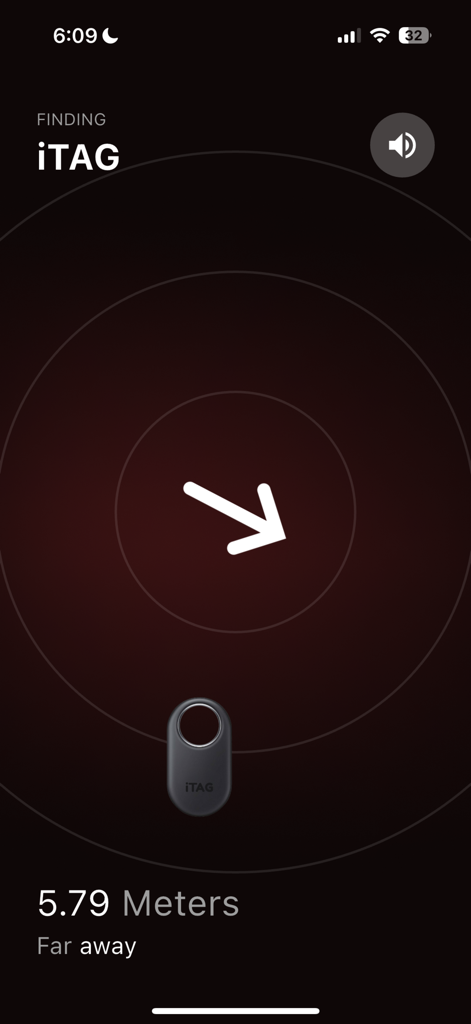
iTag app radar screen showing a direction arrow and a distance of 5.79 meters to a tracked item.
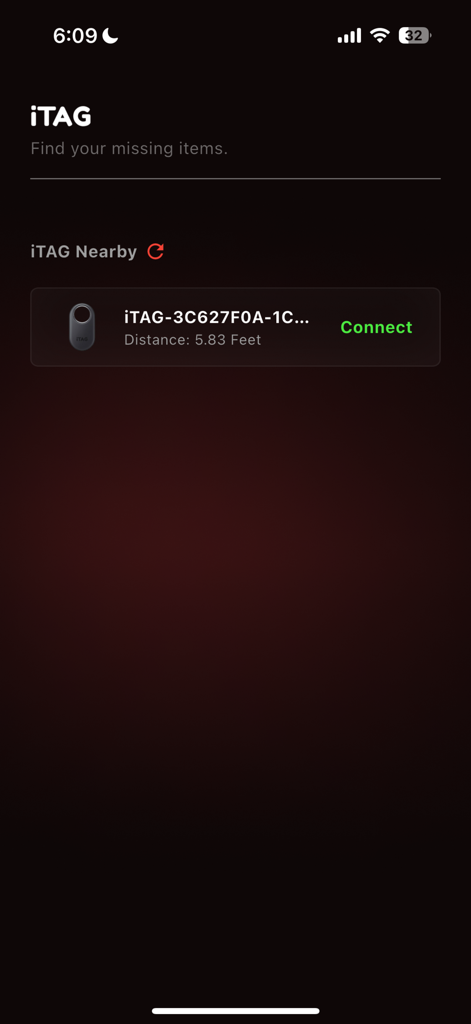
Interface of the iTag app showing a nearby Bluetooth tracker found at 5.83 feet.
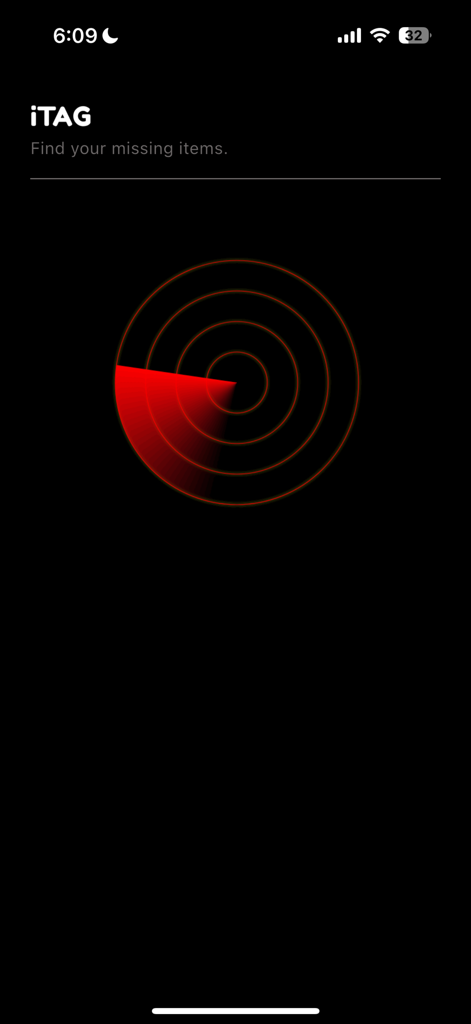
iTag app interface showing a red circular radar used to find and track missing items
Description
Download
More Like This
Top-ranked apps in the same category

Google LLC

Google Chrome
Google LLC

中国移动(手机营业厅)
China Mobile Online Services Co., Ltd.

Google Authenticator
Google LLC

CNH do Brasil
Servicos e Informacoes do Brasil

Cleanup: Phone Storage Cleaner
DEEP FLOW SOFTWARE SERVICES - FZCO

gov.br
Servicos e Informacoes do Brasil

中国电信-全国统一官方服务平台
CHINA TELECOM Corporation Ltd.

Microsoft Edge: AI Browser
Microsoft Corporation
This page is not an official page of the app or its developer, but an independent editorial publication created for informational and commentary purposes. Unless expressly stated otherwise, neither the app nor its developer is affiliated with, endorsed by, sponsored by, authorized by, or otherwise officially connected with MWM, Apple, Google Play, the app publisher, or the app's developer, and nothing on this page implies that the app was developed using MWM's services. Any trademarks, logos, screenshots, and other content remain the property of their respective owners.