
This page is not an official page of the app or its developer, but an independent editorial publication created for informational and commentary purposes. Unless expressly stated otherwise, neither the app nor its developer is affiliated with, endorsed by, sponsored by, authorized by, or otherwise officially connected with MWM, Apple, Google Play, the app publisher, or the app's developer, and nothing on this page implies that the app was developed using MWM's services. Any trademarks, logos, screenshots, and other content remain the property of their respective owners.

Kaagaz PDF Scanner & Compress
Go paperless with Bharat's leading ads-free scanner. Scan, merge, and compress your documents with magic filters and secure cloud storage—all in one place.
Downloads
441K+User Rating
Total Ratings
500Publisher
Category
ProductivityLocales
1Latest Version
6.3Size
82.0 MBFirst Released
Dec 19, 2020Master Your Paperwork in Seconds
The all-in-one toolkit to scan, merge, and compress documents with zero ads and professional-grade quality.
Complete PDF Toolkit
Stop jumping between websites. Merge multiple files, convert JPGs, or compress PDFs to meet strict upload limits directly in-app.
Crystal Clear, Ad-Free Scans
Enjoy a distraction-free experience with auto-cropping and magic filters that turn photos into sharp, professional digital documents.
Frequently Asked Questions
Everything you need to know about Kaagaz PDF Scanner & Compress
What is Kaagaz PDF Scanner & Compress?
Kaagaz PDF Scanner & Compress is an Indian document scanning and storage app. It converts images to PDF, optimizes documents, and offers PDF tools like compression, merging, and image conversions.
What features does Kaagaz PDF Scanner offer for free?
Kaagaz PDF Scanner provides free access to features like ad-free scanning, custom watermarks, document scanning, quality enhancement, auto-cropping, and sharing PDF/JPG files. It also includes basic PDF tools.
Does Kaagaz PDF Scanner include cloud storage?
Yes, Kaagaz PDF Scanner offers 100 MB of free lifetime cloud storage for users to back up and store their PDFs. Additional cloud storage is available via in-app purchase.
Can users merge multiple PDFs with Kaagaz PDF Scanner?
Yes, Kaagaz PDF Scanner allows users to merge multiple PDF files into one. This feature is part of the PDF Tools suite, which can be accessed through an in-app purchase for unlimited usage.
How does Kaagaz PDF Scanner enhance scan quality?
Kaagaz PDF Scanner enhances scan quality using "magic colour" and optimizes PDFs with brightness and contrast. It also provides six filters: Original, Magic Colour 1, Magic Colour 2, Magic White, and B&W.
Can I access my Kaagaz PDF documents on a computer?
Yes, users can access and view their Kaagaz PDF documents on a computer or laptop. This is possible by visiting Kaagaz Cloud on the web at cloud.kaagaz.app, which is a feature of the Premium subscription.
Does Kaagaz PDF Scanner support converting images to PDF?
Yes, Kaagaz PDF Scanner supports converting images to PDF. It serves as an Image to PDF converter, allowing users to quickly create PDF files from their images. This is a free feature.
Is Kaagaz PDF Scanner an Indian application?
Yes, Kaagaz PDF Scanner is an Indian application. It is described as India's Best Document Scanning & Storage App and Bharat's fastest growing Document Scanner App.
What PDF tools does Kaagaz PDF Scanner offer?
Kaagaz PDF Scanner offers PDF tools including merging multiple PDFs, converting JPG to PDF, converting PDF to JPG, and compressing PDF files. Unlimited usage of these tools is available via in-app purchase.
Does the Kaagaz PDF Scanner app contain ads?
No, the Kaagaz PDF Scanner app does not contain ads. It is an ads-free scanning application, a feature available without additional cost.
The following screenshots and description are sourced directly from the app's official store listing and are the property of the app developer.
App Store
Screenshots
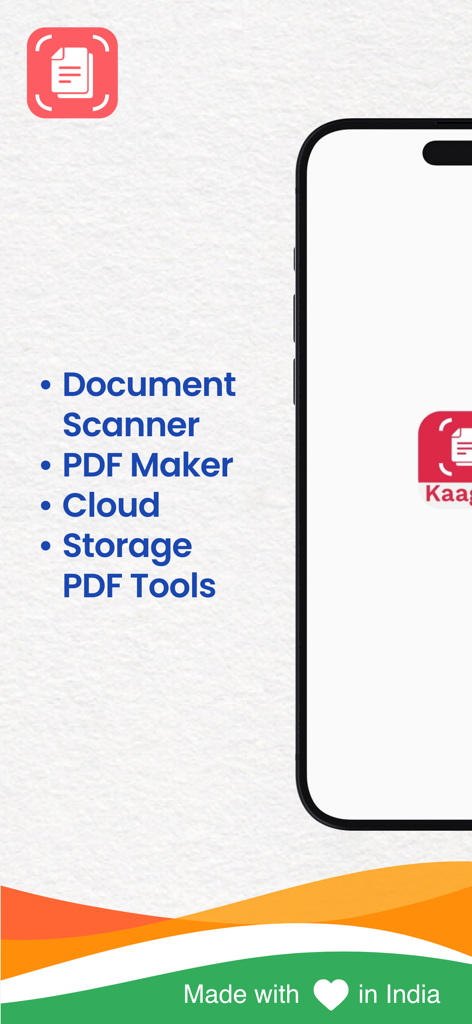
Kaagaz app interface listing features like Document Scanner PDF Maker Cloud Storage and PDF Tools
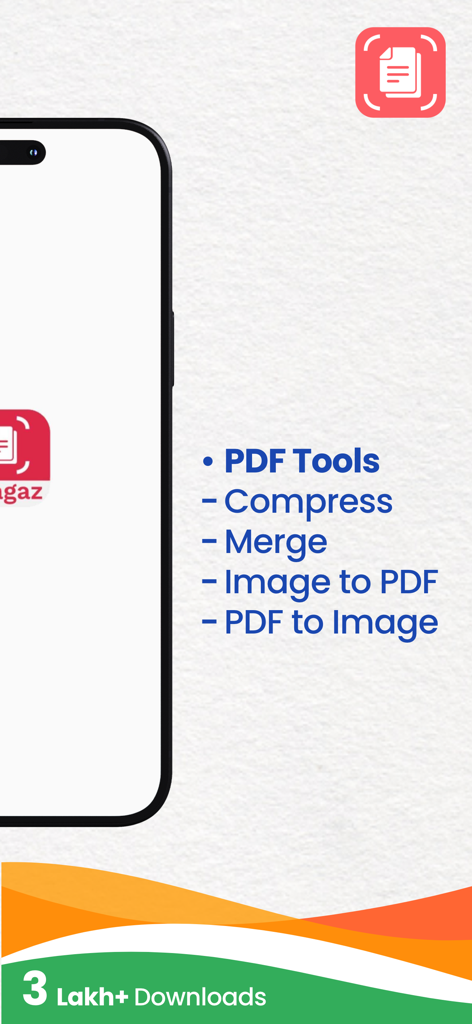
Kaagaz PDF Scanner app features including PDF compression and merging
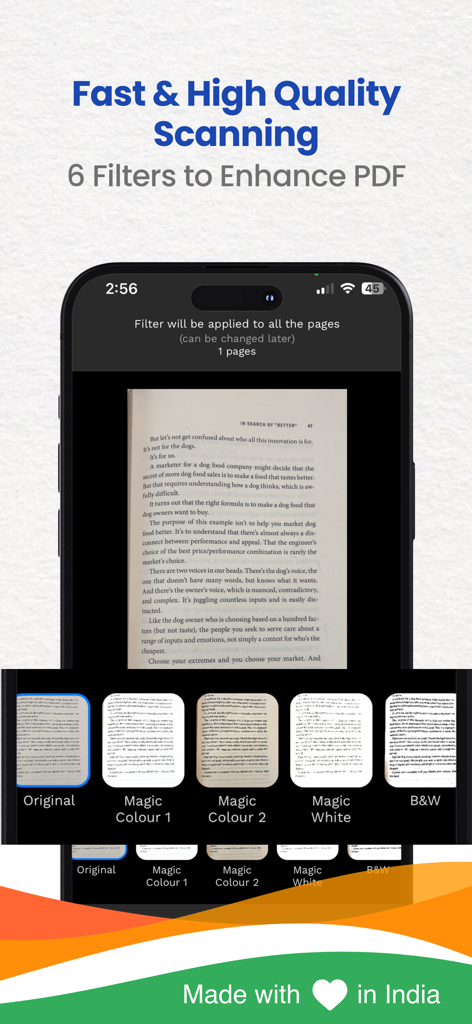
Smartphone screen showing Kaagaz PDF scanner with various filters like Magic Colour and B&W to enhance document quality
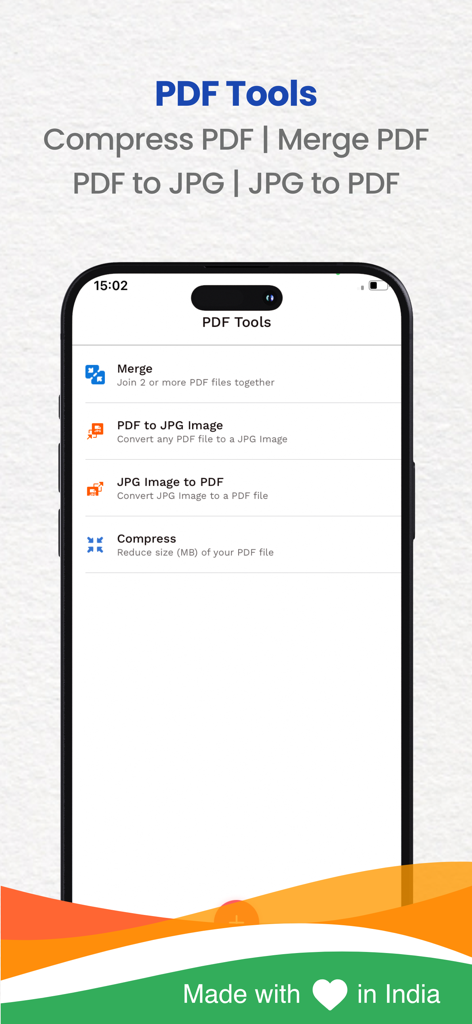
Kaagaz PDF Scanner interface displaying options to merge compress and convert PDF files
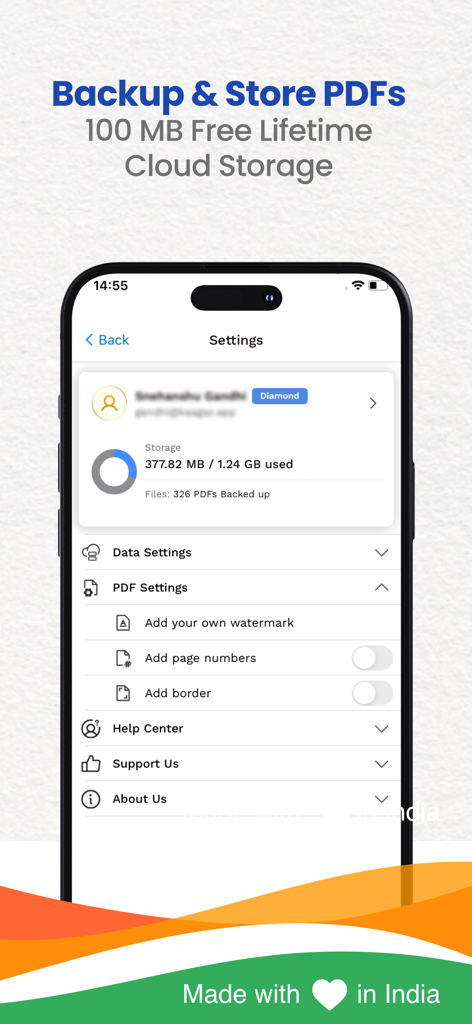
Kaagaz app interface displaying cloud storage status and PDF backup settings
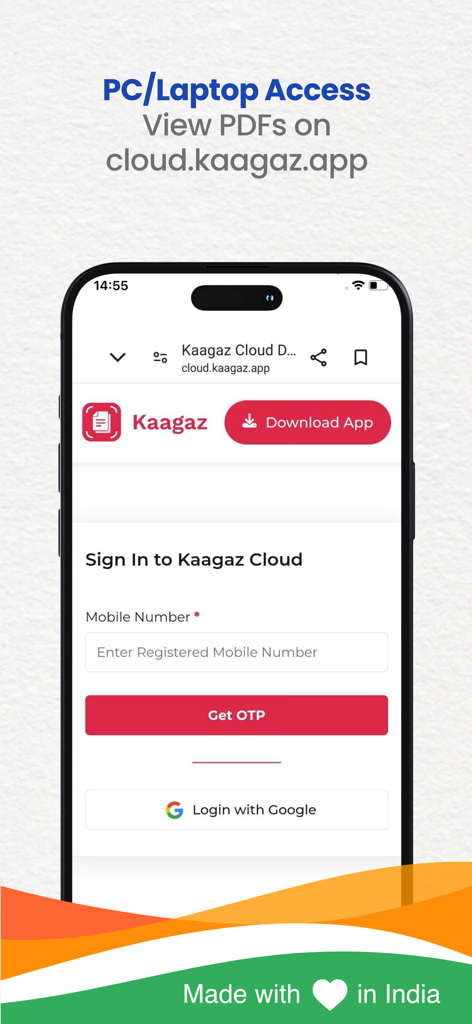
Sign in screen for Kaagaz PDF Scanner cloud to access documents on PC and laptops
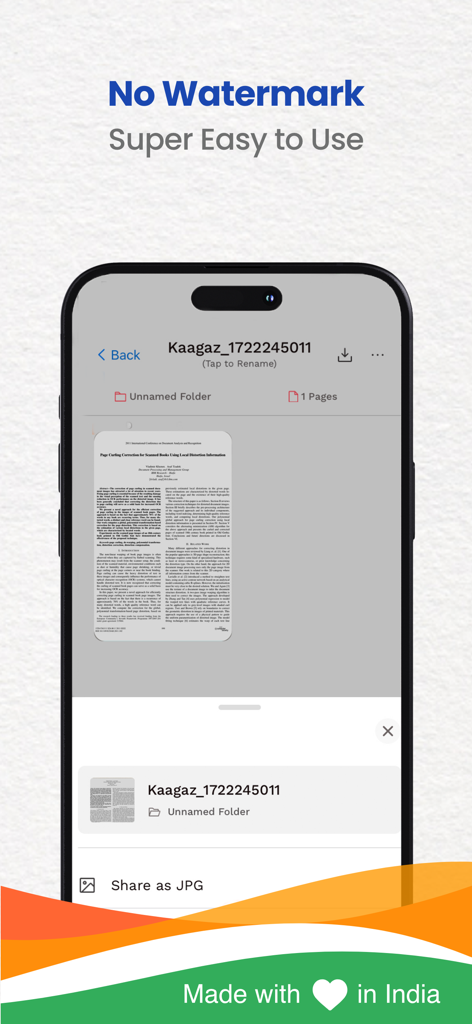
Interface of Kaagaz PDF Scanner app showing a scanned document and watermark free text
Screenshot of Kaagaz PDF Scanner app showing high ratings and easy sharing features for PDF and JPG files
Description
Download
More Like This
Apps with similar features and user experience

PDF PRO Scan Image & Documents
Balzo srl

The PDF Scanner, PDF editor HQ
NEXT K.U.M. LTD

CamScanner - PDF Scanner App
INTSIG Information Co., Ltd

Adobe Scan: PDF & OCR Scanner
Adobe Inc.

WPS Office: PDF, Docs, Sheets
KINGSOFT OFFICE SOFTWARE CORPORATION LIMITED

iLovePDF - PDF Editor & Scan
ILOVEPDF S.L.

Scanner App: Genius Scan
The Grizzly Labs

Microsoft Lens: PDF Scanner
Microsoft Corporation

Clear Scan: Doc Scanner App
INDY MOBILE APP COMPANY LIMITED
This page is not an official page of the app or its developer, but an independent editorial publication created for informational and commentary purposes. Unless expressly stated otherwise, neither the app nor its developer is affiliated with, endorsed by, sponsored by, authorized by, or otherwise officially connected with MWM, Apple, Google Play, the app publisher, or the app's developer, and nothing on this page implies that the app was developed using MWM's services. Any trademarks, logos, screenshots, and other content remain the property of their respective owners.