
This page is not an official page of the app or its developer, but an independent editorial publication created for informational and commentary purposes. Unless expressly stated otherwise, neither the app nor its developer is affiliated with, endorsed by, sponsored by, authorized by, or otherwise officially connected with MWM, Apple, Google Play, the app publisher, or the app's developer, and nothing on this page implies that the app was developed using MWM's services. Any trademarks, logos, screenshots, and other content remain the property of their respective owners.

Kapwing ~ Video Editor
Master your social media feed with a minimalist, professional editing experience. Whether you're creating GIFs, reversing clips, or extracting audio, Kapwing delivers powerful tools in a modern interface designed for speed and style.
Downloads
10K+User Rating
Total Ratings
100Publisher
Category
Photo & VideoLocales
1Latest Version
5.0Size
44.6 MBFirst Released
Sep 4, 2025Elevate Your Content Game
A powerhouse of essential video tools wrapped in a sleek, professional black and white interface designed for the modern creator.
Instant GIF Creation
Turn your best clips into viral-ready loops and memes perfectly formatted for social media in one tap.
Smart Audio Extraction
Instantly convert video to high-quality MP3 to save trending sounds and voiceovers for your next project.
The following screenshots and description are sourced directly from the app's official store listing and are the property of the app developer.
App Store
Screenshots
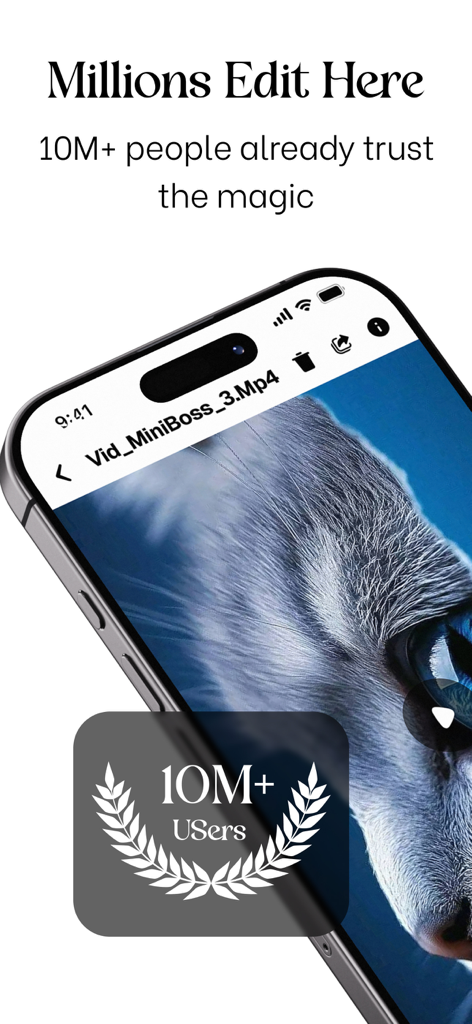
Kapwing video editor interface showing that over 10 million users trust the app for creative edits.
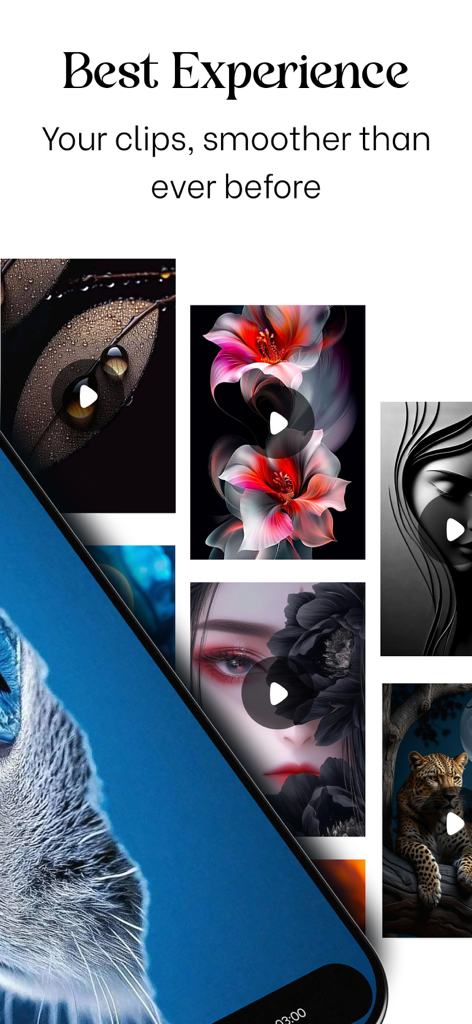
Kapwing app interface showcasing an aesthetic video player and smooth clip organization.
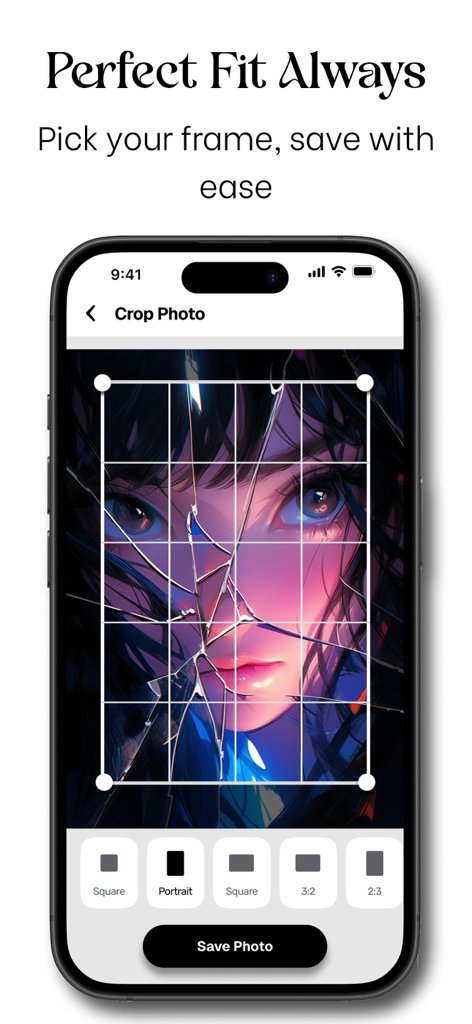
Kapwing app photo crop feature with aspect ratio options
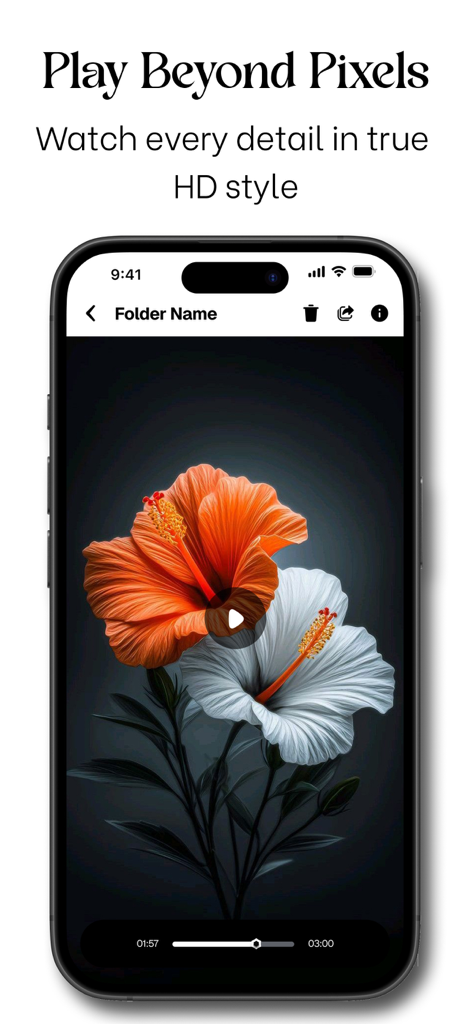
Kapwing app video player interface showing high definition playback in a dark minimalist theme
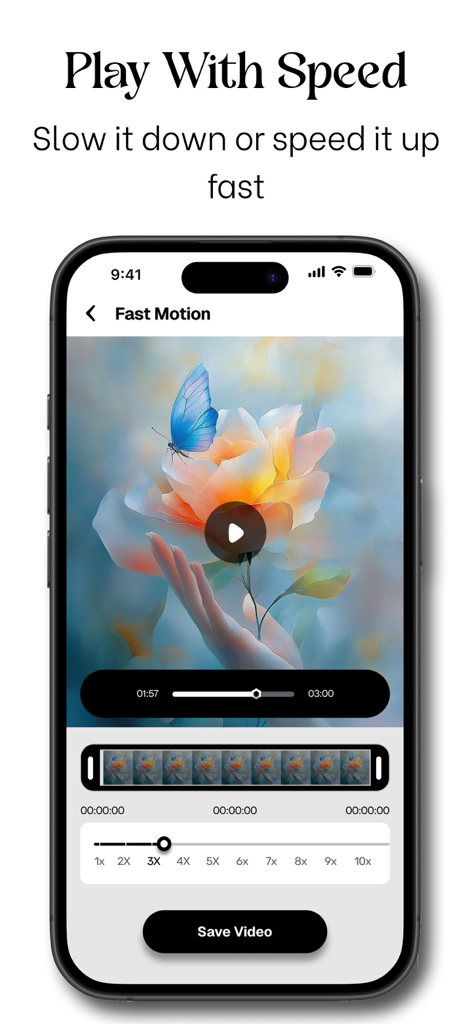
An iPhone screen displaying the Kapwing app's Fast Motion tool with a speed slider adjusted to 3x for a video of a butterfly on a flower.
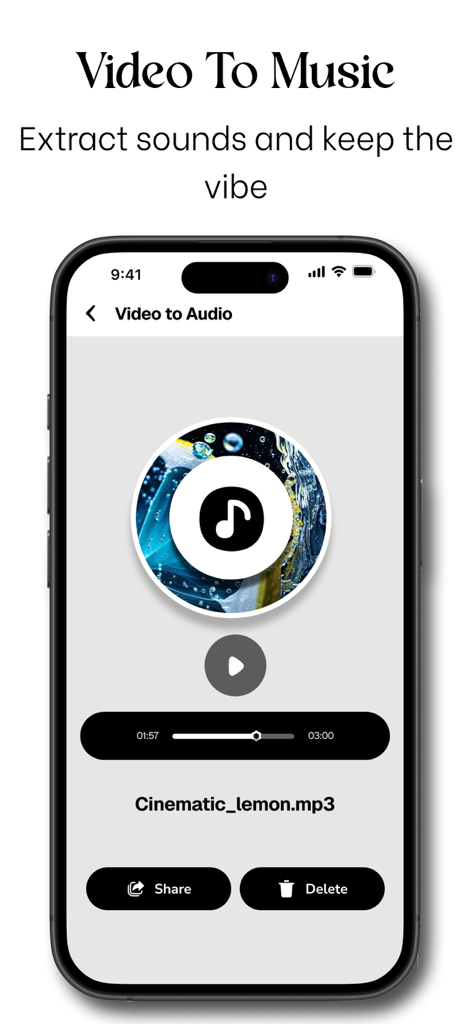
A mobile interface for extracting audio from video files in a modern black and white design
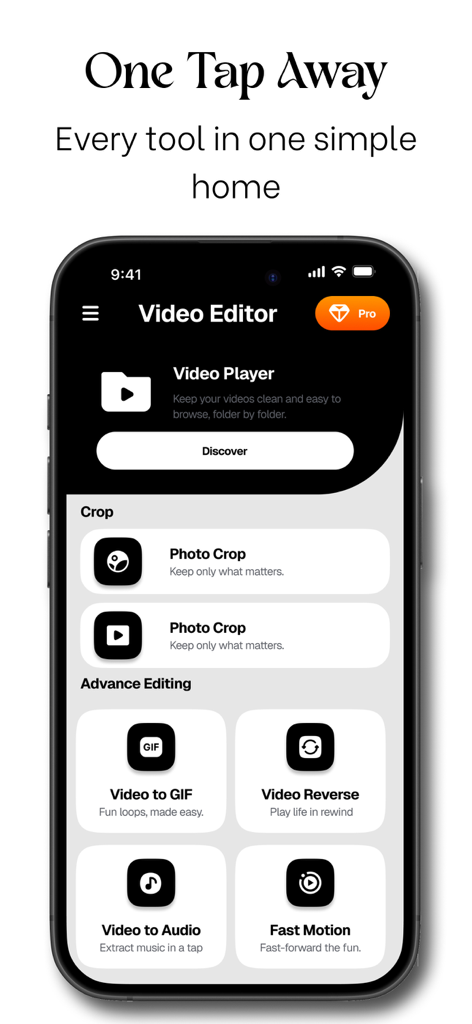
Kapwing Video Editor home screen showing various tools like video to GIF and video reverse in a sleek minimalist interface
Description
Download
More Like This
Apps with similar features and user experience

Video compressor - save space
俊杰 阮

SlimSpace - Compressor
琛 王

格式转换-视频音频图片转换器
ZHN Co., Ltd.

Video Compressor - HQ Compress
LightByte Co., Ltd.

The Video Compressor
Dalian Hengwei Electronics Co., Ltd

Media Converter - video to mp3
俊杰 阮

Compress Videos & Resize Video
New Marketing Lab, Inc

Compress Video - Shrink Size
Osawa Shunsuke

Video Compress - Shrink Vids
Brachmann Online Marketing GmbH & Co. KG
This page is not an official page of the app or its developer, but an independent editorial publication created for informational and commentary purposes. Unless expressly stated otherwise, neither the app nor its developer is affiliated with, endorsed by, sponsored by, authorized by, or otherwise officially connected with MWM, Apple, Google Play, the app publisher, or the app's developer, and nothing on this page implies that the app was developed using MWM's services. Any trademarks, logos, screenshots, and other content remain the property of their respective owners.