
This page is not an official page of the app or its developer, but an independent editorial publication created for informational and commentary purposes. Unless expressly stated otherwise, neither the app nor its developer is affiliated with, endorsed by, sponsored by, authorized by, or otherwise officially connected with MWM, Apple, Google Play, the app publisher, or the app's developer, and nothing on this page implies that the app was developed using MWM's services. Any trademarks, logos, screenshots, and other content remain the property of their respective owners.


SlimSpace - Compressor
Compress large 4K videos and photos without losing quality. Reclaim gigabytes of space and keep your data private with 100% secure, offline processing.
Downloads
1M+User Rating
Total Ratings
40K+Publisher
Category
ProductivityLocales
33Latest Version
6.11Size
40.8 MBFirst Released
May 16, 2017Never See 'Storage Almost Full' Again
The ultimate storage toolkit to shrink massive videos, purge duplicate photos, and keep your memories high-quality—all while staying 100% private.
Pro-Quality Compression
Shrink 4K videos and high-res photos to a fraction of their size while maintaining stunning clarity. Perfect for sharing on TikTok or iMessage without the lag.
100% Private & Offline
Your data never leaves your device. All processing happens locally on your phone, ensuring your personal moments stay secure without needing an internet connection.
The following screenshots and description are sourced directly from the app's official store listing and are the property of the app developer.
App Store
Screenshots
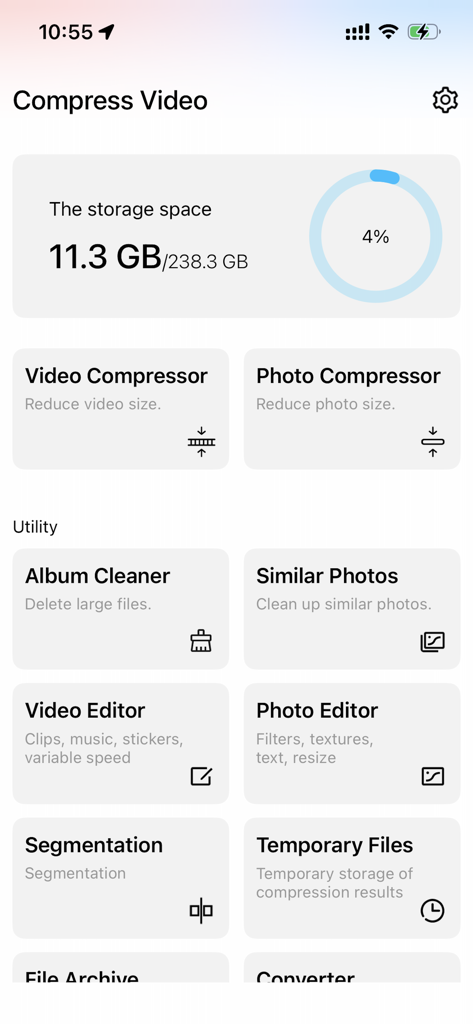
Dashboard of the SlimSpace app showing storage statistics and icons for video and photo compression tools
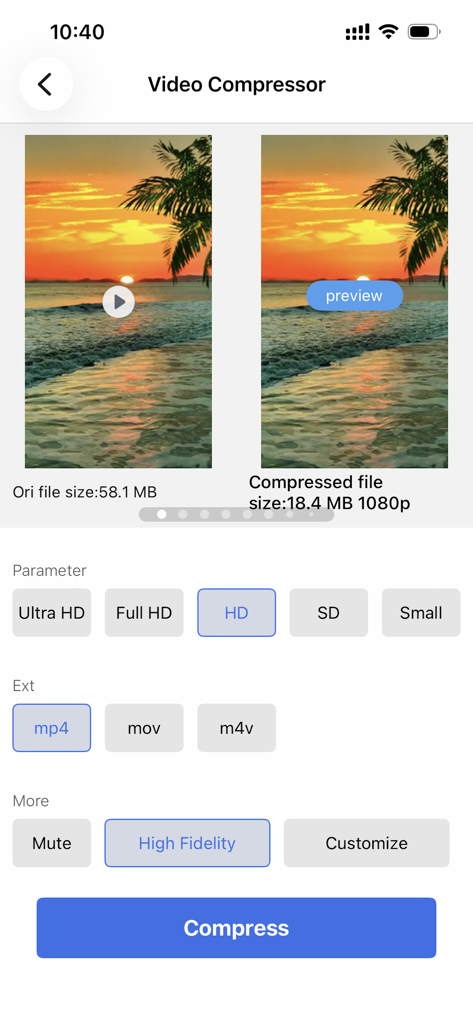
SlimSpace app interface showing video compression settings and a file size reduction comparison
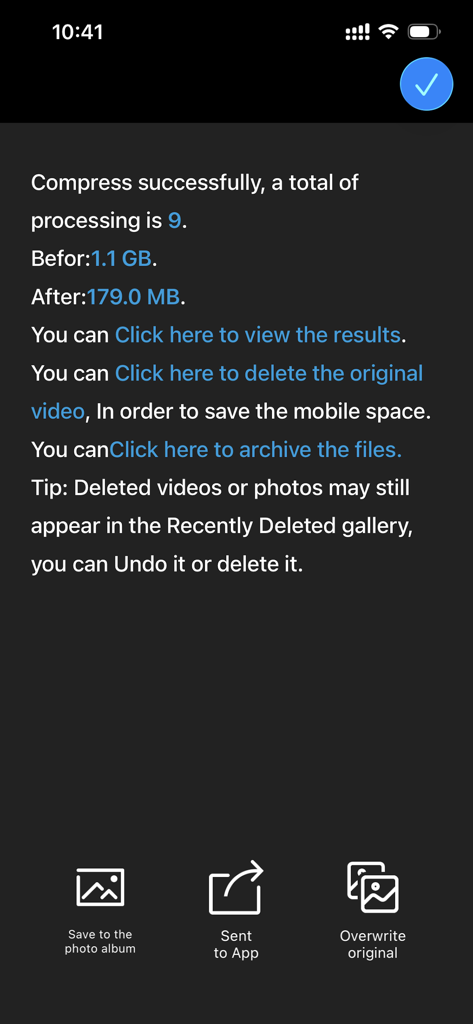
SlimSpace app screen showing successful video compression and storage saved from one point one gigabytes to one hundred seventy nine megabytes
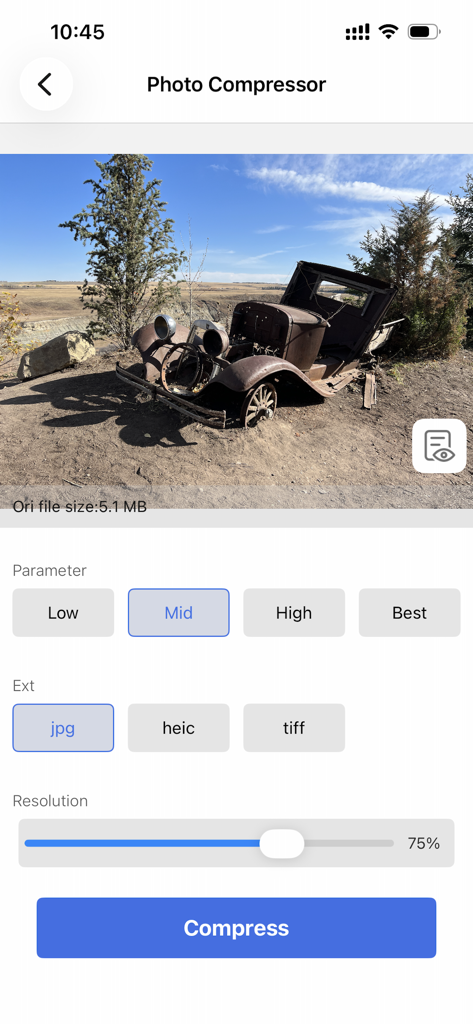
Interface of SlimSpace app showing photo compression settings including resolution and file format options
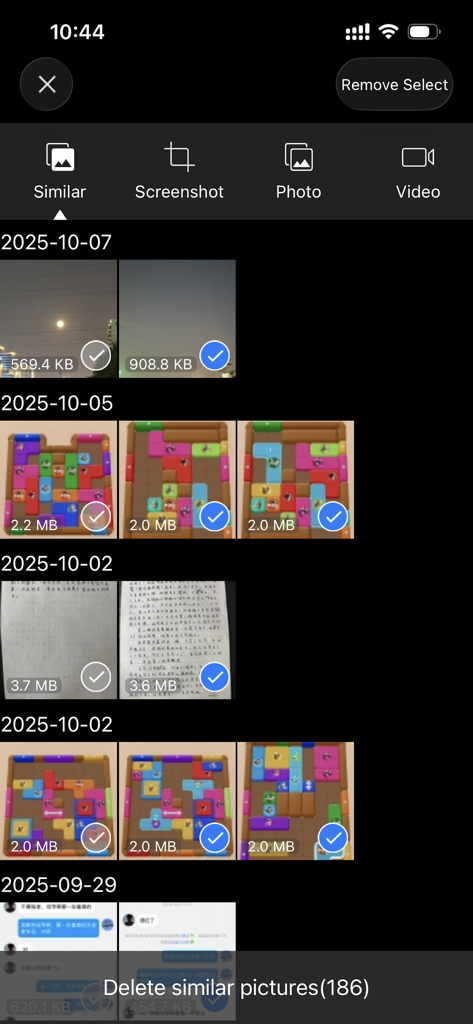
Similar photo cleaner interface in SlimSpace app to free up storage space.
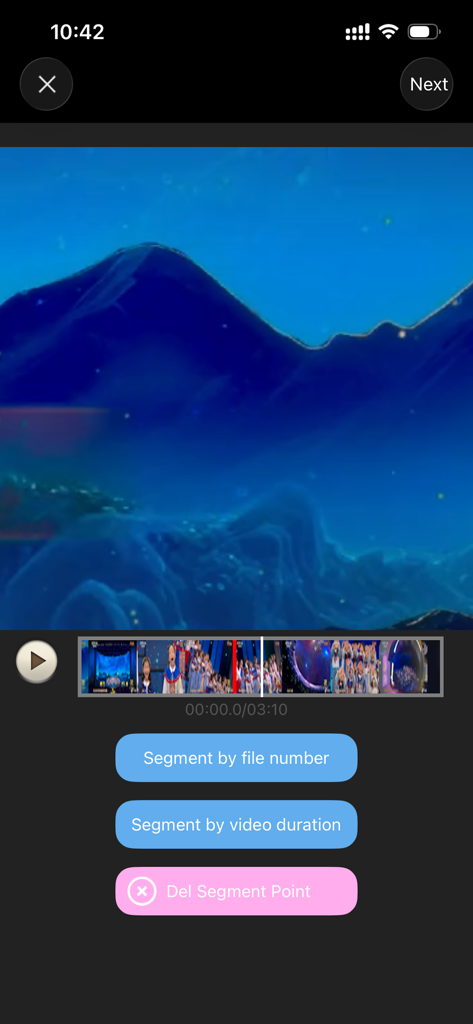
SlimSpace app interface for splitting videos into segments by duration or file number
Description
Download
More Like This
Apps with similar features and user experience

Video compressor - save space
俊杰 阮

VideoFlex - Video Converter
lighten apps ltd

转换猫-视频音频图片格式转换
ZHN Co., Ltd.

Video Compressor - HQ Compress
LightByte Co., Ltd.

The Video Compressor
Dalian Hengwei Electronics Co., Ltd

Media Converter - video to mp3
俊杰 阮

Compress Videos & Resize Video
New Marketing Lab, Inc

Easy Video Compressor - Resize
Osawa Shunsuke

Video Compress - Shrink Vids
Brachmann Online Marketing GmbH & Co. KG
This page is not an official page of the app or its developer, but an independent editorial publication created for informational and commentary purposes. Unless expressly stated otherwise, neither the app nor its developer is affiliated with, endorsed by, sponsored by, authorized by, or otherwise officially connected with MWM, Apple, Google Play, the app publisher, or the app's developer, and nothing on this page implies that the app was developed using MWM's services. Any trademarks, logos, screenshots, and other content remain the property of their respective owners.