
This page is not an official page of the app or its developer, but an independent editorial publication created for informational and commentary purposes. Unless expressly stated otherwise, neither the app nor its developer is affiliated with, endorsed by, sponsored by, authorized by, or otherwise officially connected with MWM, Apple, Google Play, the app publisher, or the app's developer, and nothing on this page implies that the app was developed using MWM's services. Any trademarks, logos, screenshots, and other content remain the property of their respective owners.

KDE Connect
Seamlessly sync your clipboard, share files instantly, and take full remote control of your PC or Linux workstation. Privacy-focused, open-source, and built to break down the walls between your devices.
Downloads
131K+User Rating
Total Ratings
400Publisher
Category
ProductivityLocales
1Latest Version
0.5.4Size
5.5 MBFirst Released
May 10, 2022Bridge the Gap Between Your Devices
Experience seamless integration and productivity by connecting your iPhone with your Windows or Linux workstation, no matter the ecosystem.
Universal File & Link Sharing
Instantly send photos, documents, and URLs to your PC with the ease of AirDrop, but without the Apple ecosystem lock-in.
Shared Clipboard Sync
Copy a snippet of code or a 2FA token on your iPhone and paste it directly into your computer's terminal or editor with zero friction.
Frequently Asked Questions
Everything you need to know about KDE Connect
What is KDE Connect?
KDE Connect is a multi-platform application that integrates your workflow across devices. It provides features like shared clipboard, file sharing, and remote control capabilities between your phone and computer.
Does KDE Connect allow sharing files between devices?
Yes, KDE Connect allows you to share files and URLs between your devices. You can also send photos and videos to your computer directly from the app.
Can I use my phone as a remote control with KDE Connect?
Yes, KDE Connect transforms your phone into a remote control. It offers a virtual touchpad, keyboard, and a remote presentation control with a laser pointer feature.
Is KDE Connect secure?
Yes, KDE Connect ensures your information is safe. It utilizes end-to-end TLS encryption to protect communication and data transfer between your connected devices.
How do I connect devices using KDE Connect?
To connect devices with KDE Connect, you need to install the application on all your computers, phones, or tablets. Devices on the same network appear for pairing or connection.
Can KDE Connect run commands on my computer?
Yes, KDE Connect enables you to run commands on your computer directly from your phone. The "Run Command" feature allows for remote execution of system commands.
Is KDE Connect an open-source application?
Yes, KDE Connect is an open-source project. It exists thanks to many contributors, and its source code is available on the KDE Connect website.
Can I use my phone as a mouse with KDE Connect?
Yes, KDE Connect features a virtual touchpad that allows you to use your phone screen as your computer's mouse. It supports left-click, right-click, drag, and scroll functionalities.
Does KDE Connect display device battery levels?
Yes, KDE Connect displays the battery level of connected devices. You can view the device status, including battery percentage, within the application's interface for each connected device.
The following screenshots and description are sourced directly from the app's official store listing and are the property of the app developer.
App Store
Screenshots
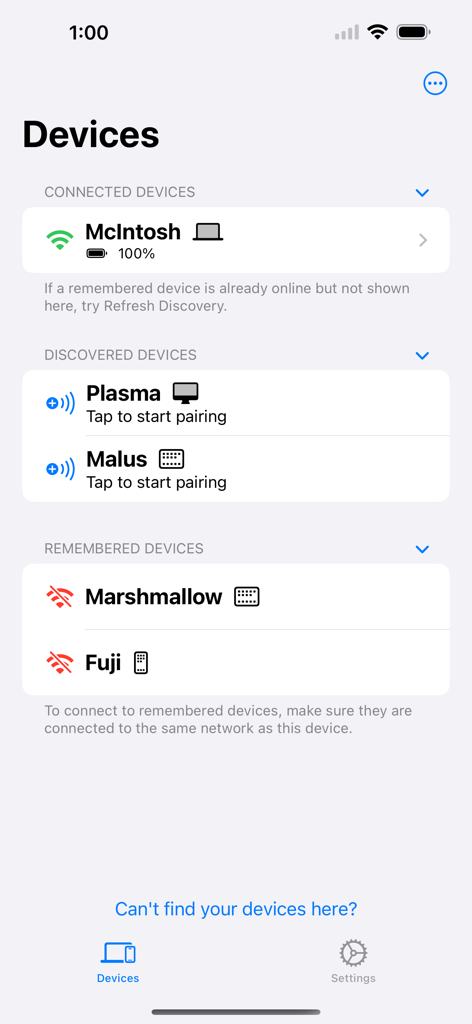
KDE Connect app showing a list of connected discovered and remembered devices on an iPhone
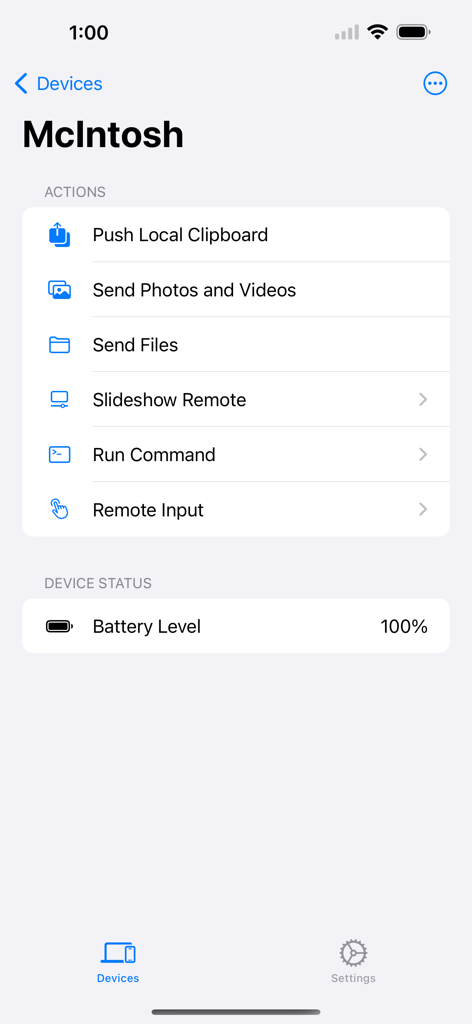
KDE Connect app interface on iPhone showing remote actions like sending files and running commands for a connected device named McIntosh.
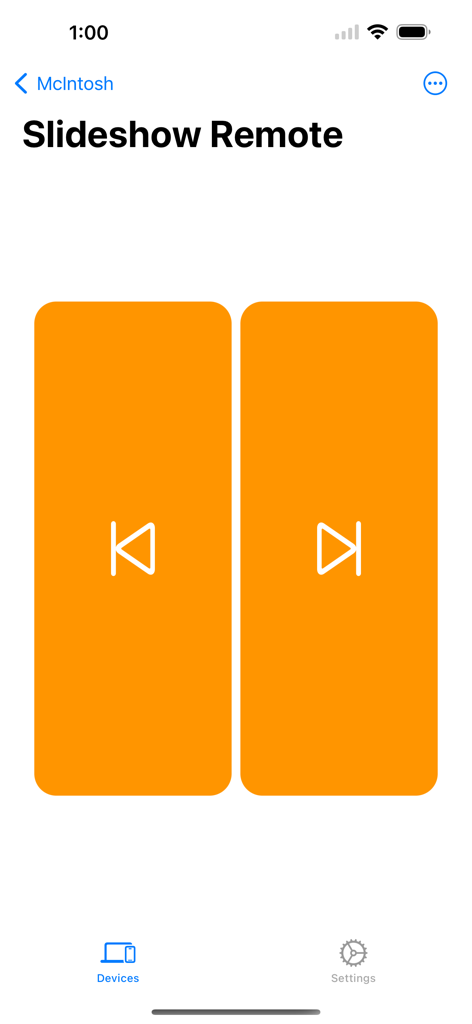
KDE Connect app showing the slideshow remote interface with two large orange navigation buttons
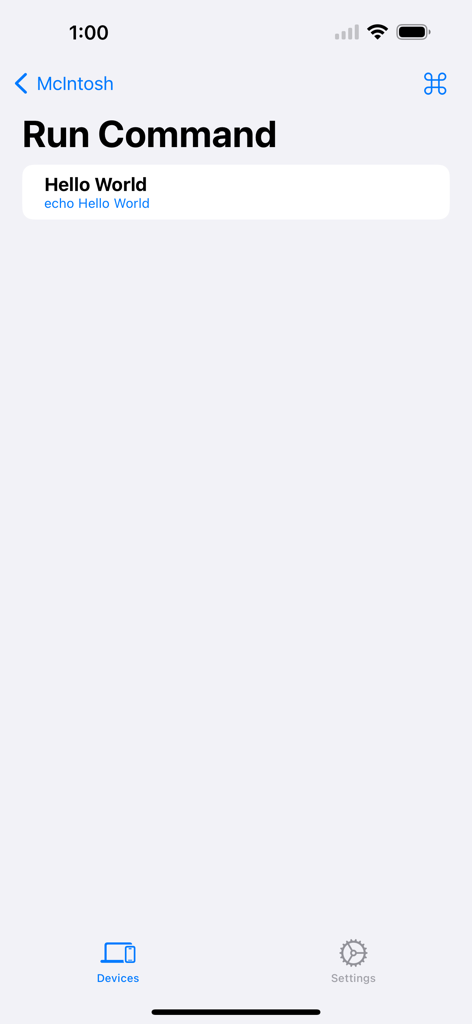
KDE Connect app interface showing the run command screen with a hello world script
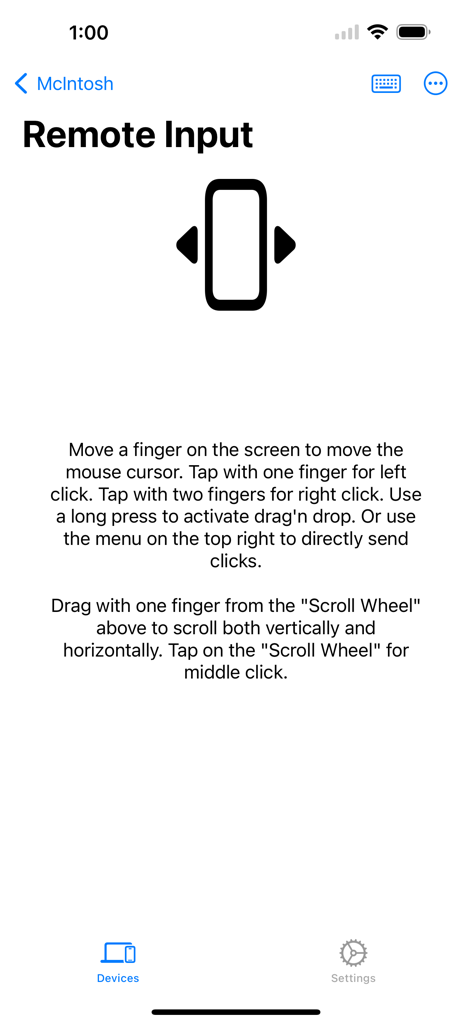
KDE Connect app screen showing Remote Input instructions for using the phone as a virtual touchpad and mouse
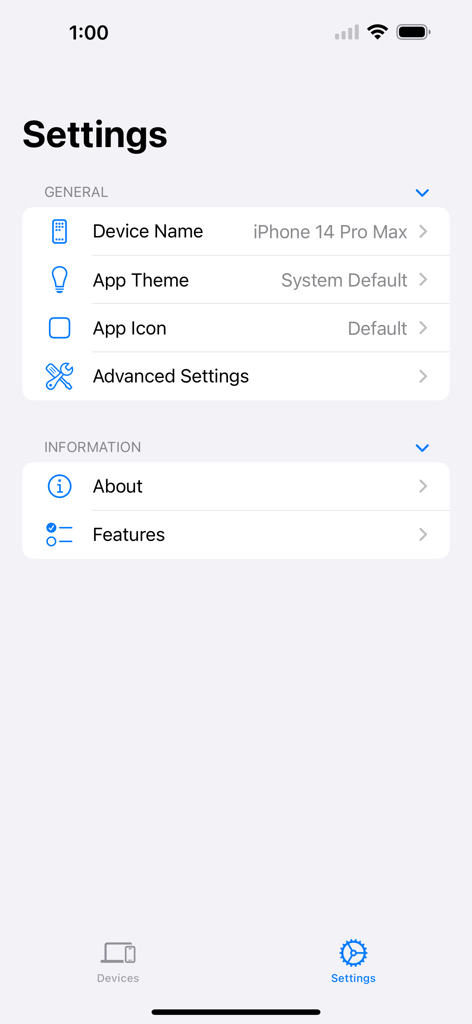
Settings interface of the KDE Connect app on iPhone showing General and Information sections.
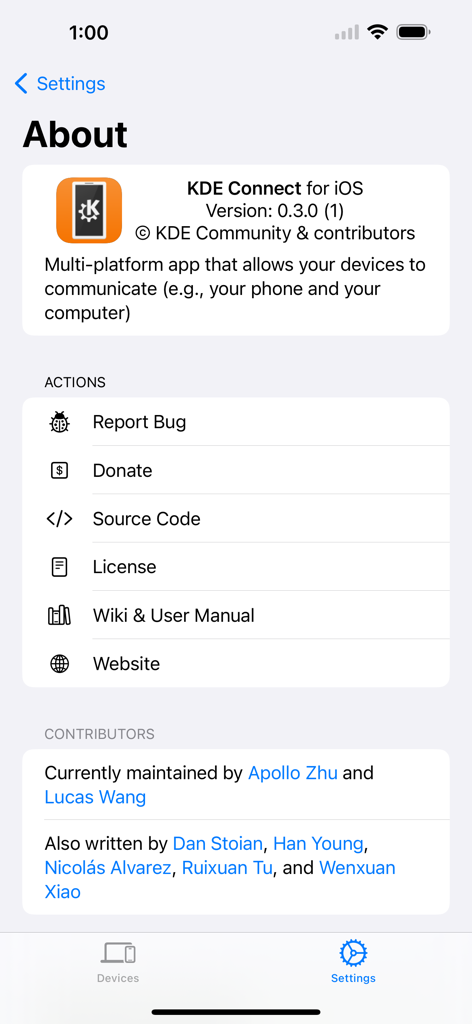
The About screen of the KDE Connect iOS app displaying version info, open source actions, and a list of contributors.
Description
Download
More Like This
Apps with similar features and user experience




This page is not an official page of the app or its developer, but an independent editorial publication created for informational and commentary purposes. Unless expressly stated otherwise, neither the app nor its developer is affiliated with, endorsed by, sponsored by, authorized by, or otherwise officially connected with MWM, Apple, Google Play, the app publisher, or the app's developer, and nothing on this page implies that the app was developed using MWM's services. Any trademarks, logos, screenshots, and other content remain the property of their respective owners.