Kids Mode & Child Lock :Suzy

Kids Mode & Child Lock :Suzy

Download on App Store
Logo of Kids Mode & Child Lock :Suzy

Suzy: Kids Mode & Smart Child Lock

Turn screen time into a learning opportunity. Secure your personal data and hand over your device worry-free with a one-tap launcher that prioritizes education over passive scrolling.

Download on App Store

Publisher

Ubuntu Education

Category

Utilities

Downloads

12K+

User Rating

4.7/5

Total Ratings

600

Locales

2

See Suzy in Action

Discover the interface used by 12K+ users.
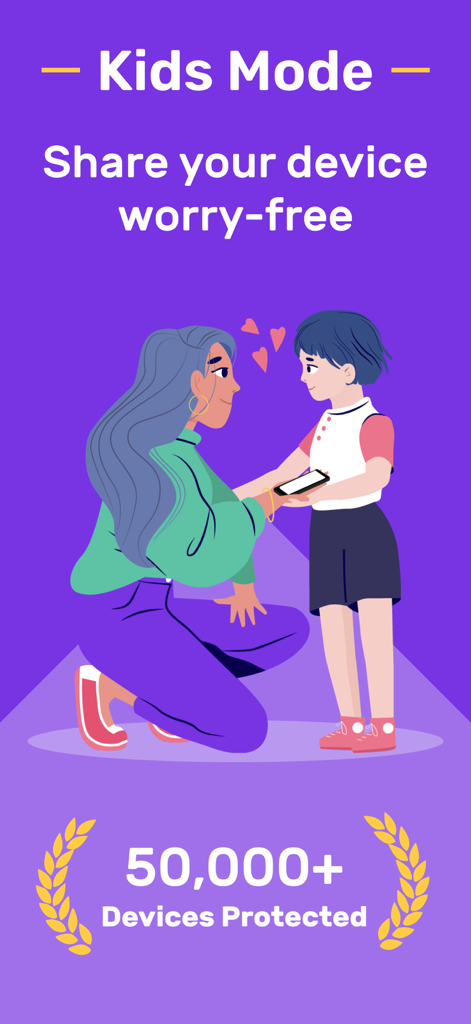
A mother handing her smartphone to her child with the text Kids Mode Share your device worry-free and 50,000 plus devices protected.

A mother handing her smartphone to her child with the text Kids Mode Share your device worry-free and 50,000 plus devices protected.

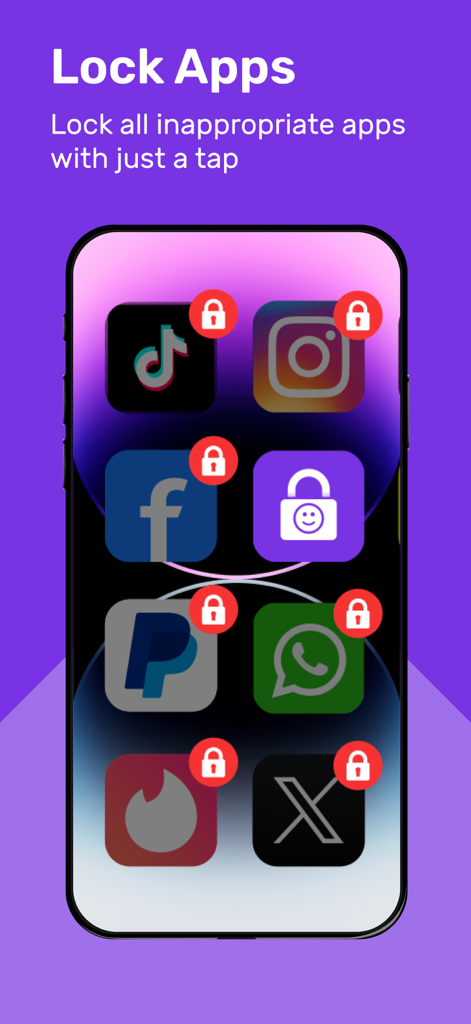
Smartphone screen showing apps like TikTok and Instagram locked with red padlocks using Suzy child lock feature

Smartphone screen showing apps like TikTok and Instagram locked with red padlocks using Suzy child lock feature

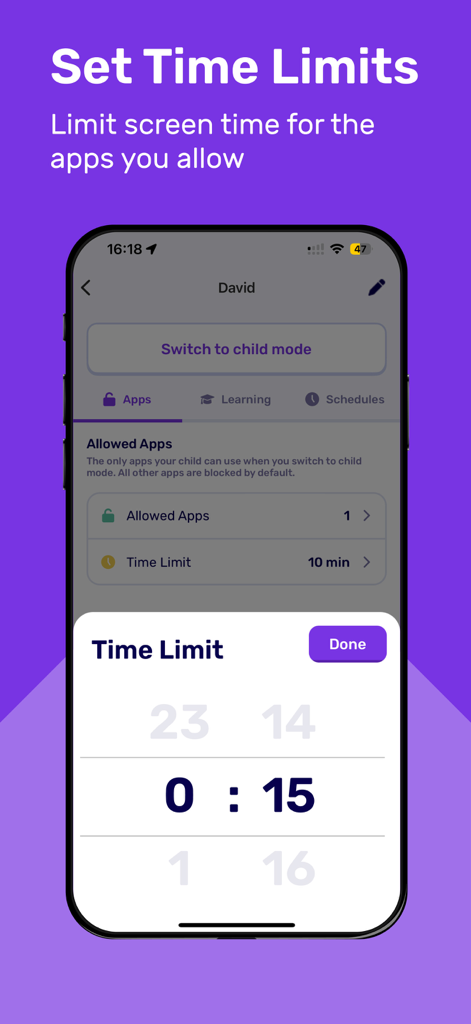
Interface of Suzy app showing a time limit selector set to 15 minutes for a child profile

Interface of Suzy app showing a time limit selector set to 15 minutes for a child profile

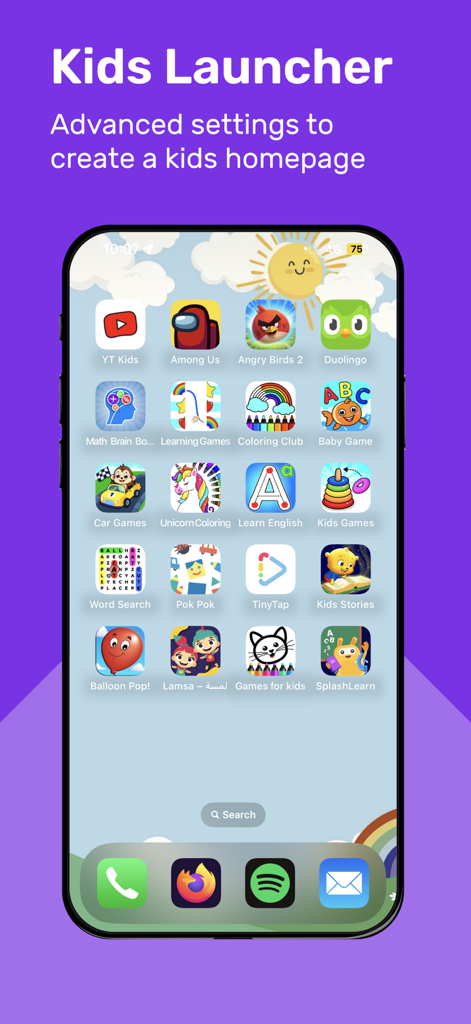
A smartphone showing the Suzy Kids Launcher with a custom homepage featuring educational and entertainment app icons for safe child use

A smartphone showing the Suzy Kids Launcher with a custom homepage featuring educational and entertainment app icons for safe child use

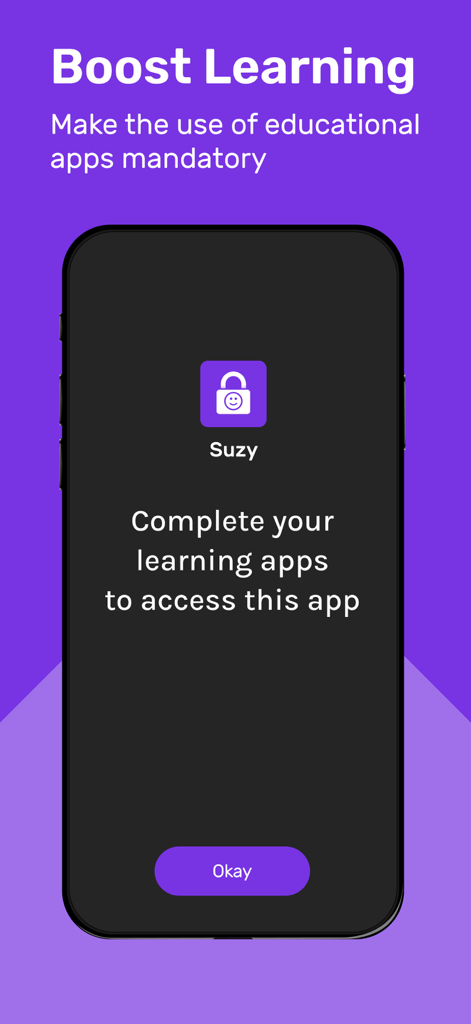
Screenshot of Suzy app showing a mandatory learning app requirement screen to boost educational engagement for children.

Screenshot of Suzy app showing a mandatory learning app requirement screen to boost educational engagement for children.

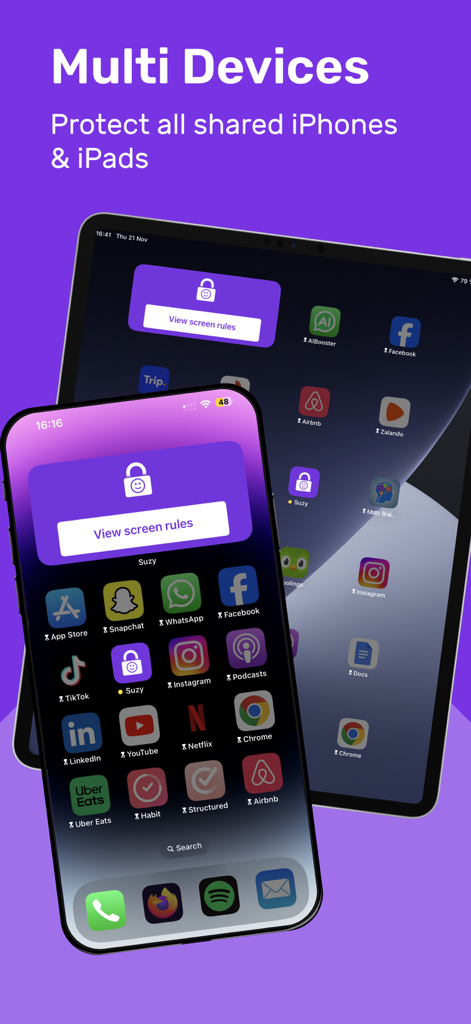
Suzy app interface on iPhone and iPad showing multi device child lock protection

Suzy app interface on iPhone and iPad showing multi device child lock protection

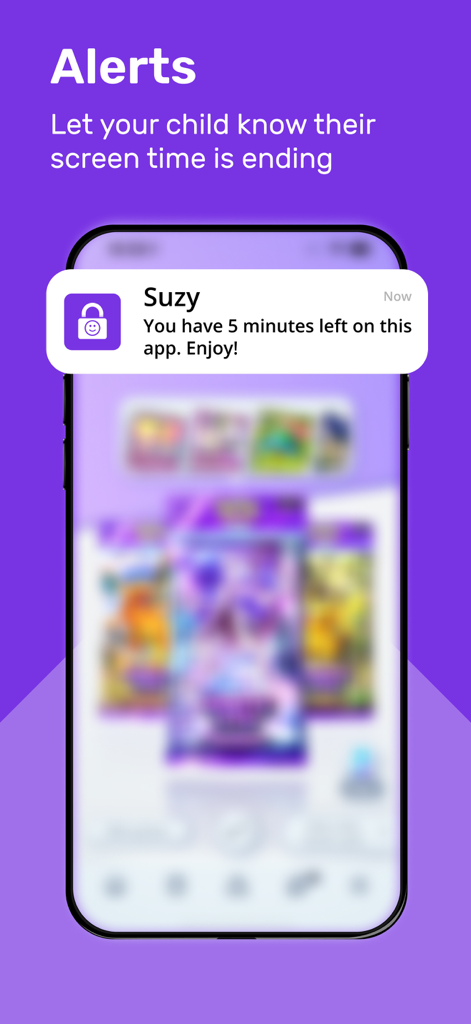
iPhone notification from Suzy app informing a child that they have 5 minutes of screen time left

iPhone notification from Suzy app informing a child that they have 5 minutes of screen time left

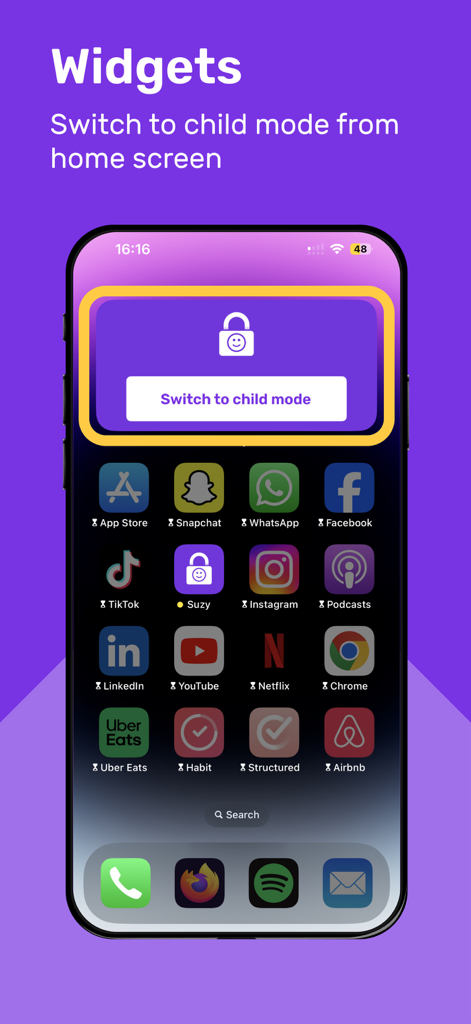
iPhone home screen showing the Suzy app widget to switch to child mode with one tap

iPhone home screen showing the Suzy app widget to switch to child mode with one tap

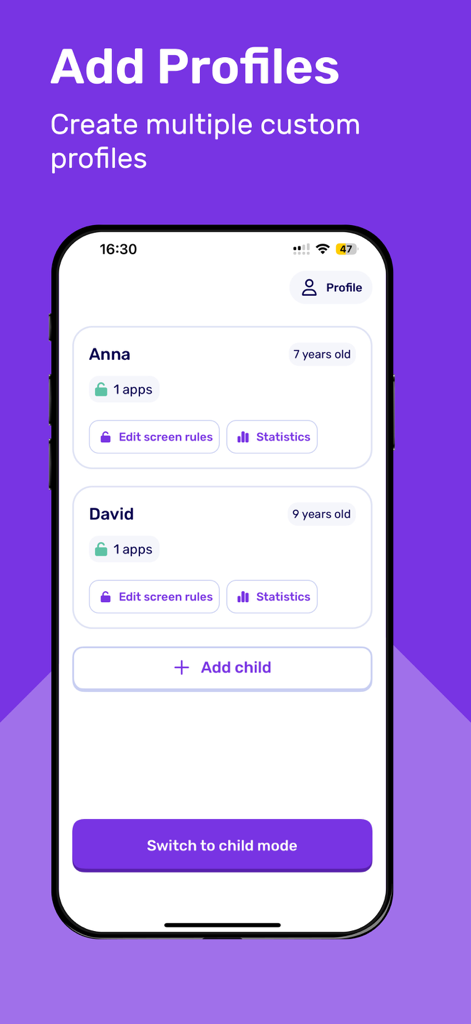
Interface of the Suzy app showing how to create and manage multiple custom child profiles.

Interface of the Suzy app showing how to create and manage multiple custom child profiles.

Transform Screen Time into a Win-Win

The tools that make this app stand out, trusted by 12K+ users.

šŸŽ“

Earn Play with Learning

Eliminate screen-time guilt by requiring time in educational apps like Duolingo before unlocking entertainment.

⚔

One-Tap Safe Mode

Instantly switch to a dedicated kid-safe launcher before handing over your phone—perfect for busy parents on the go.

šŸ›”ļø

Total Privacy Shield

Protect your professional life by blocking access to work emails, sensitive photos, and accidental in-app purchases.

About the app

Everything you need to know about Kids Mode & Child Lock :Suzy.

Description

Set a kid safe mode with 1 tap while lending your device to your child. Block apps, web browsers and app downloads. Set time limits and device free moments. With Suzy, you can also create a kid dedicated launcher and prioritize learning by making the use of educational apps mandatory: From now on, if your child wants to access YouTube for 10 minutes, you can require them to learn a new language on Duolingo for 10 minutes first! Passive scrolling is replaced by intentional learning sessions leading to long lasting knowledge and significant reduction in children's overall screen time. ā–¶ GET STARTED IN LESS THAN 3 MINUTES 1. Create your child’s profile 2. Select the only apps your child can use on your device. All other apps are blocked by default. That’s it! Simply tap ā€œswitch to child modeā€ to hand over your device to your child worry-free! ā–¶ BENEFITS Hand over your device worry-free! • Keep your child safe from inappropriate content • Protect your content and sensitive information • Set Time Limits your child can spend on your device to avoid arguments • Switch ON/OFF all device’s restrictions with one tap • Turn any screen time into a learning opportunity ā–¶ FEATURES App Restrictions • Allowed Apps: Select apps your child can use. All other apps are BLOCKED by default. • Kids Launcher: Display a custom launcher with the apps kids can use. • Child Mode in 1 tap: With a single tap, switch on or off all device’s restrictions. • Multiple Child Profiles: Create custom child profiles with their own personalized restrictions. • Pin Protected: Modifying restrictions require the use of a secret PIN code. • Block uninstall: Prevent your child from deleting Suzy and disabling restrictions Screen Time Controls • Screen Time Limit: Set daily time limits for the apps you allow your child to use. • Schedules: Set screen-free moments during dinner, homework, bedtime, or any time you see fit. • Statistics: Track your child’s daily/weekly/monthly app usage. Boosted Learning • Learning: Unlock access to their favorite apps only if they use educational apps first. • Recommended Apps: Get a selection of educational apps to use based on your child’s profile ā–¶ REQUIREMENTS Suzy is only supported on (and above): iOS 16 for iPhone or iPadOS 16 for iPad ā–¶ TERMS & PRIVACY • Terms: https://suzyapp.com/terms-of-service/ • Privacy policy: https://suzyapp.com/privacy/ • Support: support@suzyapp.com

Latest Version

1.1.4

Size

122.8 MB

First Released

Sep 26, 2023

Stop the Screen Time Struggle Today

Join thousands of intentional parents who have turned their iPhones into safe, educational spaces. Download Suzy and experience a worry-free handover in less than 3 minutes.

Download on App Store

App information, icons, screenshots, and descriptions displayed on this page are sourced from the Apple App Store and are the property of their respective developers. Download estimates and rankings are based on MWM's proprietary models and may not reflect actual figures. This page is provided for informational and analytical purposes only.

Believe this page infringes your intellectual property? File a dispute