
This page is not an official page of the app or its developer, but an independent editorial publication created for informational and commentary purposes. Unless expressly stated otherwise, neither the app nor its developer is affiliated with, endorsed by, sponsored by, authorized by, or otherwise officially connected with MWM, Apple, Google Play, the app publisher, or the app's developer, and nothing on this page implies that the app was developed using MWM's services. Any trademarks, logos, screenshots, and other content remain the property of their respective owners.


JusTalk Kids - Safe Messenger
The privacy-first messenger where kids explore, create, and call with zero stranger danger. Empower your child with digital autonomy while you maintain total parental control through a secure, encrypted walled garden.
Downloads
3M+User Rating
Total Ratings
33K+Publisher
Category
Social NetworkingLocales
15Latest Version
2.9.44Size
603.5 MBFirst Released
Aug 1, 2018Designed for Kids, Controlled by Parents
Provide your child with a safe digital playground to connect with loved ones through a secure, parent-managed environment that prioritizes privacy and creative play.
Parent-Approved Connections
You hold the keys to their social circle. Children can only add contacts with your explicit approval, ensuring they only talk to trusted family and friends.
Creative & Interactive Play
Transform simple calls into shared adventures with real-time doodling, stickers, and interactive games that keep children engaged and learning.
Frequently Asked Questions
Everything you need to know about JusTalk Kids - Safe Messenger
How does JusTalk Kids ensure child safety and privacy?
JusTalk Kids protects children with end-to-end encryption for all communications. It ensures privacy and protection from strangers and inappropriate content through features like parent-approved friend management and smart content monitoring.
Can parents manage friend requests on JusTalk Kids?
Yes, parents manage friend requests on JusTalk Kids. Children can only add friends with parental approval, and parents receive instant notifications to approve or reject these requests remotely.
What communication features does JusTalk Kids offer?
JusTalk Kids offers 1-on-1 and group voice/video calls with features such as call recording, doodling, and interactive games. It also supports instant messaging, creative sharing, and a Walkie Talkie (Push-to-Talk) function.
Does JusTalk Kids monitor content for sensitive material?
Yes, JusTalk Kids includes Smart Content Monitoring. Sensitive images or videos are automatically flagged and blocked. Parents receive notifications and review the content to determine its appropriateness for their child.
How can parents remotely manage their child’s JusTalk Kids app?
Parents remotely manage the JusTalk Kids app using the JusTalk Parent Account feature. From their own JusTalk app, they can approve friends, monitor activity, and customize settings for their child's account.
Does JusTalk Kids offer educational content for children?
Yes, JusTalk Kids offers educational content through its Kidstube feature. This provides a library of kid-friendly videos, including science experiments, crafts, and learning activities, in a safe and ad-free environment.
Does JusTalk Kids share children's personal data?
No, JusTalk Kids never shares a child’s personal data. It guarantees full privacy and data protection, providing parents with complete control over app access and content exposure.
What is the Walkie Talkie feature in JusTalk Kids?
The JusTalk Kids Walkie Talkie feature enables children to send quick voice messages instantly. Users press and hold to record, delivering messages without initiating a full call, fostering hands-free communication.
Can parents control access to the JusTalk Kids app with a passcode?
Yes, parents control access to the JusTalk Kids app using a passcode. This feature ensures that only approved users can enter the application, enhancing the child's safety and privacy.
Can parents check their child's real-time location using JusTalk Kids?
Yes, JusTalk Kids allows parents to check their child's real-time location. The app displays the child's current location on a map, including nearby friends and their distances, for enhanced supervision.
The following screenshots and description are sourced directly from the app's official store listing and are the property of the app developer.
App Store
Screenshots
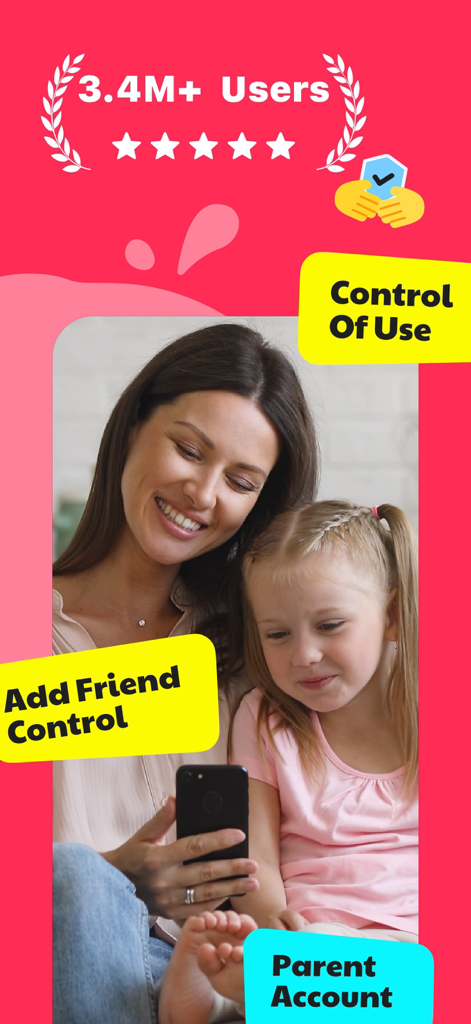
A mother and daughter smiling while using the JusTalk Kids app which highlights parental control and safety features.
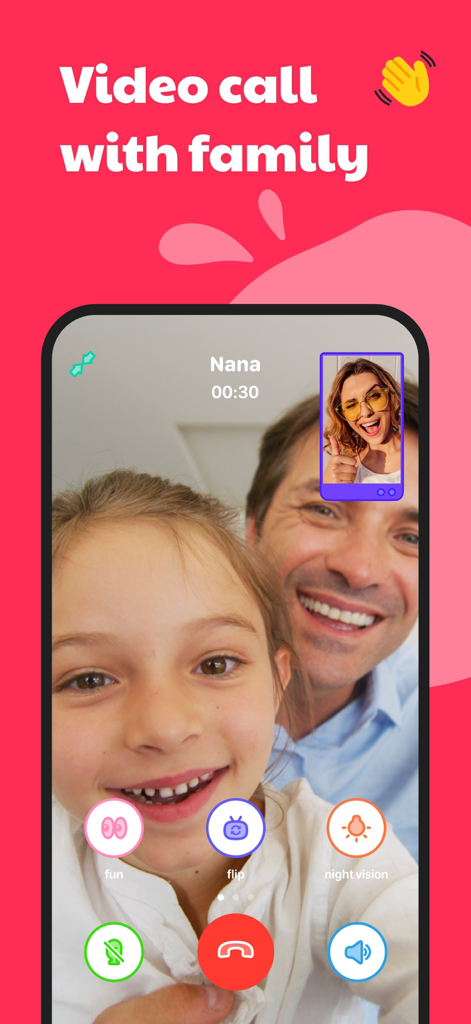
A young girl and her father having a safe video call with their grandmother on the JusTalk Kids app.
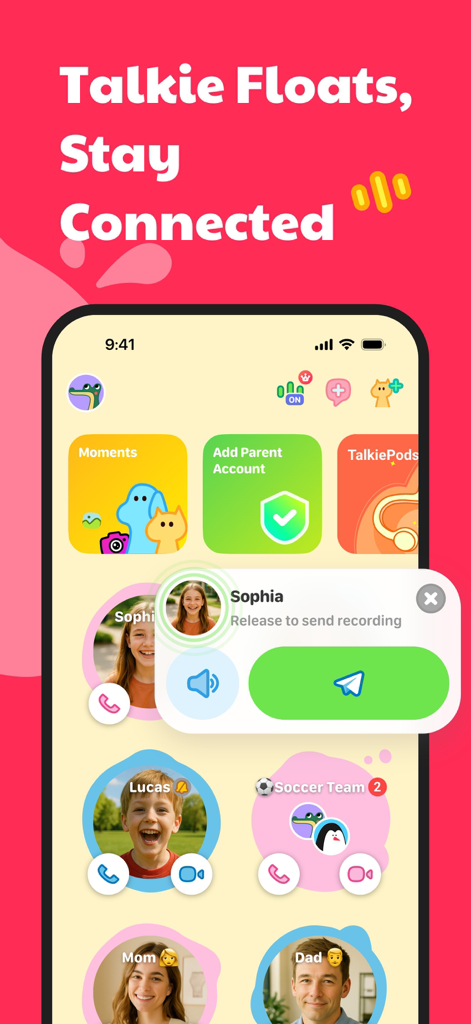
JusTalk Kids app interface showing the walkie talkie voice recording feature and family contacts like Mom and Dad
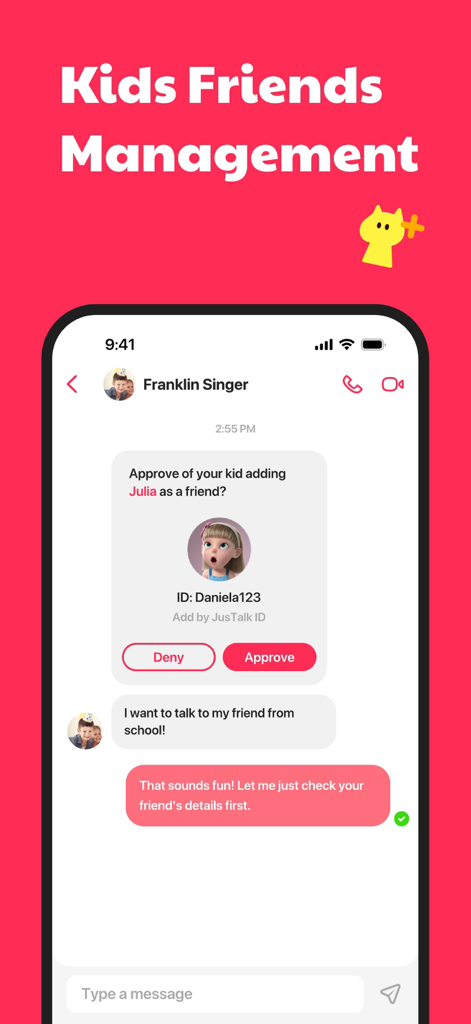
A parental control screen in the JusTalk Kids app showing a request to approve or deny a new friend for a child.
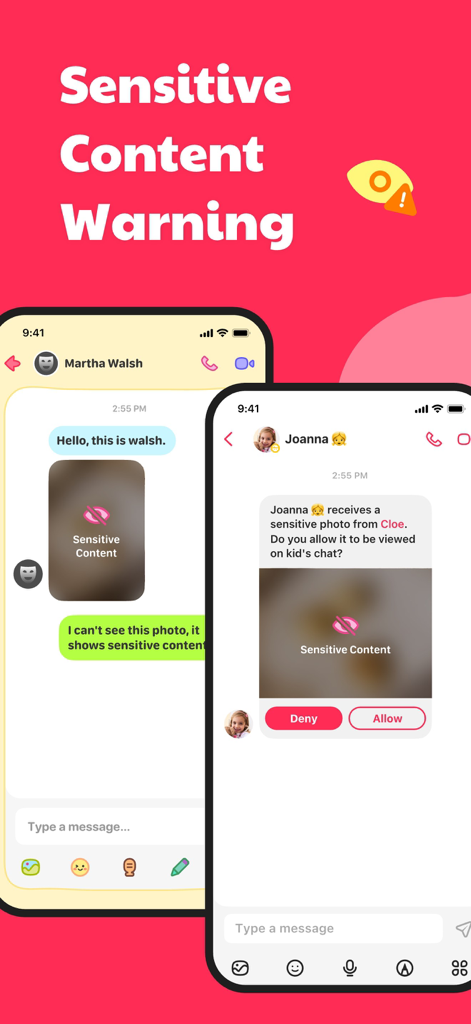
JusTalk Kids mobile interface showing sensitive content warning and parental control approval screen
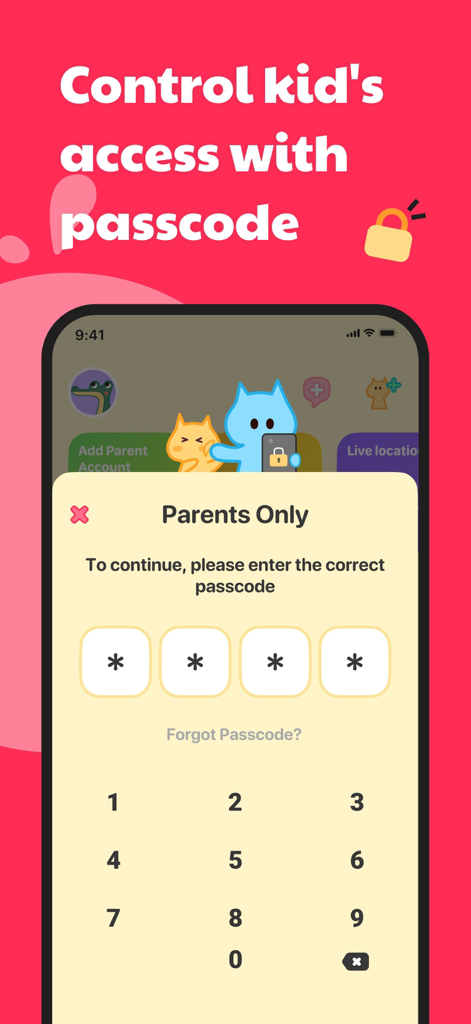
JusTalk Kids app screenshot showing the parental control passcode entry screen
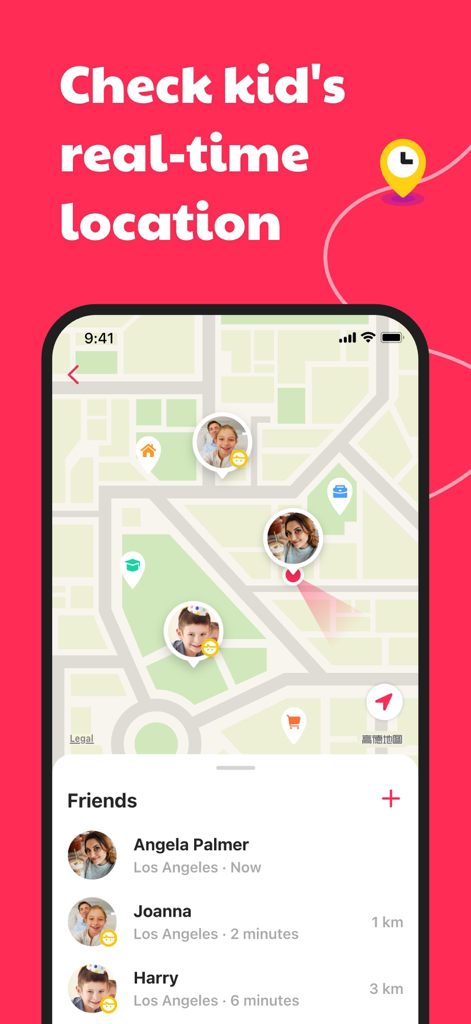
Map interface showing real-time location tracking of kids on the JusTalk Kids app
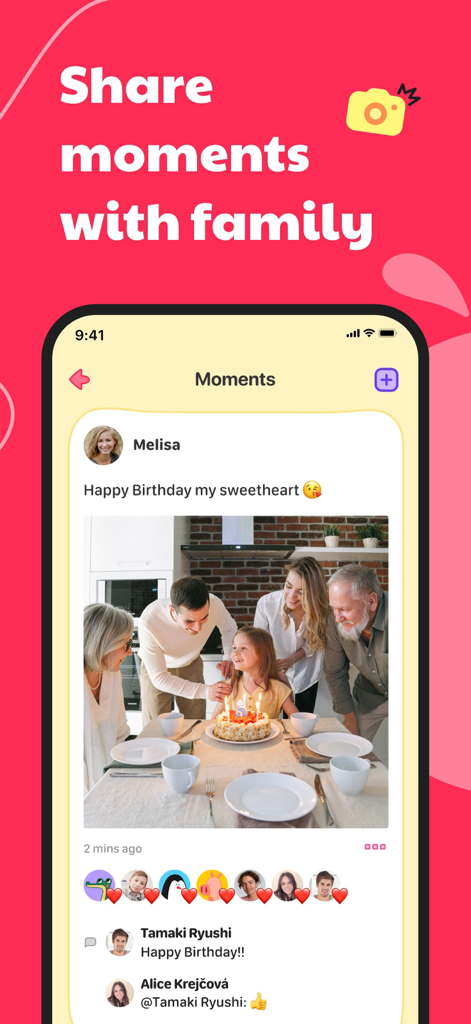
A family sharing a birthday celebration photo in the Moments section of the JusTalk Kids app with reactions and comments.
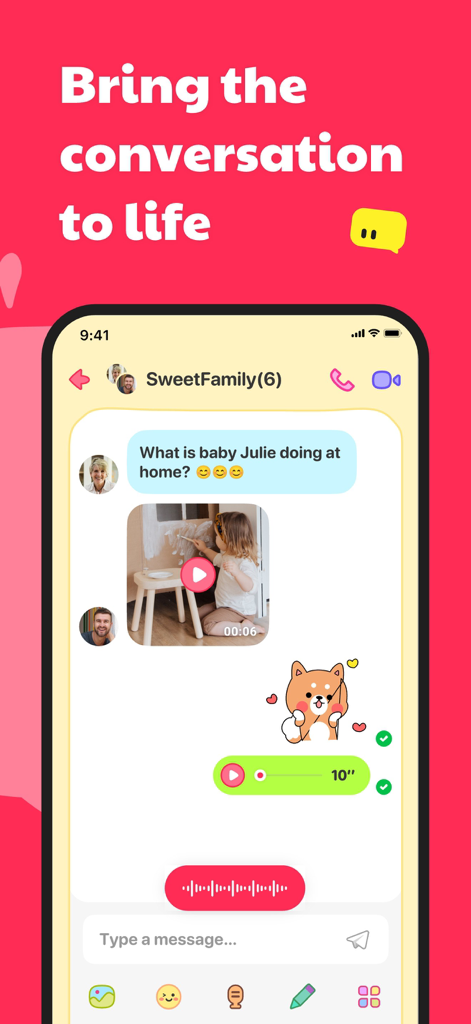
JusTalk Kids app interface showing a family group chat with text, video messages, and stickers.
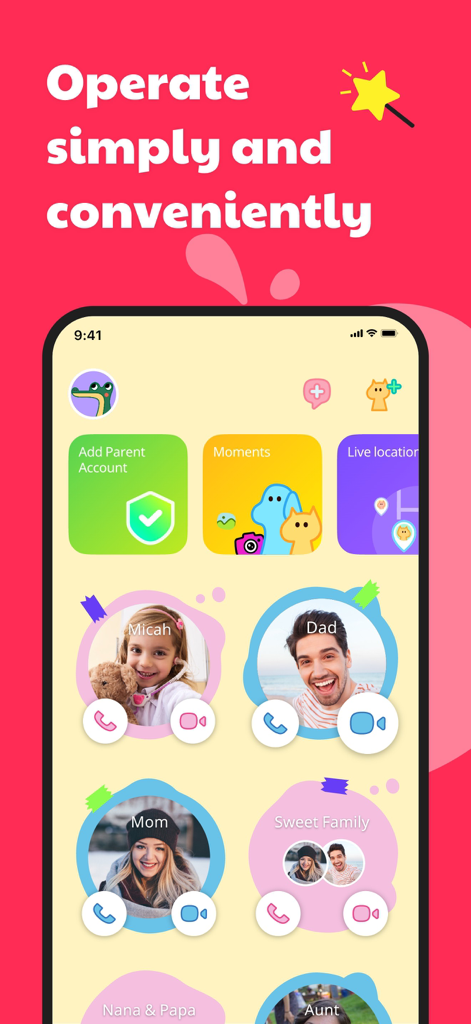
JusTalk Kids app home screen showing a simple and colorful user interface with family contacts and parent account settings.
Description
Download
More Like This
Apps with similar features and user experience

Findos - Find My Device
Pollux Bilisim Teknolojileri Sanayi ve Ticaret Limited Sirketi

Boost Family Guard
Smith Micro Software, Inc.

Google Family Link
Google LLC

Findmykids: GPS Phone Tracker
LETEM LTD

Nintendo Switch Parental Cont…
Nintendo Co., Ltd.

Parental Control App Kids360
ANKO SOLUTIONS LLC

FlashGet Kids:parental control
HONGKONG FLASHGET NETWORK TECHNOLOGY CO., LIMITED

Parental Control App: AirDroid
SAND STUDIO CORPORATION LIMITED

Parental Control App - Kidsee
Alenrom sp. z o.o.
This page is not an official page of the app or its developer, but an independent editorial publication created for informational and commentary purposes. Unless expressly stated otherwise, neither the app nor its developer is affiliated with, endorsed by, sponsored by, authorized by, or otherwise officially connected with MWM, Apple, Google Play, the app publisher, or the app's developer, and nothing on this page implies that the app was developed using MWM's services. Any trademarks, logos, screenshots, and other content remain the property of their respective owners.