
This page is not an official page of the app or its developer, but an independent editorial publication created for informational and commentary purposes. Unless expressly stated otherwise, neither the app nor its developer is affiliated with, endorsed by, sponsored by, authorized by, or otherwise officially connected with MWM, Apple, Google Play, the app publisher, or the app's developer, and nothing on this page implies that the app was developed using MWM's services. Any trademarks, logos, screenshots, and other content remain the property of their respective owners.

Parental Control App Kids360
Stop the power struggles and empower your child to earn playtime through learning and exercise. Manage apps, track GPS location, and ensure digital safety with the parental control app kids actually love.
Downloads
3M+User Rating
Total Ratings
48K+Publisher
Category
UtilitiesLocales
31Latest Version
1.78.3Size
215.5 MBFirst Released
Jan 21, 2022Turn Screen Time into a Positive Habit
Empower your child to earn play time through learning and movement, while you stay connected with real-time location and smart safety filters.
Earned Play Time
Replace daily arguments with incentives. Kids earn gaming minutes by completing educational tasks and logical puzzles, teaching them valuable time management skills.
Active Screen Breaks
Our AI motion-tracking technology rewards physical activity with extra phone time, ensuring your child stays active and healthy even during digital play.
Frequently Asked Questions
Everything you need to know about Parental Control App Kids360
What is the Kids360 app?
Kids360 is a parental control app that helps parents manage their child's screen time, block apps, track location, and ensure internet safety. Children earn extra screen time by completing educational and physical tasks.
How do I install and start using the Kids360 parental control app?
First, install Kids360 on your phone. Then, install Alli360 on your child's phone and enter the code displayed in Kids360. Finally, allow smartphone monitoring within the Kids360 app.
Does Kids360 allow parents to block specific applications on a child's phone?
Yes, Kids360 allows parents to completely restrict access to unwanted apps. This feature is part of managing screen time if a child spends too much time on their phone.
Can I track my child's GPS location using the Kids360 app?
Yes, Kids360 provides GPS geolocation, allowing you to check your child’s location on a map in real time. This ensures you always know their whereabouts.
What internet safety features does the Kids360 parental control app include?
Kids360 offers safe internet features, including viewing browser and YouTube history. It also blocks dangerous sites and 18+ content on your child’s phone.
How can children earn additional screen time using the Kids360 app?
Children can earn extra screen time by completing educational tasks like logical exercises and math problems. They can also perform physical exercises, with AI recognizing movements, to gain play time.
Is it required to have the child's consent to install the Kids360 app?
Yes, Kids360 strictly requires the child's consent for installation. The application cannot be installed secretly, and personal data storage complies with GDPR policy.
Can the Kids360 app send a loud signal to a child's phone even if it is on silent mode?
Yes, Kids360 features a loud signal function. It sends a loud call to your child’s phone, overriding silent mode, ensuring you can always reach them.
What specific permissions does the Kids360 Parental Control app request?
Kids360 requests permissions like 'Draw over other apps' for blocking, 'Special access' for screen time limits, 'Usage data' for statistics, 'Autostart' for the tracker, and 'Device administrator' for protection against deletion.
Can Kids360 monitor and provide statistics on a child's daily app usage?
Yes, Kids360 monitors digital activity and provides statistics for games and apps. It displays daily and weekly usage breakdowns, allowing parents to track screen time.
The following screenshots and description are sourced directly from the app's official store listing and are the property of the app developer.
App Store
Screenshots
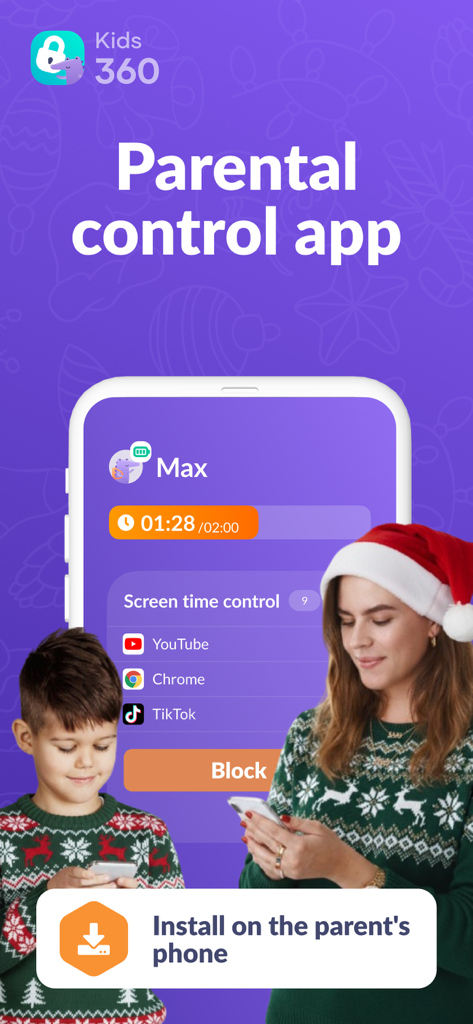
Mother and son using the Kids360 parental control app to manage screen time during the holidays
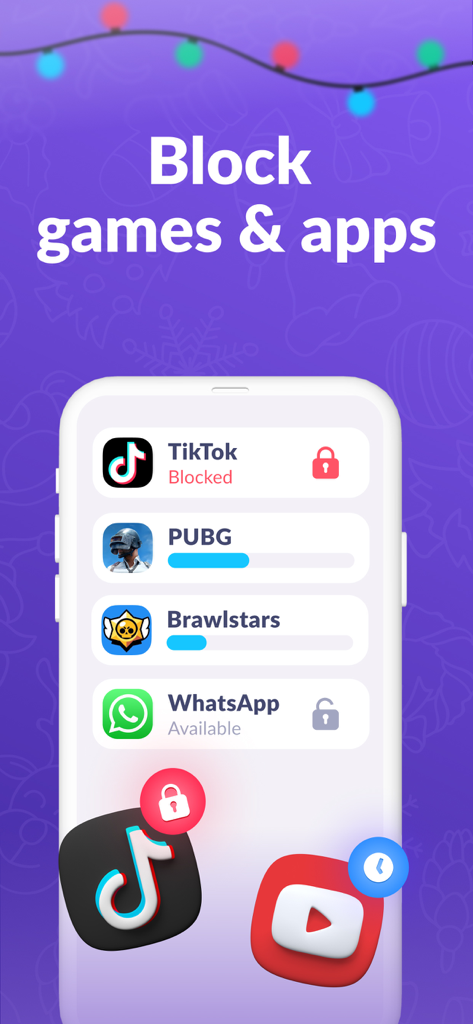
Mobile interface of Kids360 app showing a list of blocked and restricted games and social media applications
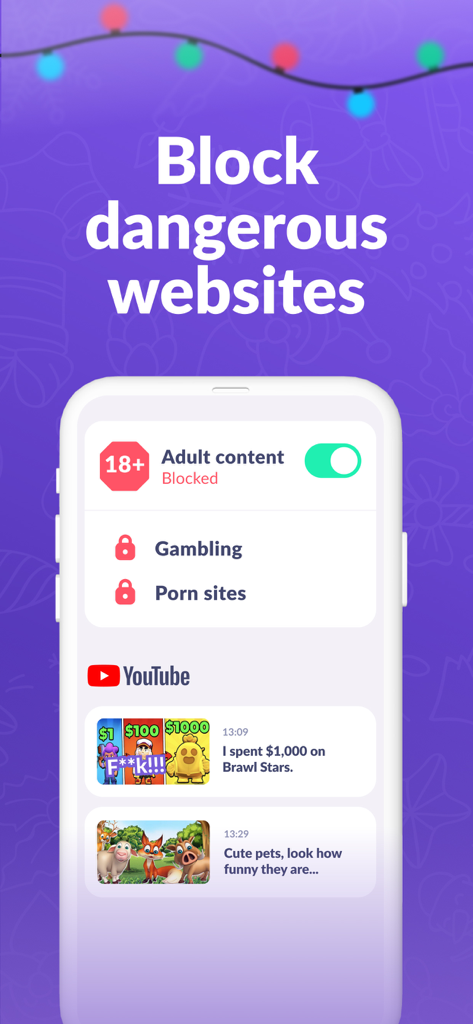
Kids360 app interface showing how to block adult content and monitor child YouTube history
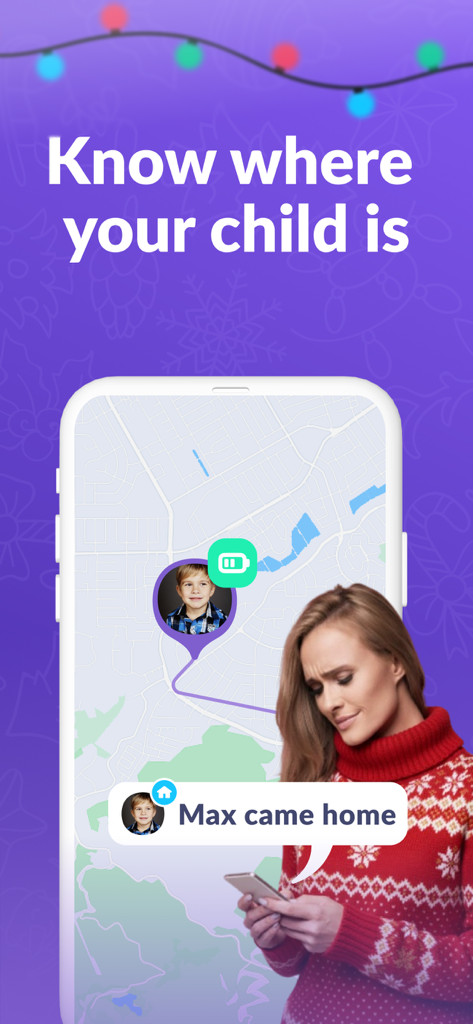
Smartphone screen showing Kids360 app GPS tracking map and notification that child arrived home
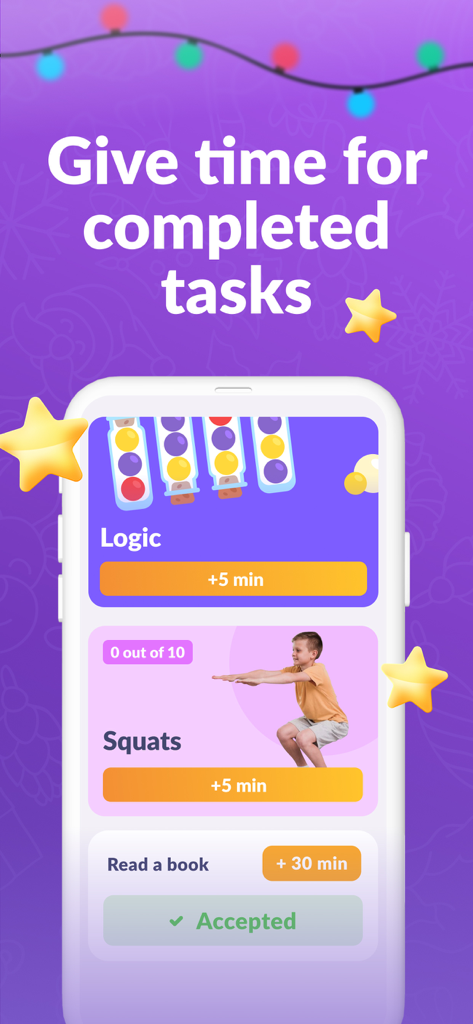
Kids360 app interface showing screen time rewards for physical and educational tasks
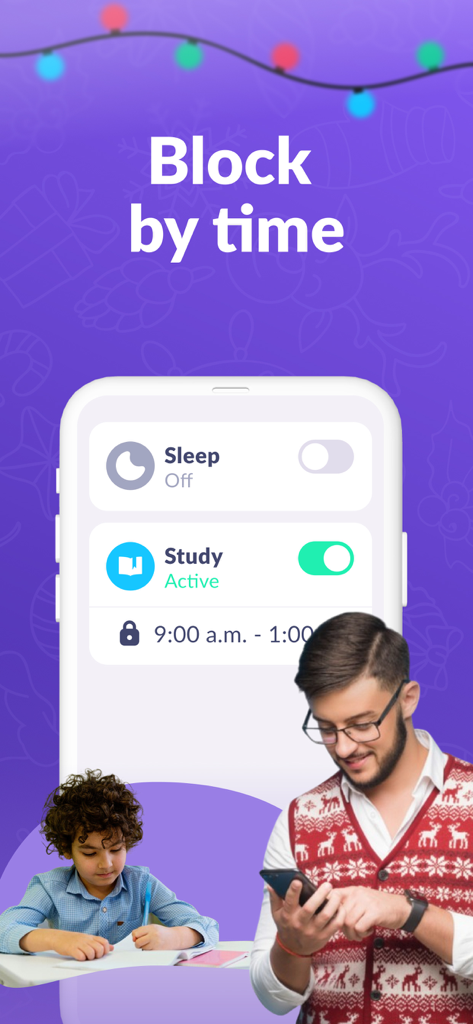
Parent using the Kids360 app to schedule screen time limits while their child studies
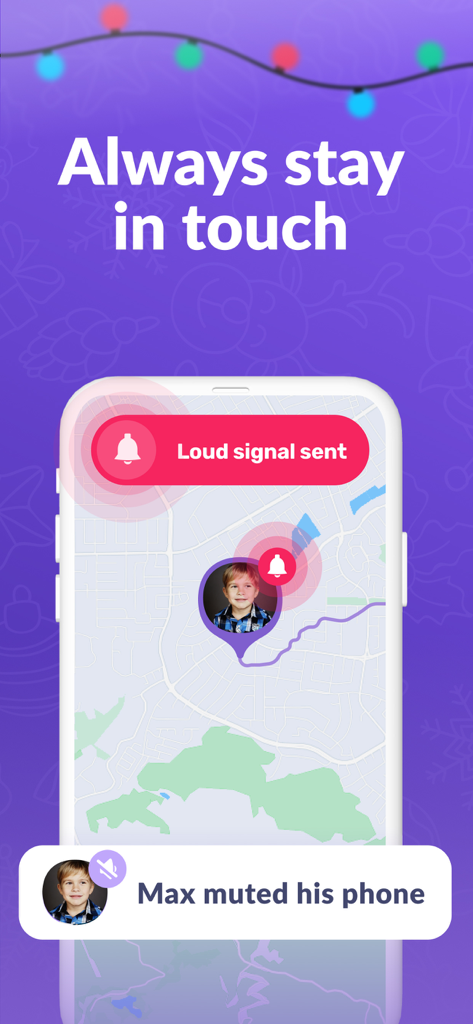
Smartphone screen of Kids360 app sending a loud signal to a childs muted phone on a map
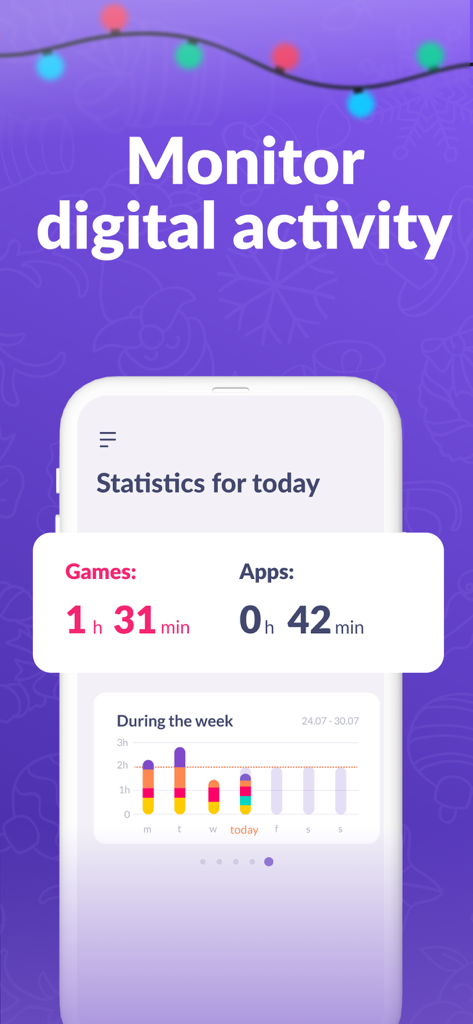
Kids360 app interface showing daily and weekly screen time statistics for games and apps
Description
Download
More Like This
Apps with similar features and user experience

Findos - Find My Device
Pollux Bilisim Teknolojileri Sanayi ve Ticaret Limited Sirketi

Boost Family Guard
Smith Micro Software, Inc.

Google Family Link
Google LLC

Findmykids: GPS Phone Tracker
LETEM LTD

Nintendo Switch Parental Cont…
Nintendo Co., Ltd.

JusTalk Kids - Safe Messenger
Ningbo Jus Internet Technology Co., Ltd.

FlashGet Kids:parental control
HONGKONG FLASHGET NETWORK TECHNOLOGY CO., LIMITED

Parental Control App: AirDroid
SAND STUDIO CORPORATION LIMITED

Parental Control App - Kidsee
Alenrom sp. z o.o.
This page is not an official page of the app or its developer, but an independent editorial publication created for informational and commentary purposes. Unless expressly stated otherwise, neither the app nor its developer is affiliated with, endorsed by, sponsored by, authorized by, or otherwise officially connected with MWM, Apple, Google Play, the app publisher, or the app's developer, and nothing on this page implies that the app was developed using MWM's services. Any trademarks, logos, screenshots, and other content remain the property of their respective owners.