
This page is not an official page of the app or its developer, but an independent editorial publication created for informational and commentary purposes. Unless expressly stated otherwise, neither the app nor its developer is affiliated with, endorsed by, sponsored by, authorized by, or otherwise officially connected with MWM, Apple, Google Play, the app publisher, or the app's developer, and nothing on this page implies that the app was developed using MWM's services. Any trademarks, logos, screenshots, and other content remain the property of their respective owners.

FlashGet Kids:parental control
Monitor live locations, mirror screens, and manage app habits in real-time. Give your children the digital freedom they want and the protection they need across all their iOS devices.
Downloads
1M+User Rating
Total Ratings
6K+Publisher
Category
EducationLocales
23Latest Version
1.3.5Size
72.0 MBFirst Released
Jun 24, 2023Total Peace of Mind for Modern Parents
FlashGet Kids provides the visibility and control you need to protect your child's digital wellbeing and physical safety in an always-connected world.
Real-Time GPS & Geofencing
Track your child's live location and receive instant alerts when they arrive at school or home, ensuring they are safe during the after-school gap.
Advanced Content Safeguards
Monitor social media activity on TikTok and Instagram to prevent cyberbullying and filter out inappropriate content before it reaches their screen.
Frequently Asked Questions
Everything you need to know about FlashGet Kids:parental control
What is FlashGet Kids: parental control?
FlashGet Kids is a comprehensive remote control software for parents. It tracks children's location and monitors online activities on iPhone or iPad, ensuring safety and promoting good device usage habits.
How does FlashGet Kids help parents monitor their child's surroundings?
FlashGet Kids features One-Way Audio for identifying emergency events around children in real-time. It also provides a Remote Camera feature to view surroundings through the child's device camera and microphone for safety.
Can FlashGet Kids monitor the apps my child uses?
Yes, FlashGet Kids includes Screen Mirroring. This feature allows parents to see the apps their child uses and their usage frequency, helping to protect them from potentially dangerous applications.
Does FlashGet Kids provide real-time location tracking for children?
Yes, FlashGet Kids offers Live Location with high-precision GPS tracking. Parents can understand their child's current location and view historical routes, ensuring continuous awareness of their whereabouts.
Can parents set location boundaries for their children with FlashGet Kids?
Yes, FlashGet Kids supports customizable geofencing rules. Parents receive immediate alerts when children enter or exit specified areas, acting as a 24/7 digital bodyguard for their safety.
Can FlashGet Kids synchronize app notifications from a child's device?
Yes, FlashGet Kids provides real-time synchronization of app notifications. This helps parents stay informed about their child's chat activities on social media apps, safeguarding against cyberbullying and online scams.
How does FlashGet Kids detect sensitive content?
FlashGet Kids uses Sensitive Content Detection to manage children's access to inappropriate content on social media. It also supports Browser Safety features, filtering undesirable websites and guiding children towards age-appropriate content.
Can parents limit screen time using FlashGet Kids?
Yes, FlashGet Kids enables parents to set dedicated screen time limits. This helps prevent children from being distracted by their phones during important activities like schoolwork or bedtime.
Does FlashGet Kids allow custom usage rules for specific applications?
Yes, FlashGet Kids allows custom app rules with time restrictions for specific applications. Parents receive alerts when their child attempts to install or delete any application.
What are the steps to activate FlashGet Kids?
To activate FlashGet Kids, first install the parental control app on your phone. Then, connect to your child's device using an invitation link or code. Finally, link your account.
Where can I find the Privacy Policy for FlashGet Kids?
The FlashGet Kids Privacy Policy is located at https://kids.flashget.com/privacy-policy/. This document outlines how the application collects, uses, and protects user data.
Does FlashGet Kids offer a remote camera feature?
Yes, FlashGet Kids includes a Remote Camera feature. This allows parents to view the surroundings through the child's device camera and microphone, enhancing safety monitoring.
The following screenshots and description are sourced directly from the app's official store listing and are the property of the app developer.
App Store
Screenshots
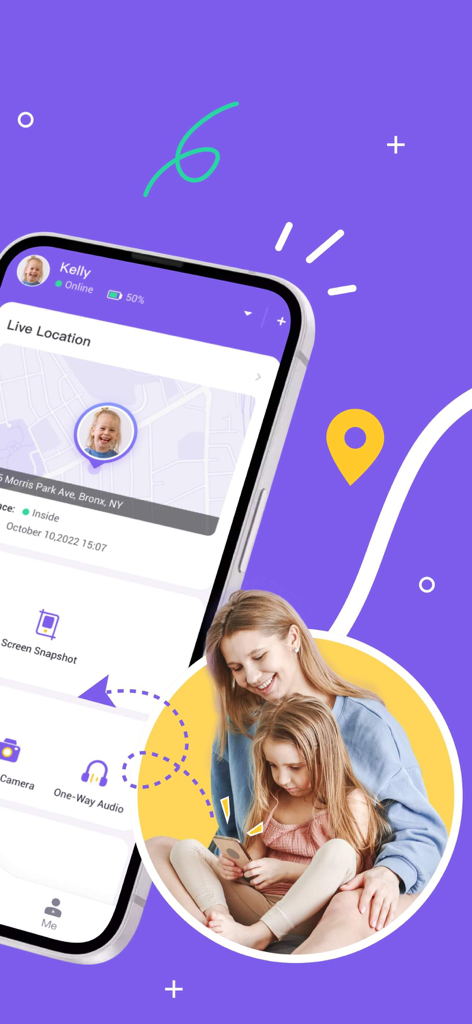
FlashGet Kids app interface showing live location tracking for child safety
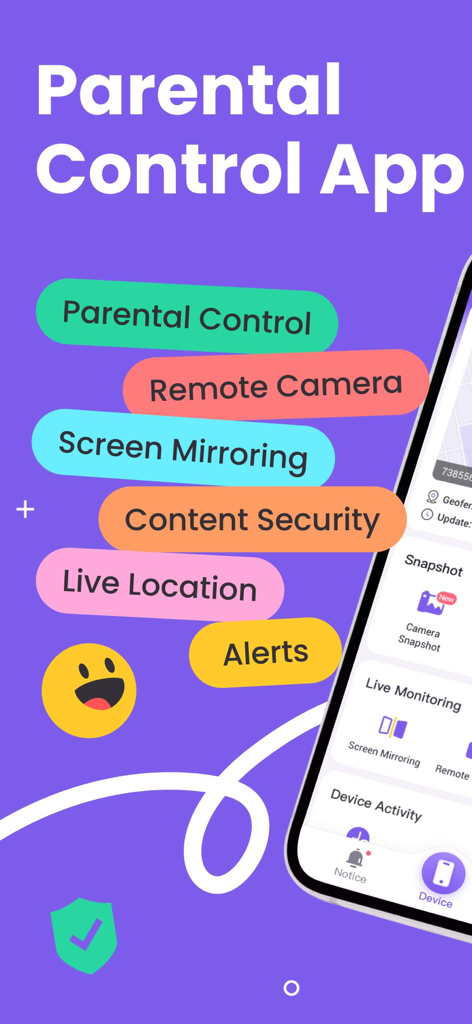
FlashGet Kids parental control app main features including remote camera and live location tracking.
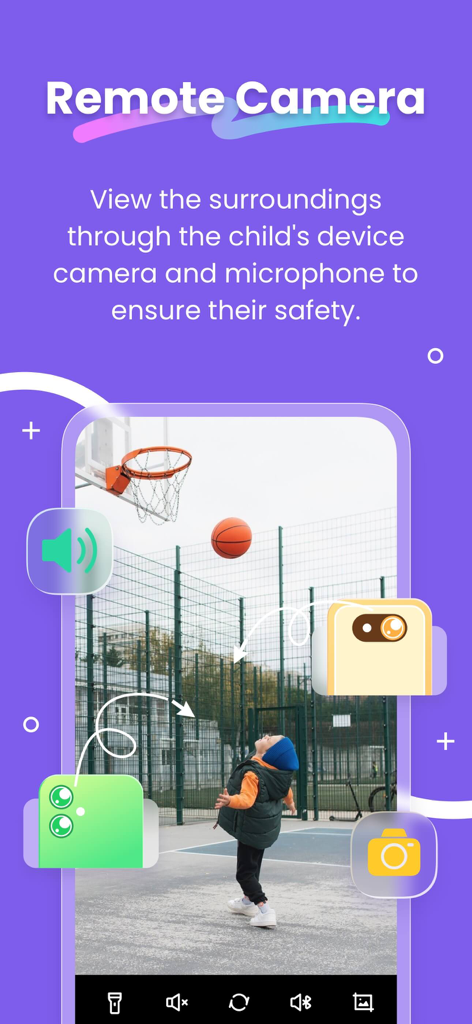
FlashGet Kids app interface showing remote camera and audio monitoring feature for child safety
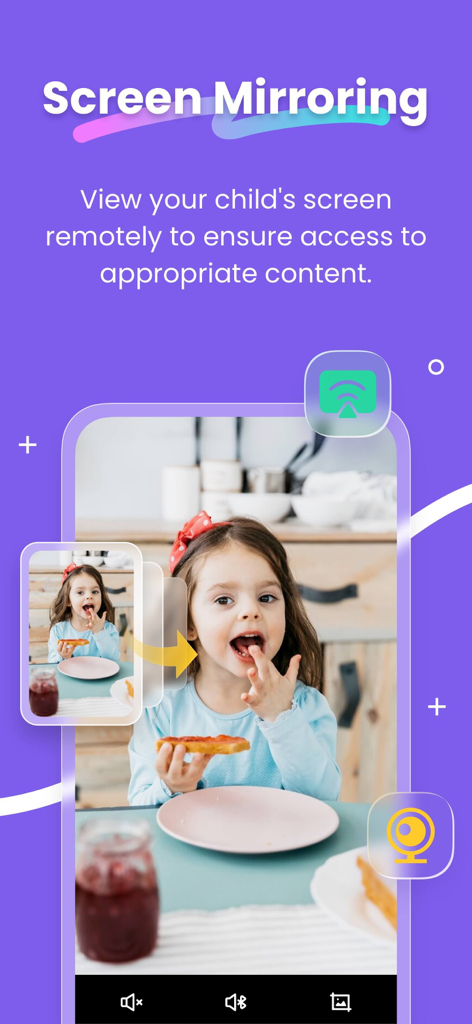
FlashGet Kids screen mirroring feature for remote monitoring of child device content
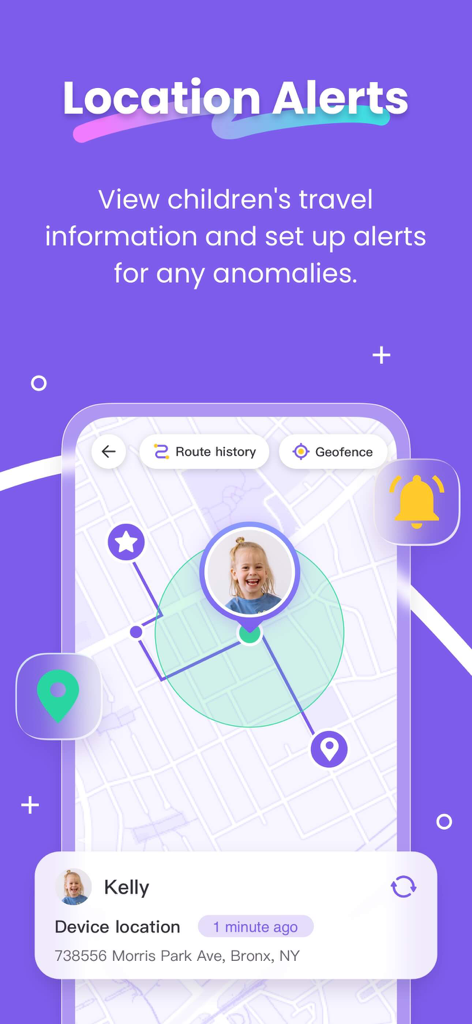
FlashGet Kids app interface showing real-time GPS location tracking and geofencing alerts for child safety
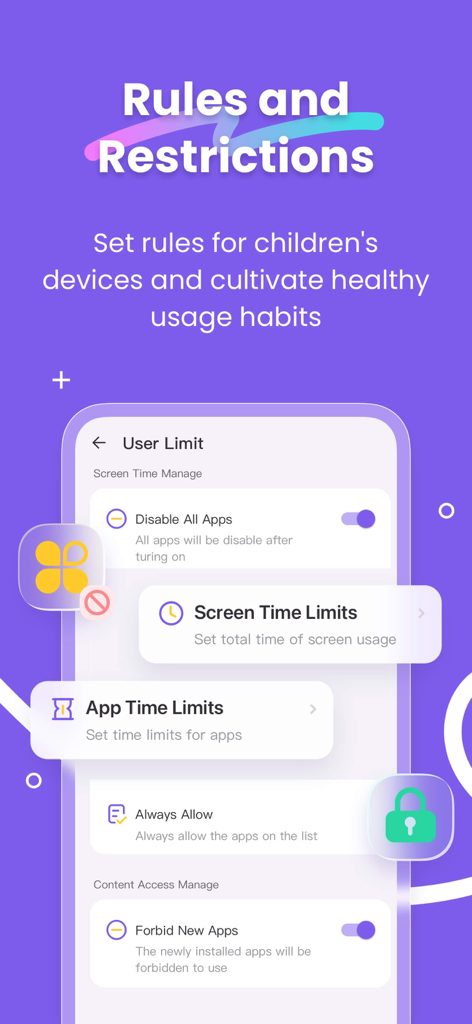
Parental control interface showing app and screen time limits settings in the FlashGet Kids app.
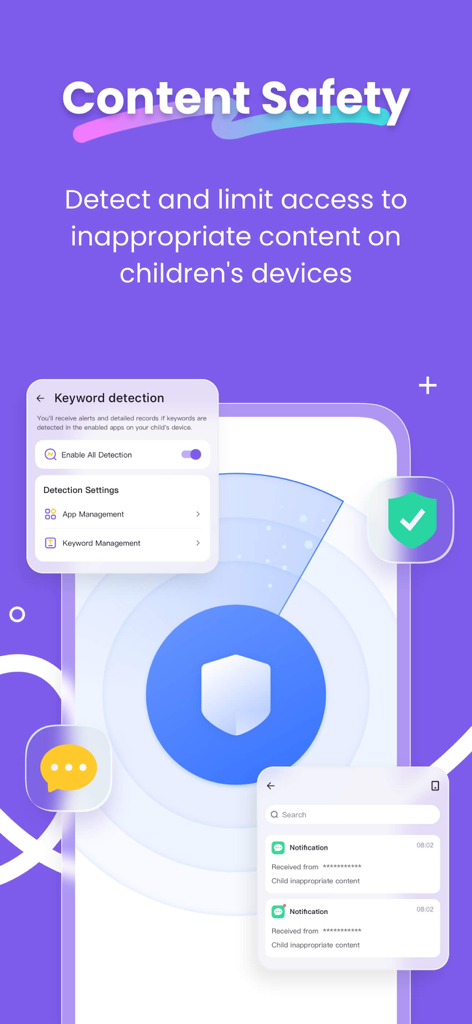
FlashGet Kids app screenshot showing content safety and keyword detection features
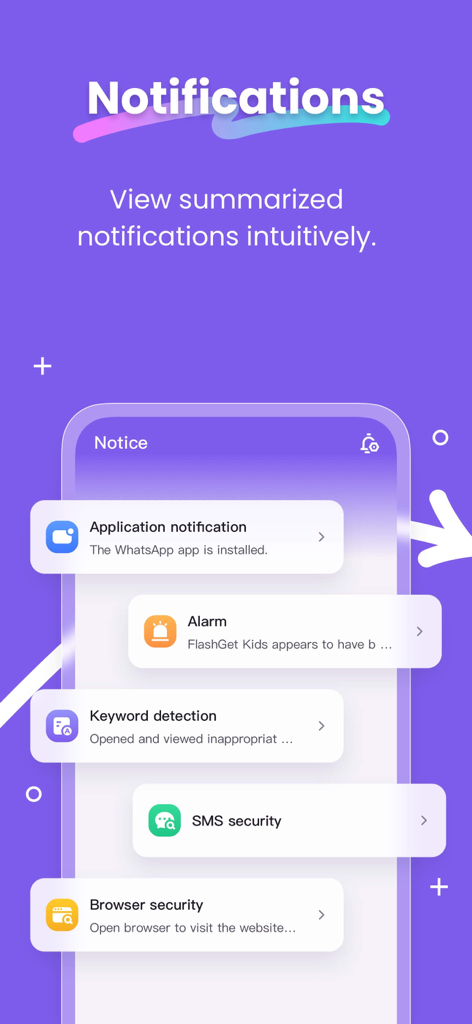
FlashGet Kids app interface showing summarized notifications for keyword detection and browser security
Description
Download
More Like This
Apps with similar features and user experience

Findos - Find My Device
Pollux Bilisim Teknolojileri Sanayi ve Ticaret Limited Sirketi

Boost Family Guard
Smith Micro Software, Inc.

Google Family Link
Google LLC

Findmykids: GPS Phone Tracker
LETEM LTD

Nintendo Switch Parental Cont…
Nintendo Co., Ltd.

Parental Control App Kids360
ANKO SOLUTIONS LLC

JusTalk Kids - Safe Messenger
Ningbo Jus Internet Technology Co., Ltd.

Parental Control App: AirDroid
SAND STUDIO CORPORATION LIMITED

Parental Control App - Kidsee
Alenrom sp. z o.o.
This page is not an official page of the app or its developer, but an independent editorial publication created for informational and commentary purposes. Unless expressly stated otherwise, neither the app nor its developer is affiliated with, endorsed by, sponsored by, authorized by, or otherwise officially connected with MWM, Apple, Google Play, the app publisher, or the app's developer, and nothing on this page implies that the app was developed using MWM's services. Any trademarks, logos, screenshots, and other content remain the property of their respective owners.