
This page is not an official page of the app or its developer, but an independent editorial publication created for informational and commentary purposes. Unless expressly stated otherwise, neither the app nor its developer is affiliated with, endorsed by, sponsored by, authorized by, or otherwise officially connected with MWM, Apple, Google Play, the app publisher, or the app's developer, and nothing on this page implies that the app was developed using MWM's services. Any trademarks, logos, screenshots, and other content remain the property of their respective owners.

Parental Control App: AirDroid
Protect your children with real-time screen mirroring, precise GPS tracking, and AI-powered content filtering. Gain total peace of mind while your kids explore the digital world with the most advanced safety tools for modern parents.
Downloads
1M+User Rating
Total Ratings
10K+Publisher
Category
LifestyleLocales
15Latest Version
2.7.0Size
97.4 MBFirst Released
Jun 7, 2022Total Protection for Your Child’s Digital Journey
Empowering you with real-time insights and intelligent boundaries to keep your children safe, focused, and secure in an ever-changing online world.
Real-Time Screen Monitoring
See exactly what they see. Cast your child’s device screen to your phone instantly to monitor app usage and intervene if they encounter inappropriate content.
Social Media & Safety Alerts
Protect them from cyberbullying. Sync notifications from apps like Instagram, Snapchat, and Messenger to stay informed about their social interactions and digital wellbeing.
Frequently Asked Questions
Everything you need to know about Parental Control App: AirDroid
Is AirDroid Parental Control designed for child safety?
Yes, AirDroid Parental Control is designed to prioritize your child's safety with high safety features, ensuring you can connect with your child and find their location easily.
Does AirDroid Parental Control work on iOS devices?
Yes, AirDroid Parental Control supports iOS devices. It includes features like daily downtime, app limits, website blocking, location tracking, and real-time alerts for iOS users.
What features does AirDroid Parental Control offer?
AirDroid Parental Control offers features such as real-time screen monitoring, social media notification sync, screen time management, app blocking, GPS tracking, geofencing, and battery checks.
Can AirDroid Parental Control limit app usage and screen time?
AirDroid Parental Control allows parents to set daily downtime and specific app limits, like restricting YouTube usage during certain hours, to manage screen time effectively.
Does AirDroid Parental Control provide location tracking?
Yes, AirDroid Parental Control includes GPS location tracking, allowing parents to track their child's real-time location on a map and view their historical routes for the day.
Does AirDroid Parental Control use AI for content filtering?
Yes, AirDroid Parental Control features AI-enhanced content control for precise and intelligent filtering of inappropriate content, including inappropriate image detection.
Does AirDroid Parental Control include a family chat function?
Yes, AirDroid Parental Control has a family chat feature for group or one-on-one text and voice conversations, allowing families to stay connected.
How do I set up AirDroid Parental Control on my devices?
To activate AirDroid Parental Control, install the app on your phone, connect your child's device via an invited link or code, install 'AirDroid Kids' on their device, and link accounts.
Is there a free trial for AirDroid Parental Control?
Yes, AirDroid Parental Control offers a 3-day free trial for all its Premium features. A subscription is required to access features after the trial period.
Can AirDroid Parental Control help with cyberbullying prevention?
AirDroid Parental Control can monitor and filter content, detect keywords, and sync app notifications from social media to help prevent cyberbullying and online fraud.
The following screenshots and description are sourced directly from the app's official store listing and are the property of the app developer.
App Store
Screenshots
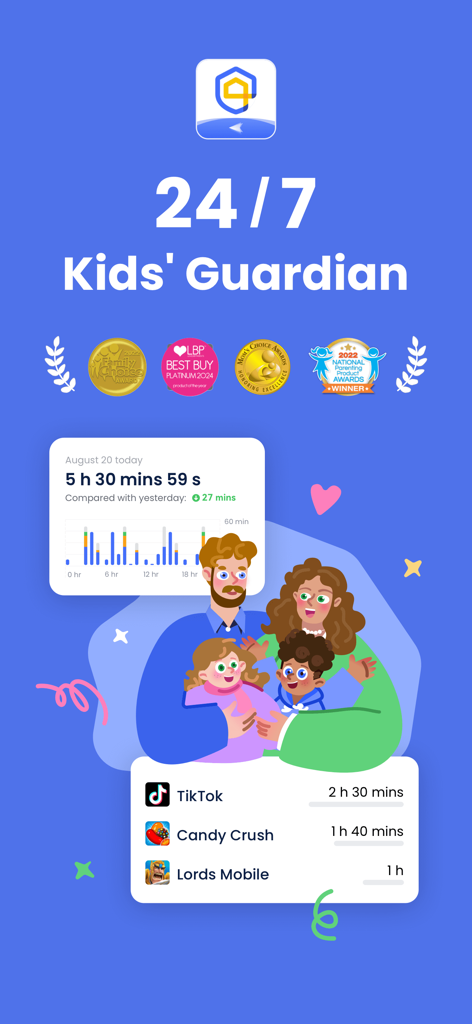
AirDroid Parental Control dashboard displaying screen time statistics and specific app usage tracking for parents
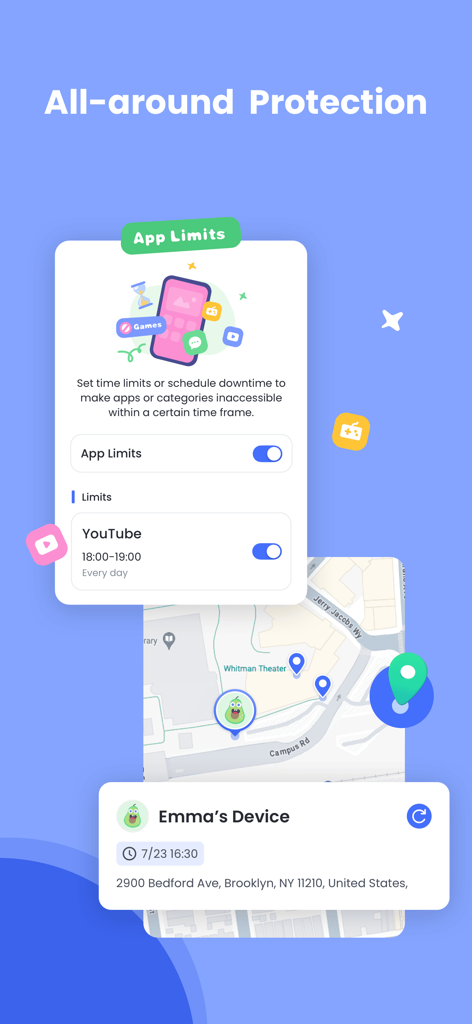
AirDroid Parental Control interface showing app time limits for YouTube and real-time GPS location tracking on a map
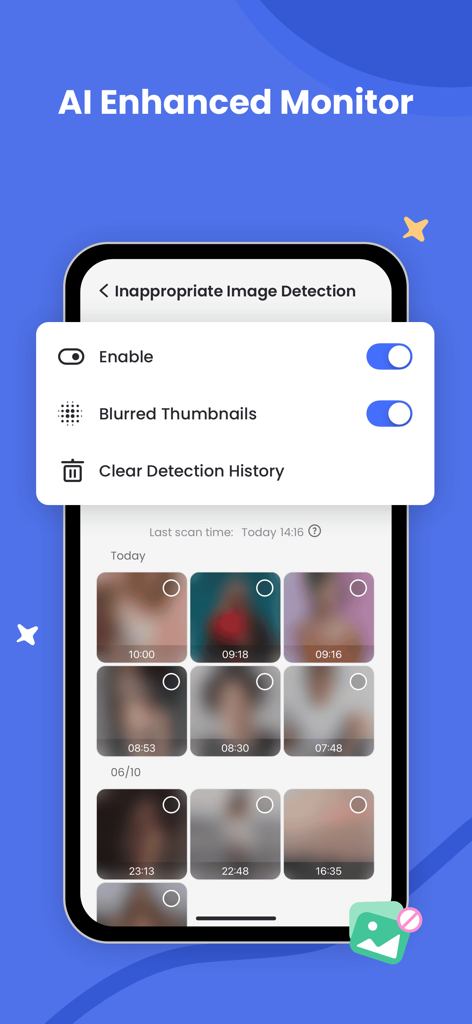
AirDroid Parental Control screen showing AI inappropriate image detection with blurred photo thumbnails
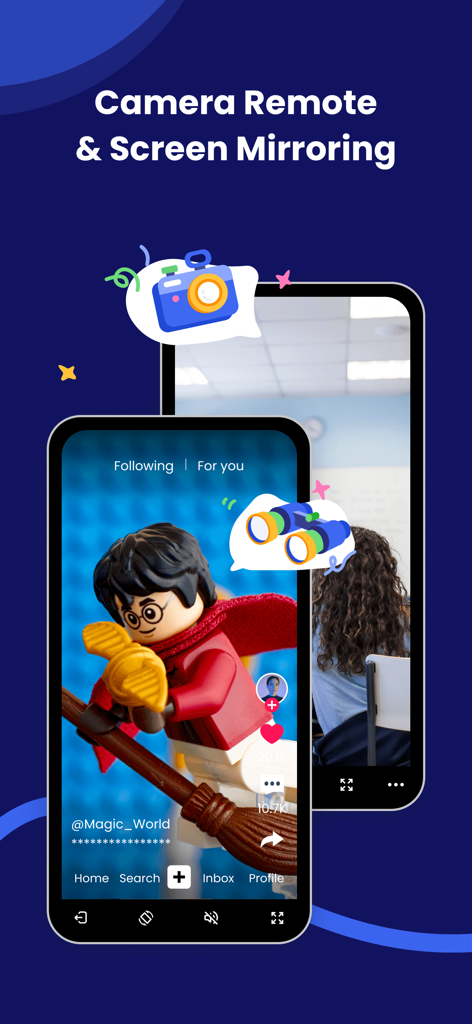
AirDroid app interface showcasing camera remote and screen mirroring features for parental monitoring
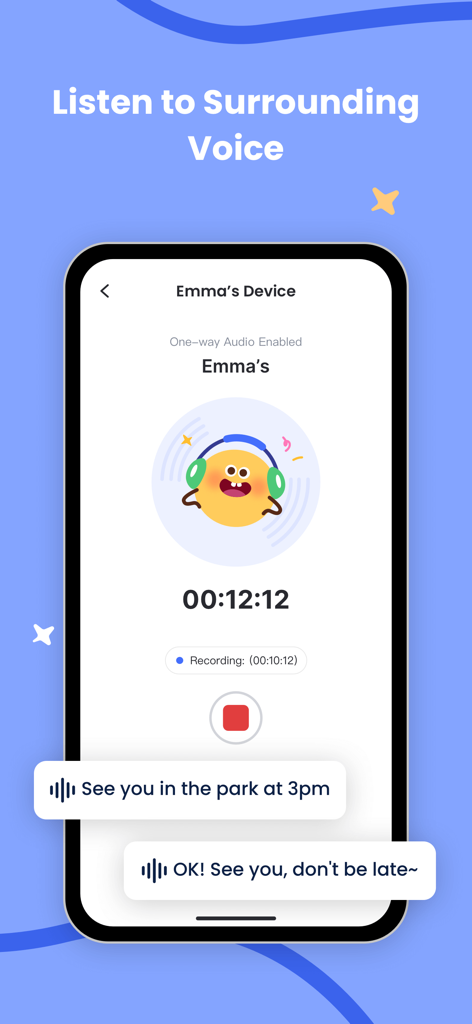
Smartphone screen showing the AirDroid Parental Control feature to listen to the child's surrounding voice with a recording timer and voice message bubbles
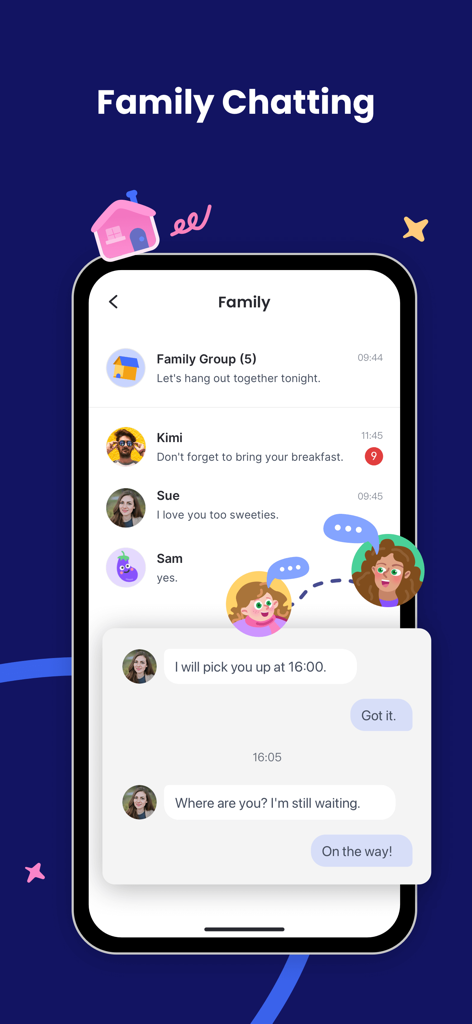
Interface of the AirDroid Parental Control app showing the family chatting feature with messages between a parent and child.
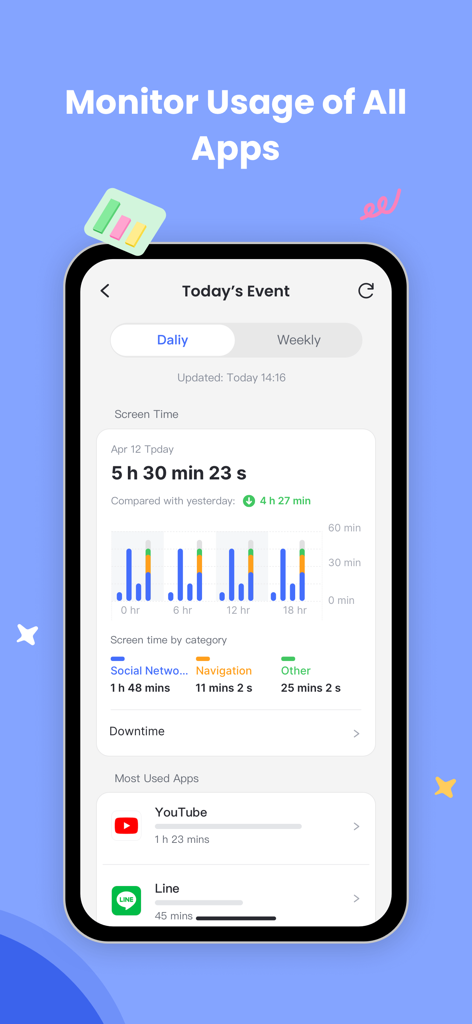
Screenshot of AirDroid Parental Control app displaying daily screen time and most used apps monitoring
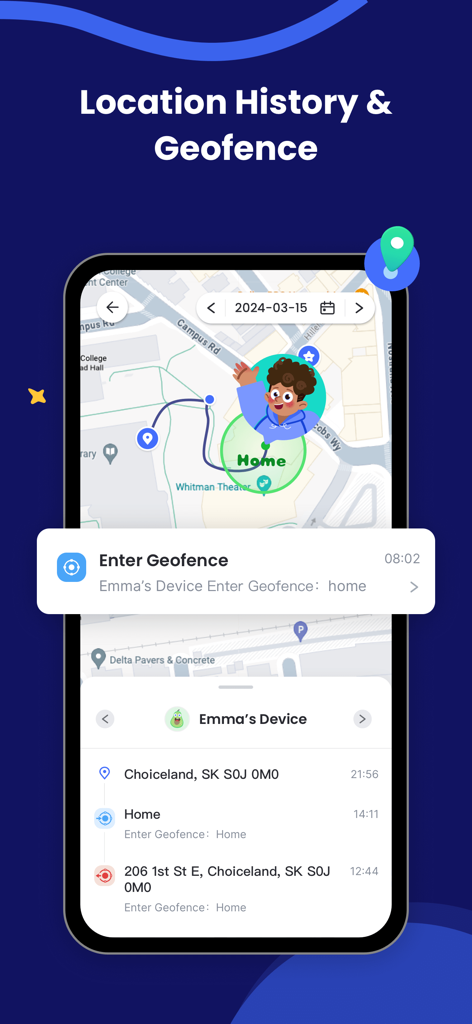
AirDroid Parental Control app showing location history and geofence alerts on a smartphone
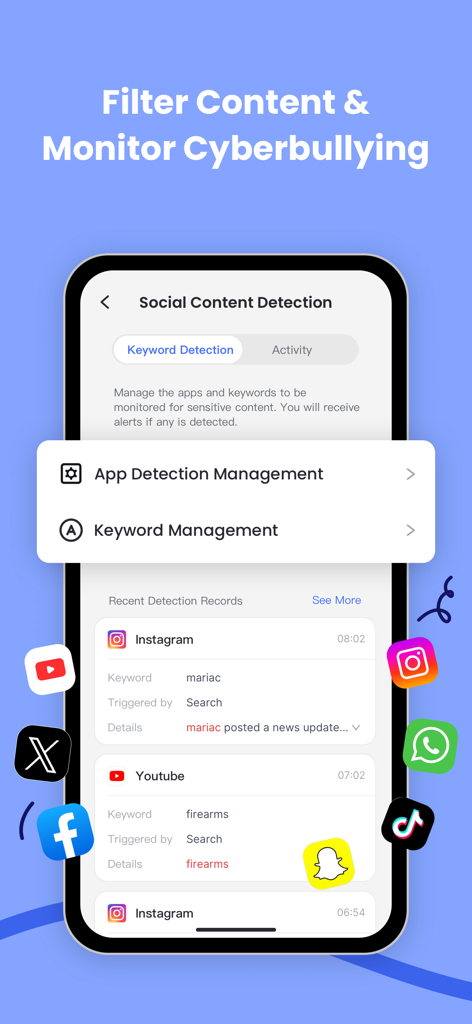
AirDroid app screen displaying social content detection and keyword monitoring to prevent cyberbullying
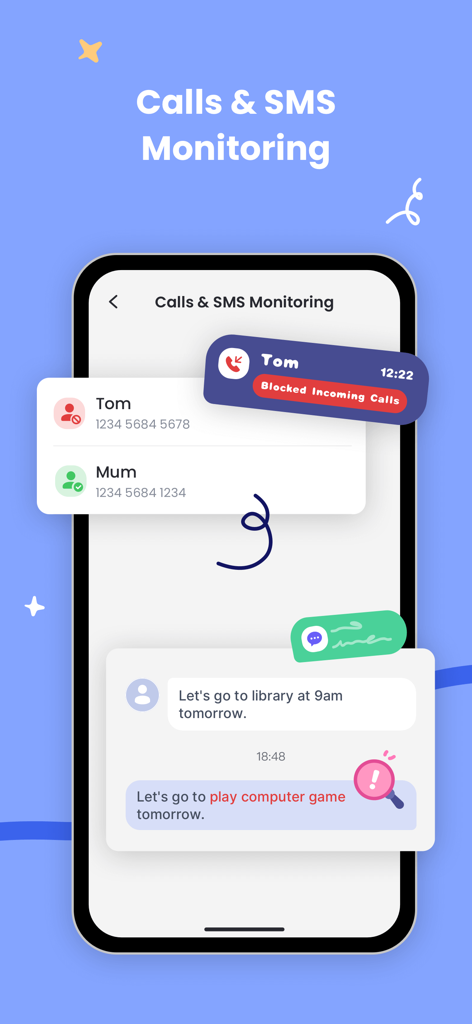
Interface showing call blocking and SMS monitoring features for parental oversight
Description
Download
More Like This
Apps with similar features and user experience

Findos - Find My Device
Pollux Bilisim Teknolojileri Sanayi ve Ticaret Limited Sirketi

Boost Family Guard
Smith Micro Software, Inc.

Google Family Link
Google LLC

Findmykids: GPS Phone Tracker
LETEM LTD

Nintendo Switch Parental Cont…
Nintendo Co., Ltd.

Parental Control App Kids360
ANKO SOLUTIONS LLC

JusTalk Kids - Safe Messenger
Ningbo Jus Internet Technology Co., Ltd.

FlashGet Kids:parental control
HONGKONG FLASHGET NETWORK TECHNOLOGY CO., LIMITED

Parental Control App - Kidsee
Alenrom sp. z o.o.
This page is not an official page of the app or its developer, but an independent editorial publication created for informational and commentary purposes. Unless expressly stated otherwise, neither the app nor its developer is affiliated with, endorsed by, sponsored by, authorized by, or otherwise officially connected with MWM, Apple, Google Play, the app publisher, or the app's developer, and nothing on this page implies that the app was developed using MWM's services. Any trademarks, logos, screenshots, and other content remain the property of their respective owners.