
This page is not an official page of the app or its developer, but an independent editorial publication created for informational and commentary purposes. Unless expressly stated otherwise, neither the app nor its developer is affiliated with, endorsed by, sponsored by, authorized by, or otherwise officially connected with MWM, Apple, Google Play, the app publisher, or the app's developer, and nothing on this page implies that the app was developed using MWM's services. Any trademarks, logos, screenshots, and other content remain the property of their respective owners.


Korean Handwriting Board
Ditch the complex keyboard layouts. Draw characters effortlessly with your finger or Apple Pencil, hear instant pronunciations, and customize your writing experience for a more intuitive way to learn and communicate.
Downloads
6K+User Rating
Total Ratings
0Publisher
Category
UtilitiesLocales
5Latest Version
1.1Size
61.7 MBFirst Released
Jan 3, 2022Write Korean Naturally
Skip the complex keyboard layouts. Use your finger or Apple Pencil to input characters instinctively, hear them read aloud, and customize your board to match your style.
Intelligent Stroke Recognition
Focus on the characters, not the keys. Our smart engine accurately recognizes scribbled Korean, symbols, and English letters even if your handwriting isn't perfect.
Real-Time Audio Feedback
Master your pronunciation as you write. The high-pitched reading feature speaks your handwritten content aloud with adjustable speeds for better learning.
The following screenshots and description are sourced directly from the app's official store listing and are the property of the app developer.
App Store
Screenshots
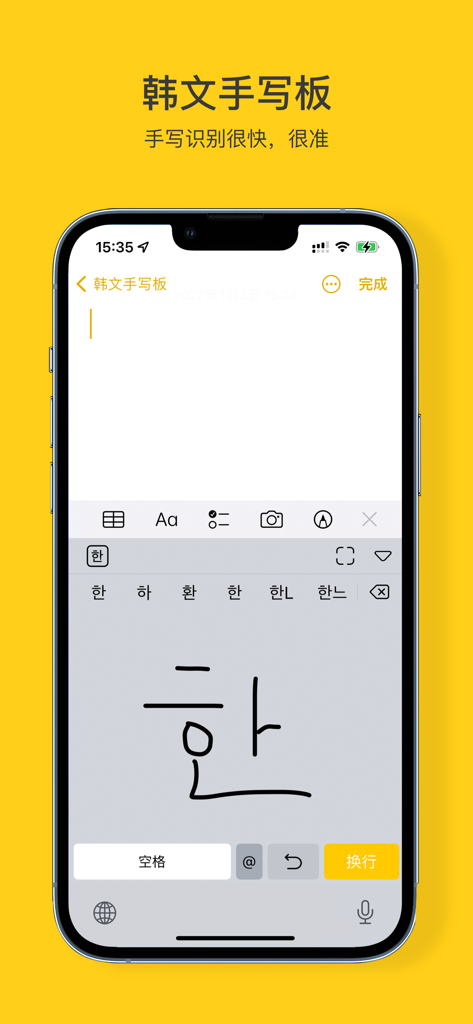
A smartphone display featuring the Korean Handwriting Board app with a user drawing the Korean character han and receiving character suggestions above the writing area.
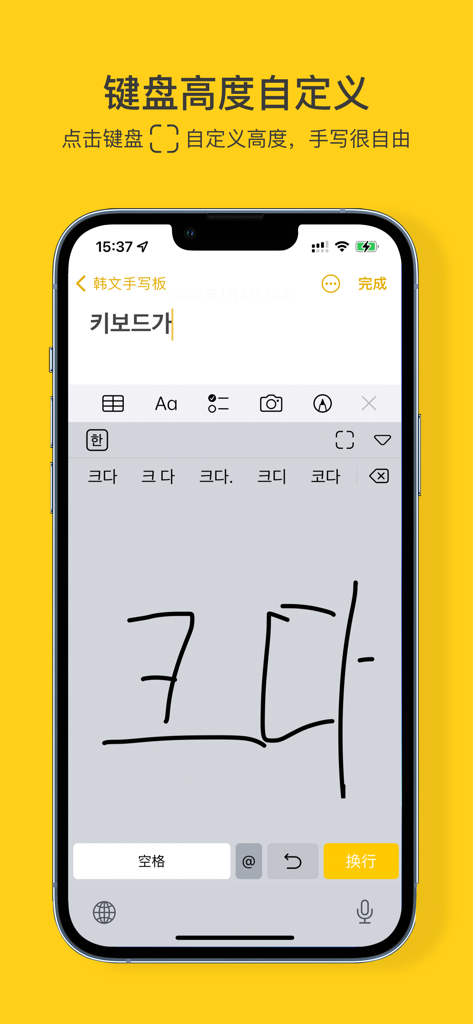
Mobile phone displaying the Korean Handwriting Board app interface with handwritten Korean characters and keyboard height customization settings.
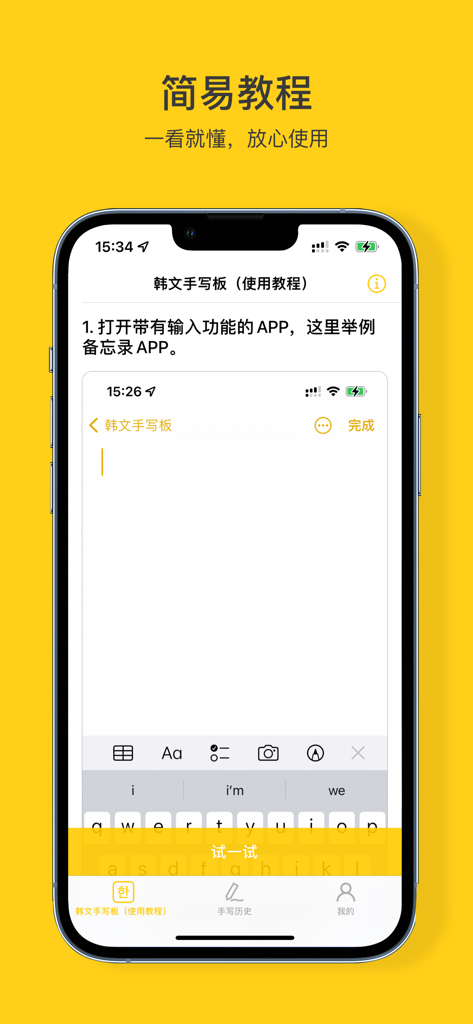
An iPhone screen displaying a step-by-step tutorial for the Korean Handwriting Board application.
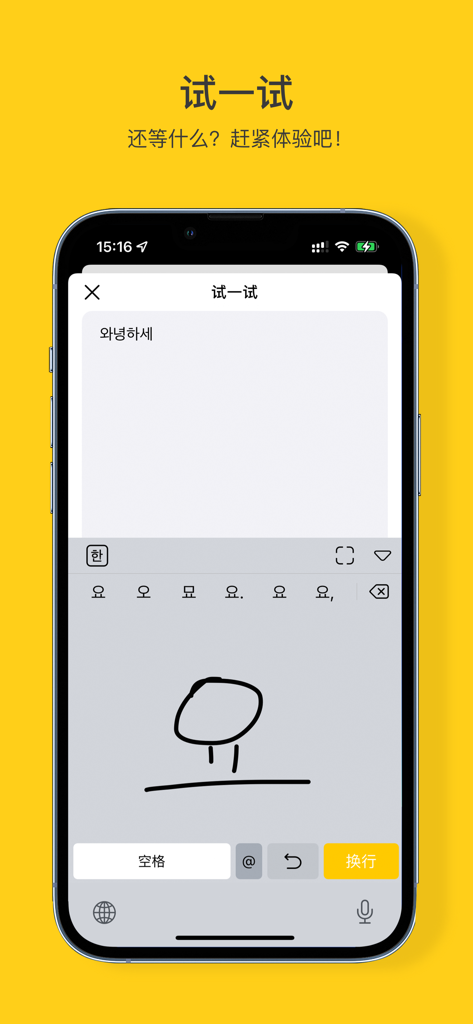
Smartphone screen displaying handwriting input for Korean characters.
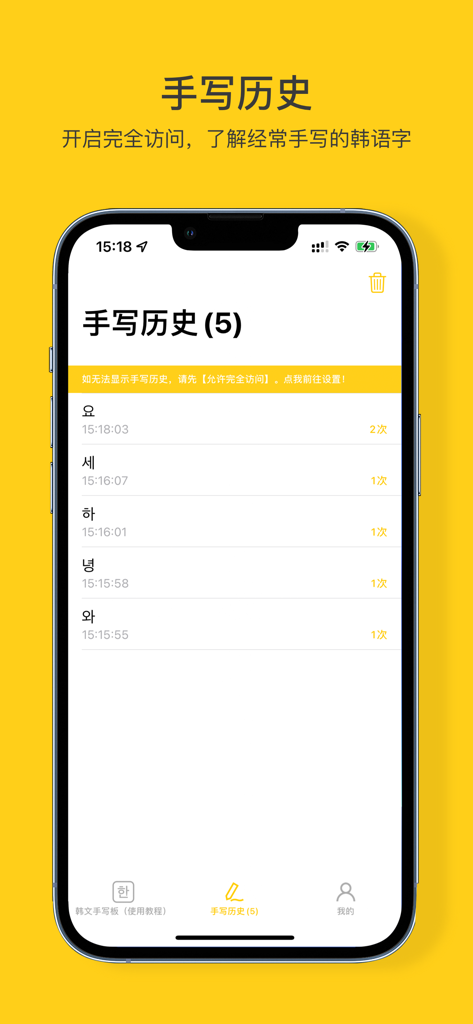
Handwriting history screen displaying recently written Korean characters and their usage frequency.
Description
Download
More Like This
Top-ranked apps in the same category

Google LLC

Google Chrome
Google LLC

中国移动(手机营业厅)
China Mobile Online Services Co., Ltd.

Google Authenticator
Google LLC

CNH do Brasil
Servicos e Informacoes do Brasil

Cleanup: Phone Storage Cleaner
DEEP FLOW SOFTWARE SERVICES - FZCO

gov.br
Servicos e Informacoes do Brasil

中国电信-全国统一官方服务平台
CHINA TELECOM Corporation Ltd.

Microsoft Edge: AI Browser
Microsoft Corporation
This page is not an official page of the app or its developer, but an independent editorial publication created for informational and commentary purposes. Unless expressly stated otherwise, neither the app nor its developer is affiliated with, endorsed by, sponsored by, authorized by, or otherwise officially connected with MWM, Apple, Google Play, the app publisher, or the app's developer, and nothing on this page implies that the app was developed using MWM's services. Any trademarks, logos, screenshots, and other content remain the property of their respective owners.