
This page is not an official page of the app or its developer, but an independent editorial publication created for informational and commentary purposes. Unless expressly stated otherwise, neither the app nor its developer is affiliated with, endorsed by, sponsored by, authorized by, or otherwise officially connected with MWM, Apple, Google Play, the app publisher, or the app's developer, and nothing on this page implies that the app was developed using MWM's services. Any trademarks, logos, screenshots, and other content remain the property of their respective owners.


Lexis Audio Editor
Transform your mobile recordings into studio-quality masterpieces. From noise reduction to vocal splitting, get the professional tools you need for podcasts, music, and social media right on your phone.
Downloads
1M+User Rating
Total Ratings
1K+Publisher
Category
UtilitiesLocales
5Latest Version
2.16.5Size
95.7 MBFirst Released
Oct 12, 2017Professional Sound, Simplified
Turn your iPhone into a powerful production studio. Whether you are launching a podcast, creating viral TikToks, or recording music, Lexis provides the precision tools you need to sound your best.
Crystal Clear Voice
Eliminate background hiss and ambient noise instantly. Our Voice Cleaner and Noise Reduction tools ensure your speech is professional and distraction-free.
AI Vocal & Track Splitting
Perfect for remixes and covers. Effortlessly separate vocals from the background music using advanced AI, giving you total creative control over any song.
Frequently Asked Questions
Everything you need to know about Lexis Audio Editor
What are the core editing features of Lexis Audio Editor?
Lexis Audio Editor offers core features including cut, copy, paste, delete, insert silence, trim, fade in, fade out, normalizing, and noise reduction for audio manipulation.
Can Lexis Audio Editor record new audio?
Yes, Lexis Audio Editor functions as both a recorder and player. It allows users to record new audio or record directly into an existing file within the application.
Does Lexis Audio Editor include an equalizer?
Yes, Lexis Audio Editor features a 10-band equalizer. Users can adjust frequency bands, apply a pre-amplifier, and preview changes before applying them to the audio.
Which audio and video formats does Lexis Audio Editor support?
Lexis Audio Editor supports audio formats like MP3, WAV, FLAC, M4A, AAC, and WMA. It also allows importing video files in MP4, 3GP, and 3G2 formats.
Can Lexis Audio Editor import and export files from iCloud or iTunes?
Yes, Lexis Audio Editor facilitates both exporting and importing audio files via iCloud. It also supports direct import of audio files from iTunes.
Does Lexis Audio Editor offer vocal separation and noise reduction?
Yes, Lexis Audio Editor provides features for splitting audio into vocals and accompaniment. It also includes functions for removing reverb and cleaning up voice recordings.
How can users manipulate tempo, speed, or pitch in Lexis Audio Editor?
Lexis Audio Editor allows users to change the tempo, speed, and pitch of audio recordings. This provides flexibility for creative and corrective adjustments to sound.
The following screenshots and description are sourced directly from the app's official store listing and are the property of the app developer.
App Store
Screenshots
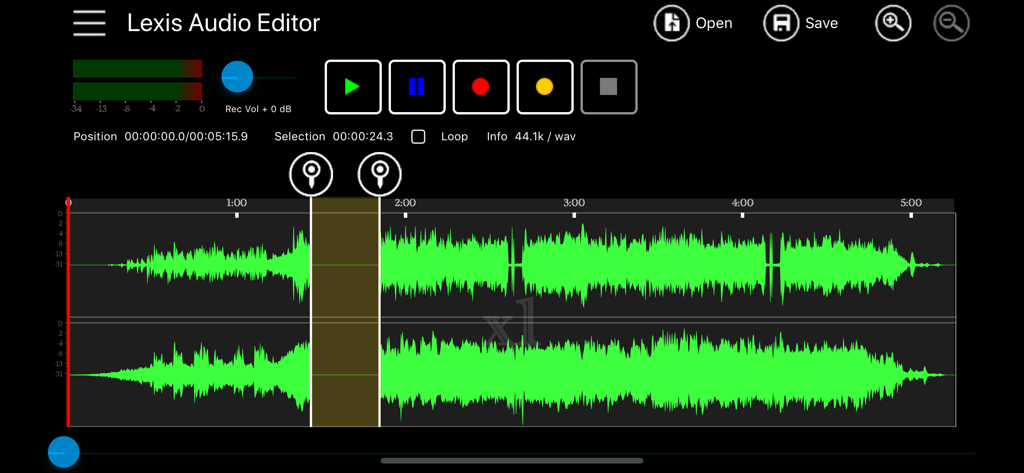
Lexis Audio Editor app interface showing a green audio waveform and playback controls
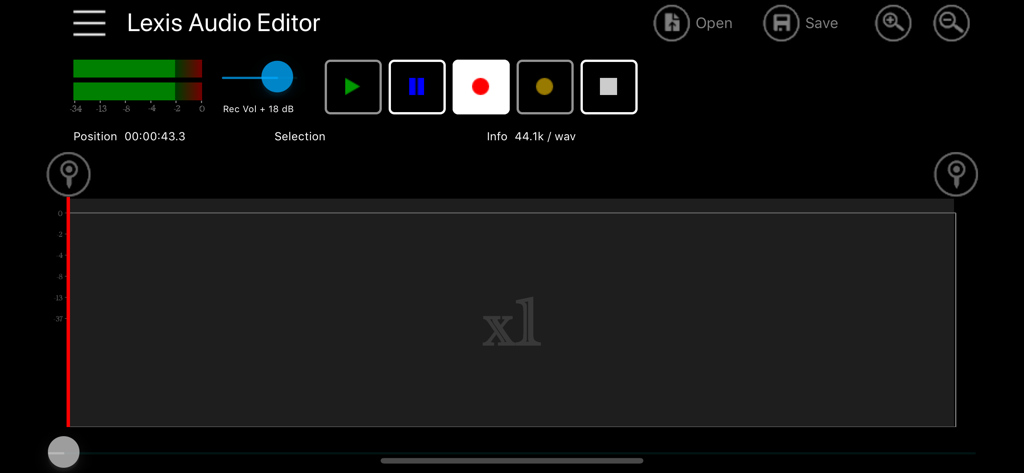
Main recording and editing interface of Lexis Audio Editor app
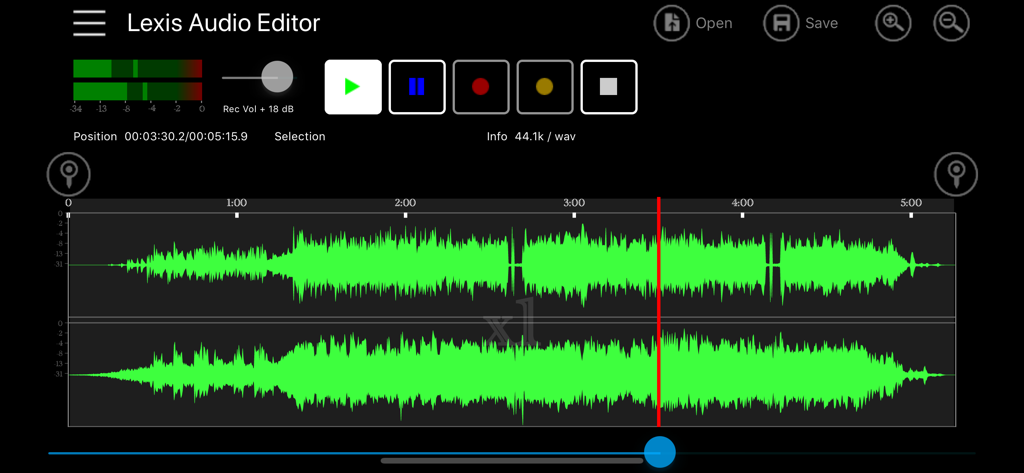
Lexis Audio Editor mobile interface showing a stereo audio waveform with recording and playback controls
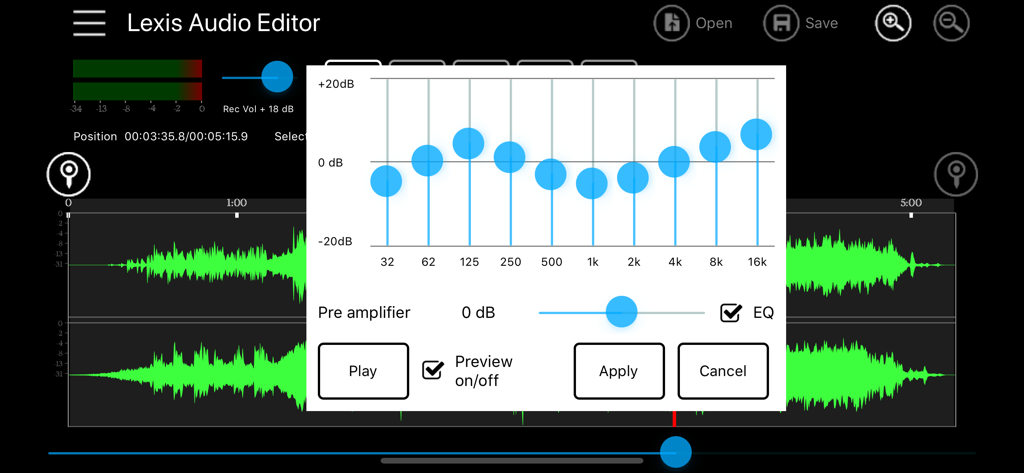
Interface of Lexis Audio Editor app showing a 10-band equalizer tool over an audio waveform
Description
Download
More Like This
Apps with similar features and user experience

WavePad音频和音乐编辑器
NCH Software

Audio Editor - Music editor
苏娟 陈

SoundLab - Audio Editor
孛 刘

Microphone Live-Voice Recorder
Arpenik Katikyan

Ferrite Recording Studio
Wooji Juice Ltd

WavePad Music and Audio Editor
NCH Software

Audio Editor - AudioLab, Mixer
Innovation Software Development 360 LLC

au editor - audio cutter
龙刚 李

Audio Editor: Video to Audio
文 夏
This page is not an official page of the app or its developer, but an independent editorial publication created for informational and commentary purposes. Unless expressly stated otherwise, neither the app nor its developer is affiliated with, endorsed by, sponsored by, authorized by, or otherwise officially connected with MWM, Apple, Google Play, the app publisher, or the app's developer, and nothing on this page implies that the app was developed using MWM's services. Any trademarks, logos, screenshots, and other content remain the property of their respective owners.