
This page is not an official page of the app or its developer, but an independent editorial publication created for informational and commentary purposes. Unless expressly stated otherwise, neither the app nor its developer is affiliated with, endorsed by, sponsored by, authorized by, or otherwise officially connected with MWM, Apple, Google Play, the app publisher, or the app's developer, and nothing on this page implies that the app was developed using MWM's services. Any trademarks, logos, screenshots, and other content remain the property of their respective owners.


List工具箱
The all-in-one productivity toolkit to generate Ebbinghaus-powered study plans, design custom vocabulary PDFs, and maintain focus with an aesthetic flip clock.
Downloads
6K+User Rating
Total Ratings
600Publisher
Category
UtilitiesLocales
1Latest Version
3.2.0Size
4.1 MBFirst Released
Nov 20, 2022Science-Backed Productivity at Your Fingertips
List Toolbox combines advanced memory science with essential study utilities to help you learn faster, stay focused, and organize your academic life.
Scientific Memory Planning
Automatically generate custom study schedules and vocabulary templates based on the Ebbinghaus Forgetting Curve for peak retention.
Deep Focus Essentials
Elevate your desk setup with a minimalist flip clock and handheld marquee, turning your device into a distraction-free productivity tool.
The following screenshots and description are sourced directly from the app's official store listing and are the property of the app developer.
App Store
Screenshots
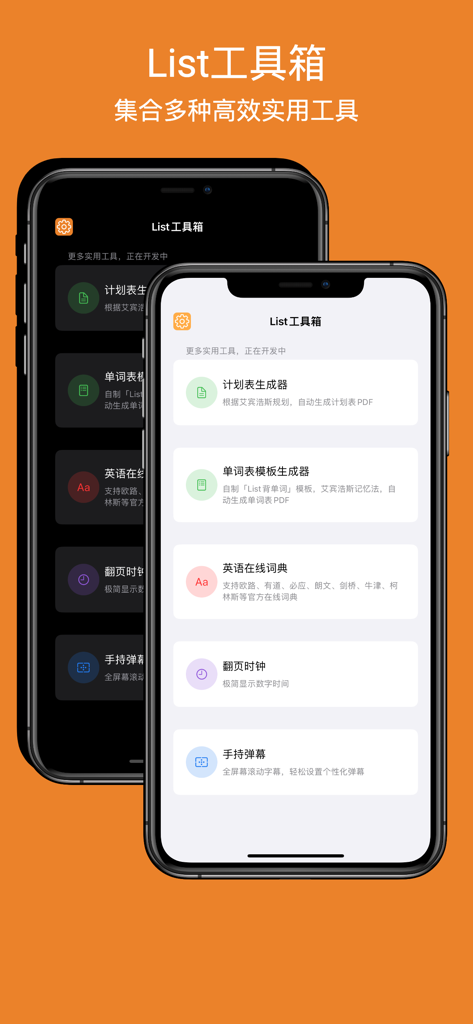
Interface of the List Toolbox app on two iPhones showing study tools like schedule generators and a flip clock
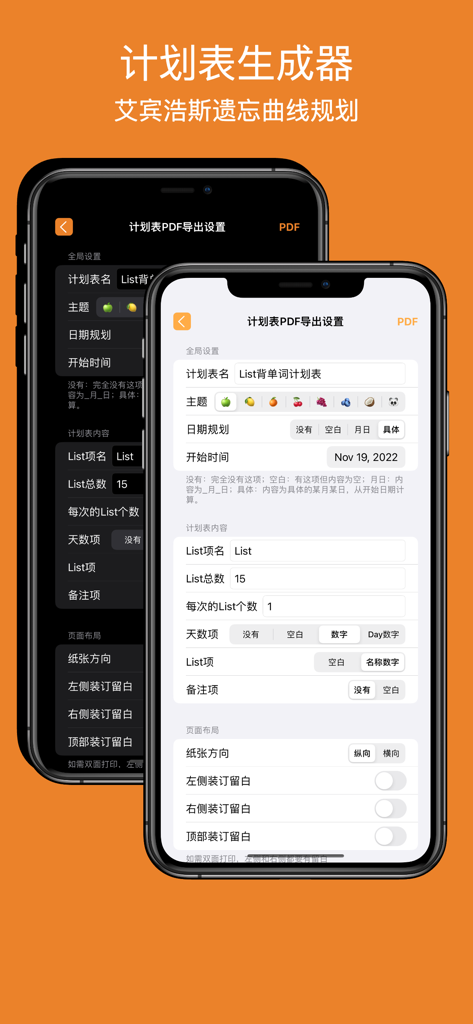
List Toolbox app interface showing settings for generating a study schedule PDF based on the Ebbinghaus forgetting curve
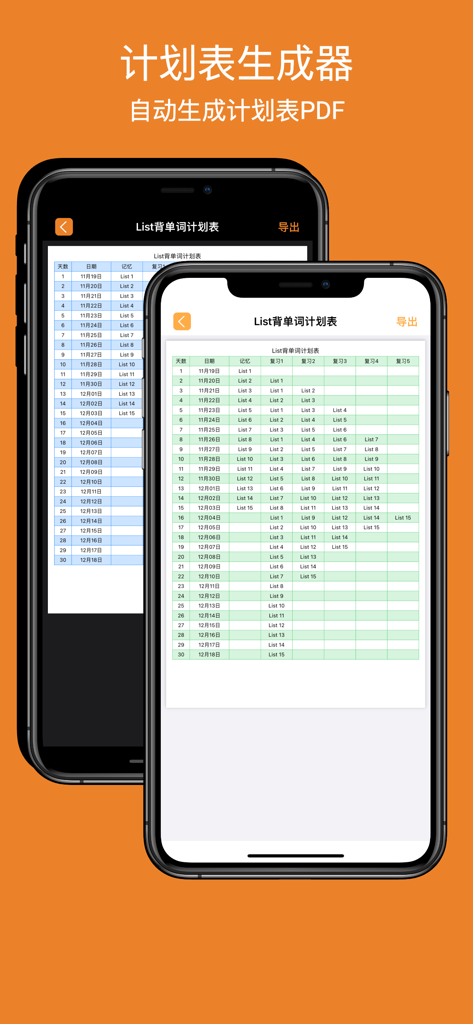
List Toolbox app interface showing an automatically generated study schedule PDF based on the Ebbinghaus curve.
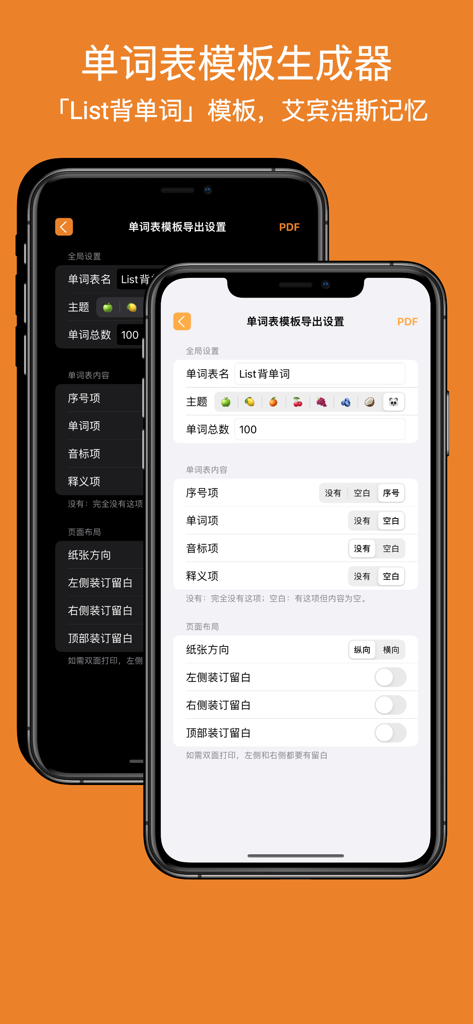
Interface of the Word List Template Generator in List Toolbox app for creating custom vocabulary study sheets
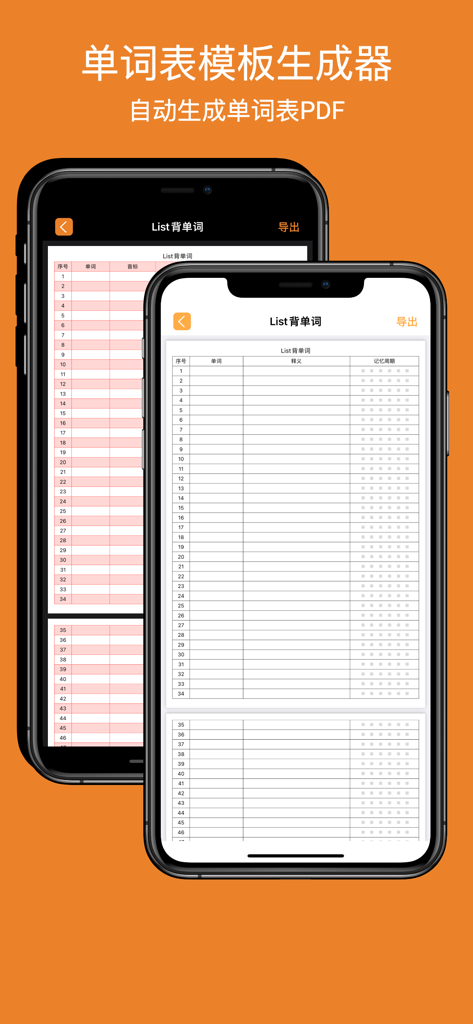
A mobile app interface showing a vocabulary list template generator for creating study PDFs

A screenshot of the English online dictionary interface within the List Toolbox app showing a search for the word Hello with Chinese translations and example sentences.
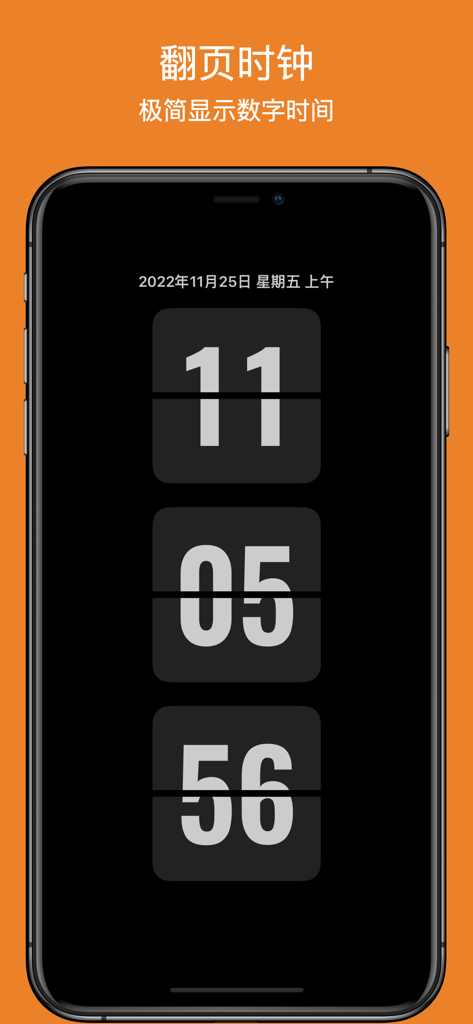
Minimalist flip clock display on a smartphone screen for productivity
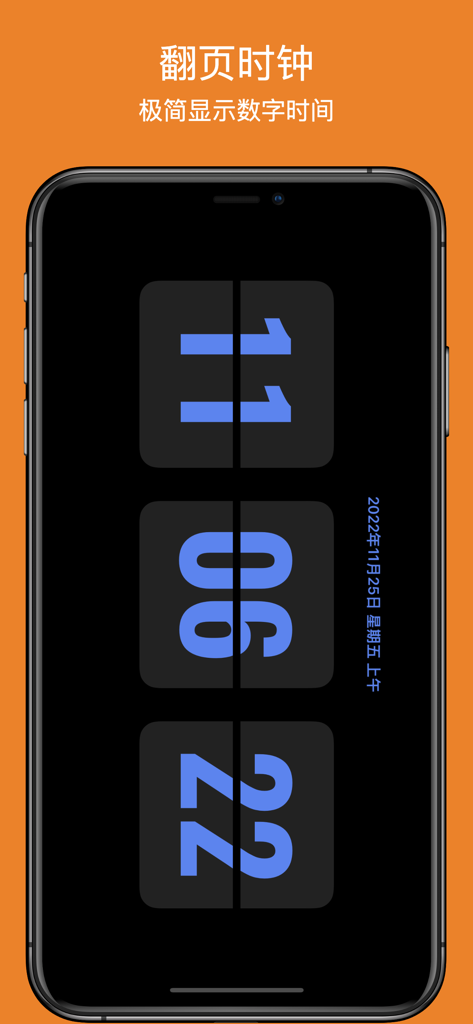
A minimalist digital flip clock with blue numbers on a dark screen within the List Toolbox app
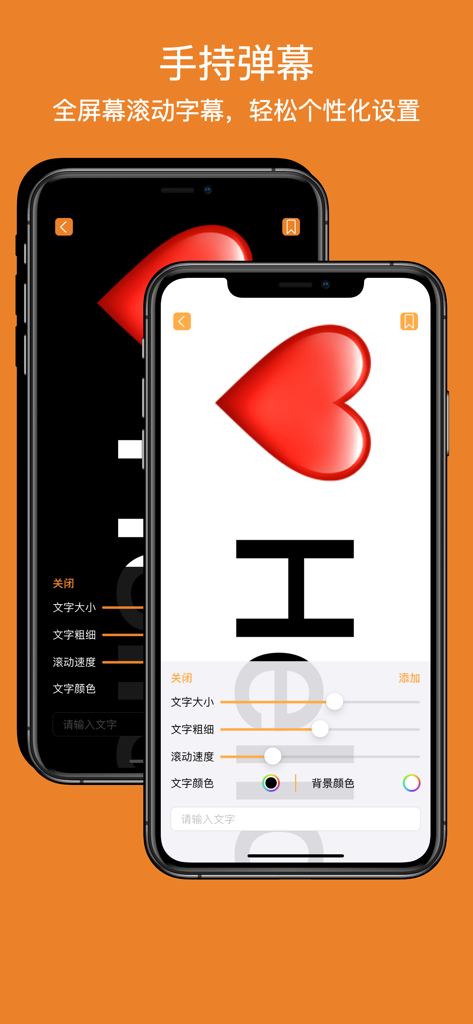
Handheld marquee scrolling text feature with customization settings
Description
Download
More Like This
Top-ranked apps in the same category

Google LLC

Google Chrome
Google LLC

中国移动(手机营业厅)
China Mobile Online Services Co., Ltd.

Google Authenticator
Google LLC

CNH do Brasil
Servicos e Informacoes do Brasil

Cleanup: Phone Storage Cleaner
DEEP FLOW SOFTWARE SERVICES - FZCO

gov.br
Servicos e Informacoes do Brasil

中国电信-全国统一官方服务平台
CHINA TELECOM Corporation Ltd.

Microsoft Edge: AI Browser
Microsoft Corporation
This page is not an official page of the app or its developer, but an independent editorial publication created for informational and commentary purposes. Unless expressly stated otherwise, neither the app nor its developer is affiliated with, endorsed by, sponsored by, authorized by, or otherwise officially connected with MWM, Apple, Google Play, the app publisher, or the app's developer, and nothing on this page implies that the app was developed using MWM's services. Any trademarks, logos, screenshots, and other content remain the property of their respective owners.