
This page is not an official page of the app or its developer, but an independent editorial publication created for informational and commentary purposes. Unless expressly stated otherwise, neither the app nor its developer is affiliated with, endorsed by, sponsored by, authorized by, or otherwise officially connected with MWM, Apple, Google Play, the app publisher, or the app's developer, and nothing on this page implies that the app was developed using MWM's services. Any trademarks, logos, screenshots, and other content remain the property of their respective owners.


Live Editor for Mermaid Charts
The ultimate mobile workspace for developers and architects. Create, preview, and export professional diagrams in real-time with full syntax highlighting and 100% offline privacy.
Downloads
300User Rating
Total Ratings
0Publisher
Category
Developer ToolsLocales
1Latest Version
1.0.1Size
32.9 MBFirst Released
Jan 28, 2026The Ultimate 'Diagrams-as-Code' Mobile Workspace
Built for developers, architects, and technical leaders who need to map out complex logic, system architectures, and timelines on the fly.
Instant Live Rendering
Code and visualize simultaneously with a high-performance editor designed for fluid, real-time feedback and syntax highlighting.
Privacy-Centric & Offline
Keep your proprietary architectures secure with local processing and full offline support—no data ever leaves your device.
The following screenshots and description are sourced directly from the app's official store listing and are the property of the app developer.
App Store
Screenshots
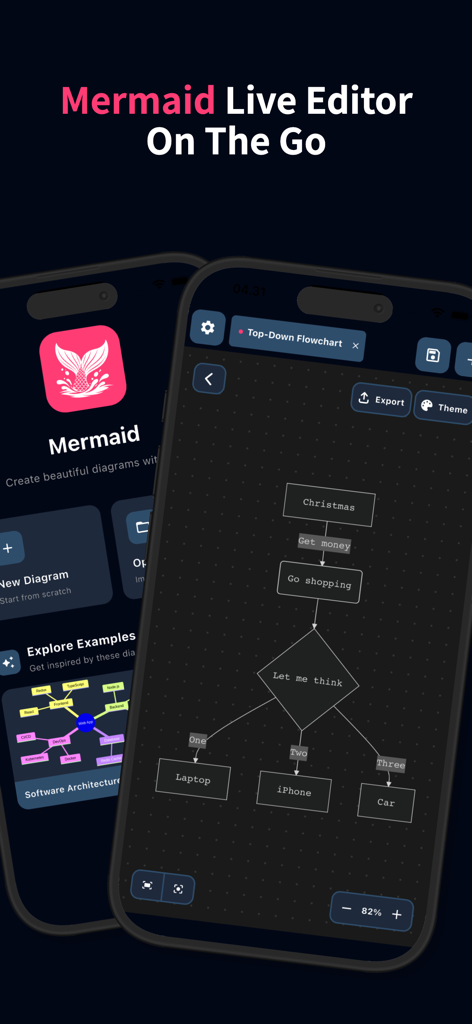
Interface of the Mermaid Live Editor app showing a flowchart diagram on a mobile device.
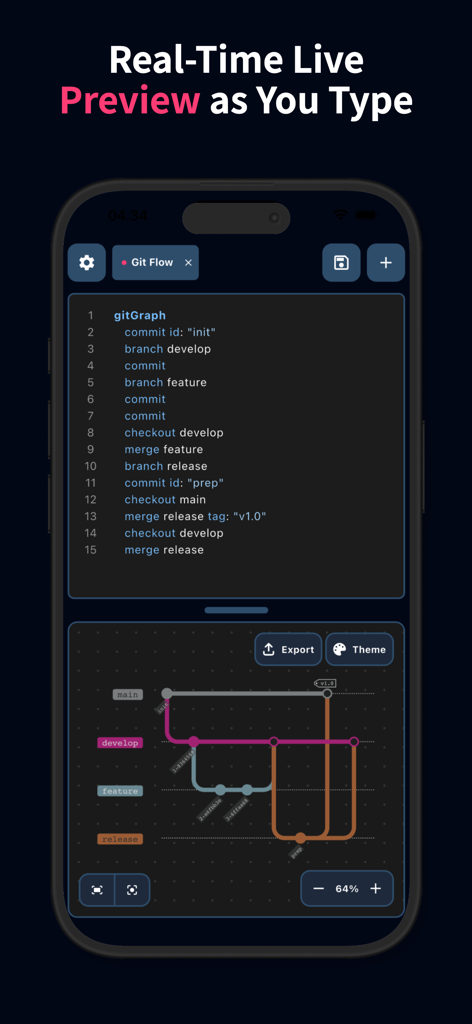
Real-time live preview of a Git Flow diagram being edited in the Mermaid Charts mobile app
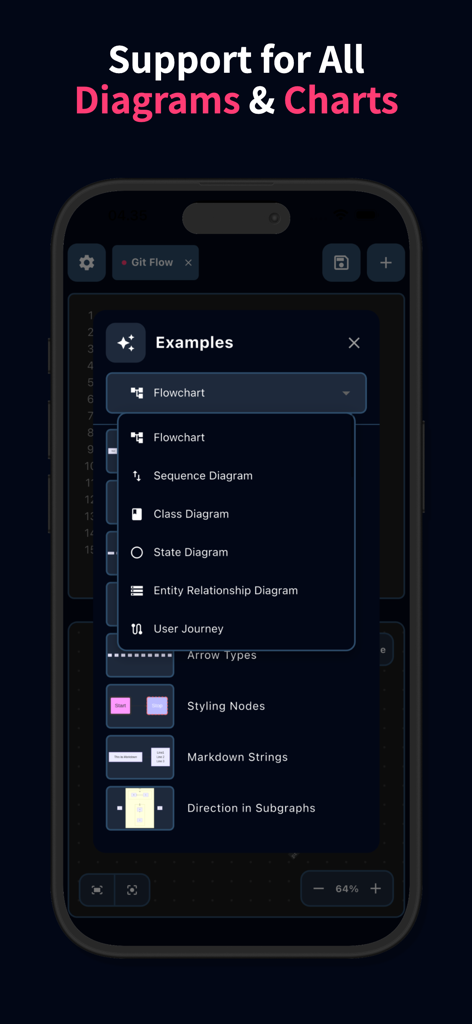
A mobile interface showing a list of available Mermaid diagram types including Flowchart, Sequence Diagram, and Class Diagram.
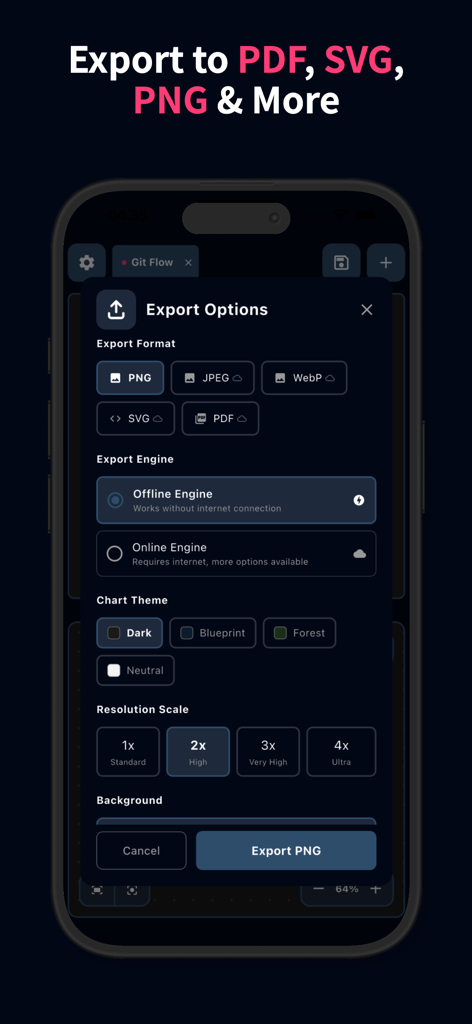
Interface showing export options for Mermaid diagrams including format selection, offline engine, and resolution scaling.
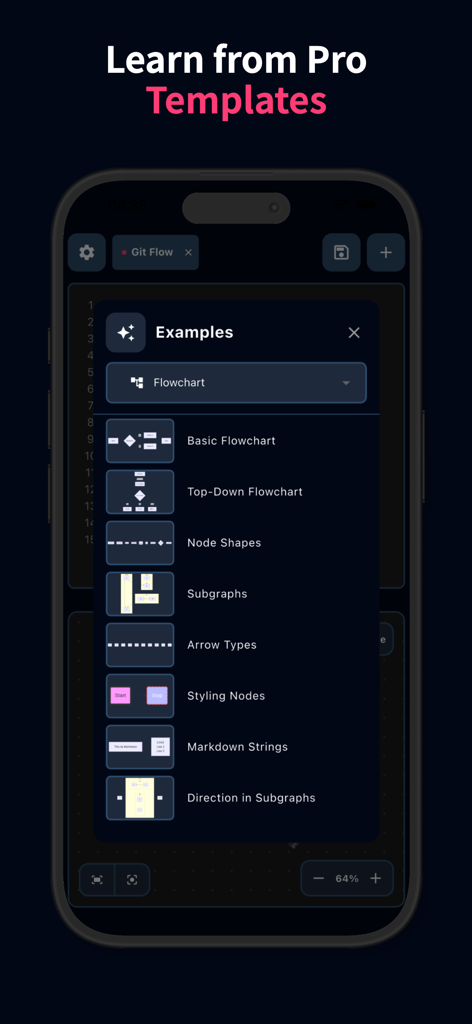
A menu of professional flowchart templates in the Live Editor for Mermaid Charts mobile app
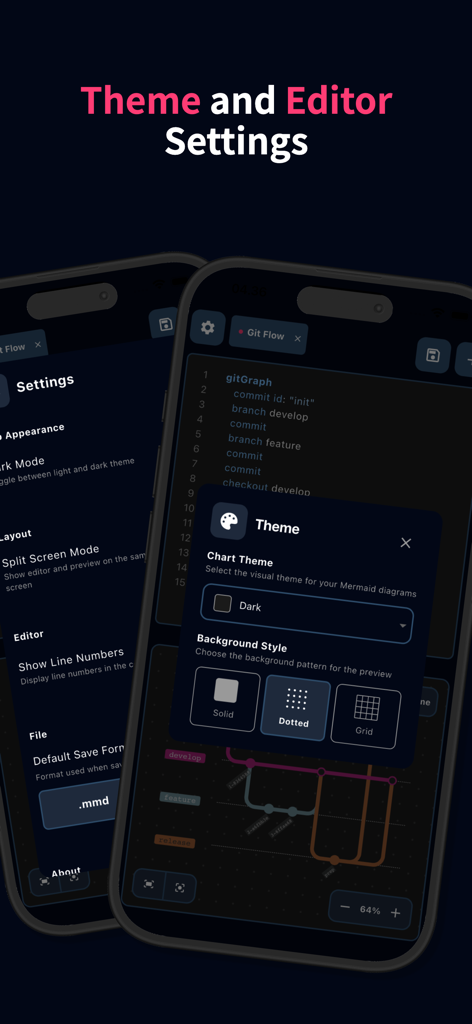
Interface showing theme and editor settings for Mermaid charts including dark mode and background styles
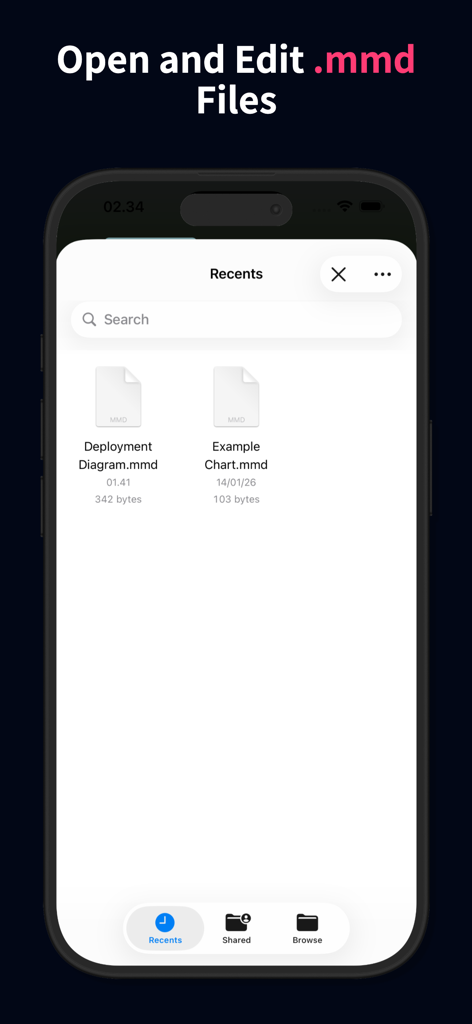
Mobile app interface for opening and editing mmd files in the Mermaid charts editor
Description
Download
More Like This
Top-ranked apps in the same category

TestFlight
Apple Inc.

Replit: Vibe Code Apps
Replit, Inc

GitHub
GitHub

O-KAM Pro
Shenzhen VeePai IoT Intelligent Technology LLC

Apple Developer
Apple Inc.

Expo Go
650 Industries, Inc.

Scriptable
Simon Stovring

App Store Connect
Apple Inc.

Stream - Network Debug Tool
Stream Lab Inc.
This page is not an official page of the app or its developer, but an independent editorial publication created for informational and commentary purposes. Unless expressly stated otherwise, neither the app nor its developer is affiliated with, endorsed by, sponsored by, authorized by, or otherwise officially connected with MWM, Apple, Google Play, the app publisher, or the app's developer, and nothing on this page implies that the app was developed using MWM's services. Any trademarks, logos, screenshots, and other content remain the property of their respective owners.