Low Frequency Detector
Download on App Store

This page is not an official page of the app or its developer, but an independent editorial publication created for informational and commentary purposes. Unless expressly stated otherwise, neither the app nor its developer is affiliated with, endorsed by, sponsored by, authorized by, or otherwise officially connected with MWM, Apple, Google Play, the app publisher, or the app's developer, and nothing on this page implies that the app was developed using MWM's services. Any trademarks, logos, screenshots, and other content remain the property of their respective owners.

Logo of Low Frequency Detector
Download on App Store

Low Frequency Detector

Transform your iPhone into a professional-grade acoustic tool to identify, measure, and document the 1Hz to 100Hz sounds that others miss—perfect for capturing evidence of construction, industrial drones, or environmental vibrations.

Key Figures

Downloads

17K+

User Rating

4.0/5

Total Ratings

0

Publisher

TOON,LLC

Category

Utilities

Locales

1

Latest Version

7.0.1

Size

0.6 MB

First Released

Jan 26, 2017
Features

Validate Your Experience with Precision

Stop wondering if it is all in your head. Our advanced acoustic tools detect the hidden low-frequency noise from nearby construction and machinery that impacts your peace and well-being.

Detect What You Feel

Target the critical 1Hz to 100Hz range where deep drones and vibrations live. Identify the invisible source of your discomfort with high-sensitivity measurement.

Scientific Frequency Mapping

Access FFT and 1/3 octave band analysis tools. Transform your iPhone into a professional instrument to visualize specific sound components and decibel levels.

The following screenshots and description are sourced directly from the app's official store listing and are the property of the app developer.

App Store

Screenshots
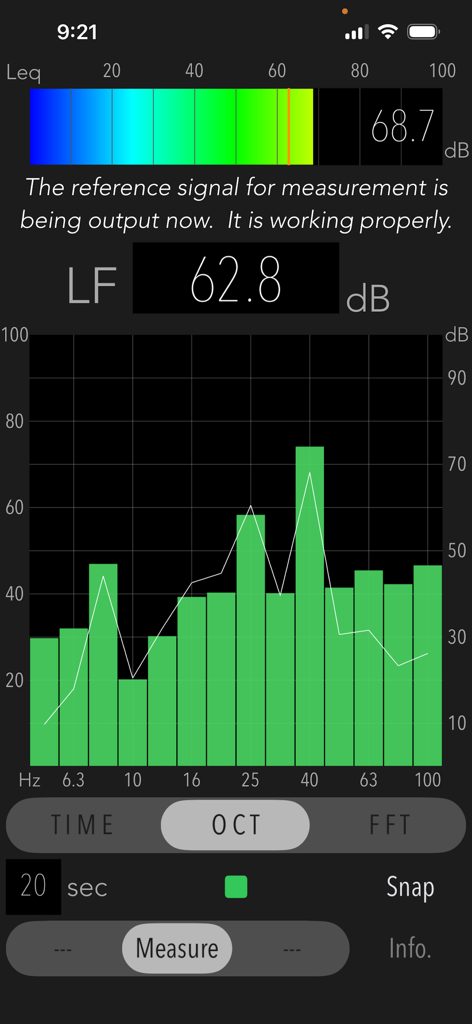
Low Frequency Detector - Interface of the Low Frequency Detector app showing a 1/3 octave band frequency analysis graph and decibel levels of low-frequency sound.
Interface of the Low Frequency Detector app showing a 1/3 octave band frequency analysis graph and decibel levels of low-frequency sound.

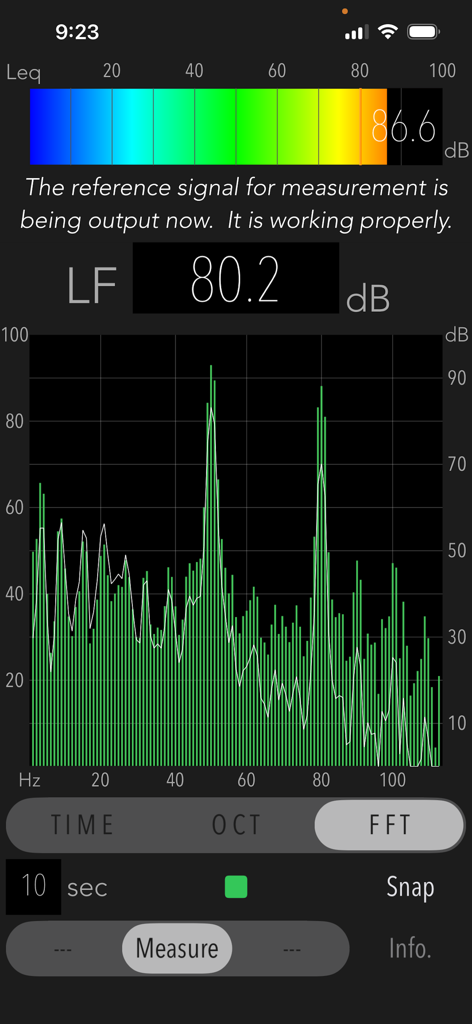
Low Frequency Detector - FFT analysis screen in Low Frequency Detector app showing a frequency response graph with decibel peaks for low frequency noise.
FFT analysis screen in Low Frequency Detector app showing a frequency response graph with decibel peaks for low frequency noise.

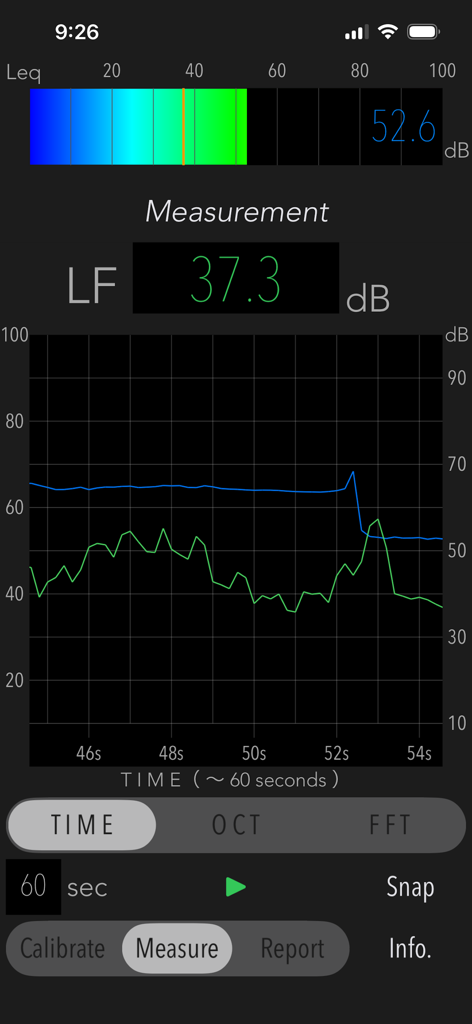
Low Frequency Detector - User interface of the Low Frequency Detector app displaying a time course graph and decibel readings for low-frequency noise analysis.
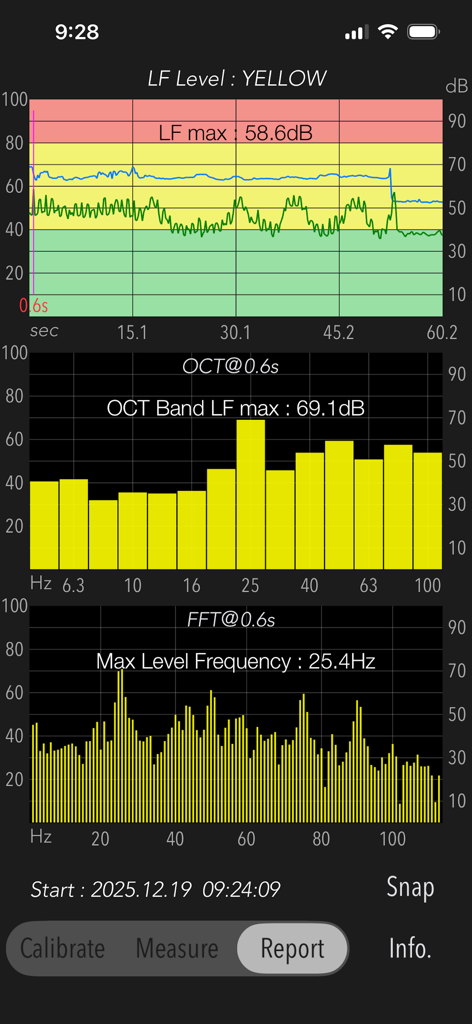
User interface of the Low Frequency Detector app displaying a time course graph and decibel readings for low-frequency noise analysis.

Low Frequency Detector - Screenshot of the Low Frequency Detector app report showing sound level graphs and frequency analysis
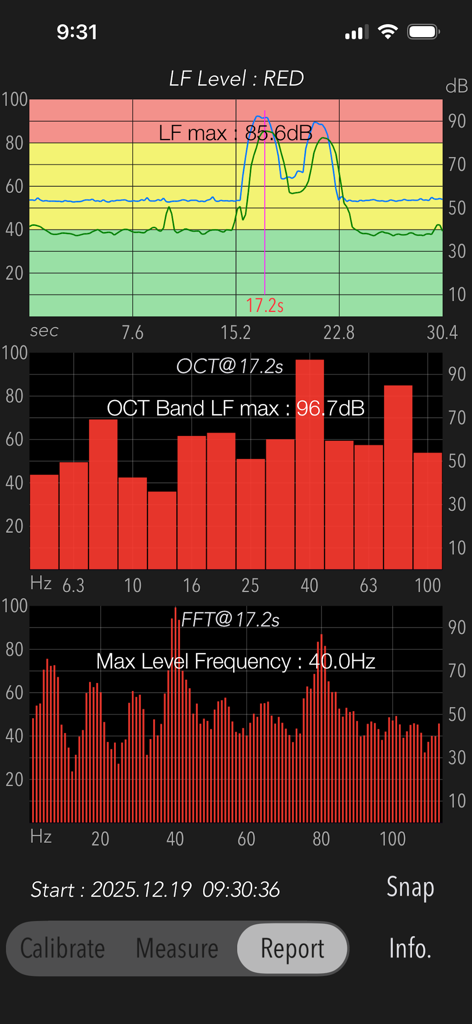
Screenshot of the Low Frequency Detector app report showing sound level graphs and frequency analysis

Low Frequency Detector - Acoustic measurement report showing time course graph, octave band analysis, and FFT analysis for low frequency noise detection.
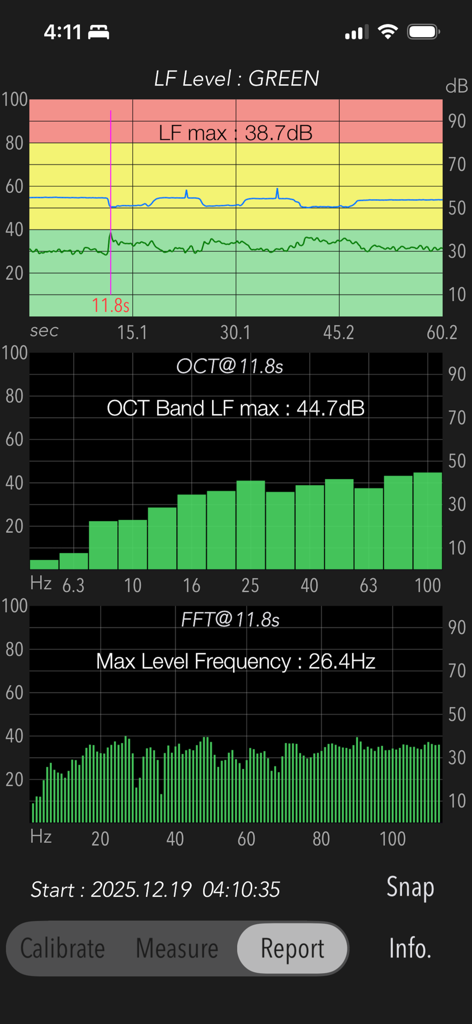
Acoustic measurement report showing time course graph, octave band analysis, and FFT analysis for low frequency noise detection.

Low Frequency Detector - Report screen displaying time course, octave band, and FFT analysis for low frequency noise.
Report screen displaying time course, octave band, and FFT analysis for low frequency noise.

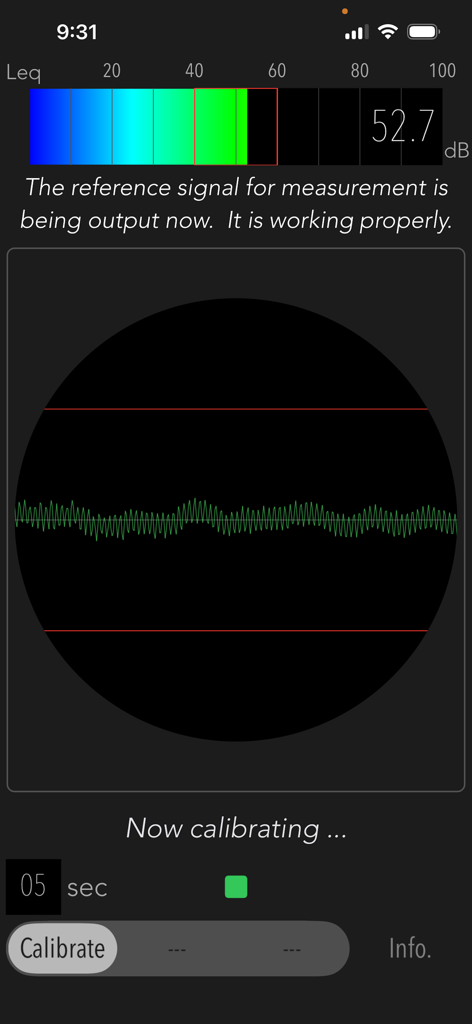
Low Frequency Detector - Calibration screen of the Low Frequency Detector app displaying a sound level of 52.7 dB and a signal waveform.
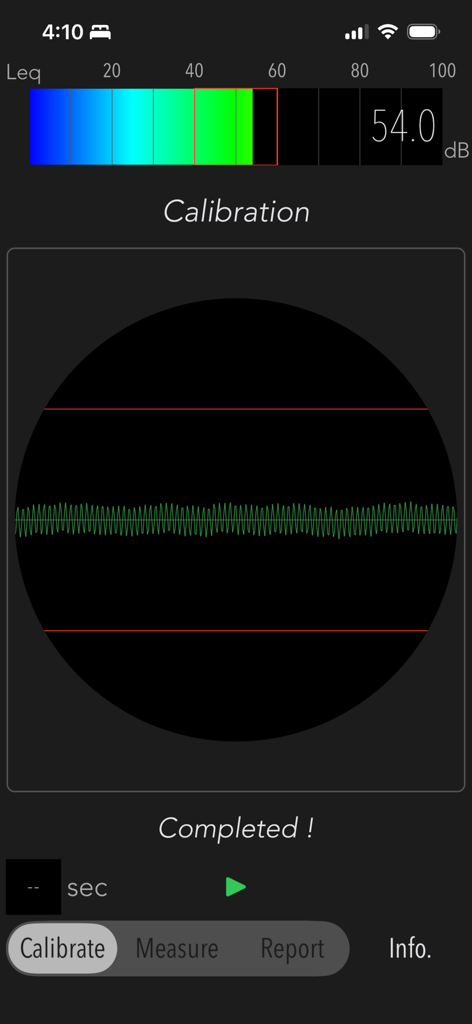
Calibration screen of the Low Frequency Detector app displaying a sound level of 52.7 dB and a signal waveform.

Low Frequency Detector - Low Frequency Detector calibration screen displaying a decibel meter and waveform signal

Low Frequency Detector calibration screen displaying a decibel meter and waveform signal

Description

"Low Frequency Detector" is a new acoustic measurement tool for detecting low-frequency sounds that is hard to hear in normal situation. The human ear is not sensitive enough to low-frequency sounds. If you are exposed to the noise of nearby construction and factories without noticing, you may have a bad feeling and a sense of oppression. In such cases, you can use this app to check what kind of low-frequency noise is present. Generally, low-frequency sounds is a sound wave ranging from 1Hz to 100Hz. Depending on its frequency component and sound level, the degree of influence on the human body and the noise sensation is different. This app allows you to examine the frequency component of low-frequency sounds by 1/3 octave band analysis and FFT analysis. Features: - Low-frequency power level measurement less than 100Hz (LF Level): Flat characteristic, Updating indication of measurement period 1 sec. - Power level measurement in the audible band (Leq): Flat characteristic, Updating indication of measurement period 200ms. - 1/3 octave band analysis (OCT) - FFT analysis (FFT) - Time course graph (TIME) - Snapshot (Snap) on the measurement display screen. - Report function (Report): Analysis report of a peak LF Level with TIME, OCT and FFT. - Measurement time: up to 60 sec Functions: The measurement analysis is performed in the following step. Be sure to set the measurement conditions in Step-1 once before starting the sound measurement. 1) Calibration (Calibrate): The reference signal (1kHz sine wave) is output to determine the reference noise level for the low-frequency component. If the volume level of iPhone is set to about 20-50%, the calibration will automatically adjust it to the optimum volume level for the reference signal. 2) Measurement (Measure): Analyze a power level of low-frequency sounds. - LF Level (dB): Low-frequency power level less than 100Hz. - Leq (dB): Sound power level with the frequency weight characteristic Z (Flat) of the audible band. 3) Measurement display: It can select either 1/3 octave band frequency analysis, FFT analysis or Time course graph. They are updated in real time. 4) Report: Measurement result report. It is effective when measuring for 10 seconds or more. # Time course graph: TIME - Low-frequency (LF) Level (dB): Time course graph with peak level noise level judgment (RED-very noisy, YELLOW-noisy, GREEN-normal) at the peak level. - LF max (dB): maximum dB value of low frequency. # Frequency response graph: OCT, FFT - OCT Band LF max (dB): maximum dB value in 1/3 octave band at LF max observation. - Max Level Frequency (Hz): peak frequency at LF max observation. Notes: - The sound measurement of the low-frequency range is a level difference with respect to the reference signal, which indicates the relative power level. - The reference signal is output during calibration and sound level measurement. - Do not change the volume level of iPhone after the calibration. - White line in the OCT and FFT modes indicates frequency characteristics in frequency weight correction of G characteristics. - Since iPhone's built-in microphone has a lower sensitivity on the very low frequency range, it is not recommended to measure a huge volume sound near a very loud noise source. - Since it takes a while for the observation value to stabilize immediately after the start of measurement, the maximum value is calculated from about 2 seconds later. - In the case high power of 1kHz component is included in the measured noise source, the precision of measured value by this app largely decreases. - Sudden noise or impulsive sounds are not low frequency noises in general. - The previous calibration information can be maintained internally. - The analysis results may vary due to individual differences in iPhone devices. - The authorization to access built-in microphone and Photos will be confirmed by iOS system at first access. Please visit our iOS app support page for more information.

Download

Download on App Store

This page is not an official page of the app or its developer, but an independent editorial publication created for informational and commentary purposes. Unless expressly stated otherwise, neither the app nor its developer is affiliated with, endorsed by, sponsored by, authorized by, or otherwise officially connected with MWM, Apple, Google Play, the app publisher, or the app's developer, and nothing on this page implies that the app was developed using MWM's services. Any trademarks, logos, screenshots, and other content remain the property of their respective owners.








