
This page is not an official page of the app or its developer, but an independent editorial publication created for informational and commentary purposes. Unless expressly stated otherwise, neither the app nor its developer is affiliated with, endorsed by, sponsored by, authorized by, or otherwise officially connected with MWM, Apple, Google Play, the app publisher, or the app's developer, and nothing on this page implies that the app was developed using MWM's services. Any trademarks, logos, screenshots, and other content remain the property of their respective owners.


Magic PiP
Stop switching apps. Keep PDFs, web pages, timers, and documents visible in a floating window over any app to boost your productivity instantly.
Downloads
10K+User Rating
Total Ratings
0Publisher
Category
UtilitiesLocales
4Latest Version
3.8.0Size
2.3 MBFirst Released
May 15, 2022Master Your Workflow with True Multitasking
Stop the constant app-switching. Magic PiP lets you float your documents, research, and tools over any app for a seamless, desktop-like experience on your iPhone or iPad.
Floating Reference Library
Keep PDFs, slides, and notes visible while you work. Perfect for referencing data during video calls or while taking notes.
Seamless Web & Clipboard
Pop any website or text snippet into a PiP window. Research and cross-reference information without ever switching apps.
Frequently Asked Questions
Everything you need to know about Magic PiP
What is the Magic PiP app?
Magic PiP is an application that allows users to view various content types in a Picture-in-Picture (PiP) window. This window floats above other apps, providing a split-screen-like experience for multitasking.
What content types does Magic PiP support?
Magic PiP supports multiple images, videos, PDF files, TXT files, PowerPoint slides, clipboard texts, web pages, clocks, stopwatches, and timers. It handles a wide range of media and document formats.
Can I open files from the share sheet with Magic PiP?
Yes, Magic PiP allows users to open all supported content directly from the share sheet. This feature integrates the app seamlessly with other applications for easy content sharing.
Does Magic PiP offer page-turning functionality within the PiP window?
Yes, Magic PiP allows users to turn pages for documents like PDFs and TXT files directly within the Picture-in-Picture window. This enables continuous reading without switching apps.
Does Magic PiP have an auto page-turning feature?
Yes, Magic PiP includes an auto page-turning feature specifically designed for reading TXT files. This enhances the hands-free reading experience for textual content.
Can Magic PiP display web pages in a floating window?
Yes, Magic PiP can display web pages in its Picture-in-Picture window. This allows users to browse web content while simultaneously using other applications on their device.
How does Magic PiP handle images and videos?
Magic PiP allows users to open and view multiple images and videos within its Picture-in-Picture window. Users can scale the content and flip between images using dedicated controls.
Does Magic PiP include a timer or stopwatch?
Yes, Magic PiP provides built-in clock, stopwatch, and timer functionalities. Users can display these timing tools in the Picture-in-Picture window for convenient monitoring while multitasking.
The following screenshots and description are sourced directly from the app's official store listing and are the property of the app developer.
App Store
Screenshots
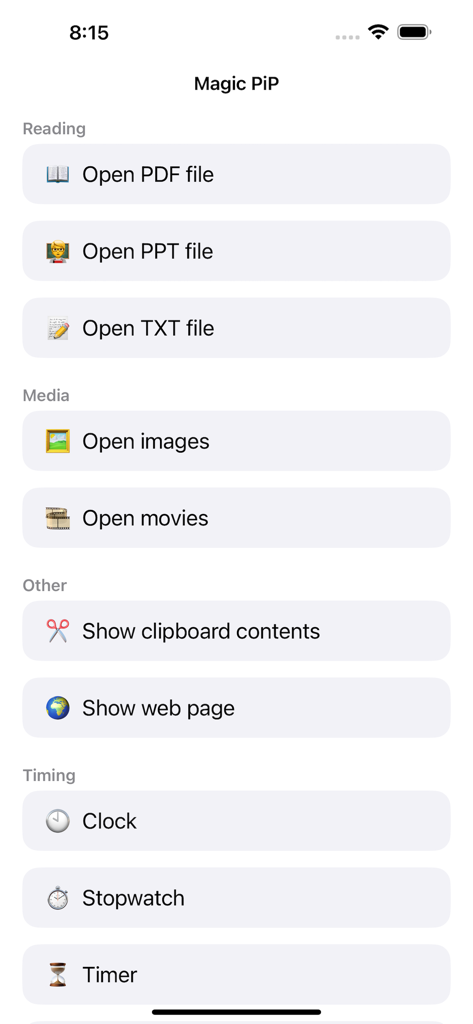
Main screen of Magic PiP app showing multitasking options for opening PDF PPT media and timing tools
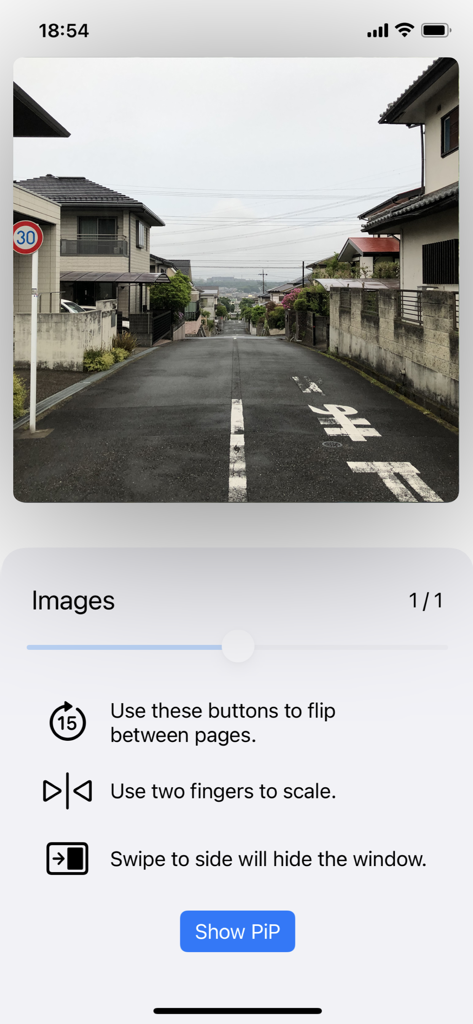
Magic PiP app interface showing an image preview with instructions for scaling and swiping gestures to manage picture in picture windows
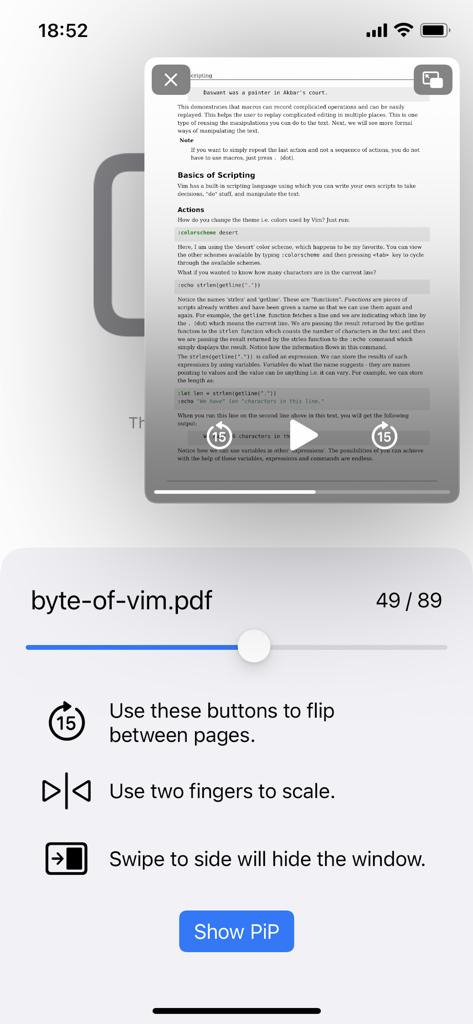
Magic PiP mobile app interface showing a PDF document in a floating picture in picture window with navigation controls
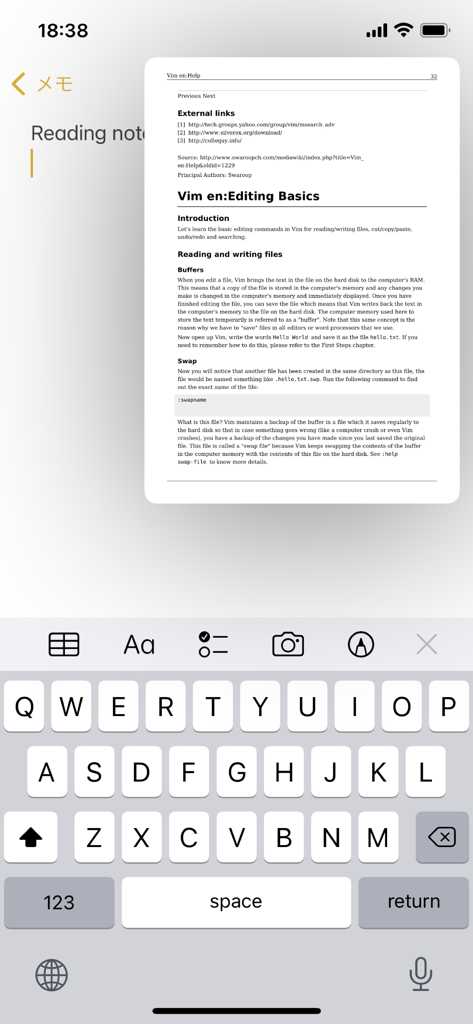
Magic PiP app showing a floating PDF document window over the iOS Notes app for multitasking.
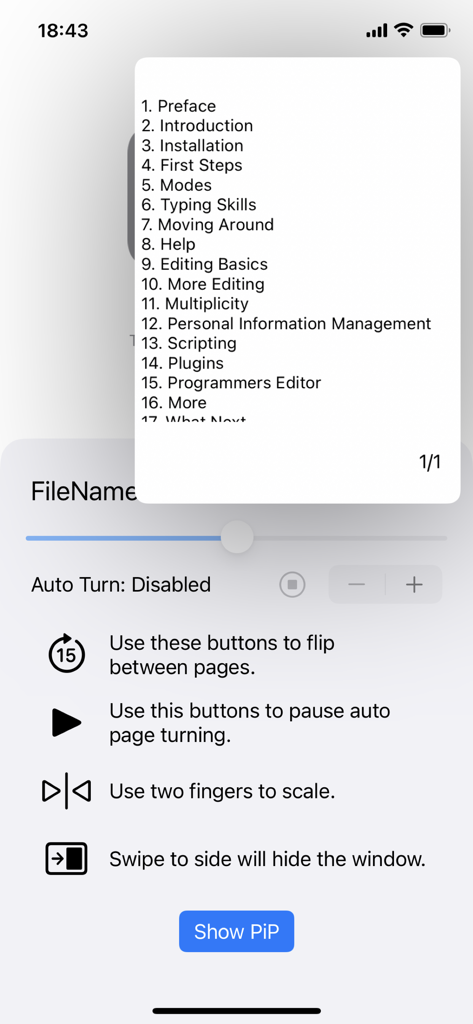
Magic PiP app displaying a text document in a floating window with navigation and auto turn controls
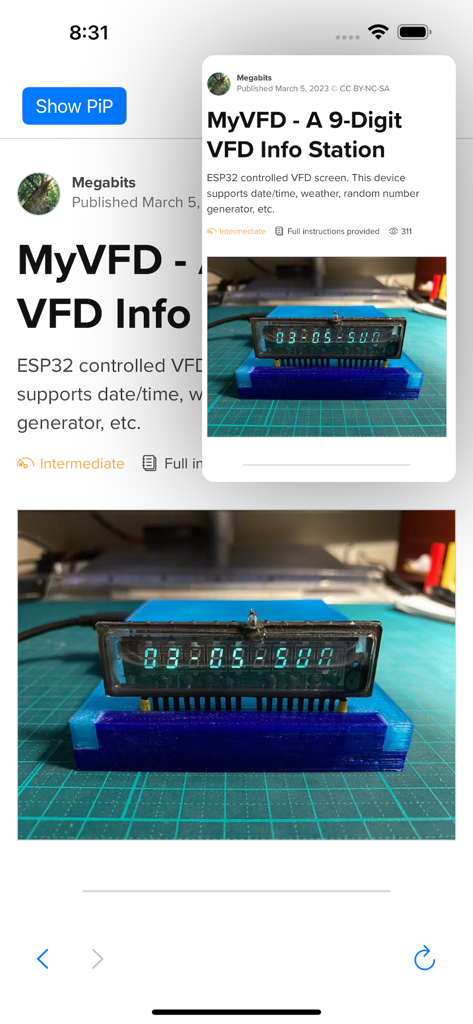
Magic PiP app showing a web page in a floating picture-in-picture window over an article on an iPhone screen
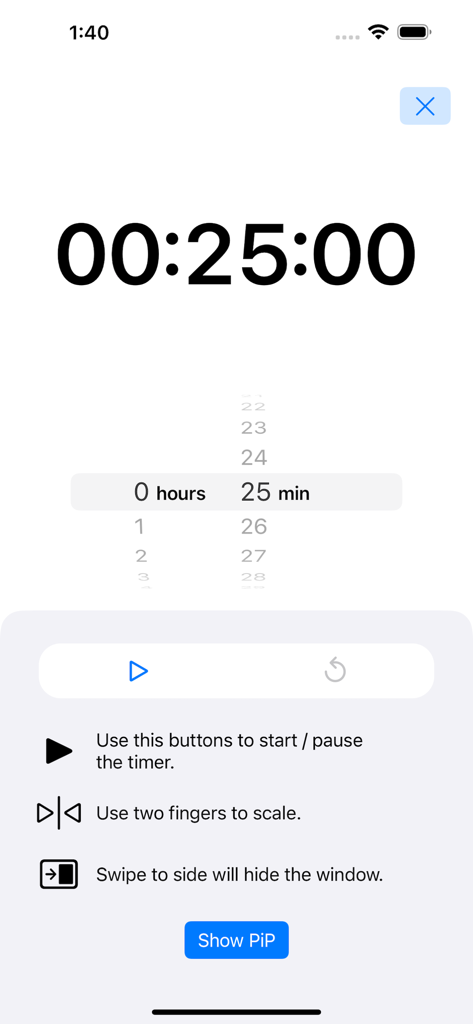
Magic PiP app interface for setting up a floating timer with 25 minutes selected
Description
Download
More Like This
Top-ranked apps in the same category

Google LLC

Google Chrome
Google LLC

中国移动(手机营业厅)
China Mobile Online Services Co., Ltd.

Google Authenticator
Google LLC

CNH do Brasil
Servicos e Informacoes do Brasil

Cleanup: Phone Storage Cleaner
DEEP FLOW SOFTWARE SERVICES - FZCO

gov.br
Servicos e Informacoes do Brasil

中国电信-全国统一官方服务平台
CHINA TELECOM Corporation Ltd.

Microsoft Edge: AI Browser
Microsoft Corporation
This page is not an official page of the app or its developer, but an independent editorial publication created for informational and commentary purposes. Unless expressly stated otherwise, neither the app nor its developer is affiliated with, endorsed by, sponsored by, authorized by, or otherwise officially connected with MWM, Apple, Google Play, the app publisher, or the app's developer, and nothing on this page implies that the app was developed using MWM's services. Any trademarks, logos, screenshots, and other content remain the property of their respective owners.