
This page is not an official page of the app or its developer, but an independent editorial publication created for informational and commentary purposes. Unless expressly stated otherwise, neither the app nor its developer is affiliated with, endorsed by, sponsored by, authorized by, or otherwise officially connected with MWM, Apple, Google Play, the app publisher, or the app's developer, and nothing on this page implies that the app was developed using MWM's services. Any trademarks, logos, screenshots, and other content remain the property of their respective owners.


MagiScan - AI 3D Scanner app
Capture real-world objects in stunning detail and instantly export to OBJ, STL, or Minecraft. Whether you are 3D printing, designing in NVIDIA Omniverse, or building your next digital masterpiece, transform reality with just your smartphone camera.
Downloads
509K+User Rating
Total Ratings
1K+Publisher
Category
Graphics & DesignLocales
21Latest Version
1.11.2Size
192.2 MBFirst Released
Jul 7, 2022Transform Your World Into Digital Assets
Whether you are building in Minecraft, designing a home, or creating 3D art, MagiScan uses AI and LiDAR to turn real objects into high-quality models in seconds.
Scan Directly to Minecraft
Bring the physical world into your game. Scan any object and instantly convert it into a block structure for your Minecraft adventures.
Professional Room Mapping
Leverage LiDAR technology to create precise 3D floor plans with dimensions. Perfect for architects, realtors, and DIY home renovators.
Frequently Asked Questions
Everything you need to know about MagiScan - AI 3D Scanner app
What is MagiScan?
MagiScan is an AI-driven 3D scanning app that captures real-world objects and converts them into 3D models. It supports various export formats and integrates with platforms like NVIDIA Omniverse and Minecraft.
What export formats does MagiScan support?
MagiScan supports various 3D model export formats including OBJ, STL, FBX, PLY, USDZ, GLB, and GLTF. It also allows direct export to NVIDIA Omniverse and Minecraft.
Does MagiScan require specialized hardware for 3D scanning?
No, MagiScan does not require specialized hardware or technical expertise. Users only need a smartphone camera and the app to create 3D models of real-life objects.
Can I use MagiScan to integrate 3D models into Minecraft?
Yes, MagiScan features a dedicated Minecraft mode. It allows users to scan real-world objects, convert them into 3D models, and seamlessly export them into Minecraft as block structures.
Is MagiScan an official Minecraft app?
No, MagiScan is an unofficial app for Minecraft. It is not endorsed by Mojang AB, and Mojang AB is not liable for MagiScan or its purchase.
How does MagiScan integrate with NVIDIA Omniverse?
MagiScan provides a plugin called MAGISCAN AI OMNIVERSE EXTENSION for NVIDIA Omniverse. This plugin enables users to scan real-world objects with MagiScan and use the data to create detailed 3D models within Omniverse.
Does MagiScan offer free scans for new users?
Yes, new users of MagiScan receive a few free scans without needing a subscription. This allows users to experience the app and its 3D model quality.
What is Room Plan in MagiScan?
Room Plan in MagiScan is a feature utilizing AR and LIDAR technology to create 3D schematic floor plans with dimensions. It supports metric and imperial units and is compatible with NVIDIA Omniverse.
What devices are compatible with MagiScan's Room Plan feature?
MagiScan's Room Plan feature is available on LIDAR-equipped devices. This includes iPhone 12 Pro and newer models with LIDAR technology.
What is Point Cloud 3D Scanning Mode in MagiScan?
Point Cloud 3D Scanning Mode in MagiScan uses iOS device's LIDAR technology to capture 3D models of entire spaces up to 5 meters. It allows users to customize scans with automatic or manual options.
What benefits does MagiScan Premium subscription offer?
MagiScan Premium offers 10 additional daily scans, photo import, offline capture, Point Cloud mode, cloud storage, fast on-device processing, and priority support. Yearly subscriptions provide savings.
How many scans do MagiScan Premium subscribers get per month?
MagiScan Premium subscribers receive 300 scans per month. These scans accumulate and remain available indefinitely for the user.
Can I import photos for 3D modeling with MagiScan?
Yes, MagiScan Premium allows users to import photos from their device's gallery, drones, and professional cameras to create detailed 3D models. The app also has a "Photo Import" scan mode.
What scan modes are available in MagiScan?
MagiScan offers several scan modes, including One Photo Snap, 360 Snap, Freeform, Hemisphere, Hybrid, One Photo to 3D, and Photo Import for detailed object creation.
Does MagiScan support scanning large areas?
Yes, MagiScan's Point Cloud 3D Scanning Mode, utilizing LIDAR technology, allows users to scan entire spaces and surroundings within a range of up to 5 meters.
The following screenshots and description are sourced directly from the app's official store listing and are the property of the app developer.
App Store
Screenshots
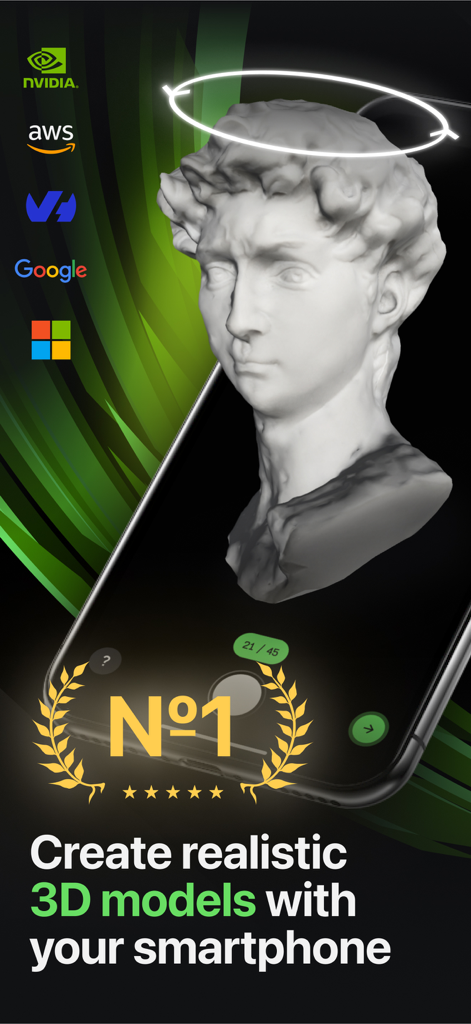
A smartphone screen displaying a realistic 3D model of a classical bust captured with the MagiScan app.
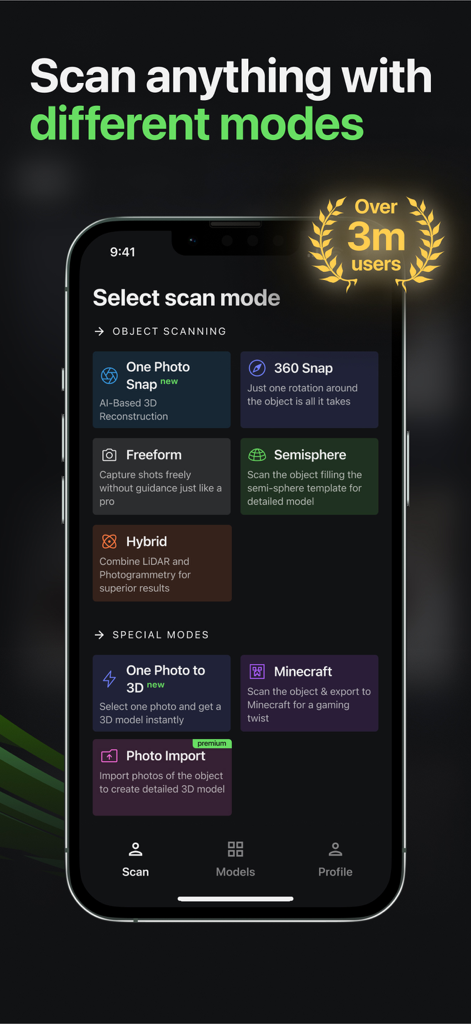
MagiScan app interface showing various 3D scanning modes like One Photo Snap 360 Snap and Minecraft mode
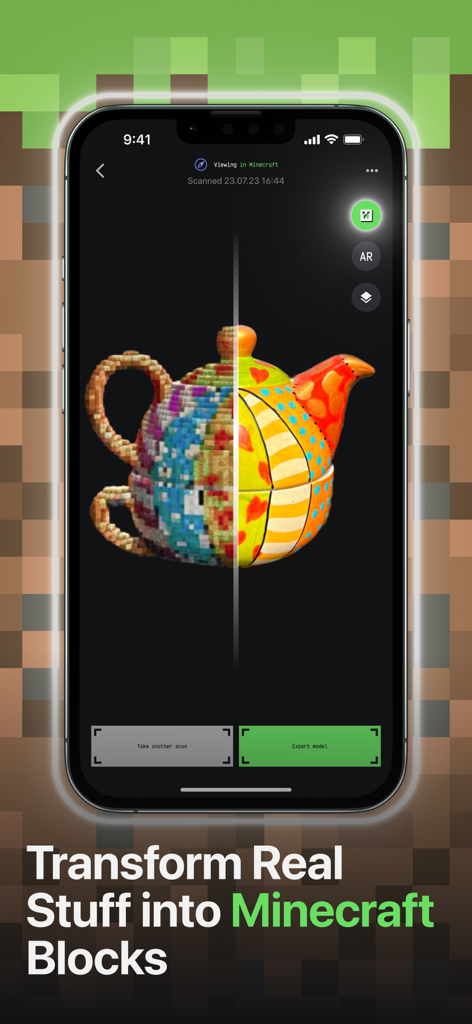
MagiScan app interface showing a real teapot transformed into Minecraft voxels
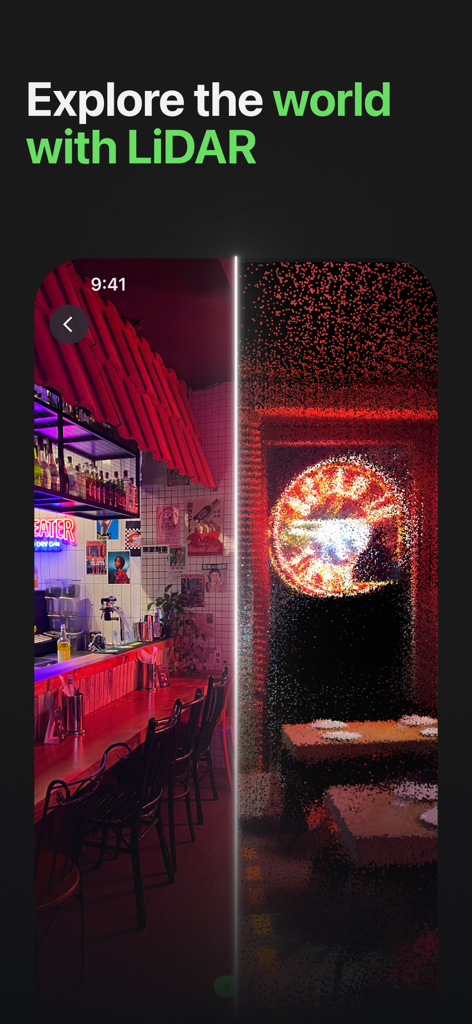
MagiScan app interface showing a side by side comparison of a real room and its LiDAR 3D point cloud model
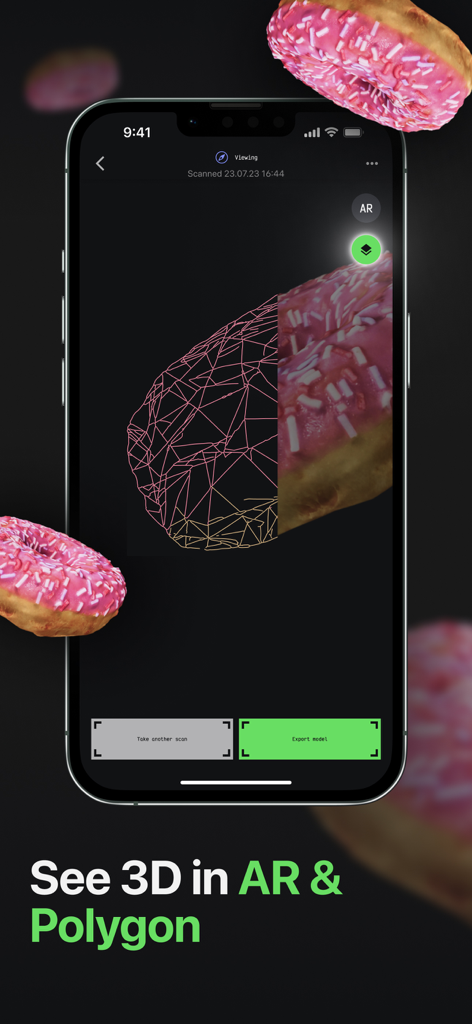
MagiScan app interface showing a 3D scanned pink donut with a split view between wireframe polygon and realistic texture
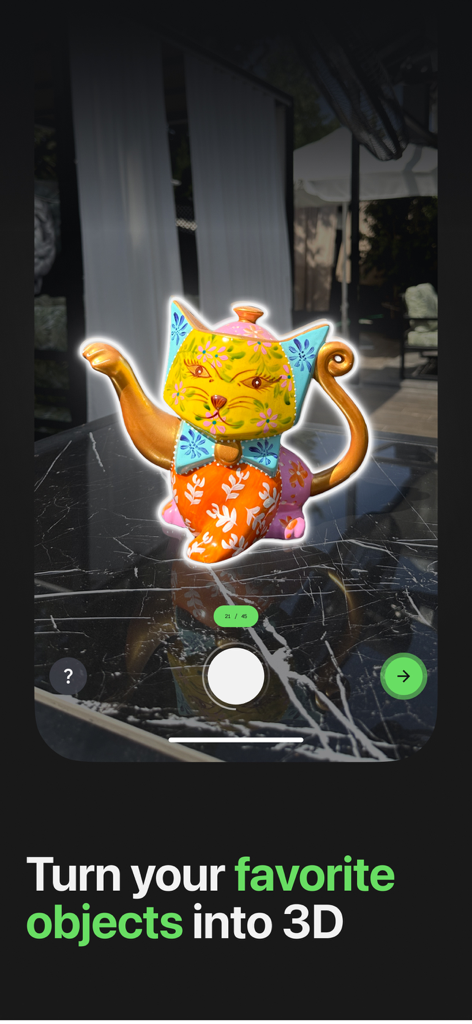
MagiScan app scanning a colorful cat figurine to create a 3D model on a smartphone.
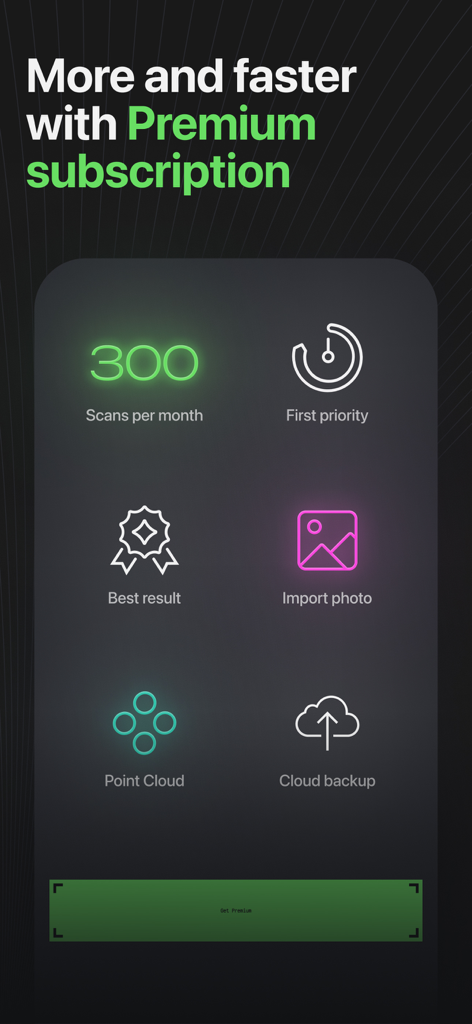
A list of MagiScan Premium features including 300 scans per month, point cloud mode, and photo imports
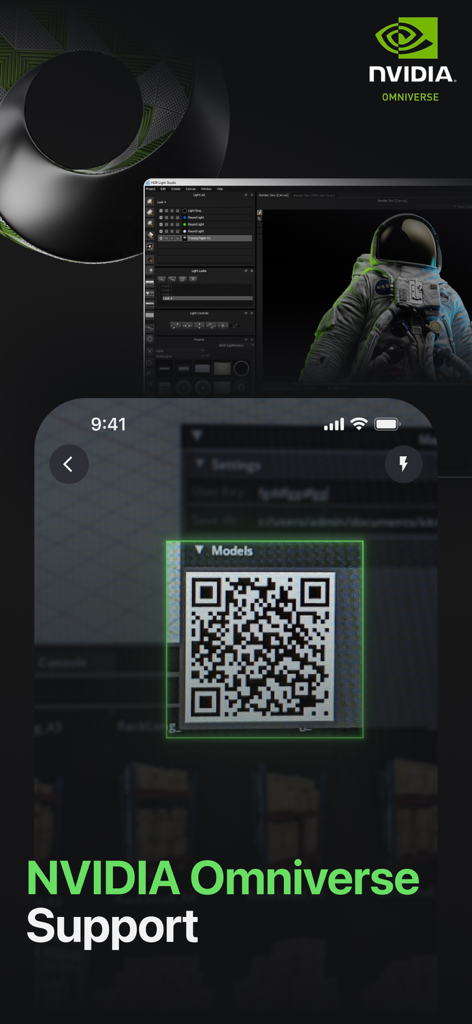
MagiScan app interface showing a QR code for syncing 3D scans with NVIDIA Omniverse
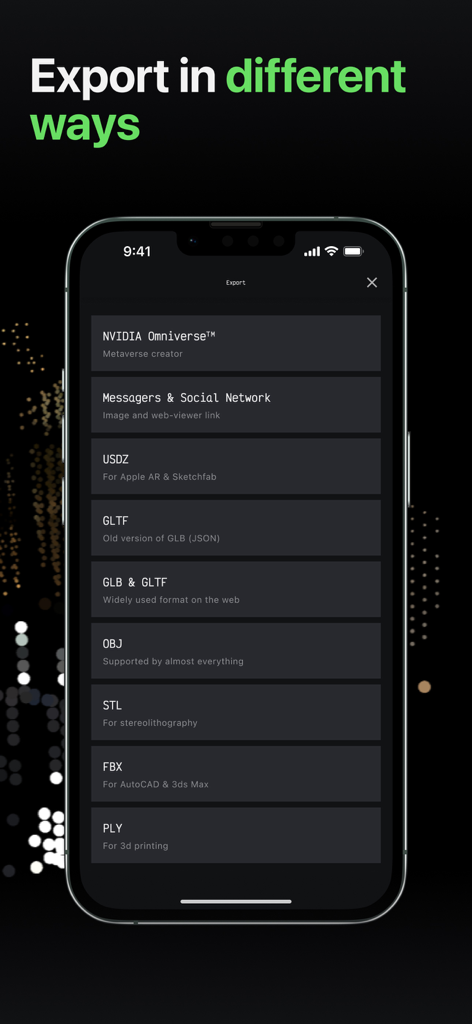
MagiScan app interface showing various 3D export options including OBJ STL FBX and NVIDIA Omniverse
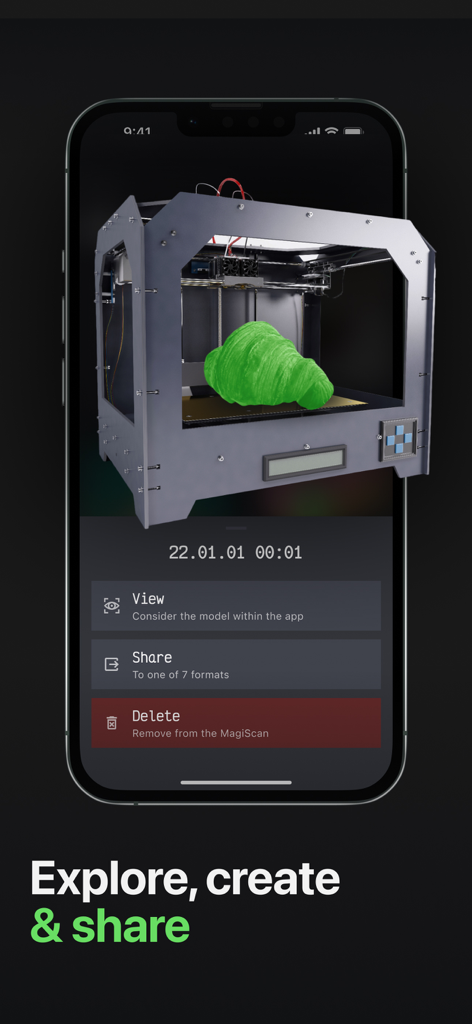
MagiScan app interface showing a 3D scanned object with options to view share or delete
Description
Download
More Like This
Apps with similar features and user experience

Scaniverse - 3D Scanner
Toolbox AI, Inc

Recon-3D
Recon-3D Inc.
3d Scanner App™
AI Photo Editor Lab SRL

AR Code Object Capture 3D Scan
AR Code Pte. Ltd.

Luma 3D Capture
Luma AI, Inc.

Metaroom - 3D Room Scanner
Synthetic Dimension GmbH

SiteScape: LiDAR Scanner & CAD
FARO Technologies Inc.

KIRI Engine:3D Scanner & LiDAR
KIRI Innovation (Hongkong) Limited

Night Vision - LiDAR Camera
绪海 罗
This page is not an official page of the app or its developer, but an independent editorial publication created for informational and commentary purposes. Unless expressly stated otherwise, neither the app nor its developer is affiliated with, endorsed by, sponsored by, authorized by, or otherwise officially connected with MWM, Apple, Google Play, the app publisher, or the app's developer, and nothing on this page implies that the app was developed using MWM's services. Any trademarks, logos, screenshots, and other content remain the property of their respective owners.