
This page is not an official page of the app or its developer, but an independent editorial publication created for informational and commentary purposes. Unless expressly stated otherwise, neither the app nor its developer is affiliated with, endorsed by, sponsored by, authorized by, or otherwise officially connected with MWM, Apple, Google Play, the app publisher, or the app's developer, and nothing on this page implies that the app was developed using MWM's services. Any trademarks, logos, screenshots, and other content remain the property of their respective owners.


Metaroom - 3D Room Scanner
Save 90% of your time on site surveys. Capture high-precision 3D models and 2D floor plans in minutes with LiDAR, then export directly to Revit, ArchiCAD, SketchUp, and 30+ professional formats.
Downloads
80K+User Rating
Total Ratings
400Publisher
Category
ProductivityLocales
2Latest Version
7.3.8Size
130.4 MBFirst Released
May 31, 2023Streamline Your Surveys with LiDAR Precision
Stop wasting hours on manual measurements. Metaroom transforms your iPhone or iPad into a professional scanning powerhouse, delivering 99% accurate CAD-ready models in minutes.
90% Faster Site Surveys
Scan 500m² in just 20 minutes. Capture complex multi-room layouts and entire buildings in a single pass, eliminating the need for tedious manual drafting.
Unmatched 99% Accuracy
Replace tape measures with precision. Automatically detect doors, windows, and furniture while generating professional 2D floor plans and 3D digital twins.
Frequently Asked Questions
Everything you need to know about Metaroom - 3D Room Scanner
What is Metaroom - 3D Room Scanner?
Metaroom - 3D Room Scanner is a professional tool that converts real spaces into accurate digital models, including CAD-ready 2D floor plans and 3D models. It utilizes LiDAR-enabled Apple Pro devices for capturing.
Which devices are compatible with Metaroom - 3D Room Scanner?
Metaroom - 3D Room Scanner is compatible with all LiDAR-enabled Apple Pro devices. This includes iPhone 12 Pro and newer models, and iPad Pro 2020 and newer models.
Is Metaroom - 3D Room Scanner free to use?
Yes, Metaroom Scan App is free for capturing spaces. Access to exports, floor plans, and professional features in the Metaroom Workspace requires a subscription after a 30-day free trial.
What types of professionals use Metaroom - 3D Room Scanner?
Professionals such as architects, BIM managers, real estate experts, insurance adjusters, and trades use Metaroom - 3D Room Scanner for digitizing spaces and creating accurate models.
What are the key features of Metaroom - 3D Room Scanner?
Key features include professional 2D floor plans and 3D models, fast multi-room scanning, notes and annotations, and automatic detection of doors, windows, and furniture. It also offers GDPR-compliant cloud storage.
Does Metaroom - 3D Room Scanner support multi-room scanning?
Yes, Metaroom - 3D Room Scanner supports fast multi-room scanning in one single scan. This feature enhances efficiency for digitizing larger spaces or entire buildings.
How accurate are measurements with Metaroom - 3D Room Scanner?
Metaroom - 3D Room Scanner provides 99% accuracy for reliable measurements. This ensures precision in the generated 2D floor plans and 3D models for professional use.
What export formats does Metaroom - 3D Room Scanner support?
Metaroom - 3D Room Scanner supports over 30 CAD-ready export formats. These include 2D DXF, PDF, and 3D formats like IFC for Revit, ArchiCAD, SketchUp, and many others.
How does Metaroom - 3D Room Scanner ensure data privacy?
Metaroom - 3D Room Scanner ensures data privacy through GDPR-compliant cloud storage on AWS. This provides enterprise-grade data protection for all user scans and models.
Can users annotate or add notes during scanning with Metaroom - 3D Room Scanner?
Yes, users can add notes, snapshots, and annotations during the scanning process with Metaroom - 3D Room Scanner. This feature allows for detailed documentation of the scanned environment.
The following screenshots and description are sourced directly from the app's official store listing and are the property of the app developer.
App Store
Screenshots
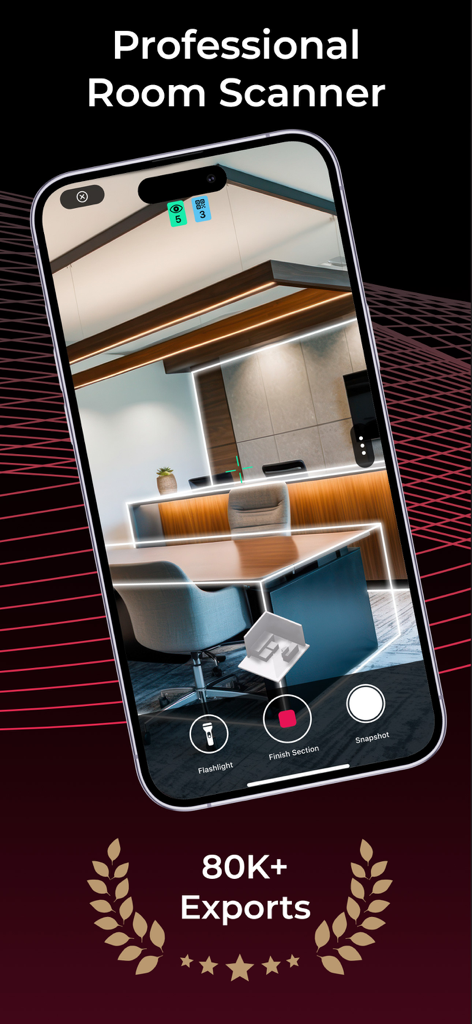
Metaroom app interface on a smartphone scanning an office room into a professional 3D model
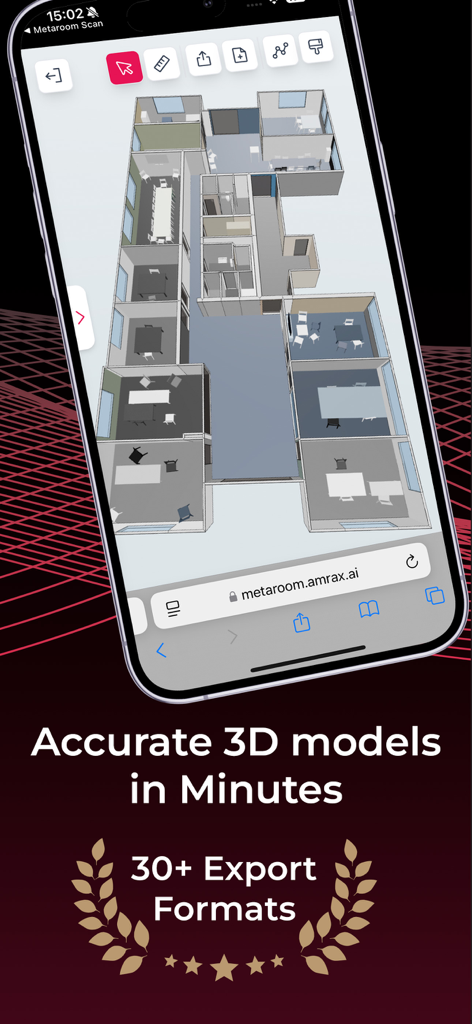
Smartphone screen displaying an accurate 3D floor plan model in the Metaroom app
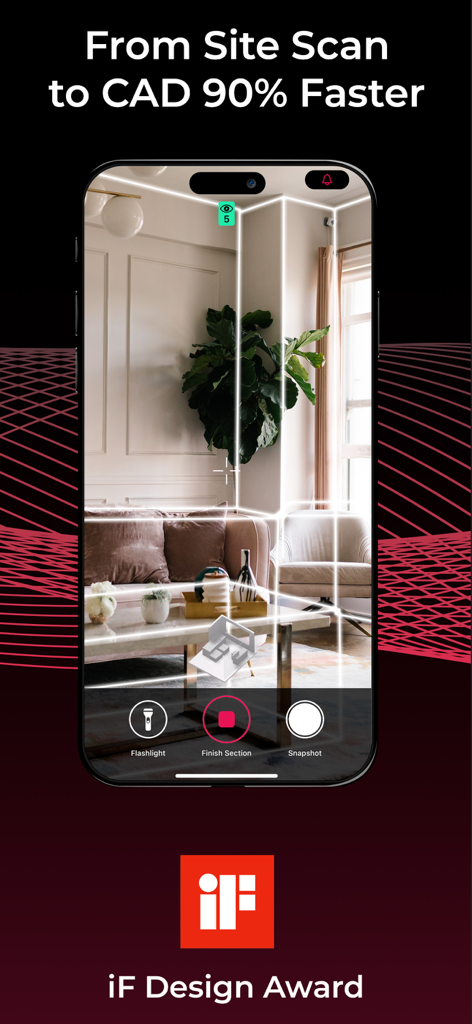
An iPhone screen displaying the Metaroom app performing a 3D LiDAR scan of a living room with digital wireframe overlays.
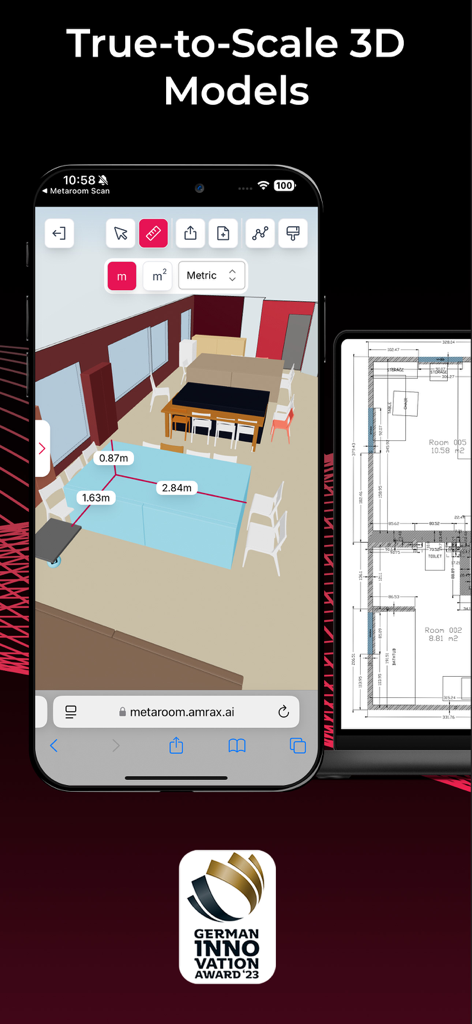
Metaroom app showing a true-to-scale 3D room model with measurements and a detailed 2D floor plan.
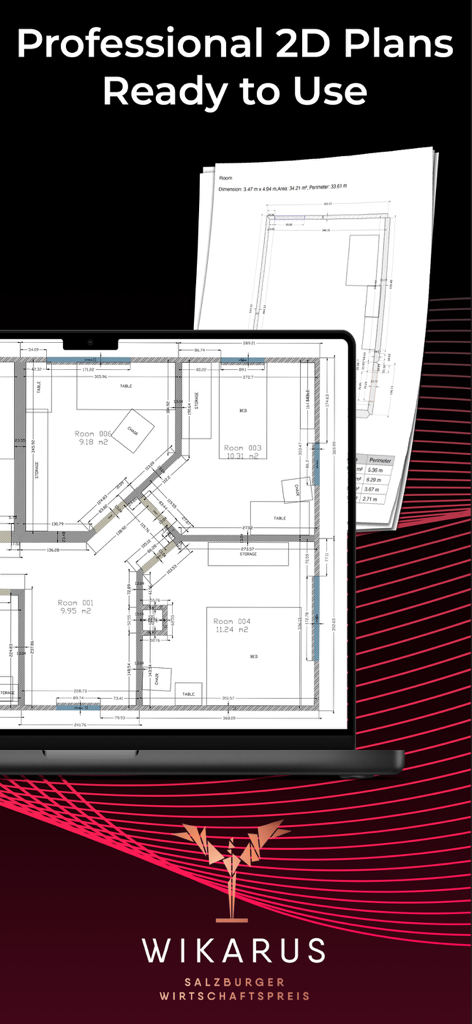
A laptop screen showing a professional 2D architectural floor plan with printed layouts in the background.
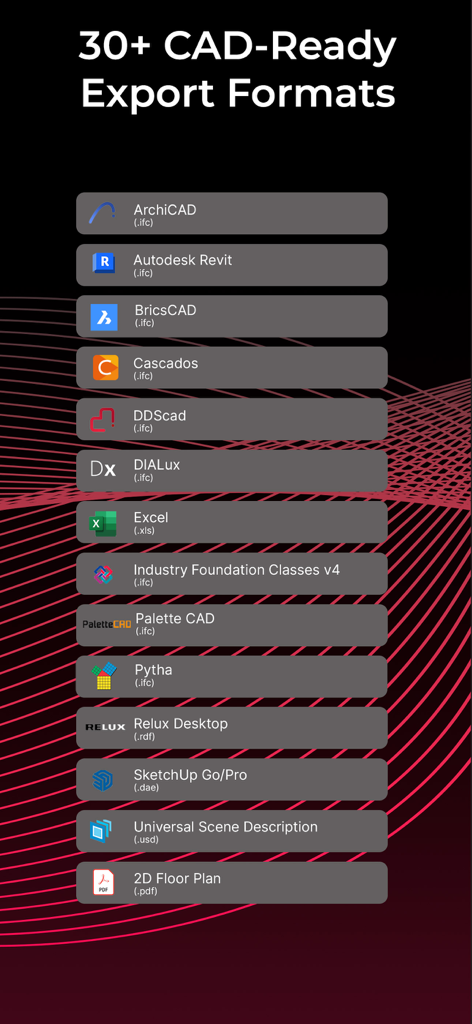
List of over 30 CAD ready export formats supported by the Metaroom 3D room scanner app including Revit and ArchiCAD
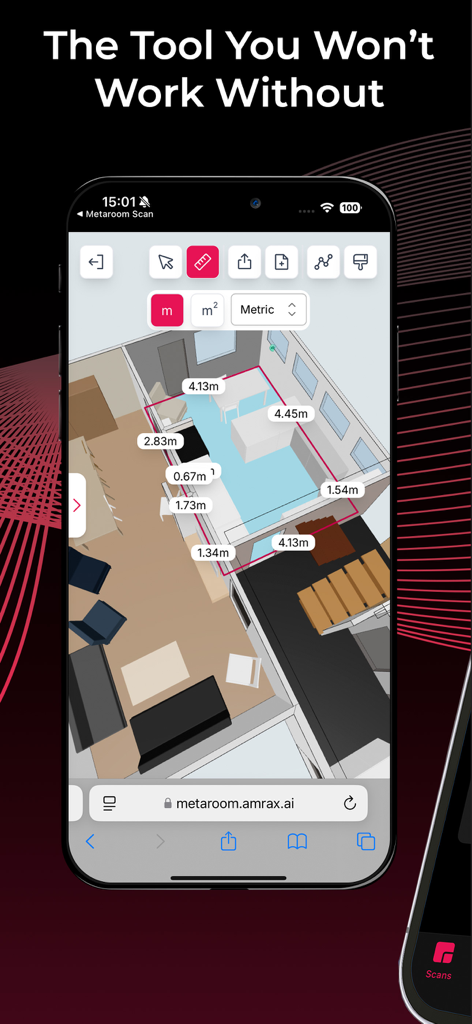
Metaroom app interface showing a 3D floor plan with precise room measurements
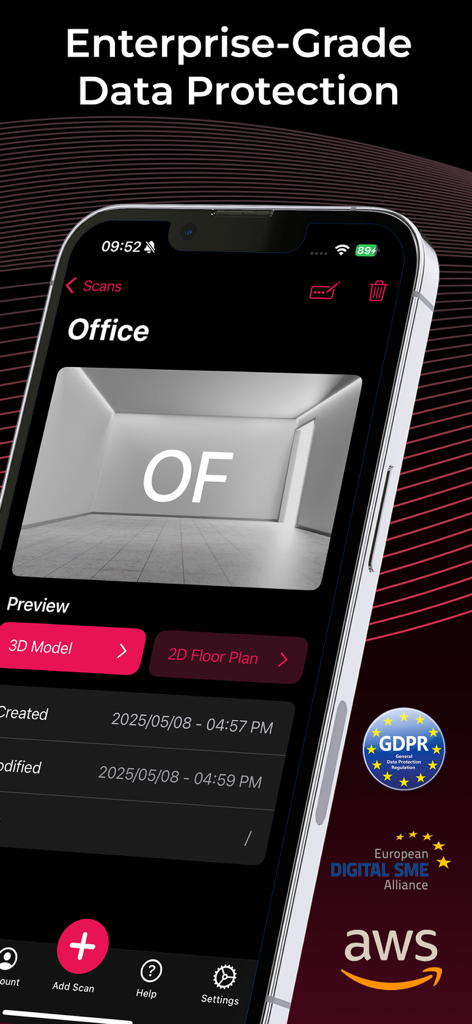
Metaroom app interface highlighting enterprise grade data protection and GDPR compliance
Description
Download
More Like This
Apps with similar features and user experience

Scaniverse - 3D Scanner
Toolbox AI, Inc

Recon-3D
Recon-3D Inc.
3d Scanner App™
AI Photo Editor Lab SRL

AR Code Object Capture 3D Scan
AR Code Pte. Ltd.

Luma 3D Capture
Luma AI, Inc.

SiteScape: LiDAR Scanner & CAD
FARO Technologies Inc.

MagiScan - AI 3D Scanner app
Magiscan Inc.

KIRI Engine:3D Scanner & LiDAR
KIRI Innovation (Hongkong) Limited

Night Vision - LiDAR Camera
绪海 罗
This page is not an official page of the app or its developer, but an independent editorial publication created for informational and commentary purposes. Unless expressly stated otherwise, neither the app nor its developer is affiliated with, endorsed by, sponsored by, authorized by, or otherwise officially connected with MWM, Apple, Google Play, the app publisher, or the app's developer, and nothing on this page implies that the app was developed using MWM's services. Any trademarks, logos, screenshots, and other content remain the property of their respective owners.