
This page is not an official page of the app or its developer, but an independent editorial publication created for informational and commentary purposes. Unless expressly stated otherwise, neither the app nor its developer is affiliated with, endorsed by, sponsored by, authorized by, or otherwise officially connected with MWM, Apple, Google Play, the app publisher, or the app's developer, and nothing on this page implies that the app was developed using MWM's services. Any trademarks, logos, screenshots, and other content remain the property of their respective owners.

MobiScan: OCR Scanner・Scan PDF
Stop paying for subscriptions. Get unlimited HD scanning, instant text extraction, and document signing in one powerful, no-nonsense app designed for students and professionals.
Downloads
10K+User Rating
Total Ratings
100Publisher
Category
ProductivityLocales
3Latest Version
1.8Size
123.3 MBFirst Released
Nov 2, 2024Professional Power, Zero Cost
Break free from subscription fatigue. Get high-definition scanning, smart text extraction, and professional editing tools in one completely ad-free app.
Unlimited Scanning, No Ads
Stop paying monthly fees for basic tools. Scan unlimited documents, IDs, and books without watermarks, hidden caps, or interruptions.
Advanced OCR Technology
Instantly convert scans into editable, searchable text. Perfect for students and professionals who need to extract and share data fast.
Frequently Asked Questions
Everything you need to know about MobiScan: OCR Scanner・Scan PDF
Is MobiScan free to use?
Yes, MobiScan is completely free. It offers unlimited document scanning without ads or in-app purchases, ensuring a cost-free experience for all users.
What types of documents can MobiScan scan?
MobiScan scans various document types, including contracts, receipts, business cards, ID cards, passports, notes (even handwritten), and books, providing versatile scanning capabilities.
Does MobiScan include OCR technology?
Yes, MobiScan features advanced OCR technology. It instantly extracts text from images, making scans searchable, editable, and easy to share for enhanced productivity.
Can I edit scanned documents in MobiScan?
Yes, MobiScan provides built-in editing tools. Users can crop, rotate, enhance, reorder pages, apply filters, and sign documents directly within the app for comprehensive management.
How does MobiScan handle file management?
MobiScan offers simple file management. Users can organize documents effortlessly with folders, custom names, and search functionality, and switch between grid or list views for quick navigation.
What sharing options are available in MobiScan?
MobiScan allows easy export to PDF or TXT. Users can share securely via cloud services or messaging apps, and copy/paste text in a single tap for faster collaboration.
Does MobiScan require a user account or sign-up?
No, MobiScan does not require a user account or sign-up. Users can access all features and begin scanning immediately upon installation without any registration process.
Can I sign documents directly within the MobiScan app?
Yes, MobiScan includes built-in editing tools that allow users to sign documents directly inside the app, streamlining the document processing workflow.
Does MobiScan display advertisements?
No, MobiScan does not display advertisements. The app is completely free, offering an uninterrupted scanning experience without any visual distractions.
What formats can MobiScan export scans to?
MobiScan supports exporting scans to PDF or TXT formats. Users can then share these files securely through various platforms or save them for later use.
The following screenshots and description are sourced directly from the app's official store listing and are the property of the app developer.
App Store
Screenshots
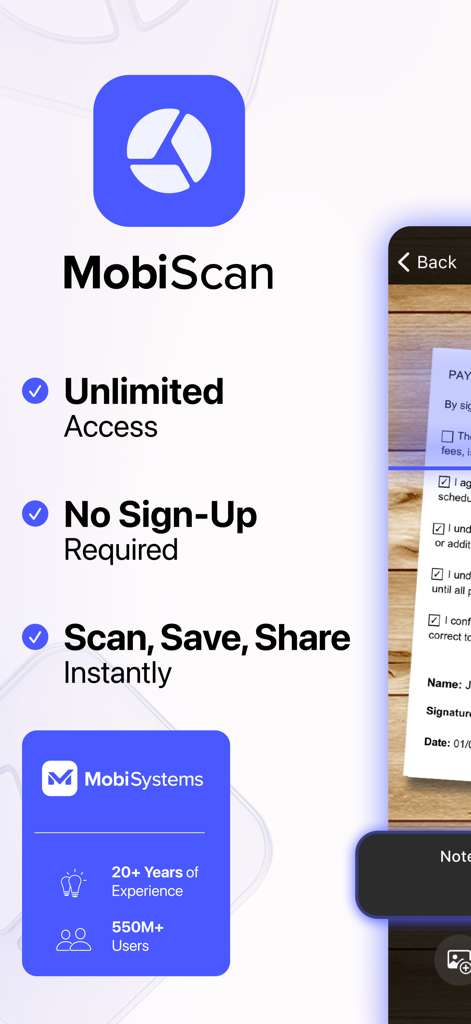
MobiScan app highlights showing unlimited scanning and no sign-up required
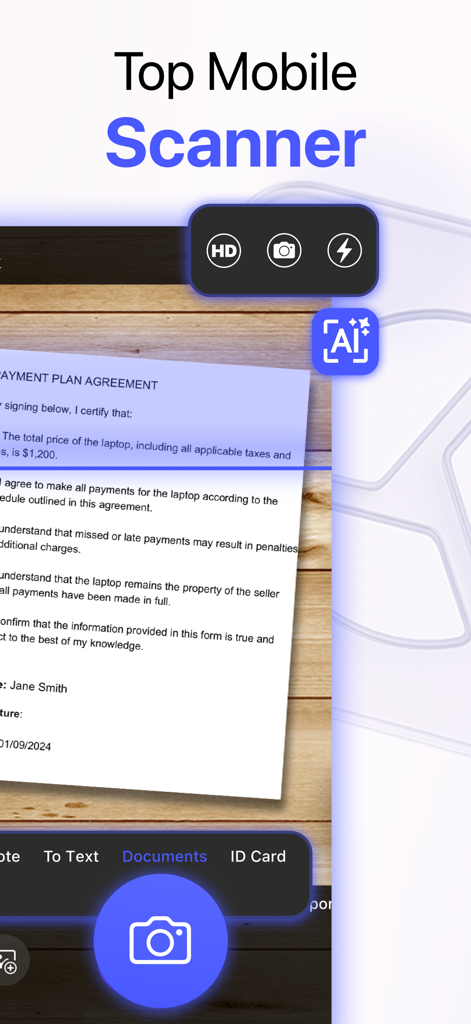
MobiScan app interface showing a document being scanned with AI enhancement features
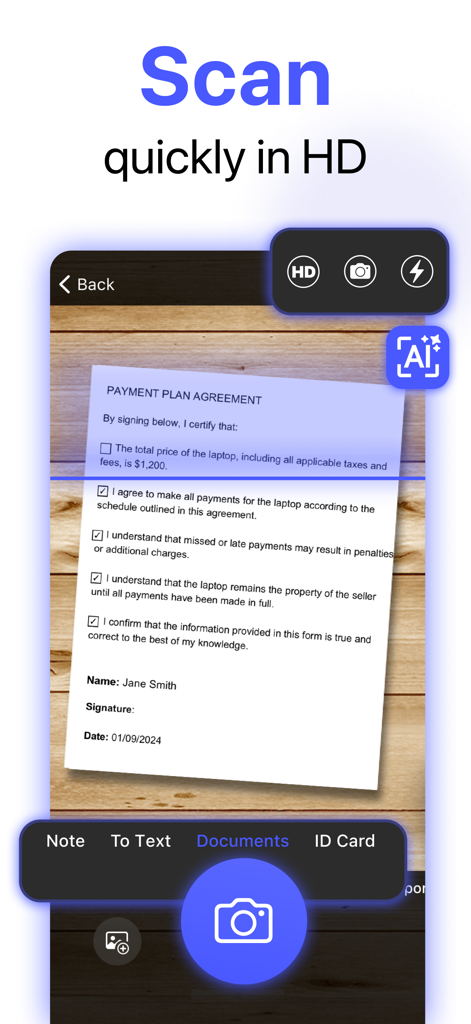
MobiScan app interface showing high-definition document scanning of a payment agreement
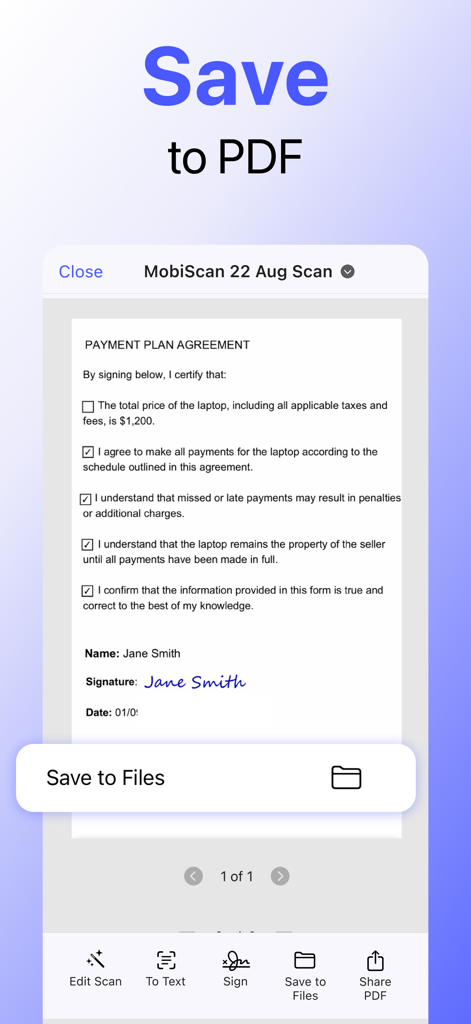
MobiScan app interface showing a signed document ready to be saved as a PDF file
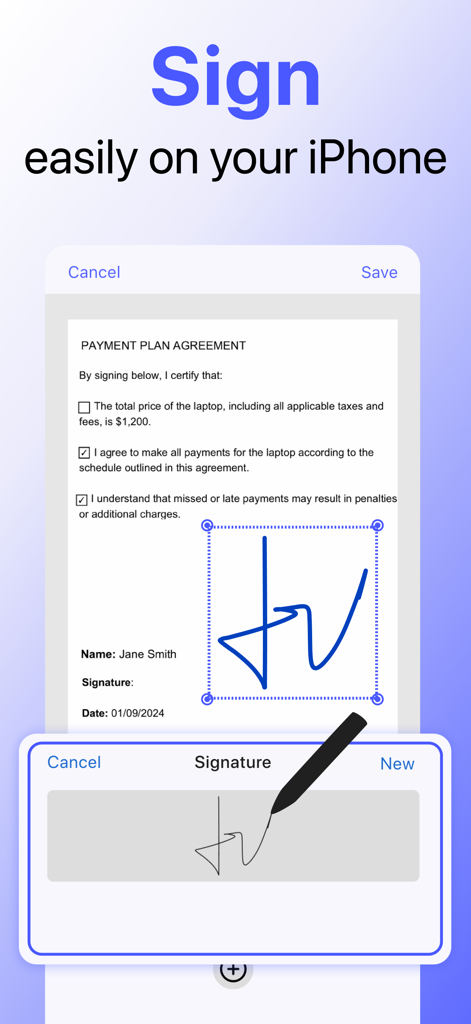
Digital signature being added to a payment agreement document on an iPhone using MobiScan
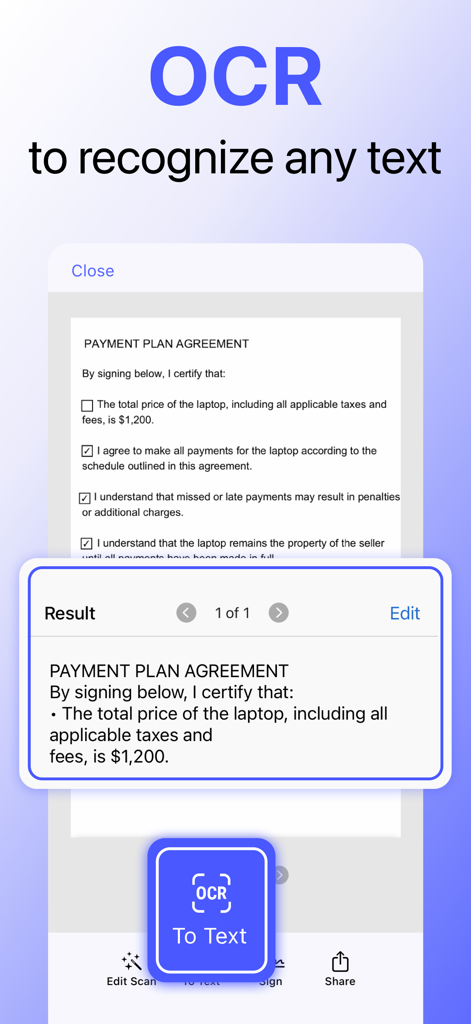
MobiScan app interface demonstrating OCR technology extracting text from a payment plan agreement document
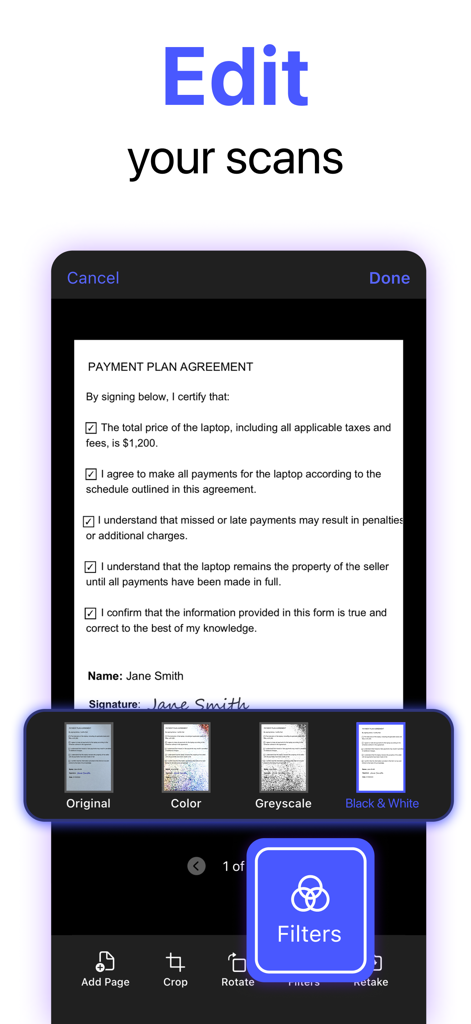
MobiScan app interface showing document editing tools and scan filters
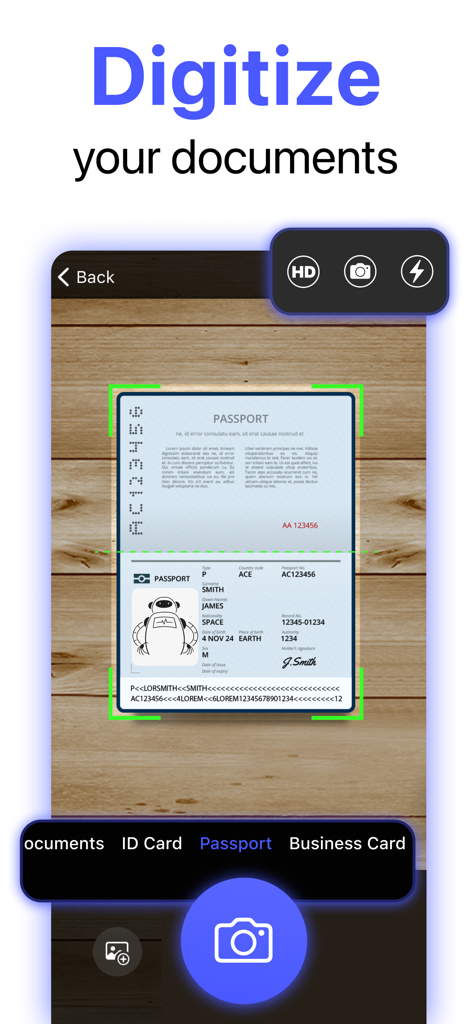
MobiScan app interface showing a passport being scanned with a green focus frame on a wooden background
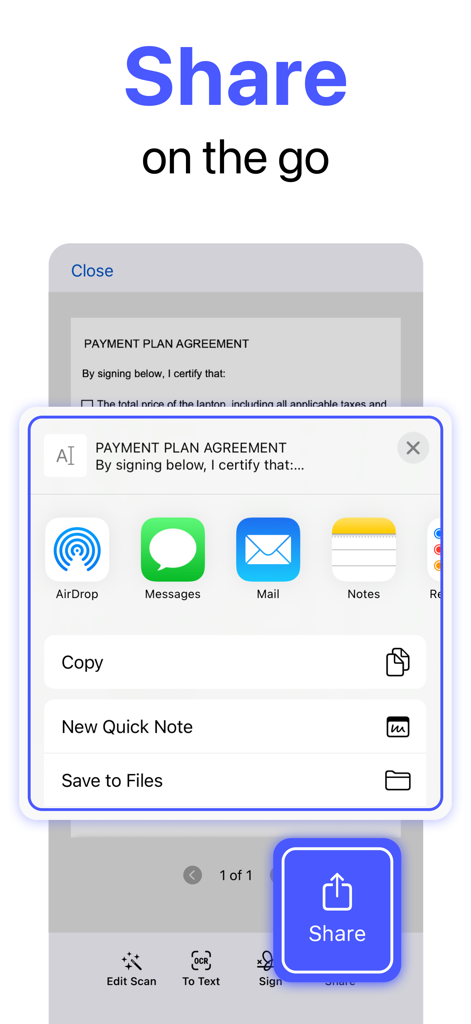
MobiScan app showing document sharing options on an iPhone
Description
Download
More Like This
Apps with similar features and user experience

PDF PRO Scan Image & Documents
Balzo srl

The PDF Scanner, PDF editor HQ
NEXT K.U.M. LTD

CamScanner - PDF Scanner App
INTSIG Information Co., Ltd

Adobe Scan: PDF & OCR Scanner
Adobe Inc.

WPS Office: PDF, Docs, Sheets
KINGSOFT OFFICE SOFTWARE CORPORATION LIMITED

iLovePDF - PDF Editor & Scan
ILOVEPDF S.L.

Scanner App: Genius Scan
The Grizzly Labs

Microsoft Lens: PDF Scanner
Microsoft Corporation

Clear Scan: Doc Scanner App
INDY MOBILE APP COMPANY LIMITED
This page is not an official page of the app or its developer, but an independent editorial publication created for informational and commentary purposes. Unless expressly stated otherwise, neither the app nor its developer is affiliated with, endorsed by, sponsored by, authorized by, or otherwise officially connected with MWM, Apple, Google Play, the app publisher, or the app's developer, and nothing on this page implies that the app was developed using MWM's services. Any trademarks, logos, screenshots, and other content remain the property of their respective owners.