
This page is not an official page of the app or its developer, but an independent editorial publication created for informational and commentary purposes. Unless expressly stated otherwise, neither the app nor its developer is affiliated with, endorsed by, sponsored by, authorized by, or otherwise officially connected with MWM, Apple, Google Play, the app publisher, or the app's developer, and nothing on this page implies that the app was developed using MWM's services. Any trademarks, logos, screenshots, and other content remain the property of their respective owners.


Moment Pro Camera II
Unlock the full potential of your iPhone with manual exposure, Apple Log video, and precision monitoring tools designed for the modern filmmaker and photographer.
Downloads
19K+User Rating
Total Ratings
100Publisher
Category
Photo & VideoLocales
1Latest Version
1.0.3Size
28.4 MBFirst Released
Nov 14, 2025Professional Tools for Digital Storytellers
Moment Pro Camera II re-engineers your iPhone into a cinema rig, giving you the precision controls and professional formats needed to capture your vision without compromise.
Complete Manual Mastery
Take full control of ISO, Shutter Speed, and White Balance to eliminate over-processed AI looks and capture exactly what you see.
Cinematic Video Pipeline
Shoot in Apple Log, ProRes, and 10-bit color with real-time Waveforms and Histograms for broadcast-quality footage on the go.
Frequently Asked Questions
Everything you need to know about Moment Pro Camera II
What is Moment Pro Camera II?
Moment Pro Camera II transforms your phone into a professional camera for photography and filmmaking. It offers full manual controls, creative looks, and an upgraded, intuitive interface for advanced shooting.
Does Moment Pro Camera II offer manual controls?
Yes, Moment Pro Camera II provides extensive manual controls. Users can adjust exposure (Shutter Priority, ISO Priority, Manual, Auto), white balance, focus, and various photo and video settings.
Can I shoot in RAW with Moment Pro Camera II?
Yes, Moment Pro Camera II supports shooting in RAW. It also offers other advanced photo options like ProRAW, TIFF, HEIF, and JPG, allowing control over processing and HDR.
What video features does Moment Pro Camera II include?
Moment Pro Camera II includes cinematic video tools such as Apple Log, Open Gate, ProRes, and 10-bit recording. Users can adjust resolution, color space, frame rate, codec, and bitrate.
How does Moment Pro Camera II help monitor video?
Moment Pro Camera II provides precision monitoring tools for video. These include pro-level feedback with Waveform, RGB Histograms, and audio meters, typically found in cinema cameras.
Does Moment Pro Camera II support LUTs?
Yes, Moment Pro Camera II supports LUTs. Users can apply creative Looks or import their own LUTs to videos and photos, previewing them live or baking them into footage.
Is Moment Pro Camera II optimized for specific hardware?
Yes, Moment Pro Camera II is optimized for every iPhone. It integrates seamlessly with external microphones and Moment’s entire lens and case ecosystem.
How can I get support for Moment Pro Camera II?
For feature requests, ideas, or support for Moment Pro Camera II, users can email hello@shopmoment.com or message @momentprocamera on social media.
What are the upcoming features for Moment Pro Camera II?
Upcoming features for Moment Pro Camera II include a Look Store for creator color grades, Slow Shutter and Timelapse modes, advanced profile sharing, and extended hardware integration.
The following screenshots and description are sourced directly from the app's official store listing and are the property of the app developer.
App Store
Screenshots
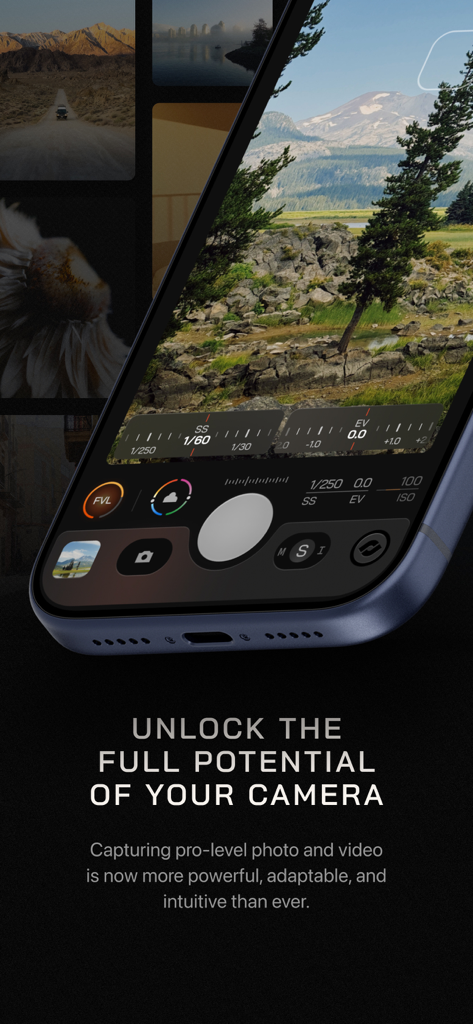
Moment Pro Camera II app interface showing manual exposure and shutter speed controls on an iPhone
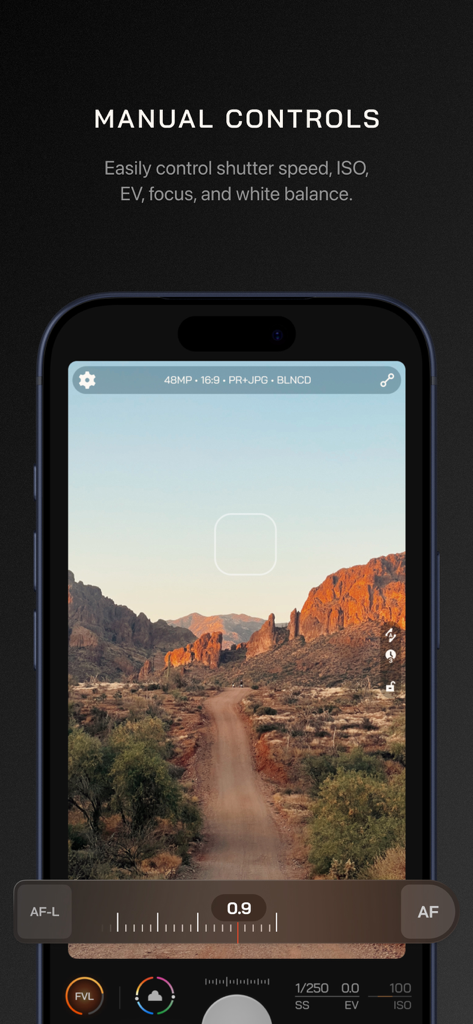
Manual camera controls interface in the Moment Pro Camera II app showing shutter speed ISO and focus adjustments over a landscape photo
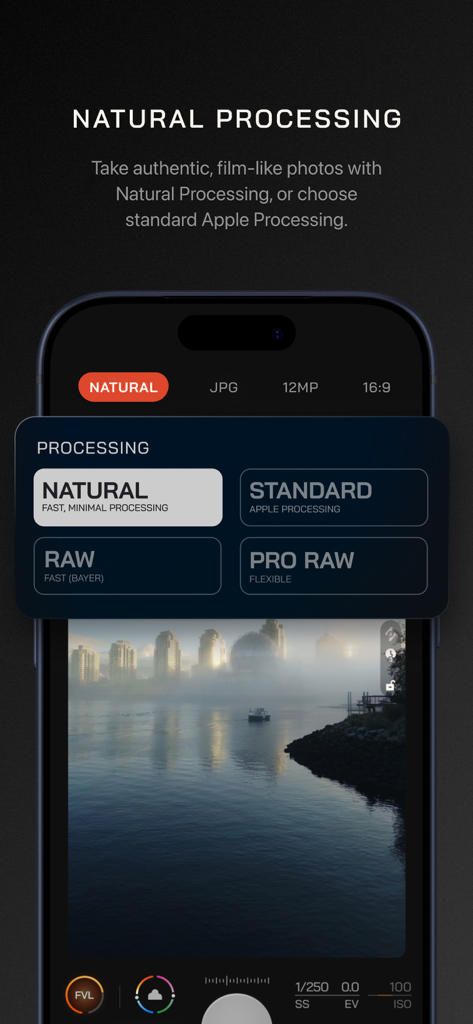
Moment Pro Camera II interface showing natural and RAW photo processing options.
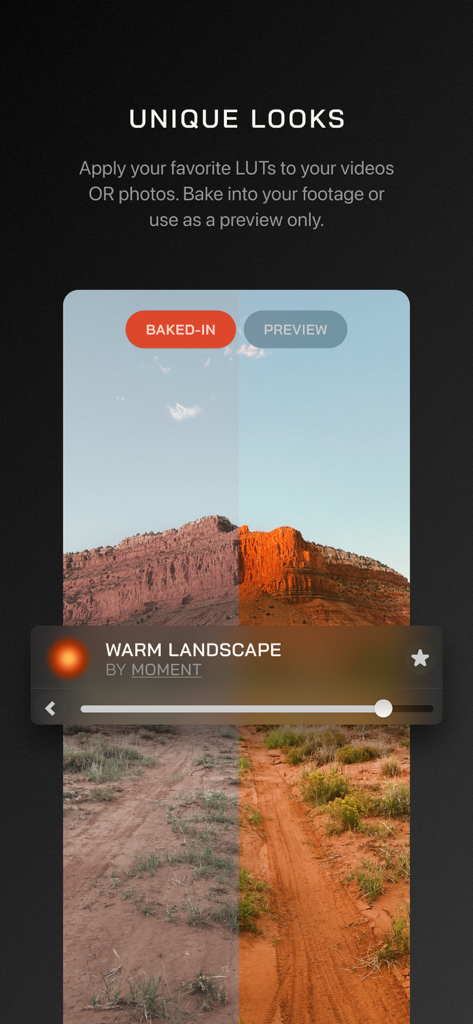
A split-screen comparison of a desert landscape photo before and after applying a Warm Landscape LUT in the Moment Pro Camera II app.
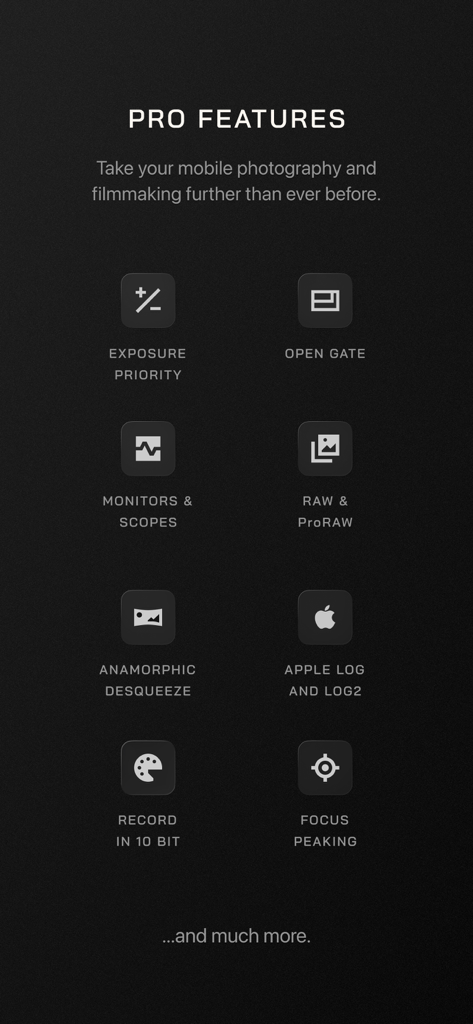
A list of professional features in the Moment Pro Camera II app including manual exposure, Apple Log, RAW support, and focus peaking
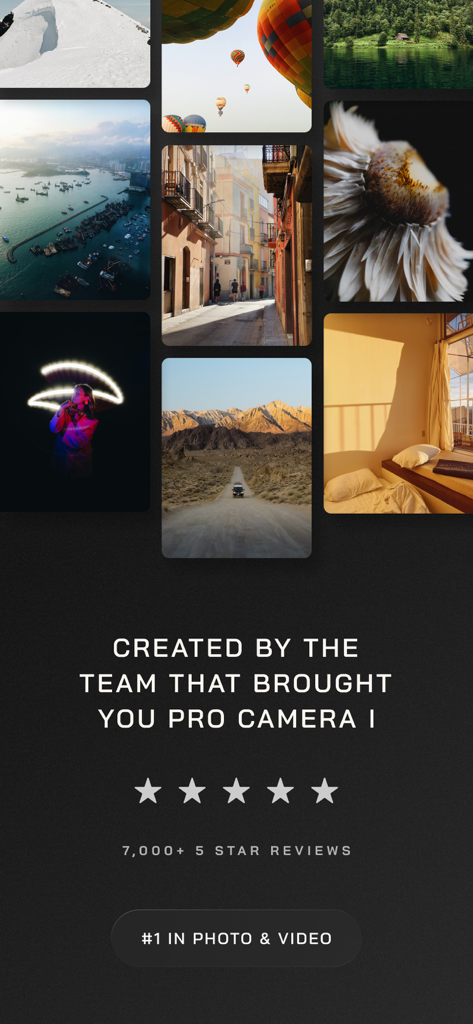
A photo gallery displaying professional photography results alongside five-star ratings and a number one ranking badge for the Moment Pro Camera II app.
Description
Download
More Like This
Apps with similar features and user experience

Blackmagic Camera
Blackmagic Design Inc

飓风相机
Hangzhou Ostar Media Co.,Ltd.

ProMovie Recorder
Panda Apps Limited

ReLens Camera-DSLR Portrait
Pixl Concerto Technology Limited

Leica LUX - Pro Manual Camera
Leica Camera AG

FotorGear - Camera in Pocket
Shenzhen Fotorgear Technology Co., Ltd.

Unsharp
北北 宋

ProCam:Professional RAW Camera
BRAND CELLAR HOLDINGS PTE LTD

Vibe Cam - Moments Never Fade
森 林
This page is not an official page of the app or its developer, but an independent editorial publication created for informational and commentary purposes. Unless expressly stated otherwise, neither the app nor its developer is affiliated with, endorsed by, sponsored by, authorized by, or otherwise officially connected with MWM, Apple, Google Play, the app publisher, or the app's developer, and nothing on this page implies that the app was developed using MWM's services. Any trademarks, logos, screenshots, and other content remain the property of their respective owners.