
This page is not an official page of the app or its developer, but an independent editorial publication created for informational and commentary purposes. Unless expressly stated otherwise, neither the app nor its developer is affiliated with, endorsed by, sponsored by, authorized by, or otherwise officially connected with MWM, Apple, Google Play, the app publisher, or the app's developer, and nothing on this page implies that the app was developed using MWM's services. Any trademarks, logos, screenshots, and other content remain the property of their respective owners.


MP3 Converter - Audio Trimmer
Finally, take command of your sound. This app liberates audio, turning any video or song into your personal soundtrack.
Downloads
500k+User Rating
Total Ratings
28.1KPublisher
Category
MusicLocales
22Latest Version
1.3.6Size
131.8 MBFirst Released
Dec 13, 2024An analysis of the app's core functionalities and their relevance for tech-savvy casual users.
Key Features of MP3 Converter - Audio Trimmer
Universal MP3 Conversion
The app provides easy conversion of various audio or video files into high-quality MP3 format, including customization options like bitrate and sample rate, ensuring portable music anytime, anywhere.
Custom Ringtone Creator
It allows users to extract audio from videos across popular platforms such as TikTok, YouTube, and Instagram, along with personal music, to create unique, personalized ringtones and sound clips.
MP3 Cutter & Trimmer
This tool features intuitive cutting and trimming of MP3 files, enabling users to create custom ringtones, alarms, and music clips with adjustable start/end points and fade effects.
Advanced Audio Editor
The app provides advanced audio editing capabilities, allowing users to fine-tune music and recordings by adjusting volume, applying filters, changing pitch, tempo, and combining multiple tracks for a polished sound.
Offline Music Access
It enables users to download tracks and enjoy their music offline, ensuring uninterrupted listening experiences whether traveling or in areas without an internet connection.
Free Music Discovery
This tool offers access to a wide range of free music tracks across various genres, along with podcasts and audiobooks, for discovery and listening without subscriptions or hidden fees.
Frequently Asked Questions
Everything you need to know about MP3 Converter - Audio Trimmer
What is the MP3 Converter - Audio Trimmer app?
The MP3 Converter - Audio Trimmer is an all-in-one audio tool for converting MP3s, creating custom ringtones, and editing audio. It efficiently manages various audio and video files.
What audio formats does the MP3 Converter - Audio Trimmer app support for conversion?
The MP3 Converter - Audio Trimmer app supports conversion from formats like AAC, MP2, AC3, OGV, FLAC, WAV, WMA, MAV, OGG, and M4A to MP3.
Can users convert video files to MP3 format using the MP3 Converter - Audio Trimmer app?
Yes, the MP3 Converter - Audio Trimmer app converts video files to MP3 audio. It supports MP4, AVI, and MOV video formats for audio extraction.
How does the MP3 Converter - Audio Trimmer app facilitate ringtone creation?
The MP3 Converter - Audio Trimmer app allows users to extract audio from videos or trim favorite songs to create custom ringtones. Users can refine exact parts for ringtones.
Does the MP3 Converter - Audio Trimmer app provide access to free music tracks?
Yes, the MP3 Converter - Audio Trimmer app offers access to a wide range of free music tracks without subscriptions or hidden fees. Users can browse various genres.
Does the MP3 Converter - Audio Trimmer app include audio editing capabilities?
Yes, the MP3 Converter - Audio Trimmer app includes an advanced audio editor. Users can adjust volume, trim sections, apply filters, and combine multiple tracks.
Is offline music playback supported by MP3 Converter - Audio Trimmer?
Yes, the MP3 Converter - Audio Trimmer app supports offline music playback. Users can download tracks and listen without an internet connection.
Can users cut or trim MP3 files using the MP3 Converter - Audio Trimmer app?
Yes, the MP3 Converter - Audio Trimmer app functions as an MP3 cutter and trimmer. It allows users to extract segments and create custom clips with adjustable start/end points.
What types of video files can MP3 Converter - Audio Trimmer convert to MP3?
The MP3 Converter - Audio Trimmer app converts MP4, AVI, and MOV video files into MP3 audio. This allows users to extract audio from their favorite video clips.
Where is the Privacy Policy located for the MP3 Converter - Audio Trimmer app?
The Privacy Policy for the MP3 Converter - Audio Trimmer app is available at http://markwatermark.com/mp3_privacy.html.
The following screenshots and description are sourced directly from the app's official store listing and are the property of the app developer.
App Store
Screenshots

See how the app supports diverse formats like AAC and FLAC, making conversion to MP3 seamless and visually engaging.
Universal Format Conversion
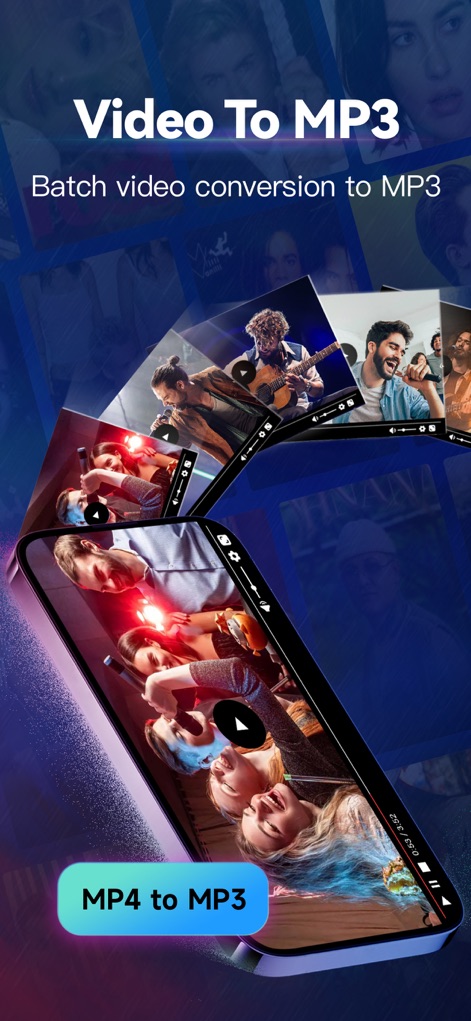
This tool simplifies extracting audio from videos, showcasing the conversion of multiple video clips into MP3 files and the dedicated MP4 to MP3 button.
Effortless Video to Audio
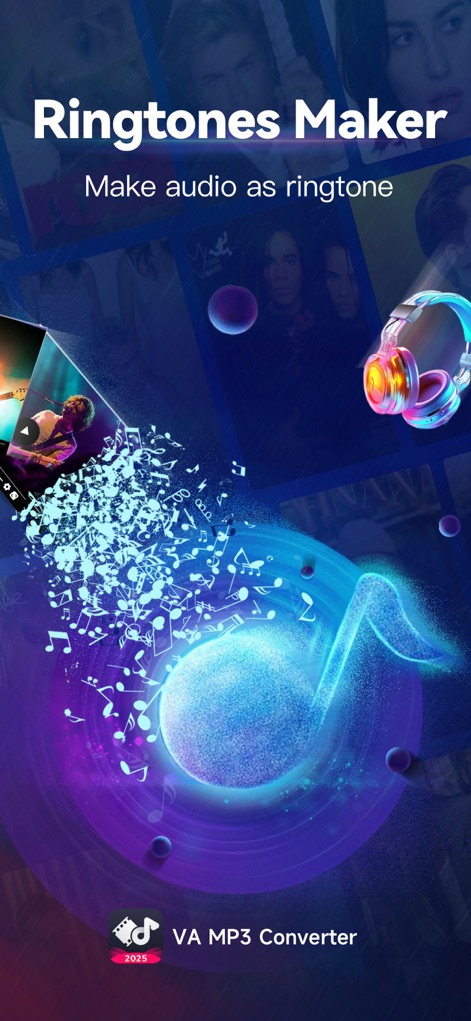
Users can personalize their mobile experience, transforming audio into unique ringtones, as depicted by the dissolving music note and stylish headphone icon.
Custom Ringtone Creator
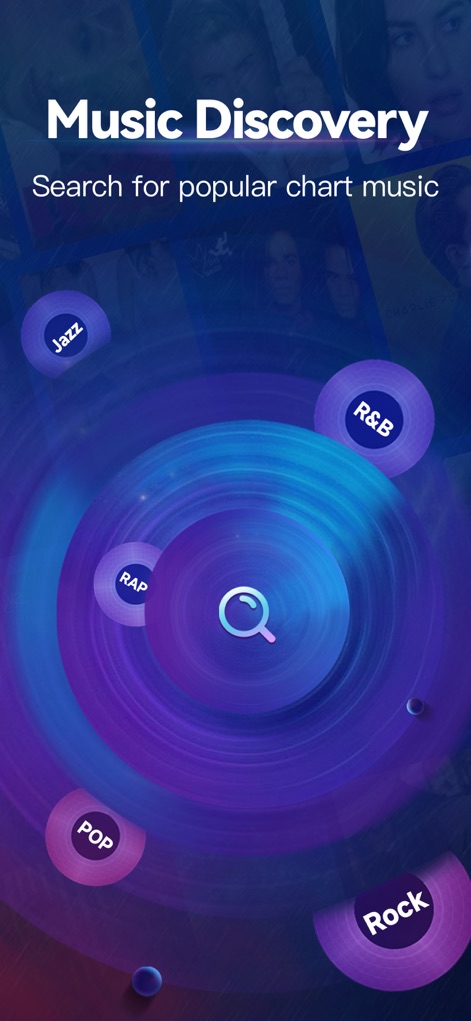
The app offers extensive music discovery, allowing exploration of various genres like Pop and R&B, easily accessible through the central search function.
Explore New Music
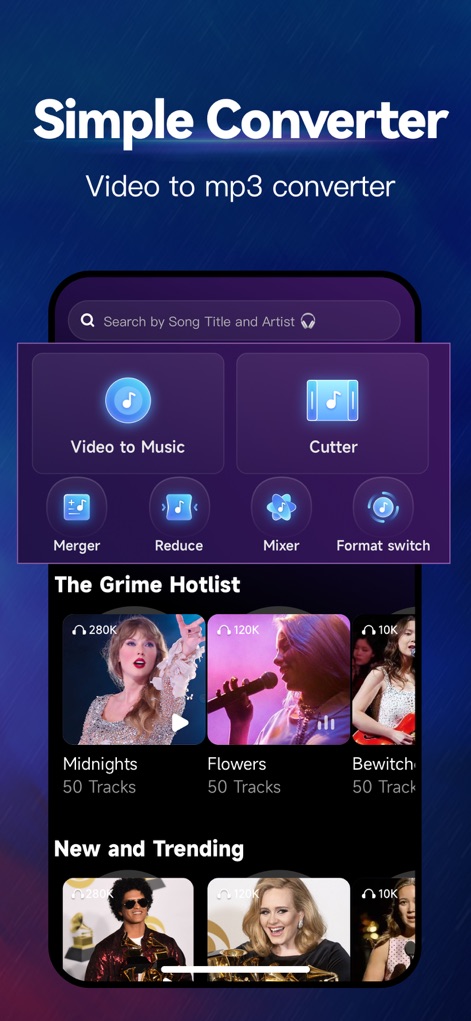
This screen presents a comprehensive set of audio tools, including a "Video to Music" converter and a "Cutter", alongside trending music suggestions.
Intuitive Tool Hub
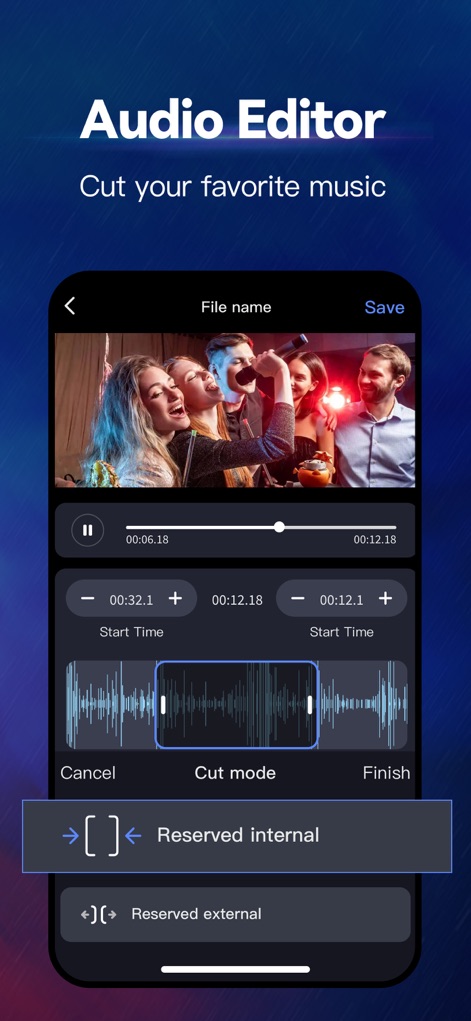
The app provides detailed audio editing capabilities, allowing users to precisely trim tracks using the visible waveform editor and adjustable start/end points.
Precision Audio Editing
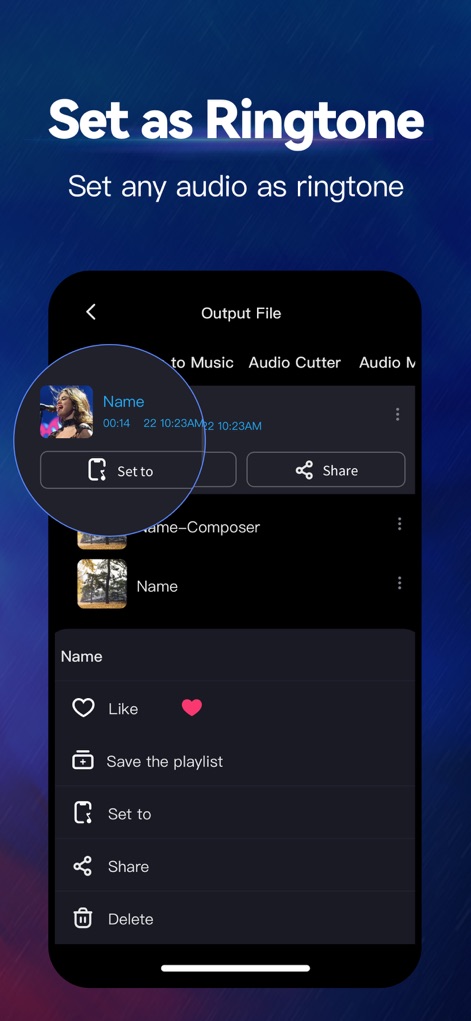
After editing, users can easily manage their audio, with a clear "Set to" ringtone option and a convenient "Share" feature.
Instant Ringtone Setting
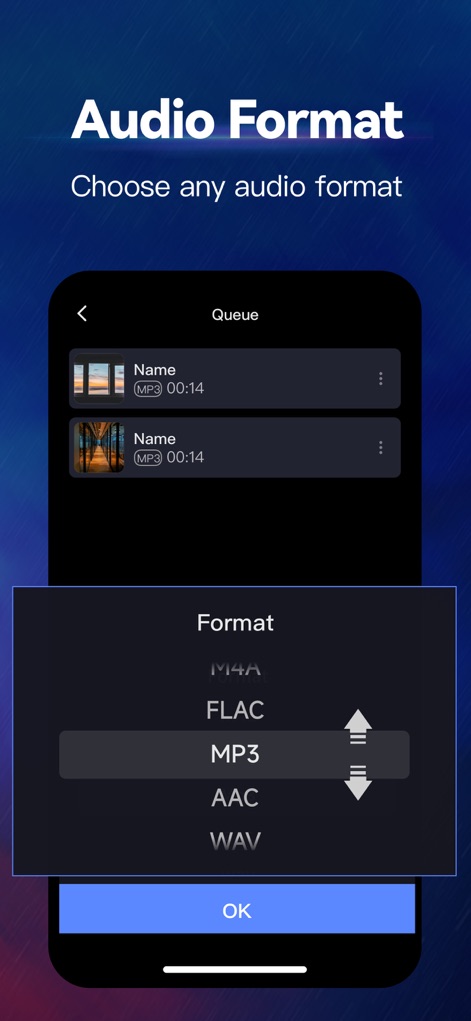
This screen demonstrates the flexibility of output formats, allowing users to select specific types like MP3 or FLAC, confirming their choice with the prominent "OK" button.
Flexible Output Options
Description
Download
More Like This
Apps with similar features and user experience

MP3 Converter -Audio Extractor
妍 岳

Audio Editor - Music Mixer
妍 岳

MP3 Converter: Video to Audio
Fitness Labs SRL

Audio Editor: MP3 Converter
ZHN Co., Ltd.

MP3 Converter - video2mp3
ZHN Co., Ltd.

EZAudioCut - Audio Editor Lite
龙刚 李

Audio Extractor-Audio Editing
正军 刘

Audio Editor & Music Mixer
Wuhan Net Power Technology Co., Ltd

Audio Converter&Ringtone Maker
俊鹏 位
This page is not an official page of the app or its developer, but an independent editorial publication created for informational and commentary purposes. Unless expressly stated otherwise, neither the app nor its developer is affiliated with, endorsed by, sponsored by, authorized by, or otherwise officially connected with MWM, Apple, Google Play, the app publisher, or the app's developer, and nothing on this page implies that the app was developed using MWM's services. Any trademarks, logos, screenshots, and other content remain the property of their respective owners.