
This page is not an official page of the app or its developer, but an independent editorial publication created for informational and commentary purposes. Unless expressly stated otherwise, neither the app nor its developer is affiliated with, endorsed by, sponsored by, authorized by, or otherwise officially connected with MWM, Apple, Google Play, the app publisher, or the app's developer, and nothing on this page implies that the app was developed using MWM's services. Any trademarks, logos, screenshots, and other content remain the property of their respective owners.


Music transfer & stats: Swapy
Experience true digital freedom. Effortlessly transfer your entire music library between Spotify, Apple Music, and more with smart matching and a beautiful, minimal design.
Downloads
111K+User Rating
Total Ratings
900Publisher
Category
MusicLocales
5Latest Version
1.30Size
43.5 MBFirst Released
Apr 1, 2024Your Music, Without Boundaries
Effortlessly move your curated library between Spotify, Apple Music, and more. Swapy keeps your music collections synced and social, no matter where you listen.
Instant Playlist Migration
Move years of music curation in a few taps. Our smart matching ensures every remix and deep cut lands in your new library perfectly.
Social Without Limits
Share your taste with anyone. Swapy bridges the gap between different streaming apps so your friends can enjoy your vibes regardless of their service.
Frequently Asked Questions
Everything you need to know about Music transfer & stats: Swapy
What is the Swapy app?
Swapy is an iOS application designed for seamlessly transferring music playlists between various streaming platforms. It offers a user-friendly interface for migrating beloved music collections.
Which music streaming services does Swapy support?
Yes, Swapy supports transfers between major streaming services, including Spotify, Apple Music, and YouTube Music. These platforms are explicitly shown as supported options within the app.
How does Swapy transfer music playlists?
Swapy transfers music by connecting accounts, allowing playlist selection, using a smart matching algorithm for tracks, and requiring user verification to confirm matches before the final transfer.
Does Swapy provide music statistics?
Yes, Swapy includes a music statistics feature, as indicated by its full name 'Music transfer & stats: Swapy' and a dedicated 'Music stats & Recap' screen displaying total stats, top tracks, artists, and genres.
How does Swapy ensure accurate music transfers?
Yes, Swapy ensures transfer accuracy through its smart matching algorithm and a 'Match Review for Precision' feature. Users can verify and correct suggested track matches before completion.
Can I transfer multiple playlists at once with Swapy?
Yes, Swapy allows users to add multiple transfers to a queue using its 'Batch Setup for Efficiency' feature. This streamlines the process for extensive music libraries.
Can I share music playlists and recaps using Swapy?
Yes, Swapy enables users to share their favorite playlists across platforms. The app also allows sharing of personalized music recaps.
Does Swapy support music transfers via web links?
Yes, Swapy features 'Web Link Integration,' allowing users to effortlessly initiate new transfers by simply pasting a web link copied to the clipboard.
Is the Swapy app available on iOS?
Yes, Swapy is available as an iOS application. The description specifies it is an 'iOS app'.
Where can I find Swapy's privacy policy?
The Swapy app's privacy policy is available at 'https://funapps.me/privacy-policy/'. This link is provided within the app's description.
The following screenshots and description are sourced directly from the app's official store listing and are the property of the app developer.
App Store
Screenshots

Interface showing playlist transfer between Spotify Apple Music and YouTube Music with a woman in headphones
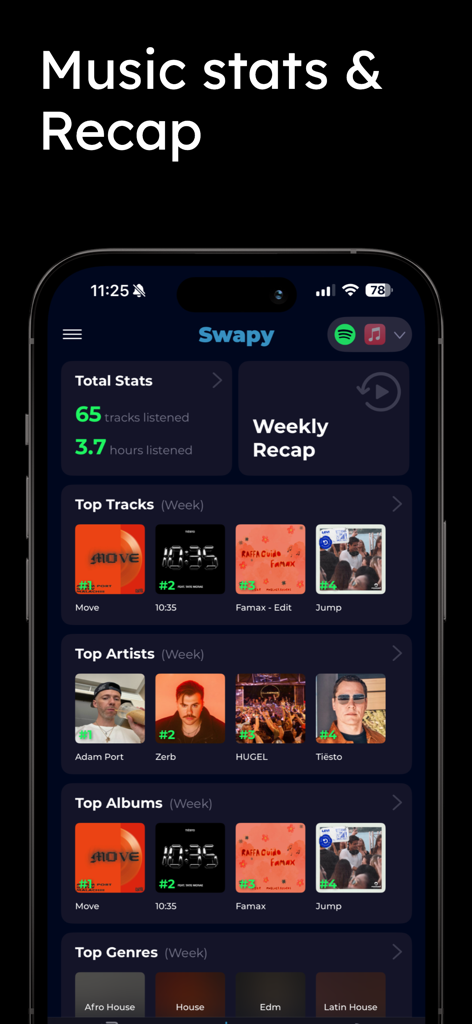
Swapy app interface showing weekly music listening statistics top tracks and top artists
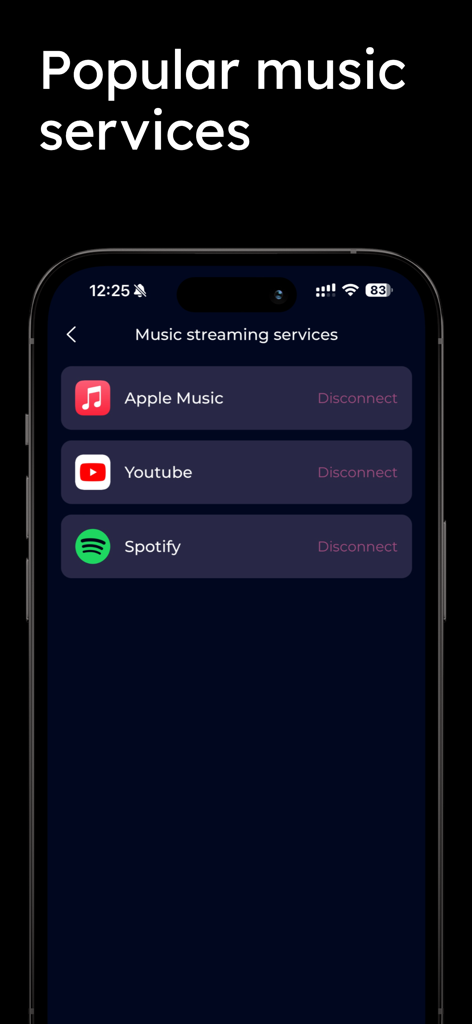
Swapy app screen showing connected music services including Apple Music YouTube and Spotify
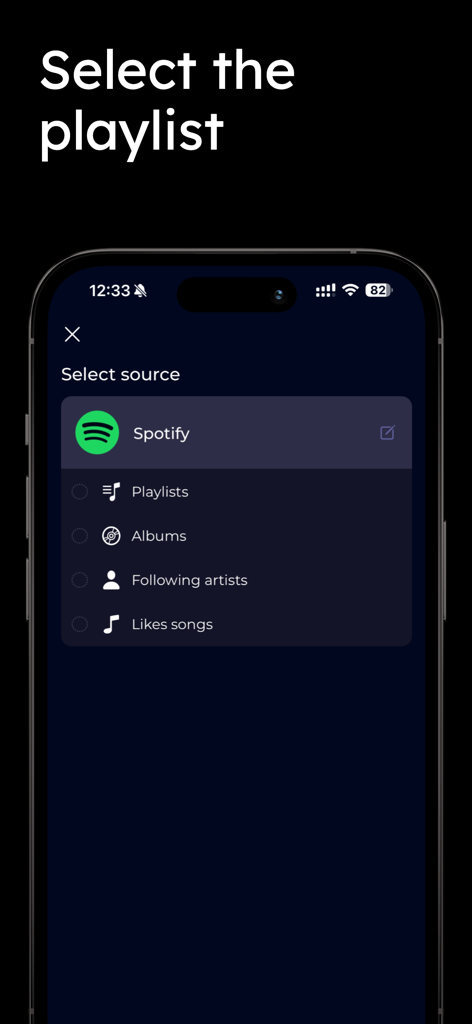
Selecting Spotify as the source for music transfer in the Swapy app
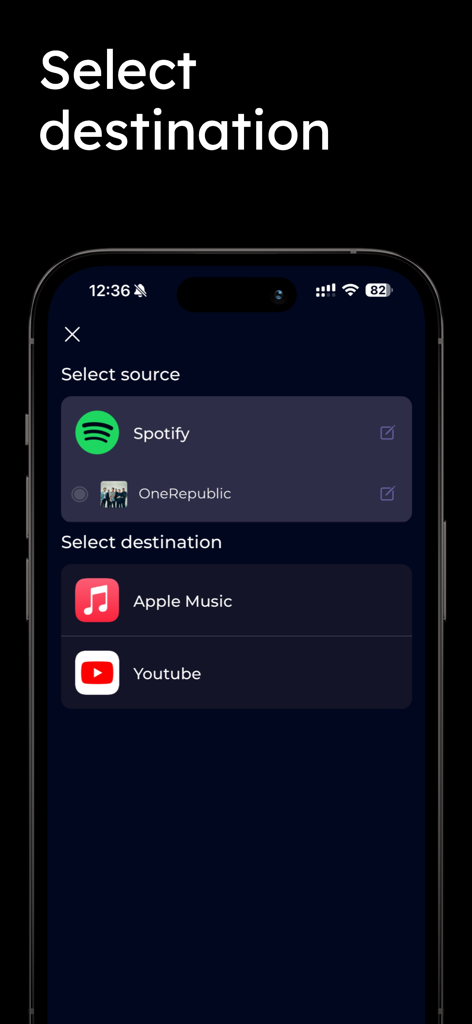
Interface of the Swapy app showing the selection of Apple Music or YouTube as the destination for a music playlist transfer
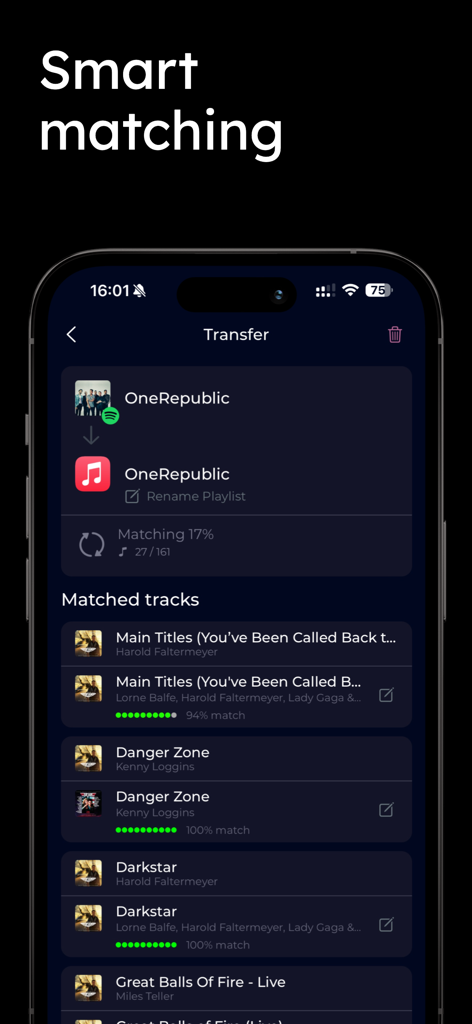
Swapy app interface showing smart matching for music playlist transfer from Spotify to Apple Music

User verification screen in Swapy showing multiple song matches for music transfer
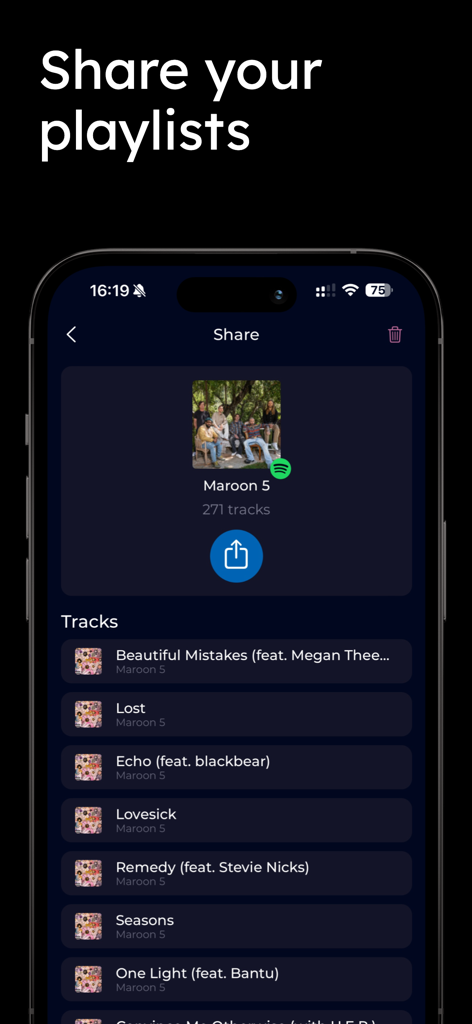
Swapy app interface showing the playlist sharing feature for a Spotify playlist
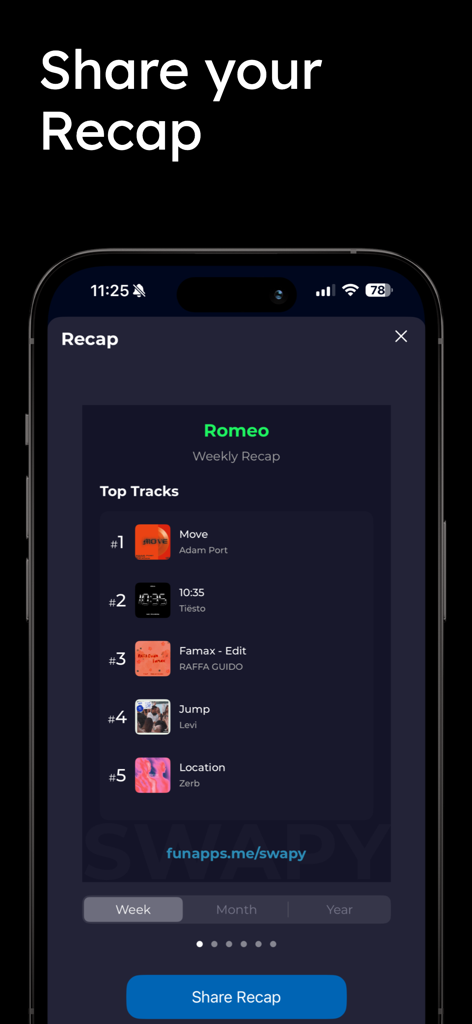
Swapy app screen showing a weekly music recap with top tracks stats
Description
Download
More Like This
Apps with similar features and user experience

Playlisty for Apple Music
Obdura Ltd

SongShift
SongShift, LLC

TuneMySong
亮 何

TuneShift
建新 李

Playlist Transfer for My Music
Virals Dijital Hizmetler Anonim Sirketi

Transfer Music
DANIIL VOIDILOV, IE

FreeYourMusic
Hernas OU

Youtify + for Spotify Premium
KISSAPP, S.L.
Playlisty for Spotify
Obdura Ltd
This page is not an official page of the app or its developer, but an independent editorial publication created for informational and commentary purposes. Unless expressly stated otherwise, neither the app nor its developer is affiliated with, endorsed by, sponsored by, authorized by, or otherwise officially connected with MWM, Apple, Google Play, the app publisher, or the app's developer, and nothing on this page implies that the app was developed using MWM's services. Any trademarks, logos, screenshots, and other content remain the property of their respective owners.