
This page is not an official page of the app or its developer, but an independent editorial publication created for informational and commentary purposes. Unless expressly stated otherwise, neither the app nor its developer is affiliated with, endorsed by, sponsored by, authorized by, or otherwise officially connected with MWM, Apple, Google Play, the app publisher, or the app's developer, and nothing on this page implies that the app was developed using MWM's services. Any trademarks, logos, screenshots, and other content remain the property of their respective owners.


Playlist Transfer for My Music
No longer bound by platform loyalty, users seize control of their music catalog.
Downloads
250k+User Rating
Total Ratings
7.6KPublisher
Category
MusicLocales
1Latest Version
12.8Size
220.1 MBFirst Released
Mar 13, 2024Key features for active music streamers seeking effortless library management and cross-platform migration.
App Analysis: Playlist Transfer for My Music
Cross-Platform Music Transfer
The app provides the ability to effortlessly migrate entire music libraries, including songs, albums, and playlists, between different streaming services, eliminating the need for manual re-creation.
User-Friendly Transfer Process
It offers a straightforward, step-by-step process for transferring music, ensuring ease of use and quick completion of content migration in seconds.
Extensive Platform Support
This tool features broad compatibility with popular music streaming services like Spotify, Apple Music, YouTube, and Tidal, enabling users to manage their content across various platforms.
In-Depth Spotify Music Stats
It allows users to gain detailed insights into their Spotify listening habits, including top tracks, artists, albums, and personalized statistics, enhancing their understanding of their music consumption.
Frequently Asked Questions
Everything you need to know about Playlist Transfer for My Music
How does the Playlist Transfer app work to transfer music?
The Playlist Transfer app works by connecting your music services, choosing the music to transfer, and then discovering compatible matches on the new platform. It performs the transfer in seconds.
Which music streaming services does Playlist Transfer support?
Playlist Transfer supports Spotify, Apple Music, YouTube, Soundcloud, Deezer, and Tidal. More services are coming soon.
Can I transfer multiple playlists at once using Playlist Transfer?
Yes, Playlist Transfer allows users to transfer multiple playlists instantly between supported music platforms. It moves entire music libraries in seconds.
Does Playlist Transfer provide music statistics for Spotify?
Yes, Playlist Transfer for Spotify offers music stats. It shows top tracks, artists, albums, listening duration, popularity scores, and lifetime streaming history.
Can I automatically synchronize my playlists with Playlist Transfer?
Yes, Playlist Transfer includes an auto-sync feature. This feature automatically updates the transferred playlist on the target platform as you add songs to the source platform.
Does the Playlist Transfer app allow sharing playlists with friends?
Yes, the Playlist Transfer app allows users to share their playlist story on social media platforms to help friends discover new music and playlists.
How can I contact support for the Playlist Transfer app?
You can contact the Playlist Transfer app support by sending an email to hello@virals.app for any questions or feedback.
The following screenshots and description are sourced directly from the app's official store listing and are the property of the app developer.
App Store
Screenshots
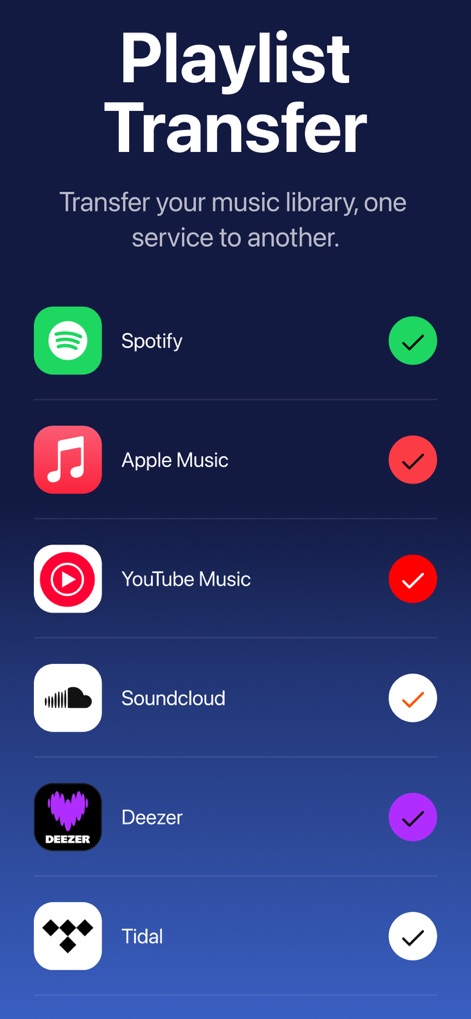
The app showcases its broad compatibility by displaying checkmarks next to various music streaming services, indicating active platform connections for seamless transfer.
Universal Platform Support
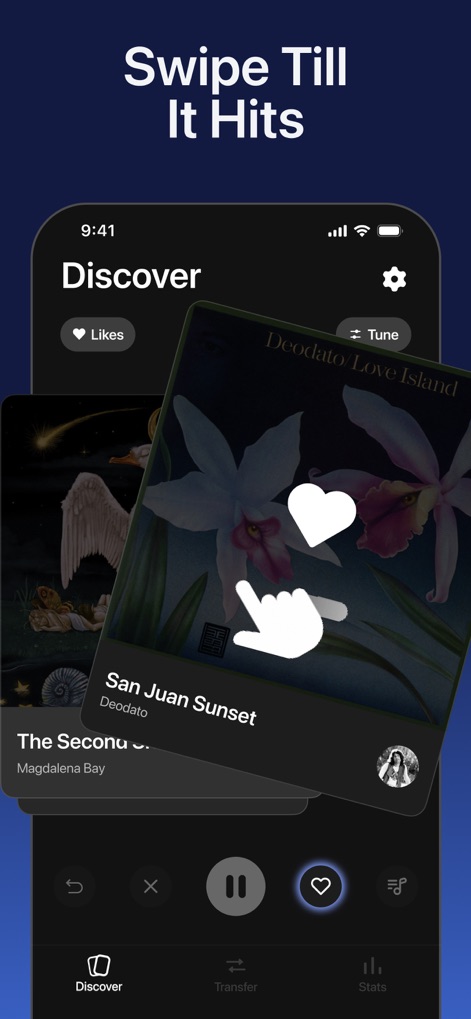
Users can effortlessly discover new tracks through the intuitive swipe interface, featuring prominent album art cards and a 'Likes' heart icon for saving favorites.
Engaging Music Discovery
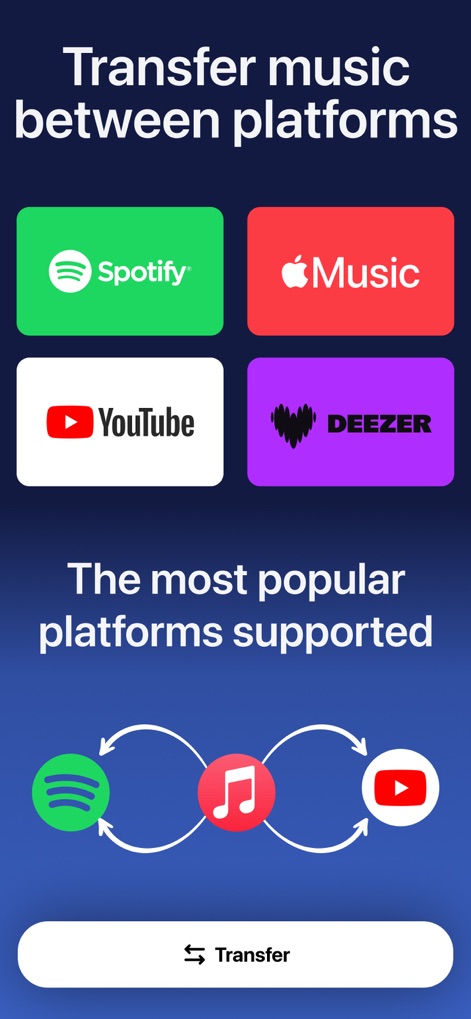
This tool clearly illustrates the direct transfer capability between major music platforms like Spotify and Apple Music, emphasizing seamless migration with visual circular arrows.
Effortless Platform Transfers
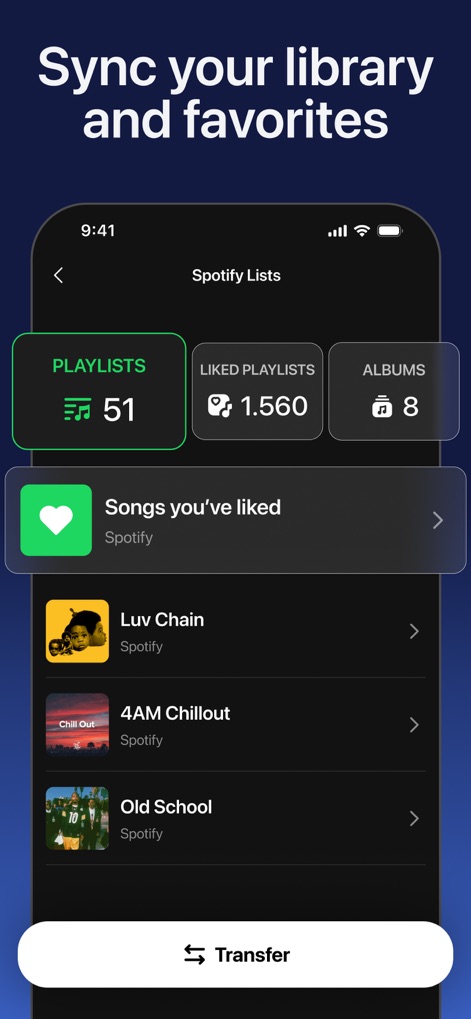
The app provides a clear overview of a user's Spotify library, detailing the number of 'Playlists' and 'Liked Playlists' for easy organization and access.
Organized Library Sync
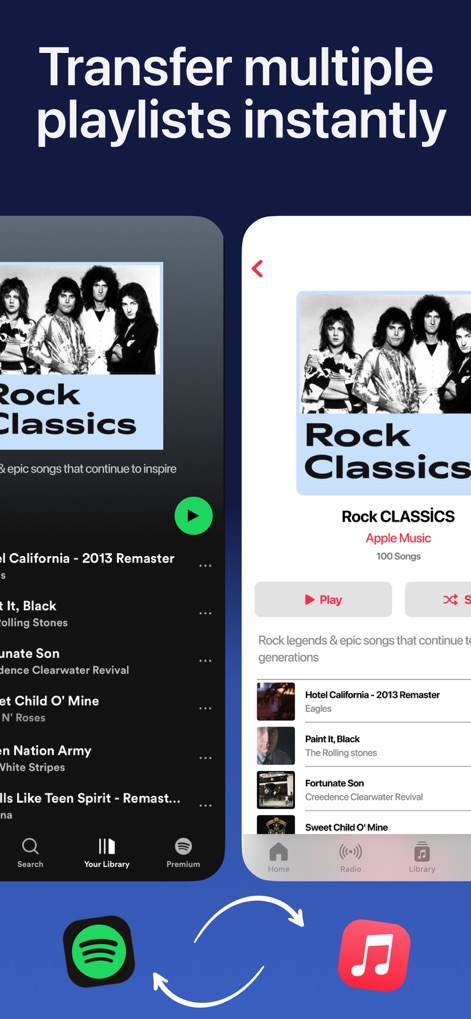
Observe the app's efficiency in transferring entire 'Rock Classics' playlists, showcasing both the source Spotify library and the destination Apple Music integration.
Instant Playlist Migration
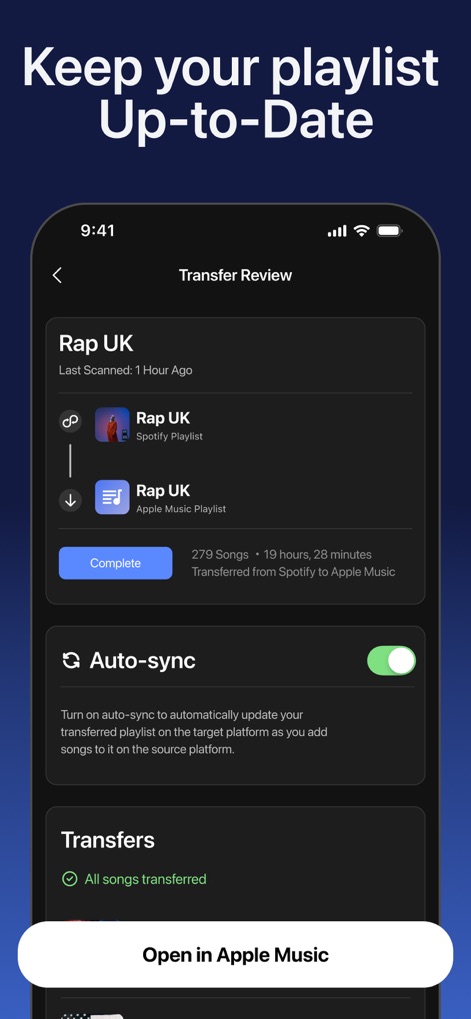
This screen reveals the powerful 'Auto-sync' toggle for keeping playlists updated and a detailed 'Transfer Review' of a recently moved playlist.
Automated Playlist Sync
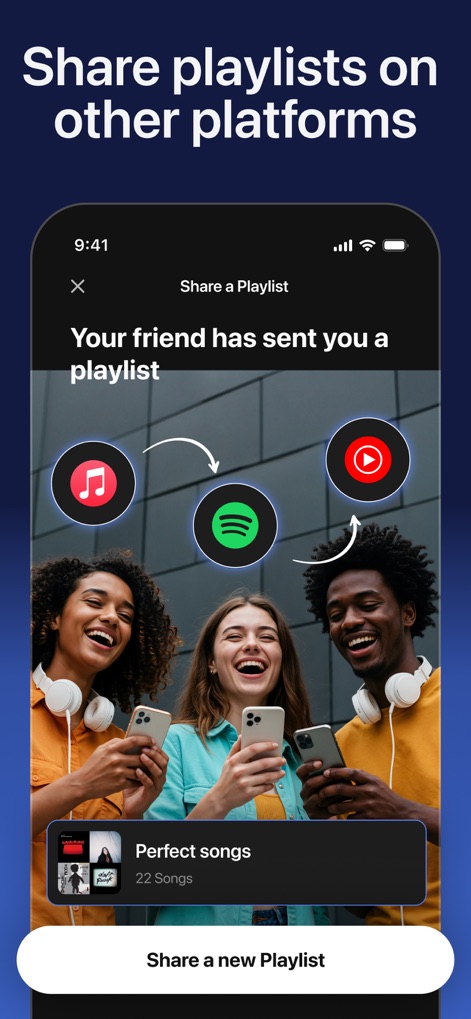
Users can easily share their curated playlists across various platforms, as depicted by the cheerful group and the dynamic sharing arrows between music service icons.
Social Music Sharing
Description
Download
More Like This
Apps with similar features and user experience
Playlisty for Apple Music
Obdura Ltd

SongShift
SongShift, LLC

TuneMySong
亮 何

TuneShift
建新 李

Transfer Music
DANIIL VOIDILOV, IE

FreeYourMusic
Hernas OU

Music transfer & stats: Swapy
Maryana Yurieva

Youtify + for Spotify Premium
KISSAPP, S.L.
Playlisty for Spotify
Obdura Ltd
This page is not an official page of the app or its developer, but an independent editorial publication created for informational and commentary purposes. Unless expressly stated otherwise, neither the app nor its developer is affiliated with, endorsed by, sponsored by, authorized by, or otherwise officially connected with MWM, Apple, Google Play, the app publisher, or the app's developer, and nothing on this page implies that the app was developed using MWM's services. Any trademarks, logos, screenshots, and other content remain the property of their respective owners.